
Acer Vero CB242Y P6 23.8" IPS Business Monitor · Full HD 144Hz · HDMI, DisplayPort, VGA · Height-Adjustable Stand · Black
Brand:
Acer

Acer Vero CB242Y P6 23.8" IPS Business Monitor · Full HD 144Hz · HDMI, DisplayPort, VGA · Height-Adjustable Stand · Black
€150.24 inc. VAT
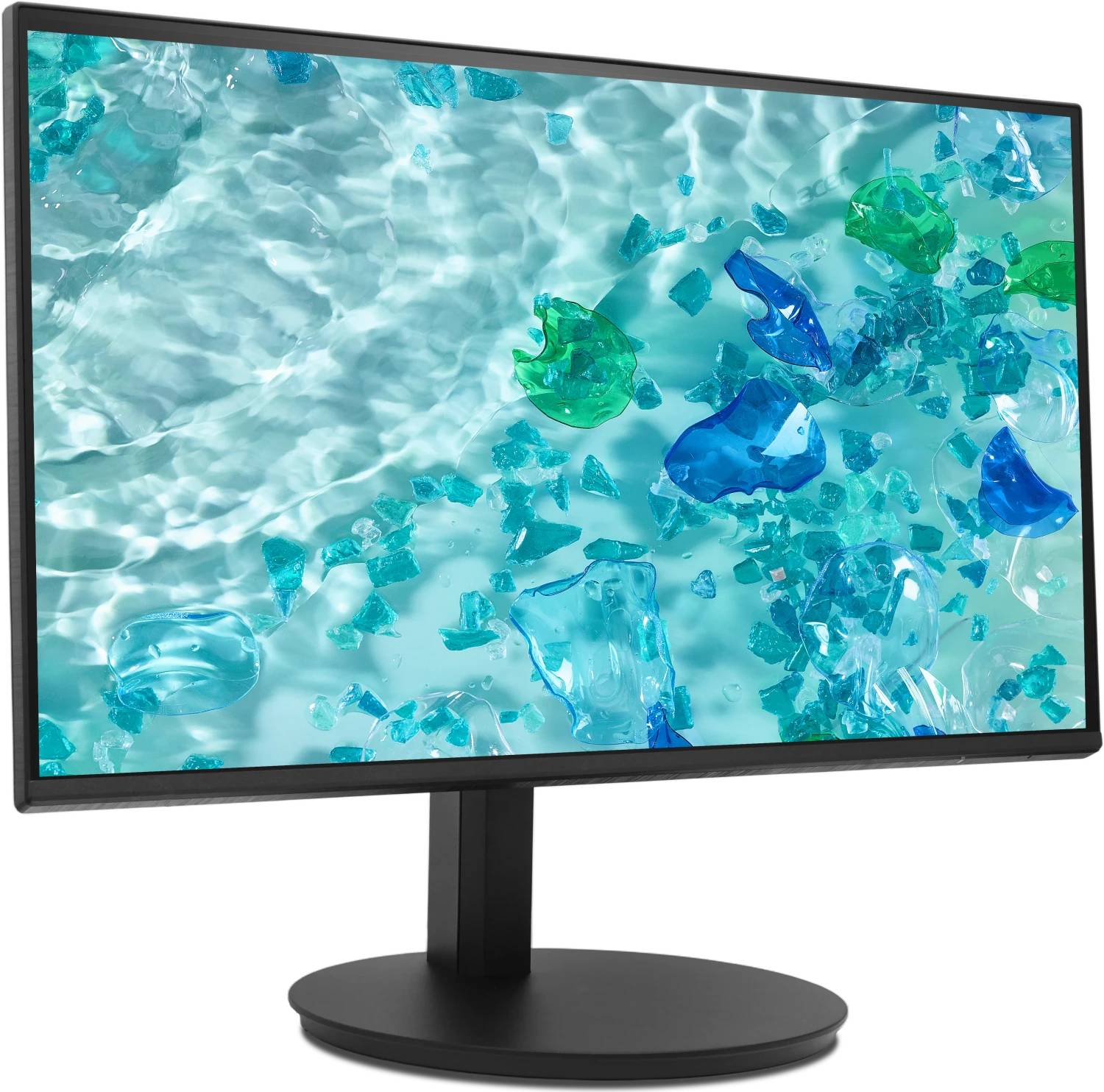
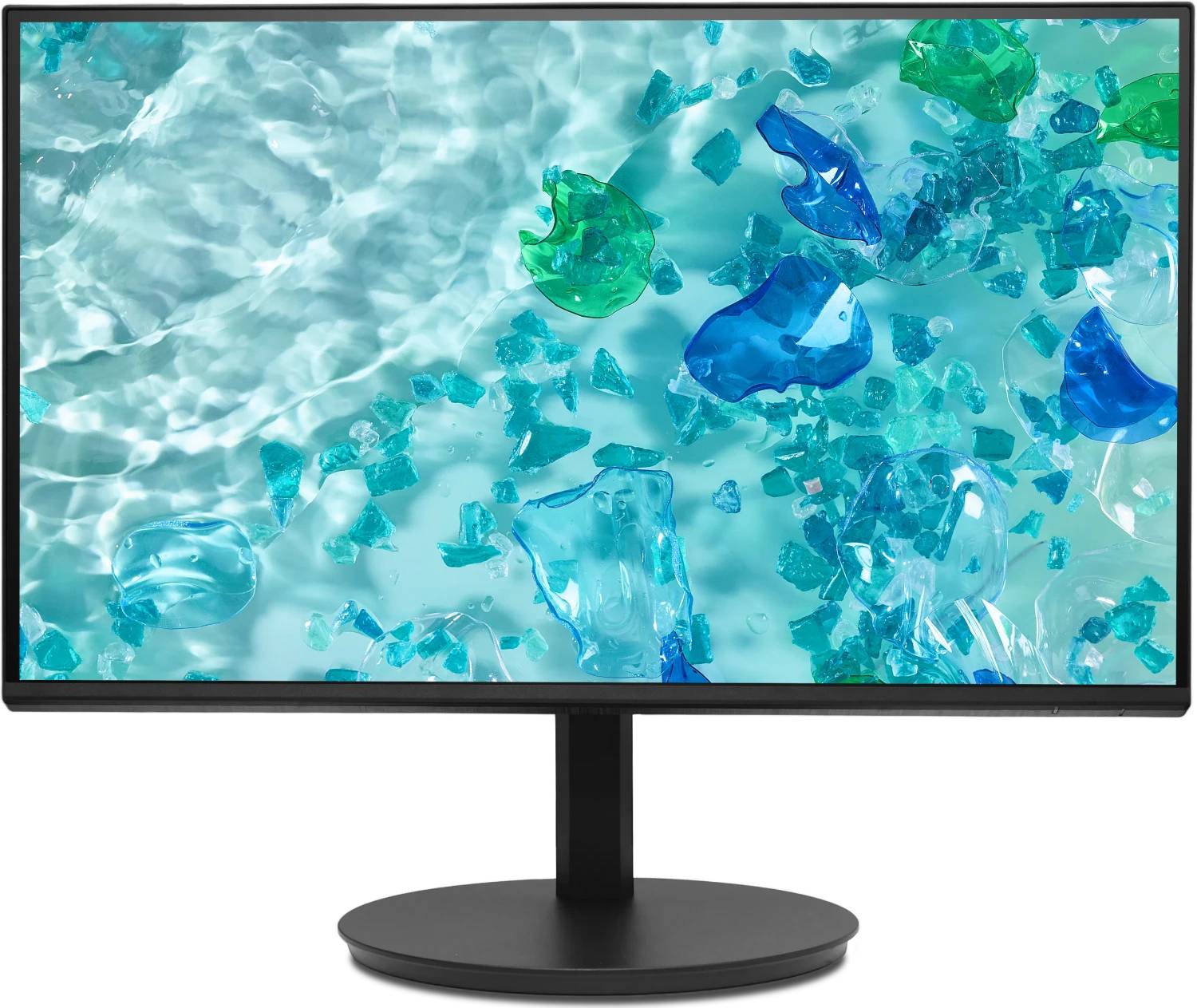
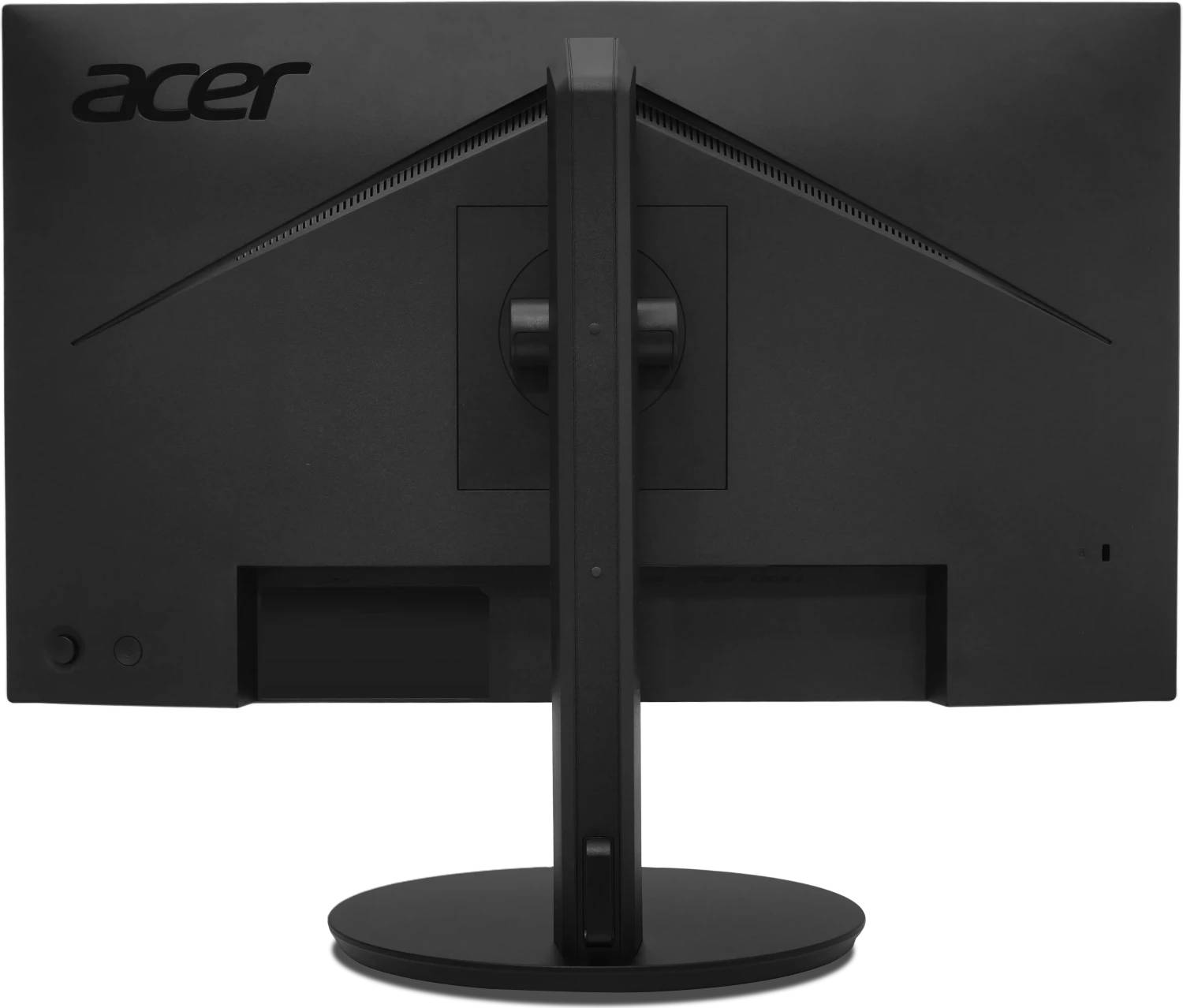


UM.QB2EE.602
Delivery
Order Today...
Ships...
Delivery...
ℹ️ Large or fragile items (e.g. monitors) may require extra handling time. We'll keep you informed.
Payment options
Trusted Tech Choice
Buying Benefits
Verified
Competitive EU pricing
Delivered to Cyprus from EU stock
Local warranty support
Please sign in so that we can notify you about a reply
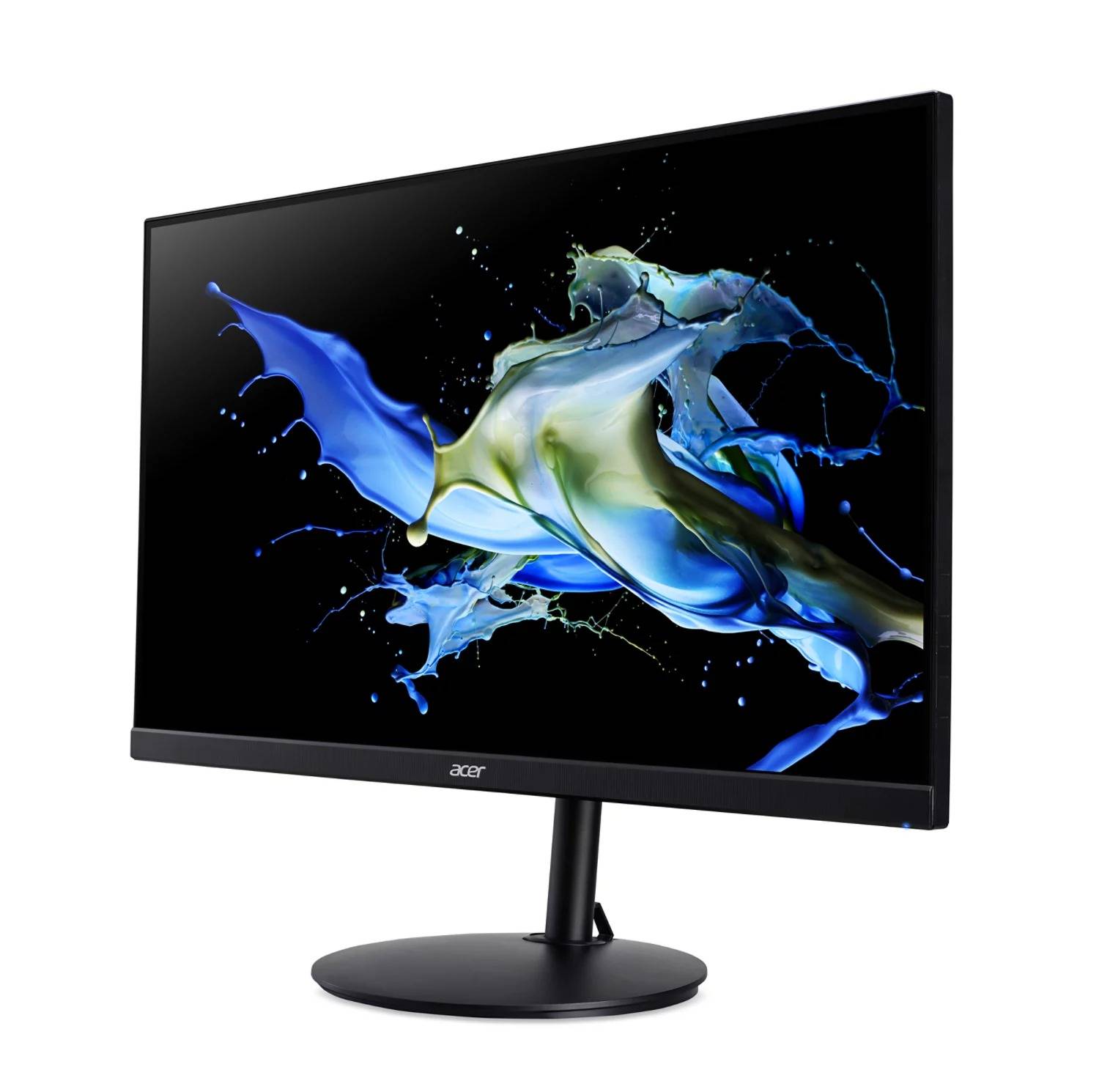
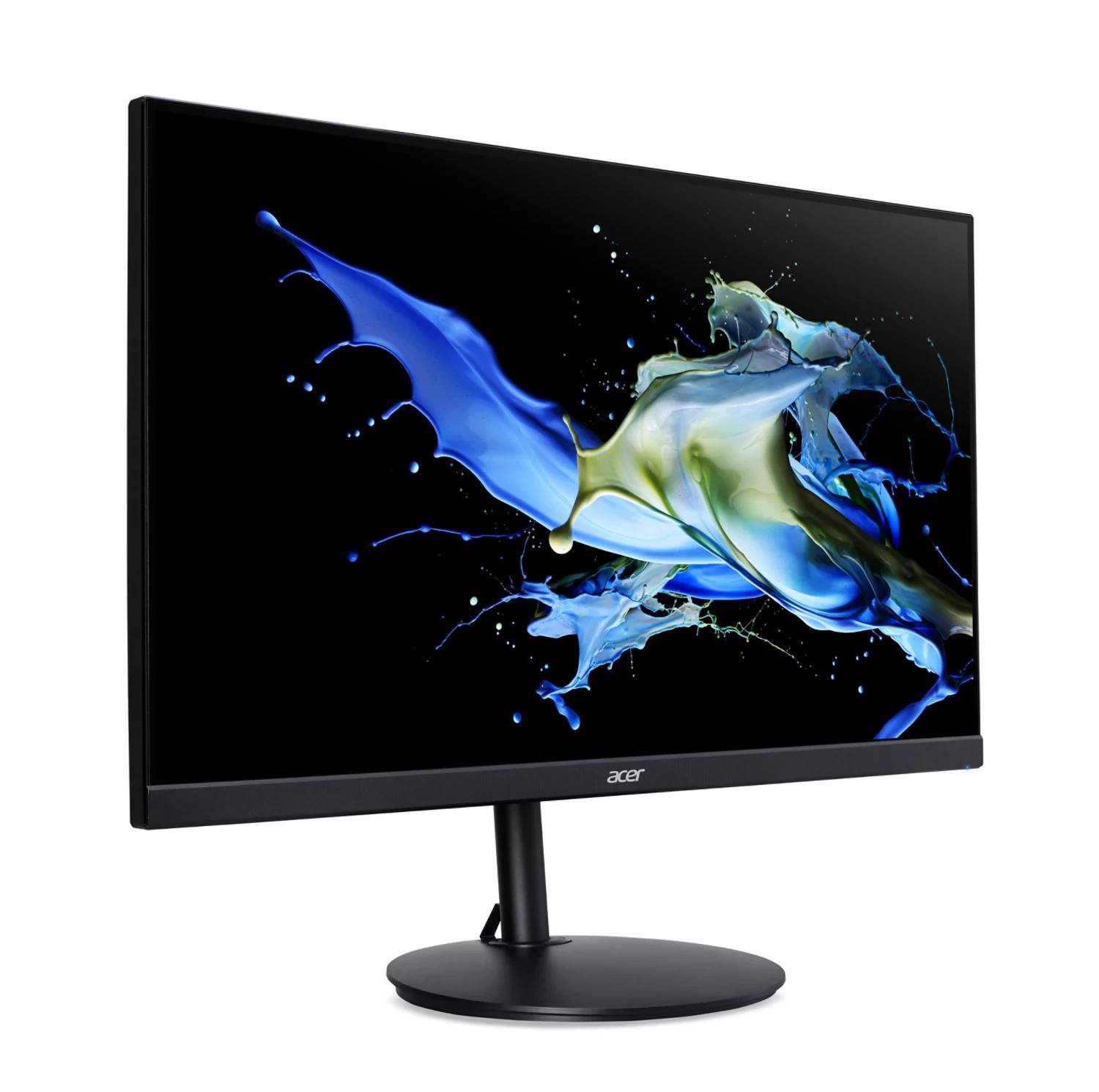
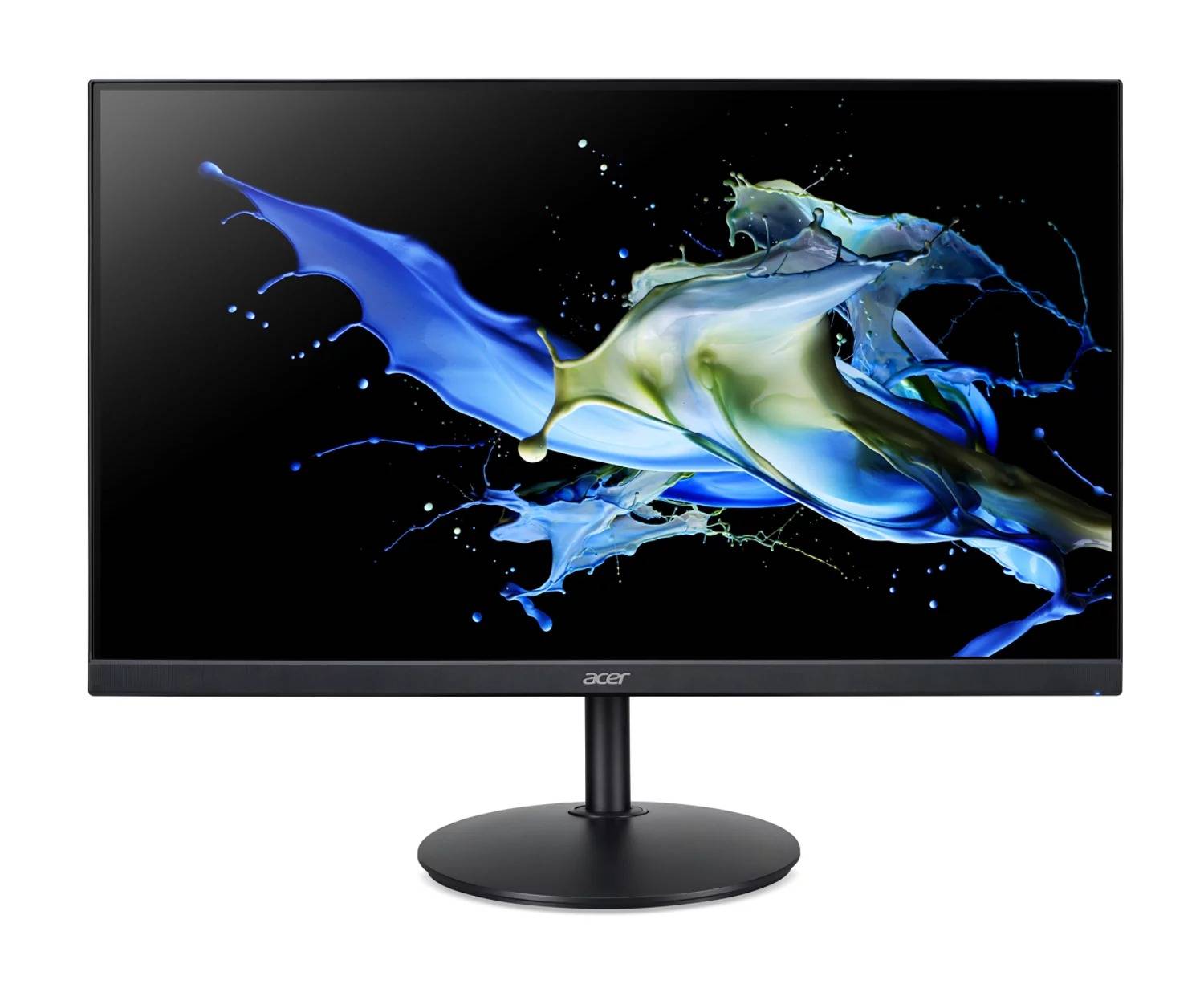
Acer Vero CB242Y P6 — 23.8" Full HD IPS monitor with a fully adjustable stand
23.8" IPS1920 × 1080144HzHeight · Swivel · Pivot
The Acer Vero CB242Y P6 (UM.QB2EE.602) is a 23.8-inch Full HD IPS monitor from Acer's CB2 business line, built for office workstations that need a screen people can set up properly: the stand adjusts in height, tilts, swivels and pivots into portrait.
It refreshes at up to 144Hz over HDMI or DisplayPort, which makes scrolling through spreadsheets, documents and web pages noticeably smoother than a standard 60Hz office panel. Three inputs — HDMI, DisplayPort and VGA — mean it connects to new laptops and docks as well as older desktops that still only have a VGA output.
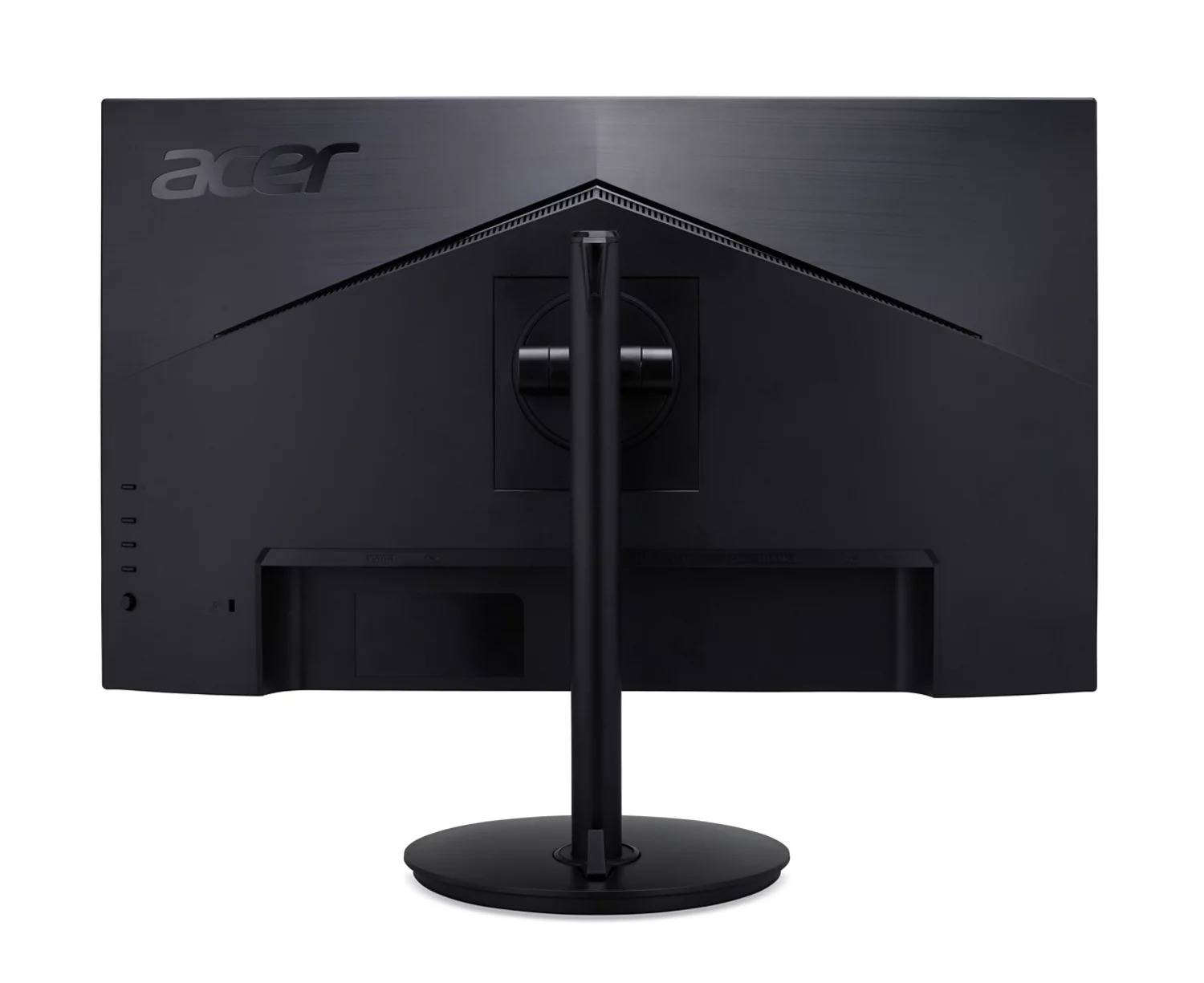
Before you order: There is no USB-C input and no built-in USB hub. A USB-C laptop needs a USB-C to HDMI/DisplayPort adapter or a dock. Only an HDMI cable is included — if you plan to use DisplayPort or VGA, add that cable to your order.
What's in the Box
- Acer Vero CB242Y P6 monitor with stand
- Power cord (EU)
- HDMI cable
What It Means in Practice
- 144Hz needs HDMI or DisplayPort; on VGA the panel runs at 75Hz.
- VESA Adaptive Sync works over DisplayPort, so a compatible graphics card can remove tearing.
- The 165 mm height range and pivot let you line the top of the screen up with your eyes, or turn it vertical for long documents and code.
- VESA 100 × 100 mounting lets you replace the stand with a desk arm when you need the space.
What Will Not Work
- USB-C single-cable connection or laptop charging — there is no USB-C port.
- HDR content — the monitor has no HDR support.
- A DisplayPort or VGA connection out of the box — only an HDMI cable is supplied.
- High-end colour work that needs wide-gamut coverage — the panel is rated for 99% sRGB with 6-bit + FRC colour.
Key Features
Fully adjustable stand
165 mm height adjustment, −5° to 35° tilt, ±178° swivel and pivot to portrait — set it to the user, not the other way round.
144Hz IPS panel
Smoother motion when scrolling and moving windows, with the wide viewing angles of IPS for shared screens.
Three inputs
HDMI 1.4, DisplayPort 1.2 and VGA cover modern laptops, docks and legacy PCs.
Low running power
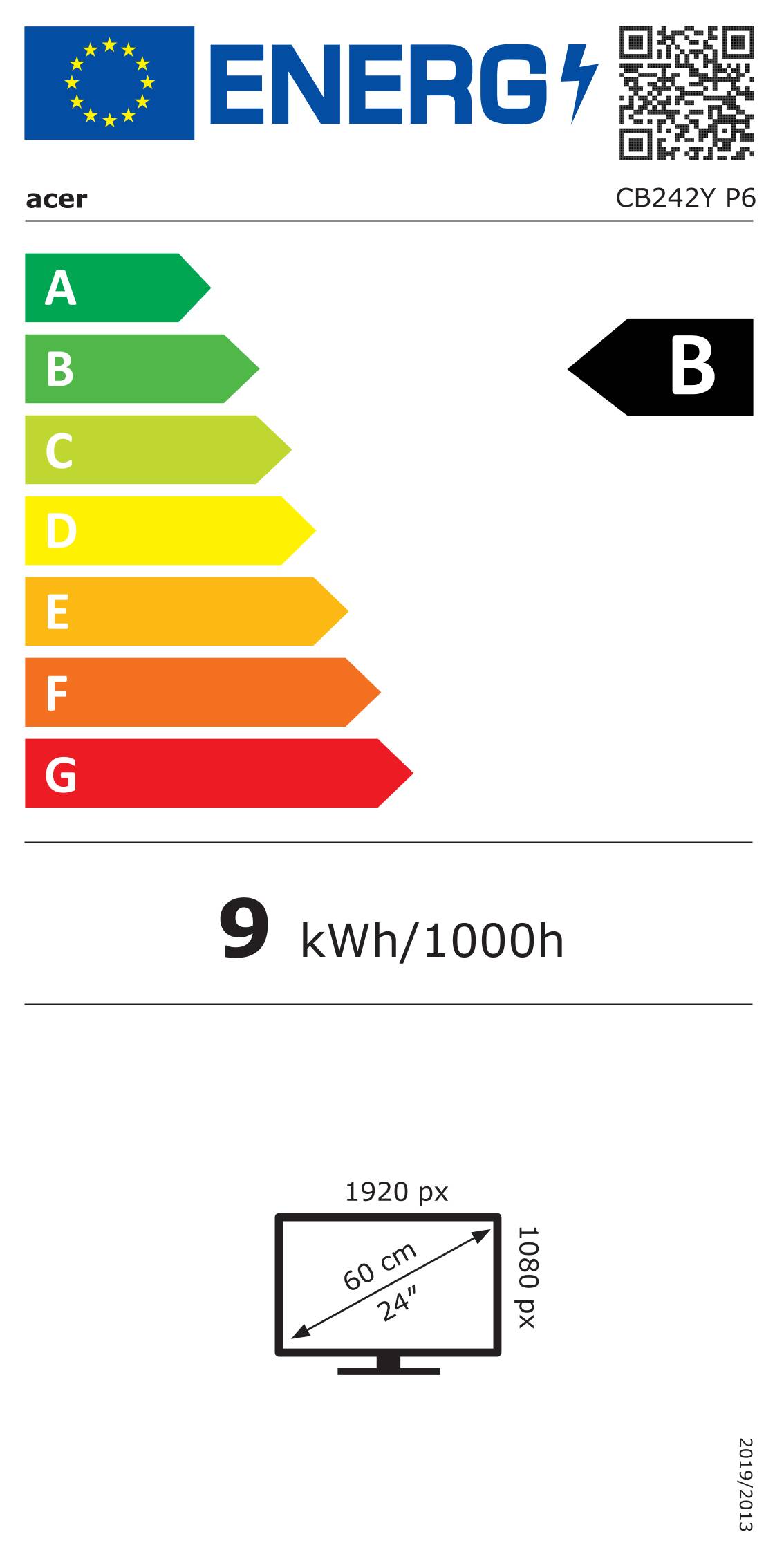
32 W maximum and 0.3 W standby, with an EU energy class B rating (SDR).
Technical Specifications
Frequently Asked Questions
Singular Expert Insight · Buyer's Guide
The CB242Y P6 is a sensible office screen: the stand is the real selling point, because most budget monitors only tilt. Fit it to a desk arm via VESA if space is tight, or browse our monitor arms and stands for dual-screen setups.
✓ Buy it if you want a 24-inch Full HD office monitor with a stand that adjusts properly and a smoother 144Hz picture.
✕ Skip it if your laptop only has USB-C and you want one-cable charging and video — look at a USB-C monitor instead.
→ Also consider a USB-C docking station if several users will plug laptops into this screen.
Not sure it fits your setup? Send us your laptop or PC model and we will confirm which cable or adapter you need before you order.
Features - Acer - UM.QB2EE.602
Colour
black
More Details
Product Code
04:572434
EAN Code
4711474703200
Manufacturer
Acer