
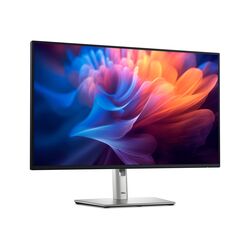

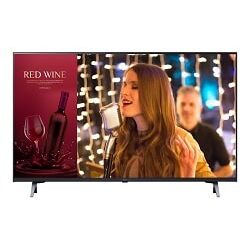
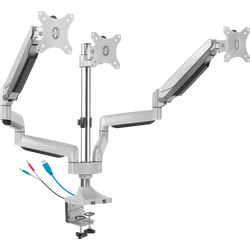
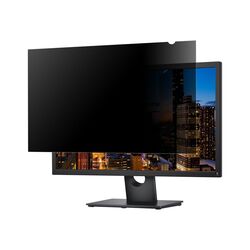
Monitors for offices, design, gaming and public spaces: computer monitors from Full HD to 4K and 5K, curved and ultrawide models, high refresh rate gaming monitors, commercial displays for signage and meeting rooms, and the arms, stands, privacy filters and accessories that go with them. From Dell, LG, Samsung, ASUS, AOC, BenQ, iiyama and ViewSonic.
Computer monitors4K monitors1440p (QHD) monitorsGaming monitorsCommercial displaysMonitor arms & standsPrivacy filtersMonitor accessories
How to choose a monitor
- Size and resolution. 24 inch Full HD is the office standard. 27 inch works best at 1440p (QHD) or 4K for sharper text; 32 inch and above suit 4K. Ultrawide monitors replace a two-screen setup.
- Connection. Check the ports on your computer. A USB-C monitor with power delivery charges and connects a laptop through one cable and often adds USB ports and Ethernet; confirm the wattage your laptop needs.
- Panel and refresh rate. IPS panels give accurate colour and wide viewing angles; VA panels give deeper contrast; OLED gives the best contrast. 60 to 100 Hz suits office work; 144 Hz and above suits gaming.
- Ergonomics. A height-adjustable stand or a VESA monitor arm reduces neck strain. Check the VESA pattern and the weight before choosing an arm.
- Commercial displays are built for long daily operation in shops, receptions and meeting rooms, unlike TVs and office monitors.
Tell us your computer and what you will use the monitor for, and we will suggest the right size, resolution and connection. Call +357 25 878 758 or email [email protected].