
ASRock X870 Taichi Creator AM5 ATX Motherboard DDR5 Dual PCIe 5.0 x16 USB4 10GbE + 5GbE Wi-Fi 7 Black
Brand:
ASRock

ASRock X870 Taichi Creator AM5 ATX Motherboard DDR5 Dual PCIe 5.0 x16 USB4 10GbE + 5GbE Wi-Fi 7 Black
€421.76 inc. VAT





90-MXBTE0-A0UAYZ
Delivery
Order Today...
Ships...
Delivery...
ℹ️ Large or fragile items (e.g. monitors) may require extra handling time. We'll keep you informed.
Payment options
Trusted Tech Choice
Buying Benefits
Verified
Competitive EU pricing
Delivered to Cyprus from EU stock
Local warranty support
Please sign in so that we can notify you about a reply
Singular Selected
ASRock X870 Taichi Creator
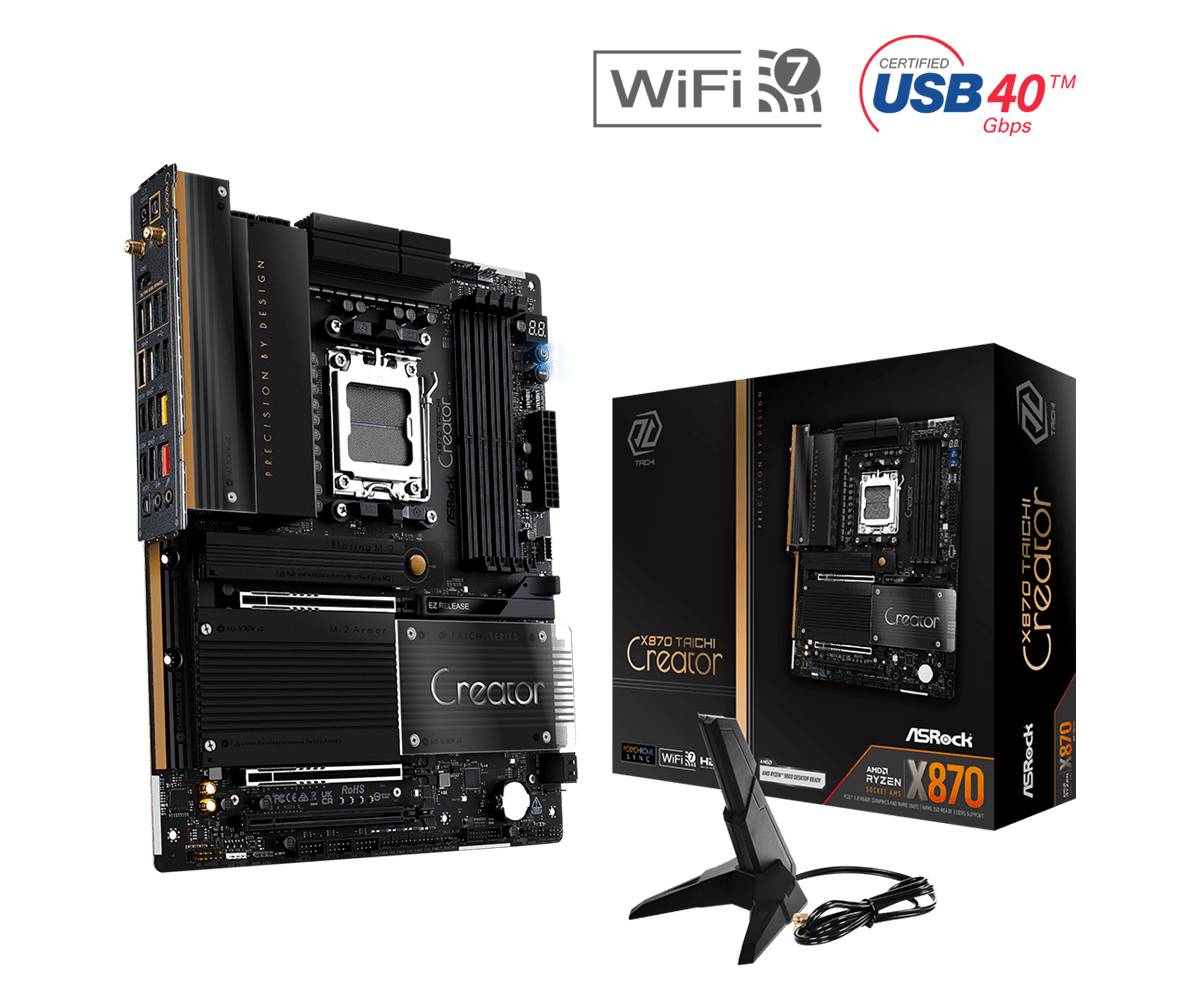
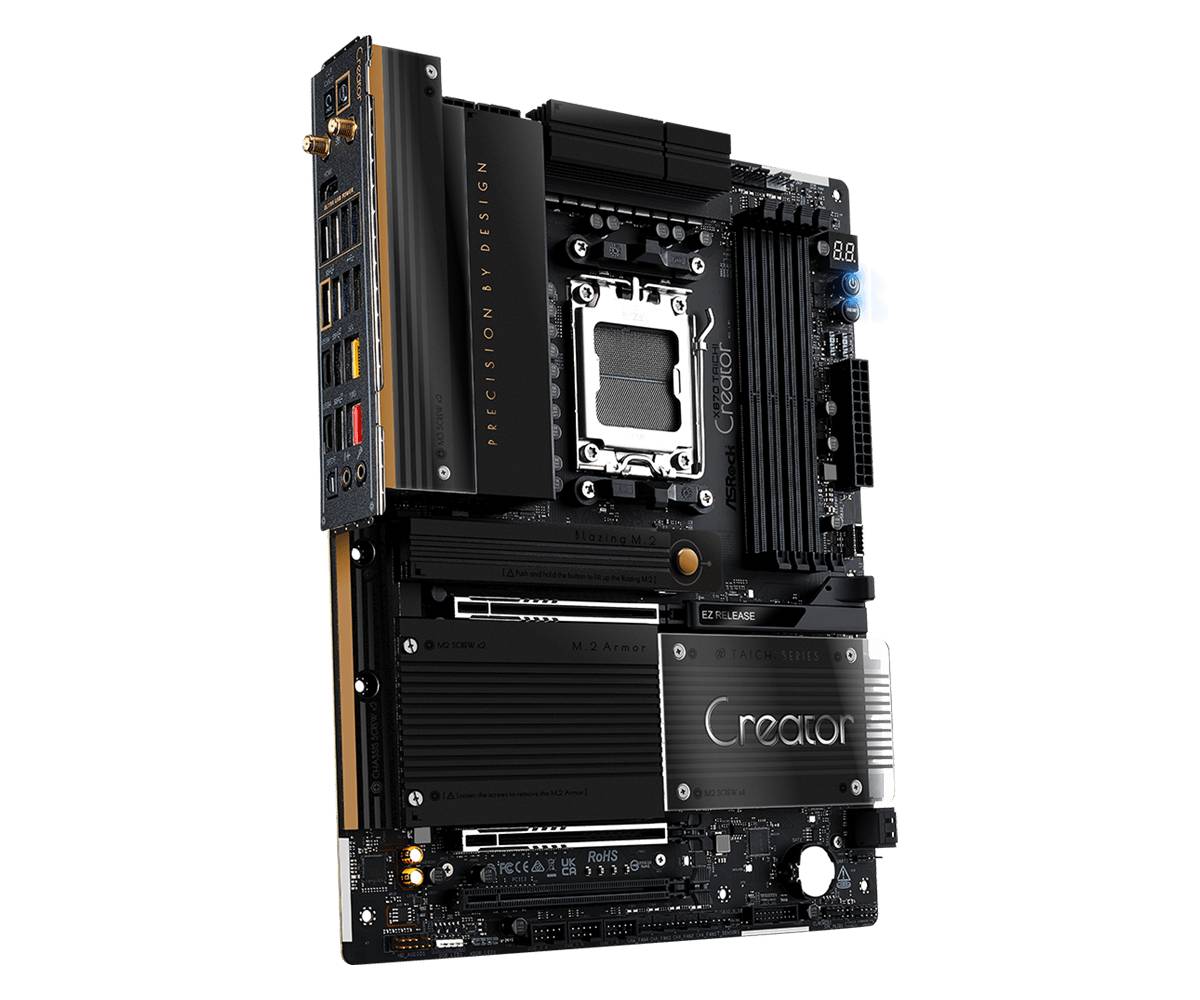
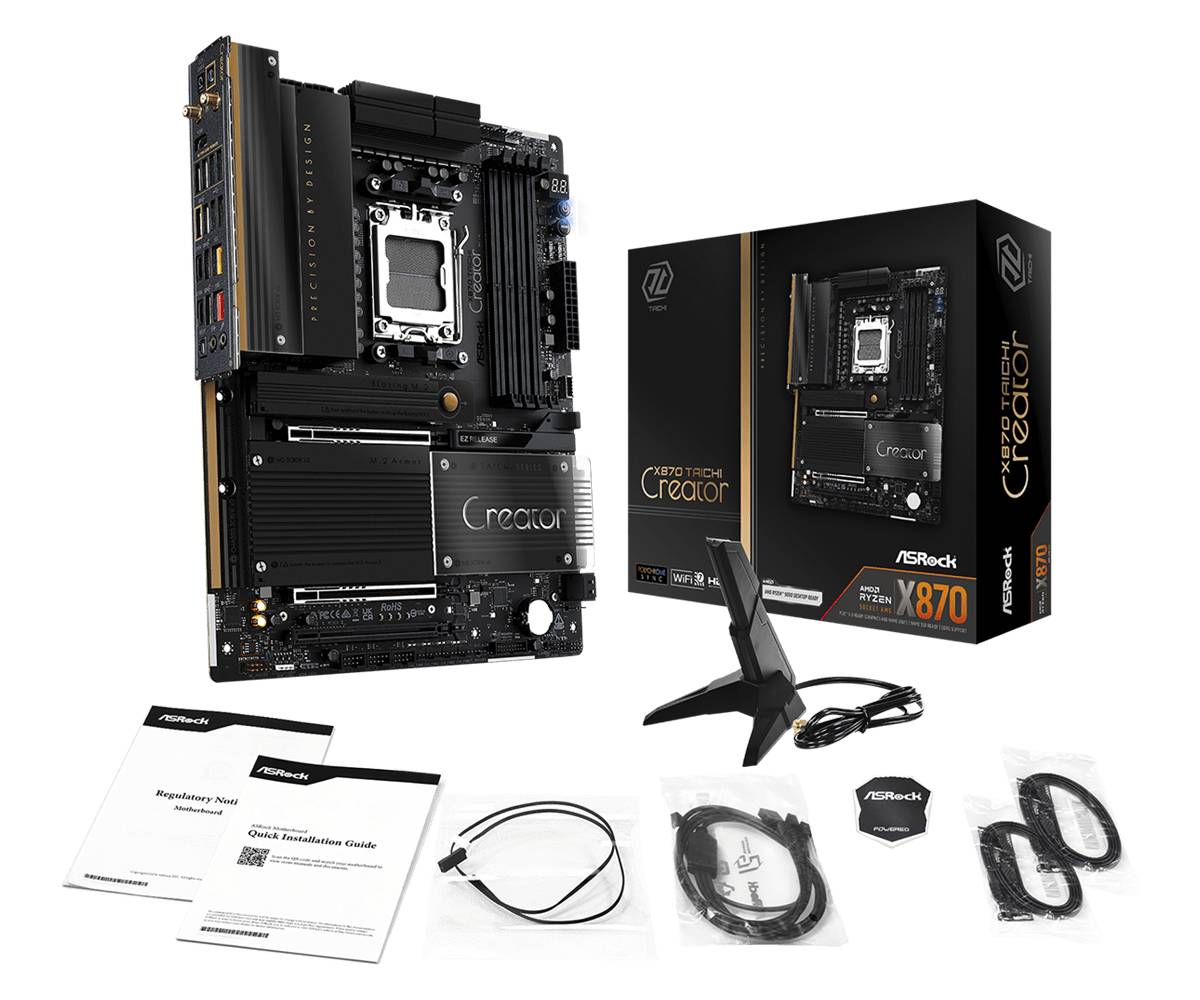
A creator-focused AM5 ATX board with dual PCIe 5.0 x16 slots, two Gen5 M.2 sockets, dual USB4 and 10GbE + 5GbE networking.
AMD X870 · AM5Dual PCIe 5.0 x16 (x8/x8)10GbE + 5GbE + Wi-Fi 72x USB4 40 Gb/s
The ASRock X870 Taichi Creator (part number 90-MXBTE0-A0UAYZ) is an AMD X870 ATX motherboard for Ryzen 9000, 8000 and 7000 processors, built for workstation and content-creation builds that need two full-length PCIe 5.0 slots, fast storage and multi-gig networking. An 18+2+1 power phase design with 80A SPS, a 512Mb BIOS with Flashback and an 8-layer PCB target sustained all-core loads such as rendering, compiling and video export. Four DDR5 slots take up to 256GB with ECC or non-ECC unbuffered memory, while a Marvell AQC113 10GbE port, a Realtek 5GbE port and Wi-Fi 7 cover NAS, studio and office networks.
Compatibility Note: M.2 lanes are shared: M2_2 and the two rear USB4 ports share bandwidth (both run at x2 when M2_2 is used, or M2_2 can be switched to x4 in BIOS, which disables USB4), and M2_4 shares lanes with PCIE3. Ryzen 8000 (Phoenix) processors run PCIE1 and M.2 at Gen4 with fewer lanes. Wi-Fi 7 is supported under Windows 11 only.
Best For
✓ Video editing and 3D rendering workstations
✓ Dual-GPU or GPU + capture/NIC builds
✓ 10GbE NAS and studio networks
✓ Fast Gen5 NVMe scratch storage
✓ Ryzen 9 9950X class processors
✓ Creators needing USB4 docks and displays
Key Features
Two PCIe 5.0 x16 Slots
PCIE1 and PCIE2 run from the CPU at x16 or x8/x8, so a GPU can be paired with a second GPU, a 100GbE/10GbE card or a capture card without dropping to chipset lanes.
Dual-Gen5 M.2 Storage
Two Blazing M.2 sockets support PCIe Gen5 x4 (128 Gb/s), plus a Gen4 x4 and a Gen3 x4 socket and four SATA ports via ASMedia ASM1164, with NVMe RAID 0/1/10.
10GbE + 5GbE Networking
A Marvell (Aquantia) AQC113 10 Gigabit port with Wake-on-LAN and PXE plus a Realtek RTL8126 5 Gigabit port, alongside an 802.11be 2x2 Wi-Fi 7 module with Bluetooth 5.4.
USB4 and Creator I/O
Two rear USB4 Type-C ports (40 Gb/s, 15W PD) carry display output from the CPU graphics, joined by a front USB 3.2 Gen2x2 header with 36W PD, optical S/PDIF and Realtek ALC4082 audio.
Technical Specifications
Frequently Asked Questions
Singular Expert Insight
Choose the X870 Taichi Creator when the build is a workstation first: two CPU-connected PCIe 5.0 x16 slots, two Gen5 M.2 sockets and 10GbE on board mean no extra NIC and no compromise on a second card. For a single-GPU gaming or office PC, the X870 Challenger WiFi or X870E Challenger WiFi deliver the same AM5 CPU support for less.
✓ Buy it if you edit video, render or run a 10GbE NAS and need x8/x8 PCIe 5.0 plus two Gen5 SSDs.
✕ Skip it if you only run one graphics card and 2.5GbE is enough — the extra slots and 10GbE go unused.
→ Also consider ASRock X870 Challenger WiFi for a single-GPU AM5 build, or X870E Challenger WiFi for 5GbE and four M.2 sockets.
Features - ASRock - 90-MXBTE0-A0UAYZ
CPU Socket
- Socket AM5
Colour
black
More Details
Product Code
04:572774
EAN Code
4711581492066
Manufacturer
ASRock
Technical specifications
CPU Type
- AMD Ryzen