
ASUS ROG Strix XG27UCS Gen2 (XG27UCSR) 27" Gaming Monitor · 4K UHD 160Hz (FHD 324Hz) · Fast IPS · HDMI 2.1 · USB-C · HDR 400
Brand:
ASUS

ASUS ROG Strix XG27UCS Gen2 (XG27UCSR) 27" Gaming Monitor · 4K UHD 160Hz (FHD 324Hz) · Fast IPS · HDMI 2.1 · USB-C · HDR 400
€592.74 inc. VAT
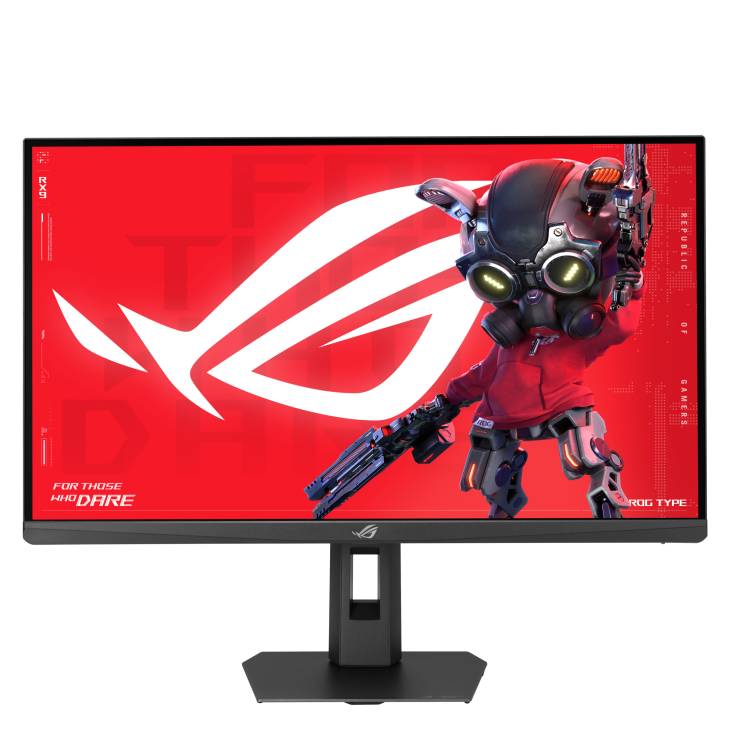
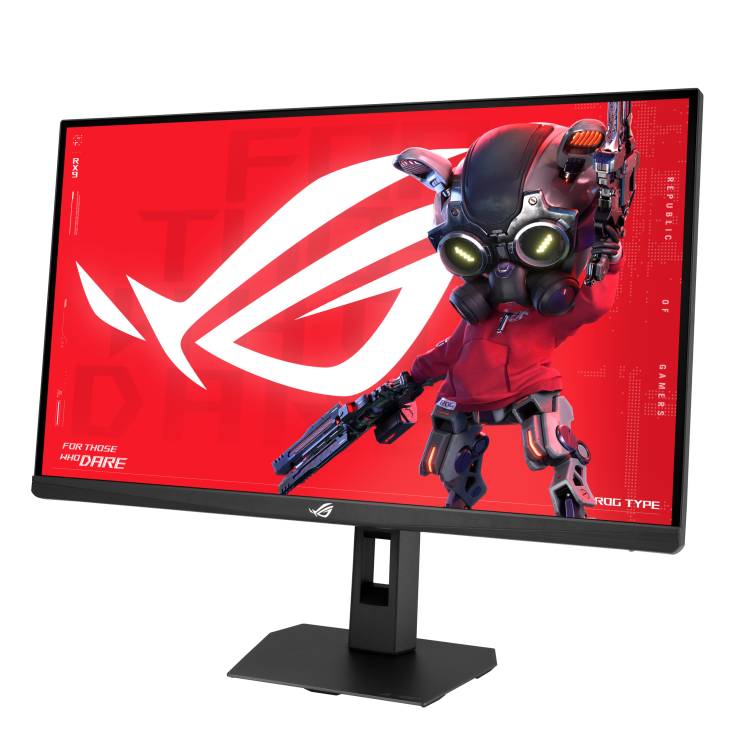
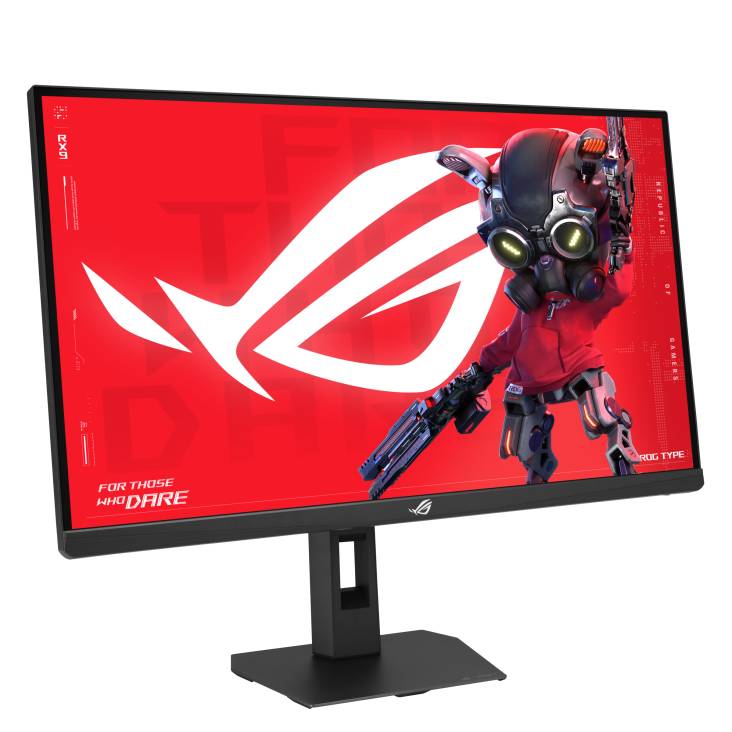
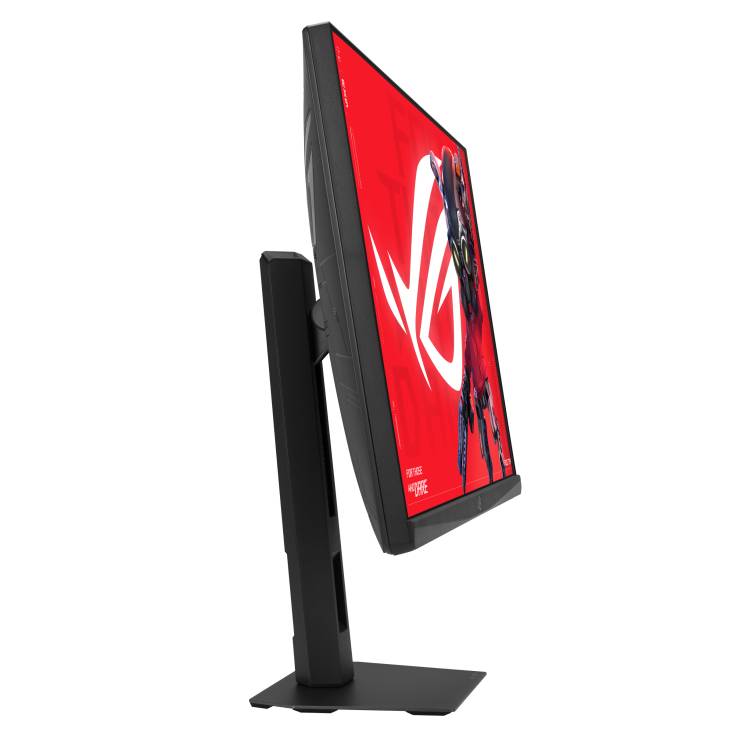


90LM0CK0-B01171
Delivery
Order Today...
Ships...
Delivery...
ℹ️ Large or fragile items (e.g. monitors) may require extra handling time. We'll keep you informed.
Payment options
Trusted Tech Choice
Buying Benefits
Verified
Competitive EU pricing
Delivered to Cyprus from EU stock
Local warranty support
Please sign in so that we can notify you about a reply
ASUS ROG Strix XG27UCS Gen2 (XG27UCSR) — 27" 4K 160Hz Fast IPS gaming monitor with 324Hz dual mode
27" 4K UHD Fast IPS160Hz · 324Hz FHDHDMI 2.1 · USB-CDisplayHDR 400
The ASUS ROG Strix XG27UCS Gen2 (XG27UCSR) is a 27-inch 4K UHD gaming monitor with a Fast IPS panel running at 160Hz, and a dual mode that switches to Full HD at 324Hz, made for gamers who want sharp 4K detail and fast esports response in one screen.
HDMI 2.1 supports 4K at 120Hz with VRR for PlayStation 5 and Xbox Series X, USB-C with DisplayPort Alt Mode connects a laptop with one cable, and the fully adjustable stand tilts, swivels, pivots and adjusts in height. Colour covers 95% DCI-P3 with VESA DisplayHDR 400.
Before you order: The USB-C port delivers only 15W, which is not enough to charge a laptop. Keep your laptop charger connected.
What's in the Box
- ASUS ROG Strix XG27UCSR monitor with stand
- DisplayPort cable
- Power cord
- ROG pouch and ROG sticker
- Quick start guide and warranty card
What It Means in Practice
- 4K on 27 inches gives very sharp text and detail — about 163 pixels per inch.
- Dual mode: for competitive shooters switch to 1920x1080 at 324Hz with a hotkey.
- Consoles: PS5 and Xbox Series X run 4K at 120Hz with VRR over HDMI 2.1.
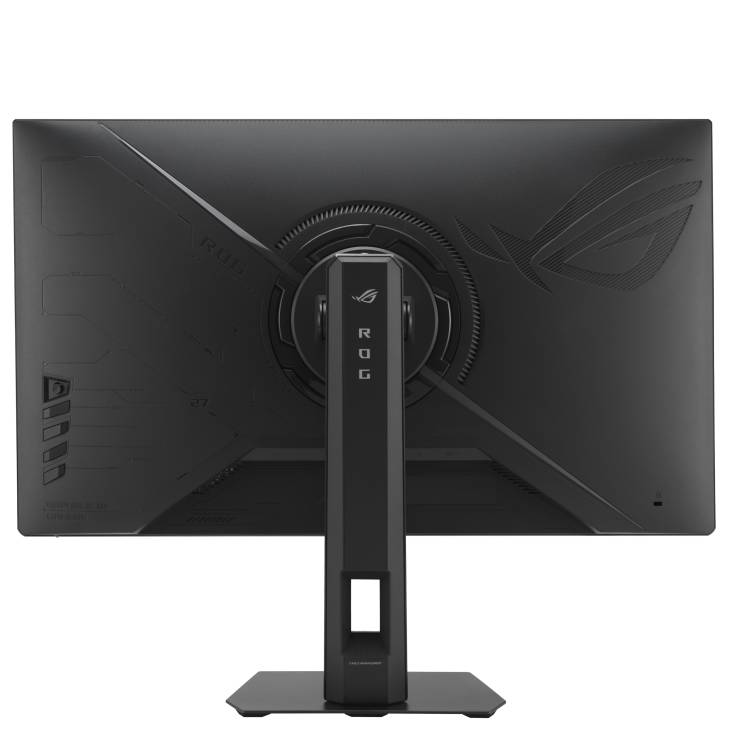
- The stand rotates to portrait (pivot ±90°), which is handy for code, documents and streaming chat.
What Will Not Work
- No HDMI cable and no USB-C cable are included — only DisplayPort.
- USB-C power delivery is 15W only; it will not charge a laptop.
- There is no USB-A hub and no built-in speakers.
- Reaching 160Hz at 4K in demanding games needs a powerful graphics card.
Key Features
Dual-mode refresh
4K at 160Hz or Full HD at 324Hz, switched with a hotkey.
Console ready
HDMI 2.1 (FRL) with 4K 120Hz VRR for current consoles.
Colour and HDR
95% DCI-P3, 130% sRGB, 10-bit, DisplayHDR 400 with 500 nits peak.
Smart gaming tools
G-SYNC Compatible, FreeSync Premium, ELMB Sync and ROG AI features such as Dynamic Shadow Boost.
Technical Specifications
Frequently Asked Questions
Singular Expert Insight · Buyer's Guide
The XG27UCSR is a strong all-rounder: 4K sharpness for work and single-player games, a fast 324Hz mode for esports, and HDMI 2.1 for consoles, on a stand that adjusts in every direction. Budget for an HDMI 2.1 cable if you game on console. Compare with our other PC monitors.
✓ Buy it if you want a 27-inch 4K monitor that is fast enough for competitive gaming and also works well with consoles.
✕ Skip it if you need laptop charging over USB-C, built-in speakers or a USB hub.
→ Also consider a 27-inch QHD high-refresh monitor if your graphics card cannot drive 4K at high frame rates.
Not sure your graphics card or console setup will get the most out of it? Send us the model and we will check.
Features - ASUS - 90LM0CK0-B01171
Colour
black
More Details
Product Code
04:593113
EAN Code
4711636242929
Manufacturer
ASUS