
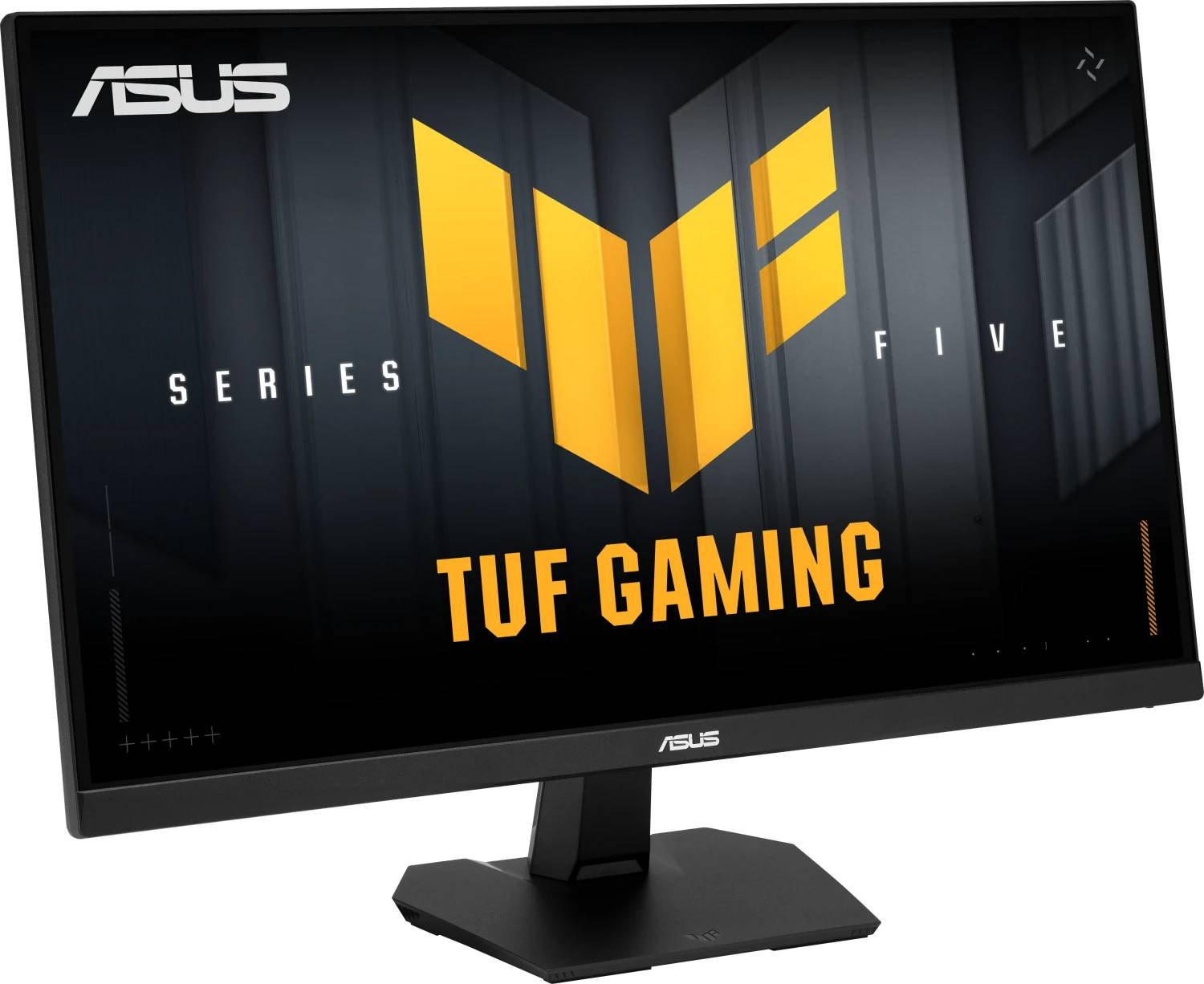
ASUS TUF Gaming VG27AQME5F 27" Gaming Monitor · WQHD 2560x1440 Fast IPS · 255Hz (OC) · 0.3ms · HDMI 2.1 + DisplayPort · Black
Brand:
ASUS

ASUS TUF Gaming VG27AQME5F 27" Gaming Monitor · WQHD 2560x1440 Fast IPS · 255Hz (OC) · 0.3ms · HDMI 2.1 + DisplayPort · Black
€369.16 inc. VAT


90LM0D40-B01171
Delivery
Order Today...
Ships...
Delivery...
ℹ️ Large or fragile items (e.g. monitors) may require extra handling time. We'll keep you informed.
Payment options
Trusted Tech Choice
Buying Benefits
Verified
Competitive EU pricing
Delivered to Cyprus from EU stock
Local warranty support
Please sign in so that we can notify you about a reply
ASUS TUF Gaming VG27AQME5F — 27" WQHD Fast IPS at 255Hz
255Hz (OC) via DisplayPort2560 x 1440 · 95% DCI-P3G-SYNC Compatible · FreeSync PremiumDP 1.4 HBR3 · 2x HDMI 2.1
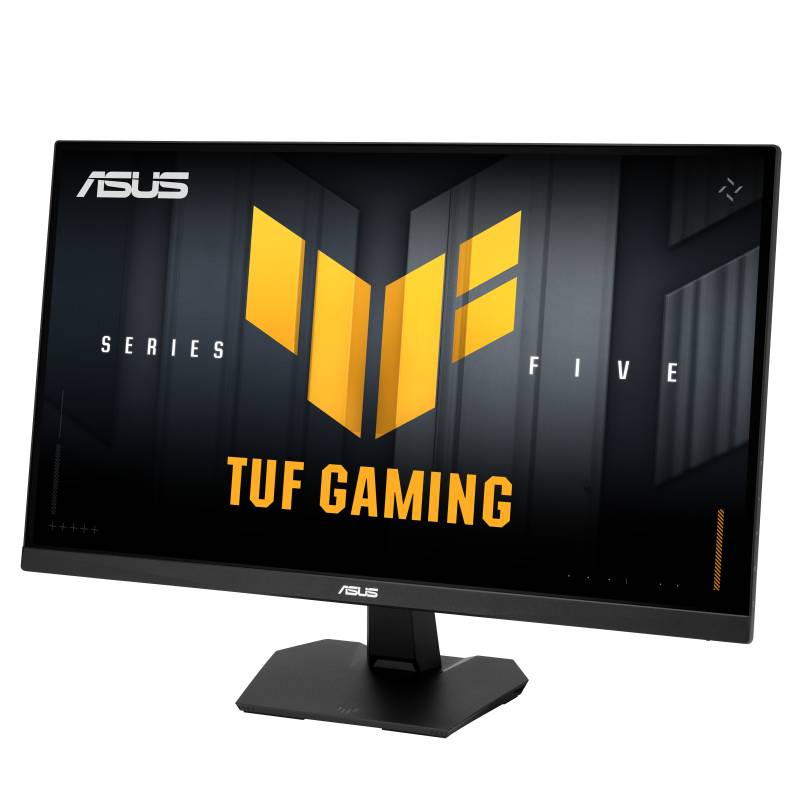
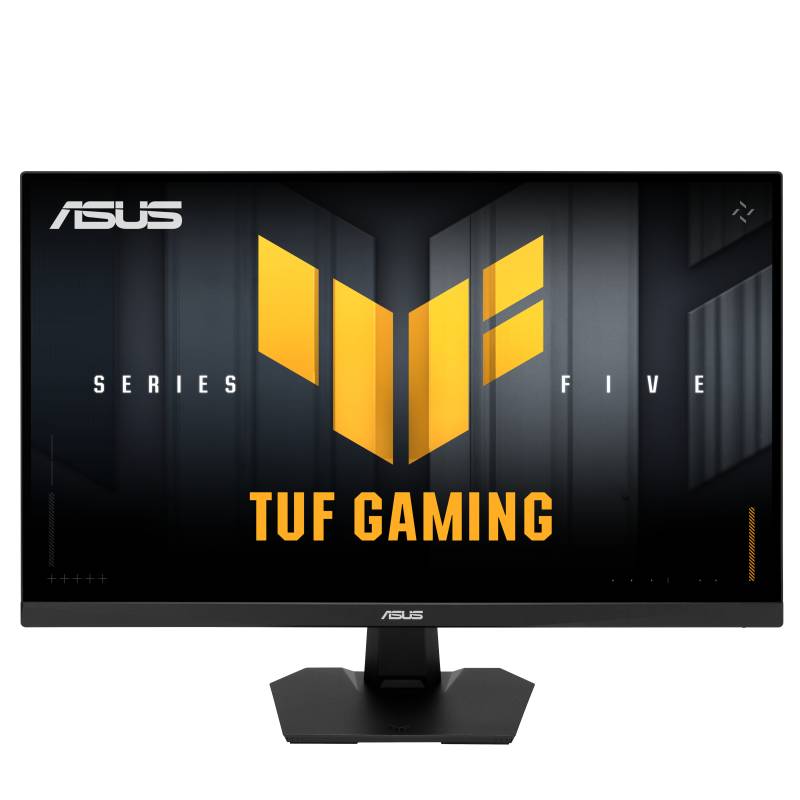
The ASUS TUF Gaming VG27AQME5F is a 27-inch WQHD (2560 x 1440) Fast IPS gaming monitor that overclocks to 255Hz with a 0.3ms minimum response time, for players who want 1440p detail and a refresh rate close to esports-class 1080p screens.
Compared with the VG27AQ5F it moves from 220Hz to 255Hz and uses a DisplayPort 1.4 HBR3 link to carry it. The 10-bit, 95% DCI-P3 panel gives rich colour, and at about 109 PPI text stays crisp for work between games.
Before you order: The 255Hz maximum needs DisplayPort. Over HDMI this model is limited to 150Hz. A DisplayPort cable is included; an HDMI cable is not.
What's in the Box
- ASUS TUF Gaming VG27AQME5F monitor with tilt stand
- DisplayPort cable
- Power cord
- L-shaped screwdriver
- Quick start guide and warranty card
- No HDMI cable is included
What It Means in Practice
- Use DisplayPort from your PC for 255Hz at 1440p; HDMI runs up to 150Hz for consoles or a second device
- G-SYNC Compatible and FreeSync Premium keep motion tear-free on NVIDIA and AMD cards
- ELMB Sync combines blur reduction with variable refresh
- 2W x 2 speakers cover basic audio; a headset on the 3.5mm jack is better for gaming
- You need a strong graphics card to hold 200+ fps at 1440p in demanding games
What Will Not Work
- HDMI cannot reach 255Hz — it is capped at 150Hz
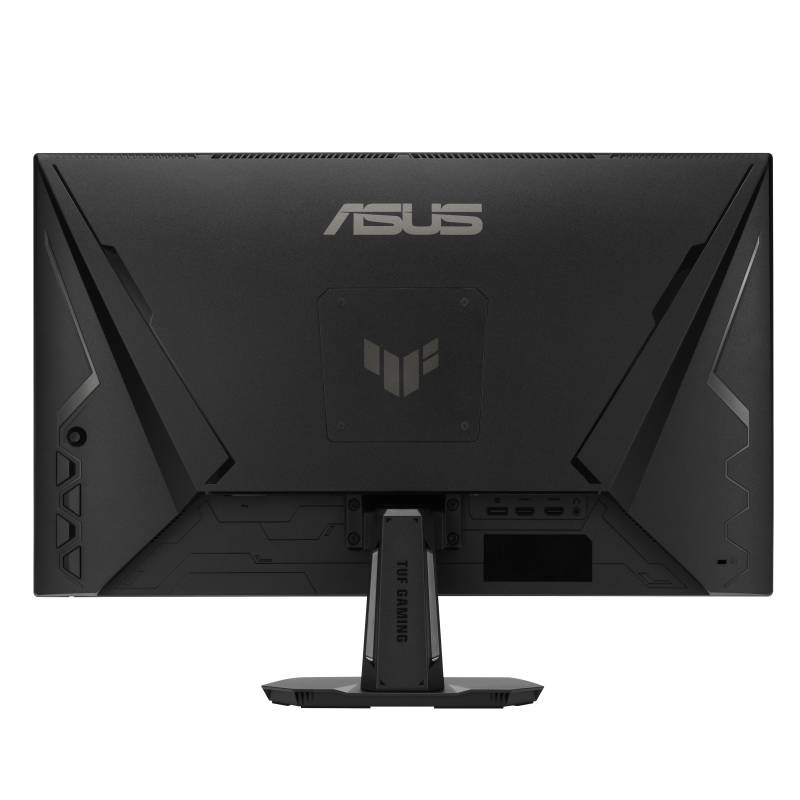
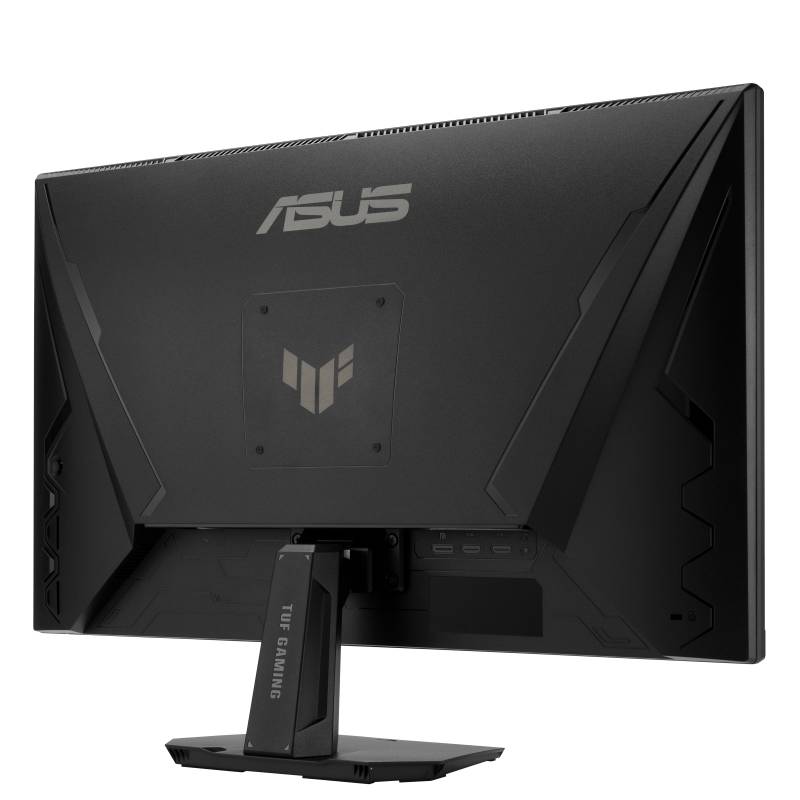
- Tilt-only stand (+20° / -5°): no height, swivel or pivot; mount it on a VESA 100 x 100 arm if needed
- No USB-C input and no USB hub
- No DisplayHDR certification: HDR10 signal support at 300 nits
Key Features
WQHD at 255Hz
1440p resolution with overclocked 255Hz over a DP 1.4 HBR3 link.
Fast IPS, 0.3ms
Fast pixel response with IPS colour consistency and viewing angles.
95% DCI-P3, 10-bit
Wide colour gamut for vivid games and accurate everyday content.
Adaptive Sync + ELMB Sync
G-SYNC Compatible, FreeSync Premium and VESA AdaptiveSync up to 255Hz.
Technical Specifications
Frequently Asked Questions
Singular Expert Insight · Buyer's Guide
The VG27AQME5F is the faster of the two new TUF 1440p models and makes sense if your GPU can actually exceed 220 fps at 1440p in the games you play. If it cannot, the VG27AQ5F gives the same picture for less. Compare options in our PC monitor range.
✓ Buy it if you want the fastest TUF 1440p IPS option and connect your PC by DisplayPort.
✕ Skip it if your sources are HDMI-only or you need a height-adjustable stand.
→ Also consider the VG27AQ5F (220Hz), or the ROG Strix OLED XG27AQDMESZ for OLED contrast.
Not sure which input your PC, laptop or console needs? Tell us the model of your graphics card or device and we will confirm the right cable and refresh rate before you order.
Features - ASUS - 90LM0D40-B01171
Colour
black
More Details
Product Code
04:595266
EAN Code
4711636437455
Manufacturer
ASUS