
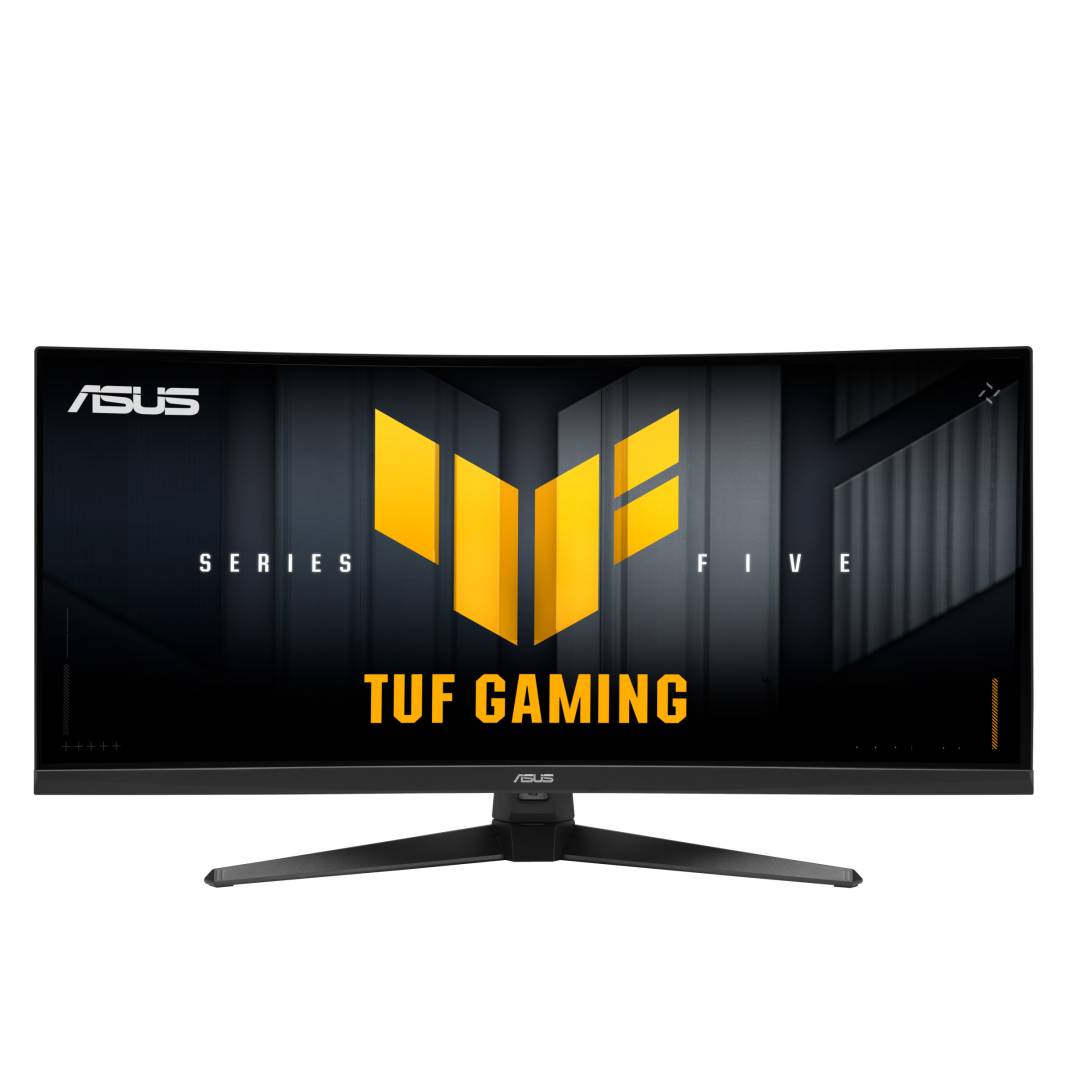
ASUS TUF Gaming VG34WQ5A 34" Curved Gaming Monitor · UWQHD 3440x1440 · 200Hz (400Hz HD) · Fast VA 1500R · DisplayHDR 400
Brand:
ASUS

ASUS TUF Gaming VG34WQ5A 34" Curved Gaming Monitor · UWQHD 3440x1440 · 200Hz (400Hz HD) · Fast VA 1500R · DisplayHDR 400
€522.81 inc. VAT


90LM0CP1-B01171
Delivery
Order Today...
Ships...
Delivery...
ℹ️ Large or fragile items (e.g. monitors) may require extra handling time. We'll keep you informed.
Payment options
Trusted Tech Choice
Buying Benefits
Verified
Competitive EU pricing
Delivered to Cyprus from EU stock
Local warranty support
Please sign in so that we can notify you about a reply
ASUS TUF Gaming VG34WQ5A — 34" curved ultrawide gaming monitor, 200Hz UWQHD or 400Hz HD
34" UWQHD 1500R200Hz · 400Hz dual mode1ms GTG · Fast VADisplayHDR 400
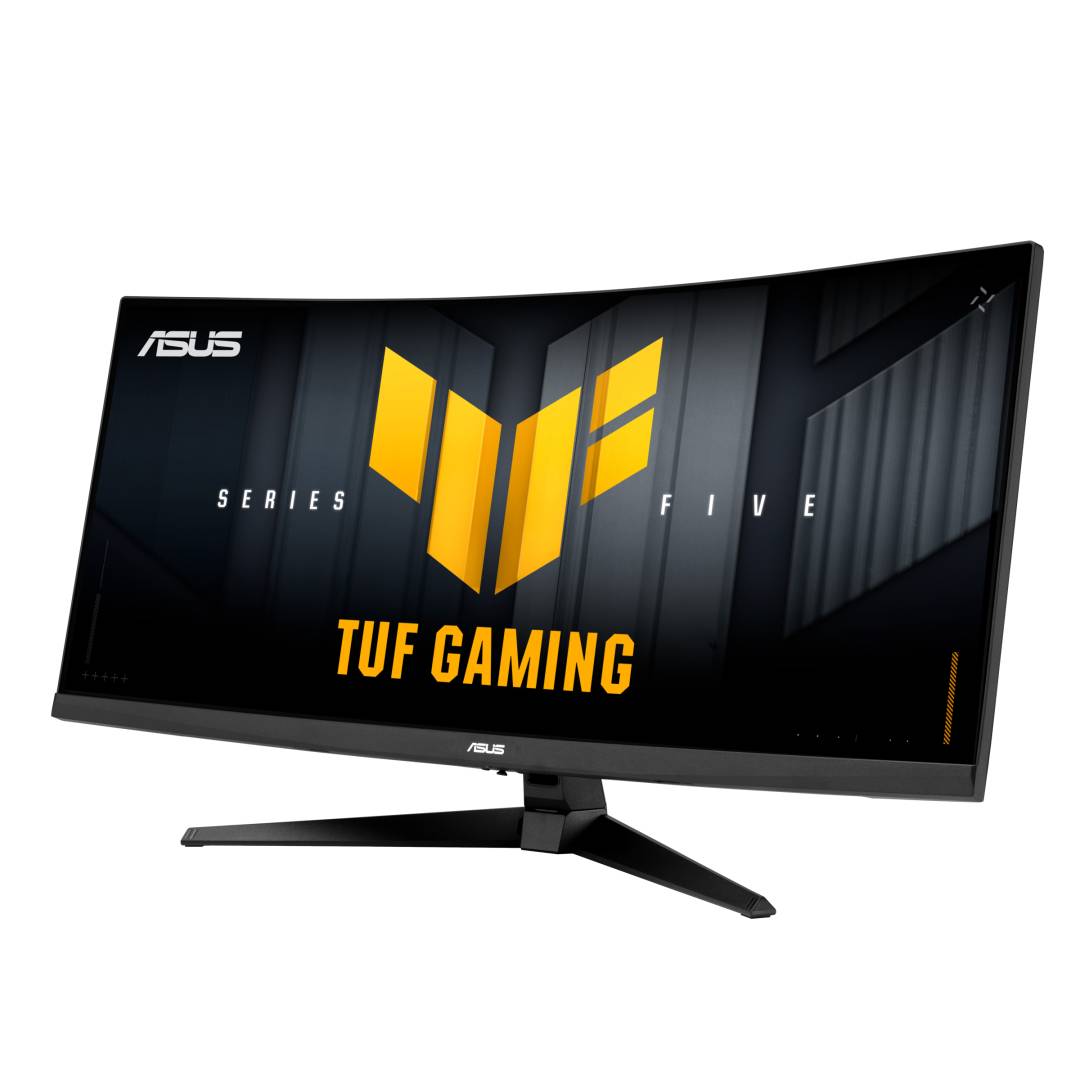
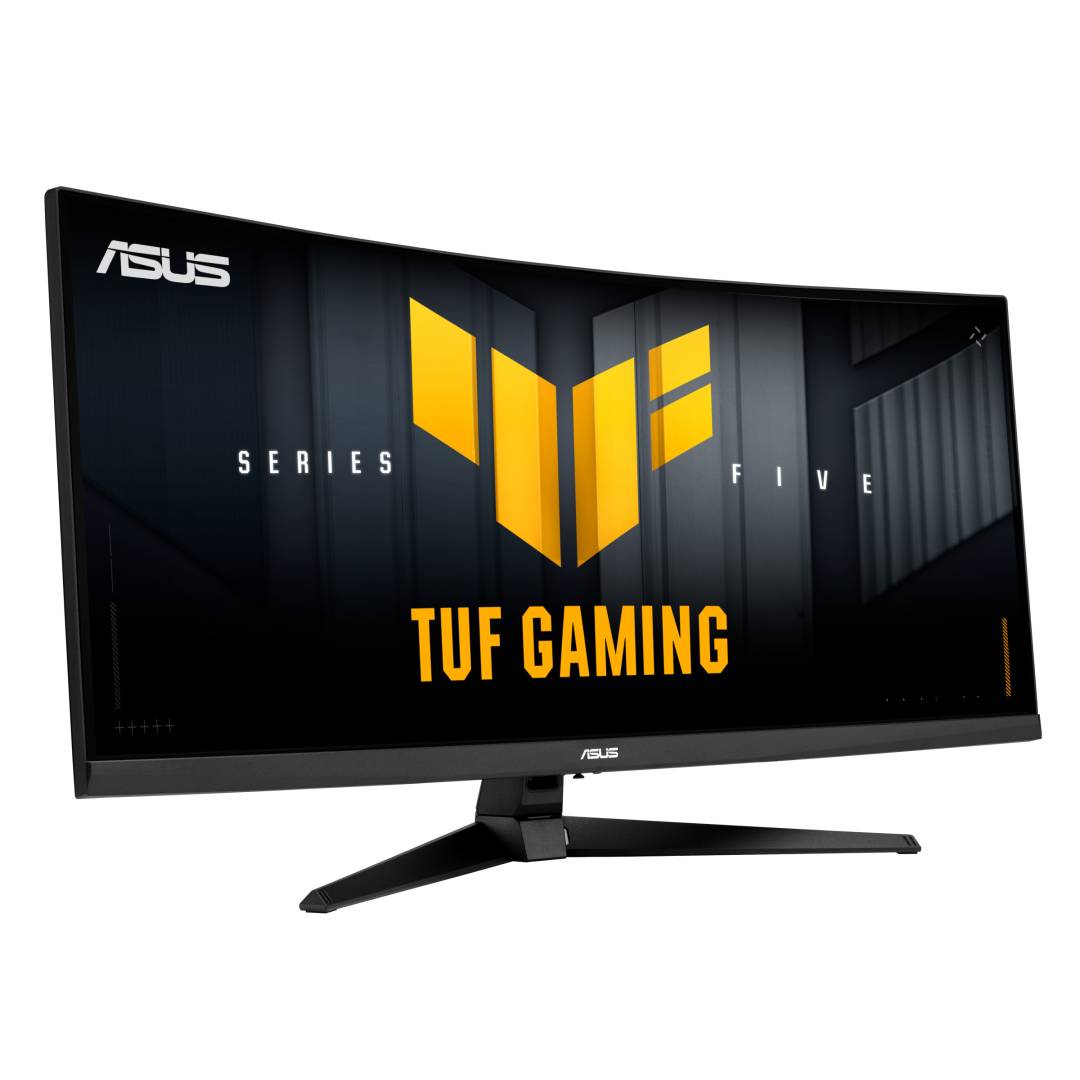
The ASUS TUF Gaming VG34WQ5A is a 34-inch curved ultrawide gaming monitor with a 3440x1440 Fast VA panel, 200Hz refresh rate and a dual mode that switches to HD at 400Hz, built for PC gamers who want an immersive 21:9 screen at a sensible price.
The 1500R curve keeps the edges of the wide panel in view, 95% DCI-P3 colour and VESA DisplayHDR 400 add depth to games and video, and FreeSync Premium with ELMB Sync keeps motion smooth and sharp. If you need height adjustment, choose the VG34WQL5A version, which has the same panel on an ergonomic stand.
Before you order: 200Hz at 3440x1440 needs DisplayPort. Over HDMI 2.0 the maximum at 3440x1440 is 120Hz, so consoles and HDMI-only laptops will not reach the full refresh rate. The stand tilts only; there is no height adjustment.
What's in the Box
- ASUS TUF Gaming VG34WQ5A monitor with stand
- DisplayPort cable
- USB Type-B to Type-A cable (for the USB hub)
- Power cord
- Quick start guide and warranty card
What It Means in Practice
- 21:9 gives you roughly a third more horizontal space than a 27-inch 16:9 QHD screen — useful in racing and flight games, and for two documents side by side.
- Dual mode: switch to 1720x720 (HD) at up to 400Hz for fast competitive shooters.
- The built-in USB hub (2x USB 3.2 Gen 1 Type-A) lets you connect a keyboard, mouse or headset to the monitor.
- VESA 100x100 lets you mount it on an arm if you prefer.
What Will Not Work
- No HDMI cable is included — only DisplayPort.
- There is no USB-C input and no laptop charging.
- HDMI is limited to 120Hz at full 3440x1440 resolution.
- The stand has no height, swivel or pivot adjustment.
Key Features
Dual-mode refresh
UWQHD at 200Hz or HD at 400Hz — choose detail or speed per game.
Fast VA, 4000:1
High native contrast for deep blacks in dark scenes, with 1ms GTG response.
HDR and colour
VESA DisplayHDR 400, 95% DCI-P3, 10-bit colour.
Smooth motion
AMD FreeSync Premium and ELMB Sync combine adaptive sync with motion blur reduction.
Technical Specifications
Frequently Asked Questions
Singular Expert Insight · Buyer's Guide
The VG34WQ5A is one of the easiest ways into a fast 34-inch ultrawide: VA contrast, 200Hz and DisplayHDR 400 in one screen. Use DisplayPort to get the full refresh rate. If you sit at the screen for long sessions, consider the L version for its height-adjustable stand. See more PC monitors.
✓ Buy it if you want an immersive 34-inch curved gaming monitor with high refresh rate and good contrast on a PC with DisplayPort.
✕ Skip it if you mainly play on consoles, need USB-C for a laptop, or do colour-critical work.
→ Also consider the VG34WQL5A with height-adjustable stand and four USB ports.
Not sure your PC can drive it? Send us your graphics card or laptop model and we will check the connection and refresh rate.
Features - ASUS - 90LM0CP1-B01171
Colour
black
More Details
Product Code
04:590240
EAN Code
4711636252065
Manufacturer
ASUS