
Avision FB6380E A3 Book-Edge Flatbed Scanner 600dpi USB 3.2
Brand:
Avision



000-1040-02G
Delivery
Order Today...
Ships...
Delivery...
ℹ️ Large or fragile items (e.g. monitors) may require extra handling time. We'll keep you informed.
Payment options
Trusted Tech Choice
Buying Benefits
Verified
Competitive EU pricing
Delivered to Cyprus from EU stock
Local warranty support
Please sign in so that we can notify you about a reply
A3 book-edge capture with 600dpi CCD optics
A3 / 300 × 432mm600dpi optical CCDSlanted book edgeUSB 3.2 Gen 1
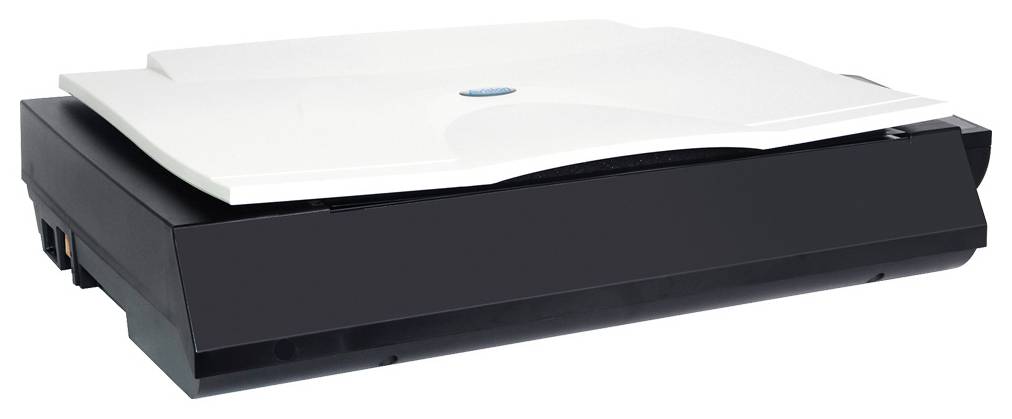
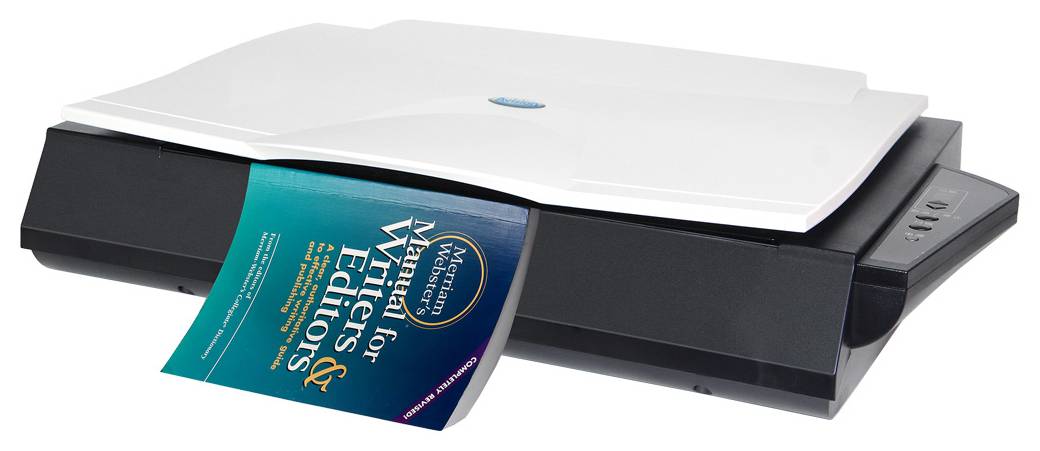
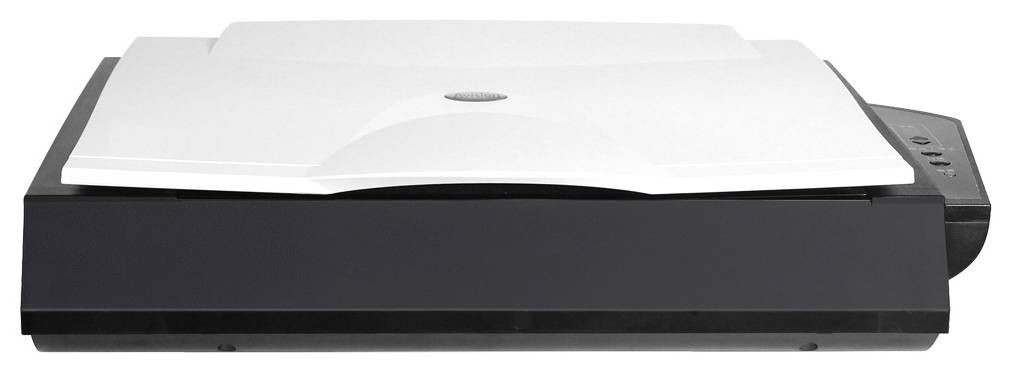
The Avision FB6380E is an A3 book-edge flatbed scanner for books, drawings and large documents. Its slanted front platform helps position a book page flat near the spine, while a CCD sensor and LED illumination provide 600dpi optical capture over a 300 × 432mm area. USB 3.2 connects it to a compatible computer and the supported capture software.
Best For: Libraries, offices, design teams and users manually digitising suitable bound originals or large pages that should not pass through a document feeder.
Before you order: Release the rear transport lock before use. Connect the supplied external power adapter and USB cable, and install compatible current drivers. Place and turn book pages manually. The book-edge design helps placement but does not guarantee every binding can be scanned without shadows or handling risk.
What's in the Box
- Avision FB6380E scanner.
- USB cable, external power adapter and power cord.
- Quick guide and manufacturer driver/software download resources.
- Computer, pictured book, documents and optional accessories separate.
What It Means in Practice
- Place suitable originals face down on the flatbed and align the required scan area.
- Use the slanted front edge to support appropriate book-page placement without forcing the spine.
- Choose optical resolution and colour mode for the output requirement, then turn pages manually.
- Configure supported Button Manager destinations for host email, print or cloud services as needed.
What Will Not Work
- No automatic document feeder or automatic duplex page handling.
- USB computer connection is specified; no Ethernet or Wi-Fi is promised.
- 600dpi is optical resolution; 1200dpi output is distinct.
- The manufacturer’s two-second colour A3 at 300dpi example is scan time, not a guaranteed complete page-turning or return cycle; computer and regional specifications can vary.
- Check current OS drivers and application availability; identical software bundles across platforms are not promised.
Key Features
Book-edge placement
A slanted front platform helps a suitable bound page lie flatter near the spine.
Large scan area
A 300 × 432mm flatbed accommodates A3-size documents and suitable drawings.
CCD optical capture
600dpi optical resolution and LED lighting support colour, grayscale and monochrome originals.
Configured host workflows
Button Manager and compatible capture applications support organised scanning and configured destinations.
Technical Specifications
Frequently Asked Questions
Singular Expert Insight
Plan book capture around safe handling and consistent page placement. Test a representative spread, check margins and shadows, then select a resolution that fits the required output. The scanner’s optical specification and scan-time example are useful guides, but page turning and quality review often determine the practical pace.
Buyer’s Guide
✓ Buy it if You need A3-size manual flatbed capture, book-edge placement and CCD optics.
✕ Skip it if You need unattended stacks, automatic duplex or a standalone network scanning station.
→ Also consider Book condition, manual handling, current driver support and the required desk footprint.
Features - Avision - 000-1040-02G
Interface
- USB3.2
More Details
Product Code
04:467482
EAN Code
4713494653251
Manufacturer
Avision