
Belkin Thunderbolt 4 5-in-1 Core Hub INC013VFSGY 4x Thunderbolt 4 USB-A 40Gbps 96W Host Charging 150W Power Supply
Brand:
BELKIN

Belkin Thunderbolt 4 5-in-1 Core Hub INC013VFSGY 4x Thunderbolt 4 USB-A 40Gbps 96W Host Charging 150W Power Supply
€343.01 inc. VAT
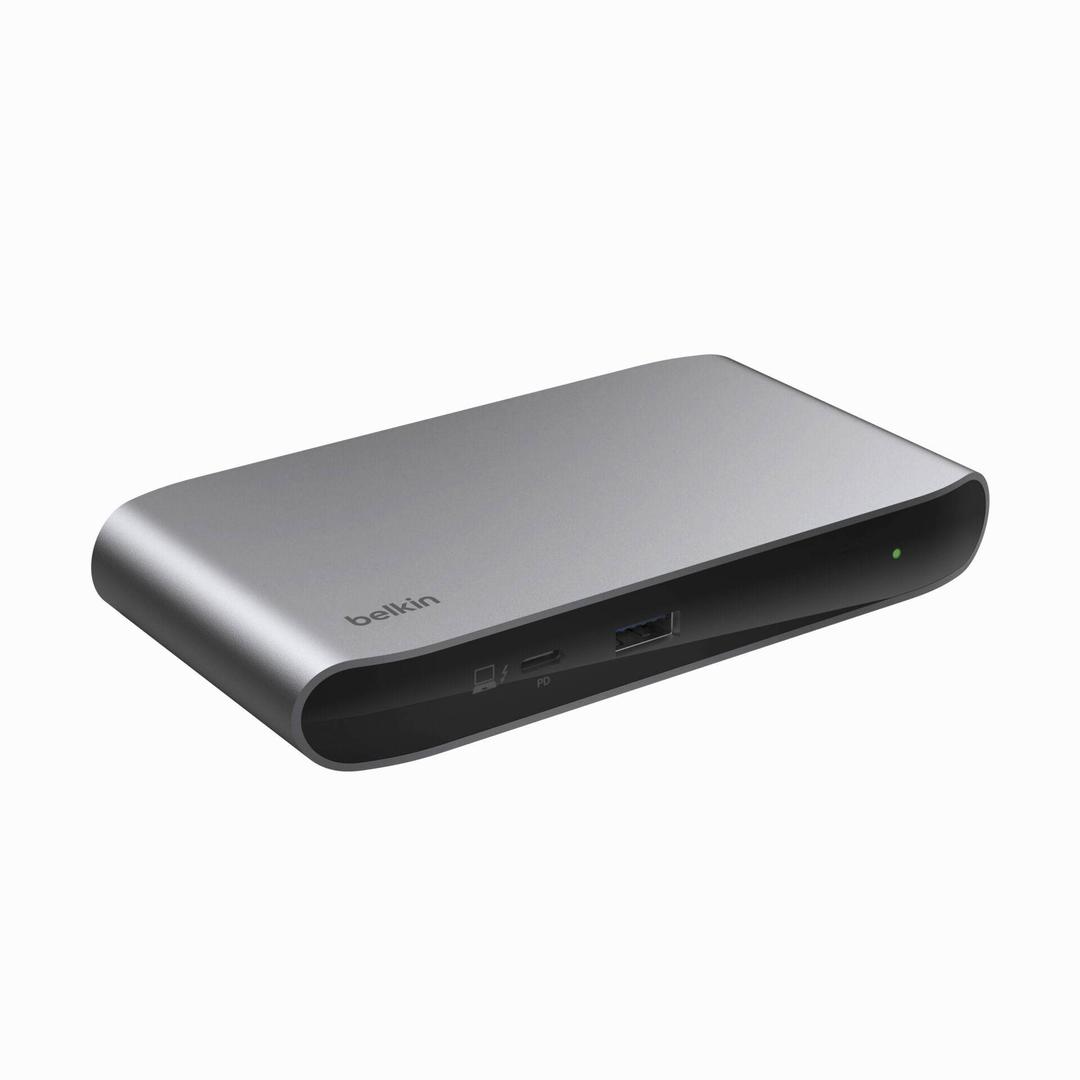
INC013VFSGY
Delivery
Order Today...
Ships...
Delivery...
ℹ️ Large or fragile items (e.g. monitors) may require extra handling time. We'll keep you informed.
Payment options
Trusted Tech Choice
Buying Benefits
Verified
Competitive EU pricing
Delivered to Cyprus from EU stock
Local warranty support
Please sign in so that we can notify you about a reply
Belkin Thunderbolt 4 5-in-1 Core Hub — 4x TB4, 40Gbps, 96W
Thunderbolt 4 certifiedUSB4 compliant40 Gbps96W to laptop150W supply included
The Belkin INC013VFSGY is a Thunderbolt 4 hub, not a docking station, and the distinction matters. There are no HDMI or Ethernet ports here — instead you get four Thunderbolt 4 ports and one USB-A, all running at the full 40 Gbps, with 96 W of charging back to the laptop.
That makes it the right tool when your peripherals are already Thunderbolt: an external SSD, a Thunderbolt display, a dock further down the chain. It is Thunderbolt 4 certified and USB4 compliant — both, not one or the other — and supports daisy-chaining up to six Thunderbolt devices.
Compatibility — check before buying:
Video comes from whatever you plug into the Thunderbolt ports: a single 8K display at 30 Hz, or two 4K displays at 60 Hz. One honest limitation, stated by Belkin itself: M1, M2 and M3 MacBooks support only a single extended monitor because of the laptop design, not the hub. If you are on one of those Macs and need two independent screens, this is not the product — a DisplayLink dock is. There is no Ethernet port on this hub at all.
Best For
✓Desks already built around Thunderbolt peripherals — external SSDs, Thunderbolt displays, audio interfaces
✓Users who need genuine 40 Gbps throughput rather than a 10 Gbps USB dock
✓Anyone who wants to expand one Thunderbolt port into four without giving up bandwidth
Key Features
Four Thunderbolt 4 ports at full 40 Gbps
Not a shared or throttled hub. Each port runs the full Thunderbolt 4 specification, and you can daisy-chain up to six devices.
Thunderbolt 4 certified and USB4 compliant
Both certifications, so it behaves correctly with Thunderbolt Macs and PCs as well as USB4 hosts.
96W charging with the supply in the box
A 150 W power supply is included and 96 W of it goes to the laptop — enough to keep a 14 or 16 inch machine charged while working.
Compact, no Ethernet, no video connectors
This is deliberately a hub rather than a dock. If you want HDMI and Ethernet built in, Belkin’s docking stations are the other side of the range.
Technical Specifications
Frequently Asked Questions
Singular Expert Insight
Buy this if your peripherals are Thunderbolt and you need bandwidth, not ports. It is the wrong purchase if what you actually wanted was HDMI and Ethernet in one box — that is a docking station, and Belkin makes several. Also read the power figure carefully: the 150 W in the marketing is the brick, and your laptop sees 96 W of it.
Buyer's Guide
Buy it if
Buy this if you need to turn one Thunderbolt port into four at full 40 Gbps, with 96 W charging and daisy-chaining.
Skip it if
Skip it if you need built-in HDMI or Ethernet, or if you are on a base M-series Mac and want two extended displays.
Also consider
Also worth a look: Belkin’s USB-C docking stations with HDMI and Ethernet built in, the DisplayLink models for multi-display Macs, and our wider accessories range.
Features - BELKIN - INC013VFSGY
Colour
grey
More Details
Product Code
CI66898
EAN Code
0745883854332
Manufacturer
BELKIN