
Belkin Connect 8-Port Dual Display USB-C Hub, 2× HDMI 4K60, 100W PD Pass-Through, Gigabit Ethernet, Space Grey
Brand:
BELKIN

Belkin Connect 8-Port Dual Display USB-C Hub, 2× HDMI 4K60, 100W PD Pass-Through, Gigabit Ethernet, Space Grey
€118.54 inc. VAT


INC027HQSGY
Delivery
Order Today...
Ships...
Delivery...
ℹ️ Large or fragile items (e.g. monitors) may require extra handling time. We'll keep you informed.
Payment options
Trusted Tech Choice
Buying Benefits
Verified
Competitive EU pricing
Delivered to Cyprus from EU stock
Local warranty support
Please sign in so that we can notify you about a reply
Belkin Connect 8-Port Dual Display USB-C Hub (INC027)
2× HDMI 4K60100W PD pass-through8 ports3-year Belkin warranty
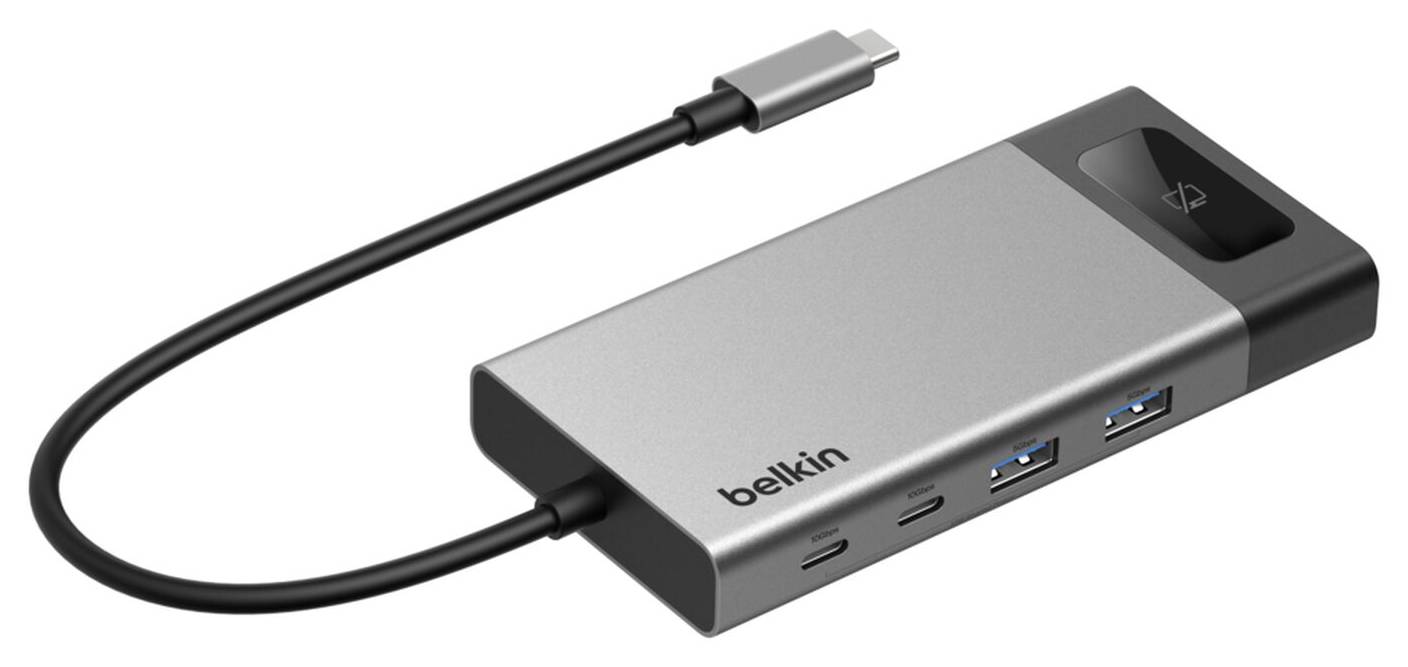
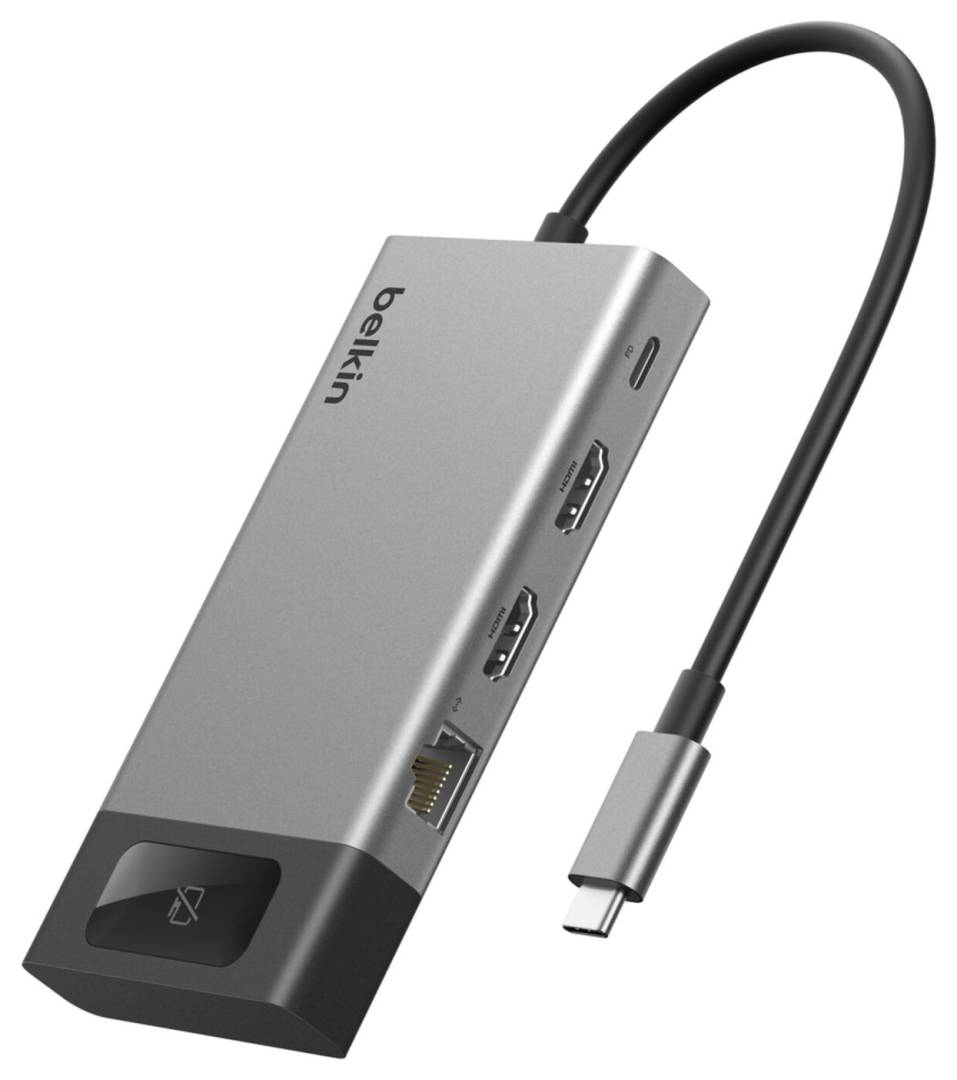
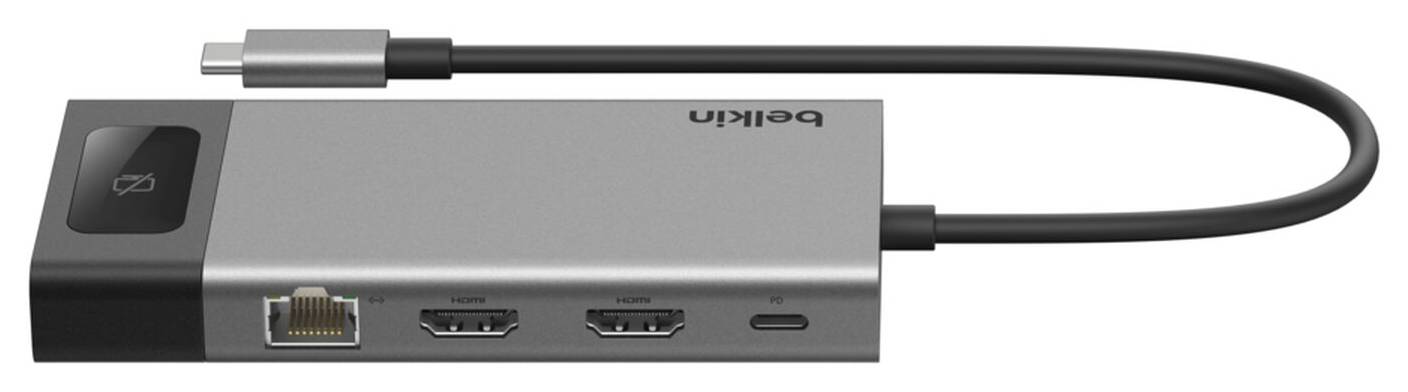
The Belkin Connect INC027HQSGY is an 8-port USB-C hub that turns a single USB-C or Thunderbolt port on a laptop into two HDMI outputs at up to 4K 60Hz, three USB-C and two USB-A ports, Gigabit Ethernet and power pass-through up to 100W. It is built for hybrid workers and hot-desk users who plug a laptop into two monitors, a wired network and a charger with one cable.
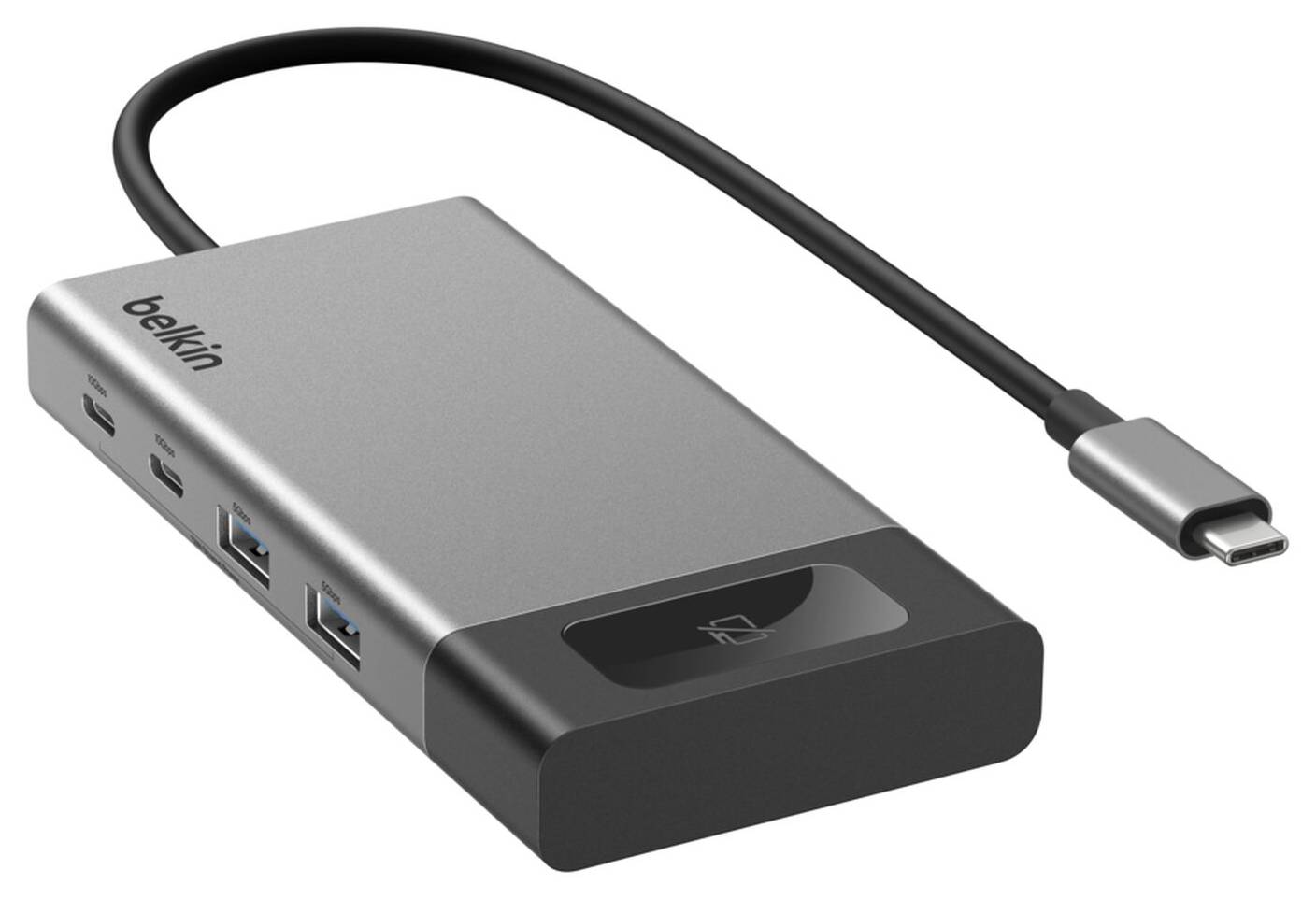
Its tethered 22 cm USB-C cable connects to the laptop; your existing USB-C charger plugs into the PD port and charges the laptop through the hub. Belkin adds a monitor privacy button that switches the connected external displays off and on, useful when you step away from a shared desk.
Before you order: Two extended displays work on Windows. On macOS the two HDMI outputs mirror the same image, because Macs do not support MST over a single USB-C port. The laptop USB-C port must support DisplayPort Alt Mode for video output.
What's in the Box
- 1 × Belkin Connect 8-Port Dual Display USB-C Hub with attached 22 cm USB-C cable
What It Means in Practice
- On a Windows laptop you can run two separate 4K 60Hz monitors over HDMI from one USB-C port.
- With a 100W USB-C charger plugged into the PD port, the hub reserves about 15W for itself and passes the rest to the laptop; with a 60W charger Belkin states up to 45W reaches the laptop.
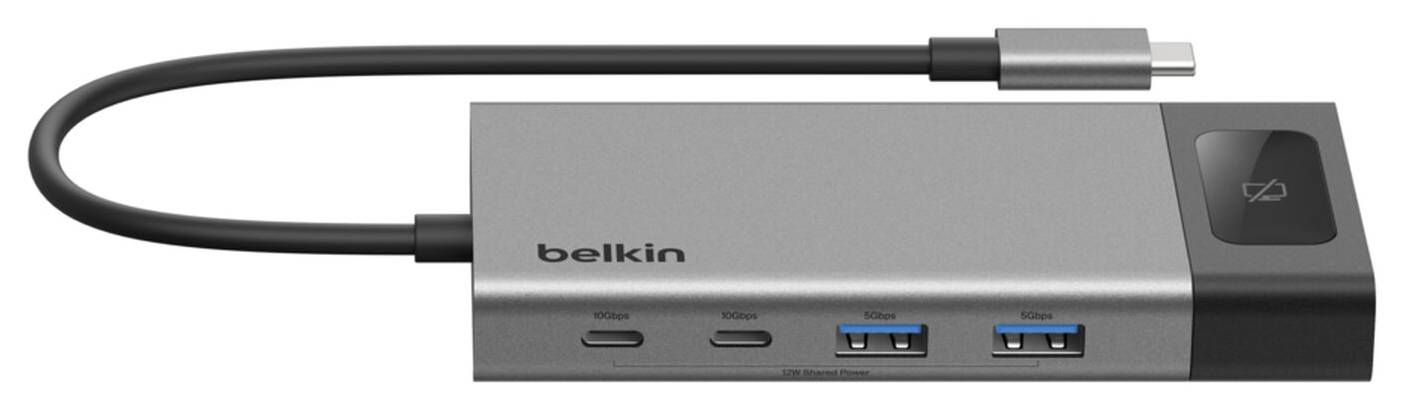
- The 10Gbps USB-C ports suit fast external SSDs; the USB-A ports (5Gbps) handle keyboard, mouse, webcam or a flash drive.
- Gigabit Ethernet gives a stable wired connection for video calls and large file transfers on desks where Wi-Fi is congested.
What Will Not Work
- Two different images on a Mac: macOS mirrors the two HDMI outputs.
- Video on laptops whose USB-C port is data-only (no DisplayPort Alt Mode).
- A memory card reader: the hub has no SD or microSD slot.
- Charging the laptop without your own USB-C charger: no power adapter is included.
Key Features
Dual 4K 60Hz HDMI
Two HDMI 2.0 ports at up to 4K 60Hz; extended desktop on Windows.
100W PD pass-through
Charge the laptop through the hub; about 15W is used by the hub itself.
Fast USB-C data
One USB-C with PD and two more USB-C ports at 10Gbps, plus two USB-A at 5Gbps.
Monitor privacy button
Turns connected external displays off and on with one press.
Technical Specifications
Frequently Asked Questions
Singular Expert Insight · Buyer's Guide
This hub is the right tool when a Windows laptop needs two monitors, wired LAN and charging through one cable, without a powered dock on every desk. Mac users get the ports and charging, but only mirrored displays; for two independent screens on a Mac, a DisplayLink dock is the way. Compare options in our docking stations range.
✓ Buy it if you use a Windows USB-C laptop with two HDMI monitors and want one-cable desk setup and charging.
✕ Skip it if you need two separate displays on a Mac, or an SD card reader.
→ Also consider a DisplayLink docking station if you need dual extended displays on macOS.
Not sure your laptop supports video over USB-C? Send us the laptop model and we will check before you order.
Features - BELKIN - INC027HQSGY
Colour
grey
More Details
Product Code
CS04883
EAN Code
0745883940943
Manufacturer
BELKIN