
Belkin INC028KQBK Connect Universal 14-Port USB-C Dock Dual 4K DisplayLink 100W PD Black
Brand:
BELKIN

Belkin INC028KQBK Connect Universal 14-Port USB-C Dock Dual 4K DisplayLink 100W PD Black
€308.27 inc. VAT


INC028KQBK
Delivery
Order Today...
Ships...
Delivery...
ℹ️ Large or fragile items (e.g. monitors) may require extra handling time. We'll keep you informed.
Payment options
Trusted Tech Choice
Buying Benefits
Verified
Competitive EU pricing
Delivered to Cyprus from EU stock
Local warranty support
Please sign in so that we can notify you about a reply
Belkin Connect INC028KQBK Universal 14-Port Dual Display USB-C Dock
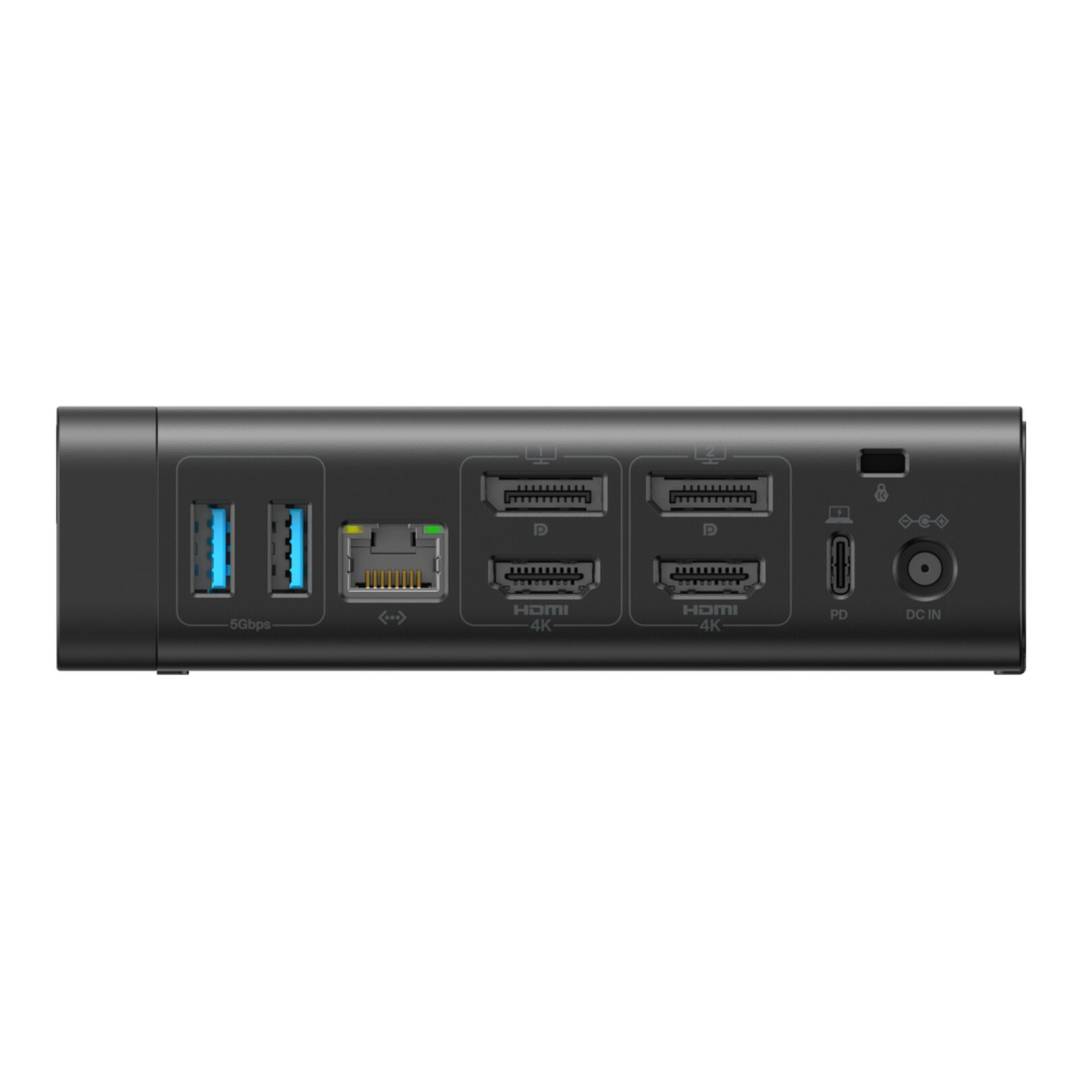
2x 4K@60Hz (DisplayLink)100W PD to laptop14 ports1Gb Ethernet
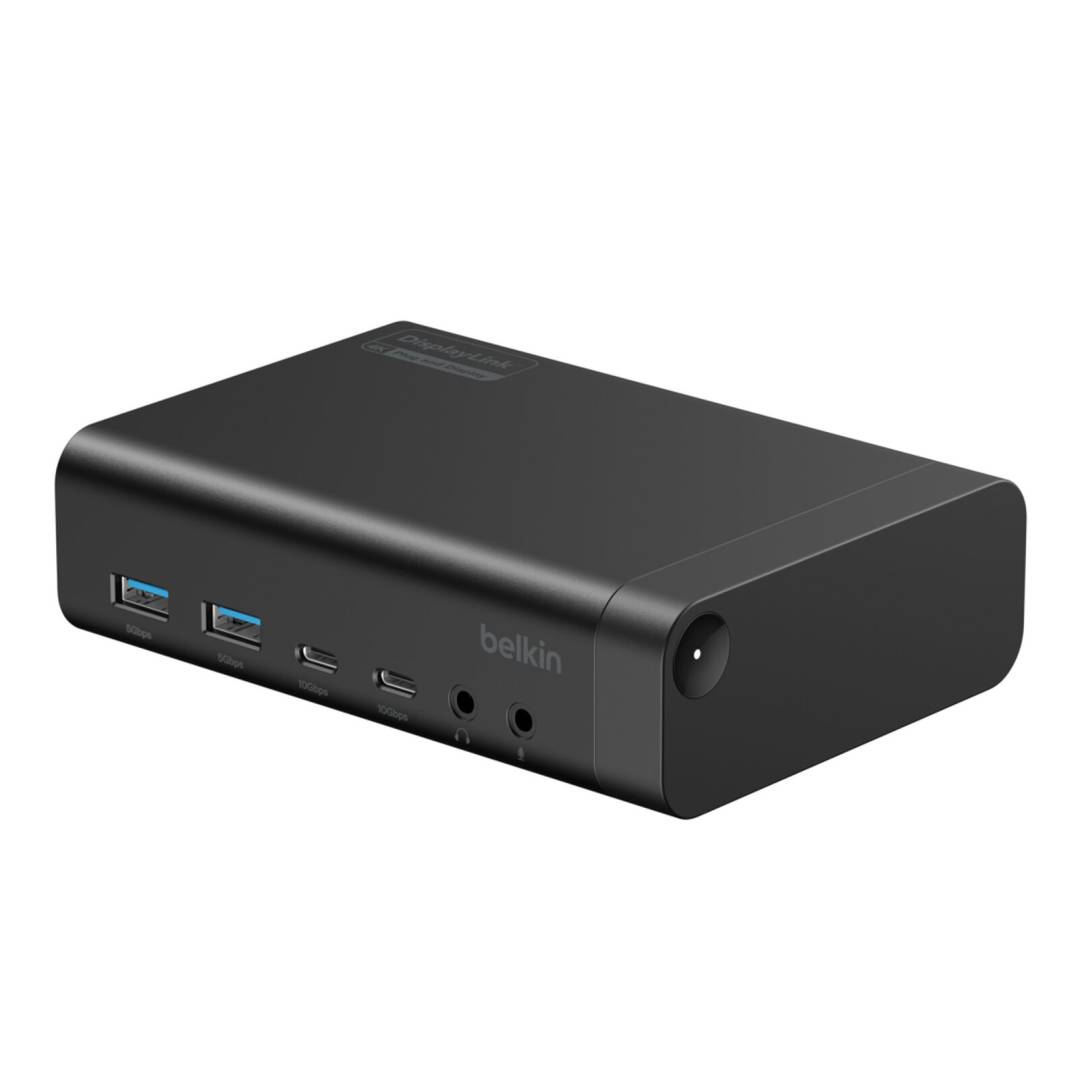
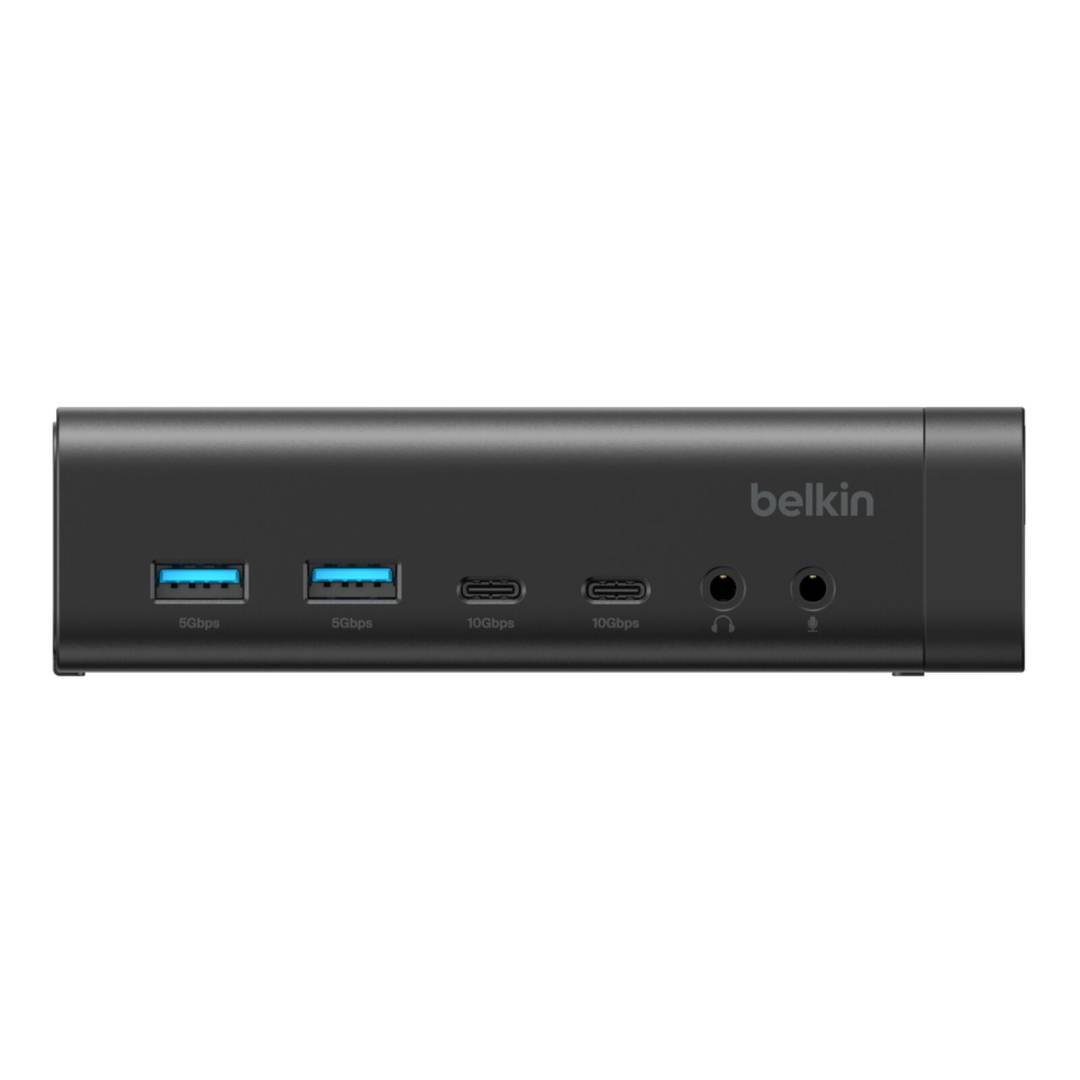
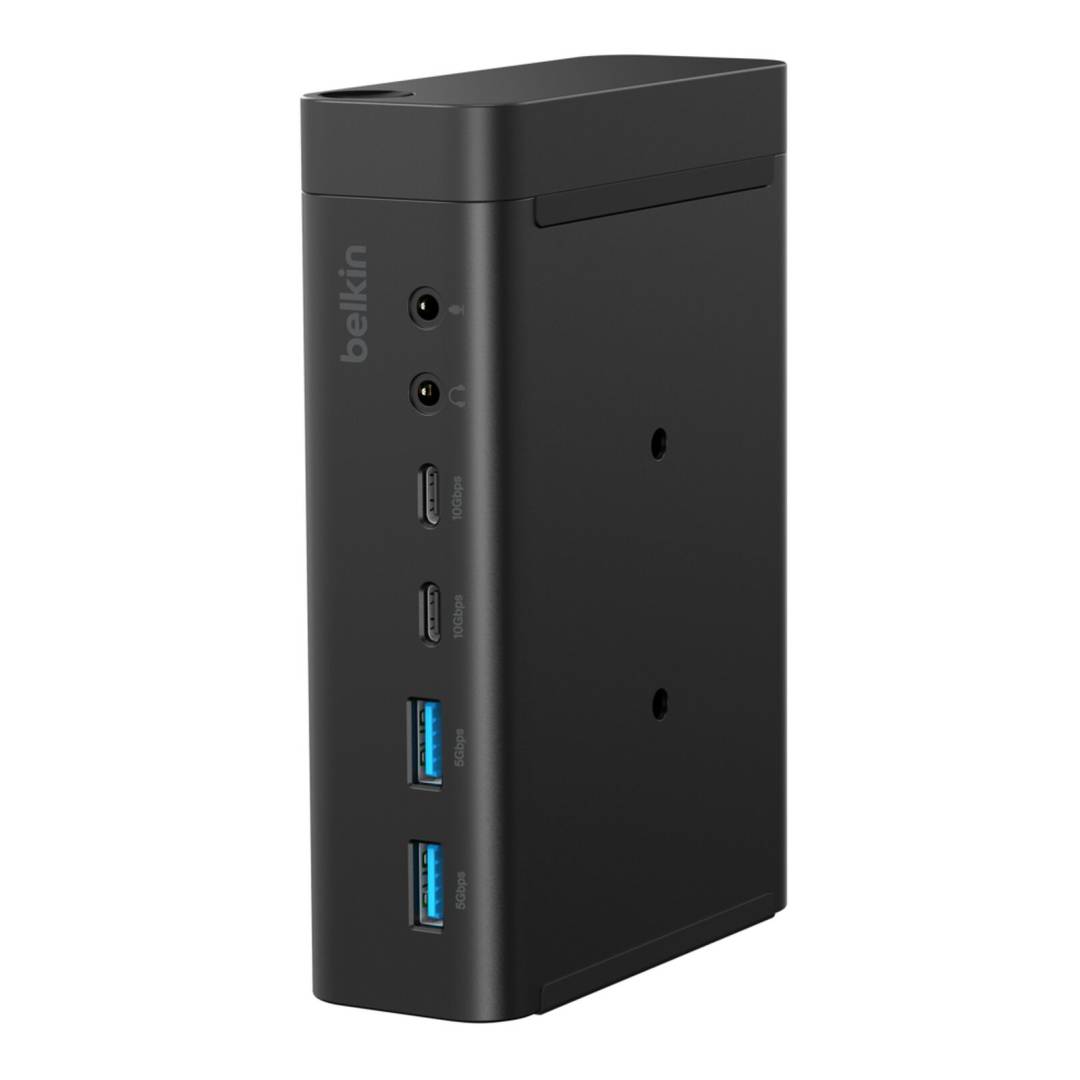
The Belkin Connect INC028KQBK is a universal 14-port USB-C docking station that adds two external monitors up to 4K@60Hz through DisplayLink, charges the laptop with up to 100W Power Delivery and expands it with 10Gbps USB-C, USB-A, Gigabit Ethernet and separate headphone and microphone jacks.
Because video runs over DisplayLink, the same dock drives dual monitors on Windows laptops, on base Apple silicon MacBooks that natively support only one external display, and on Chromebooks.
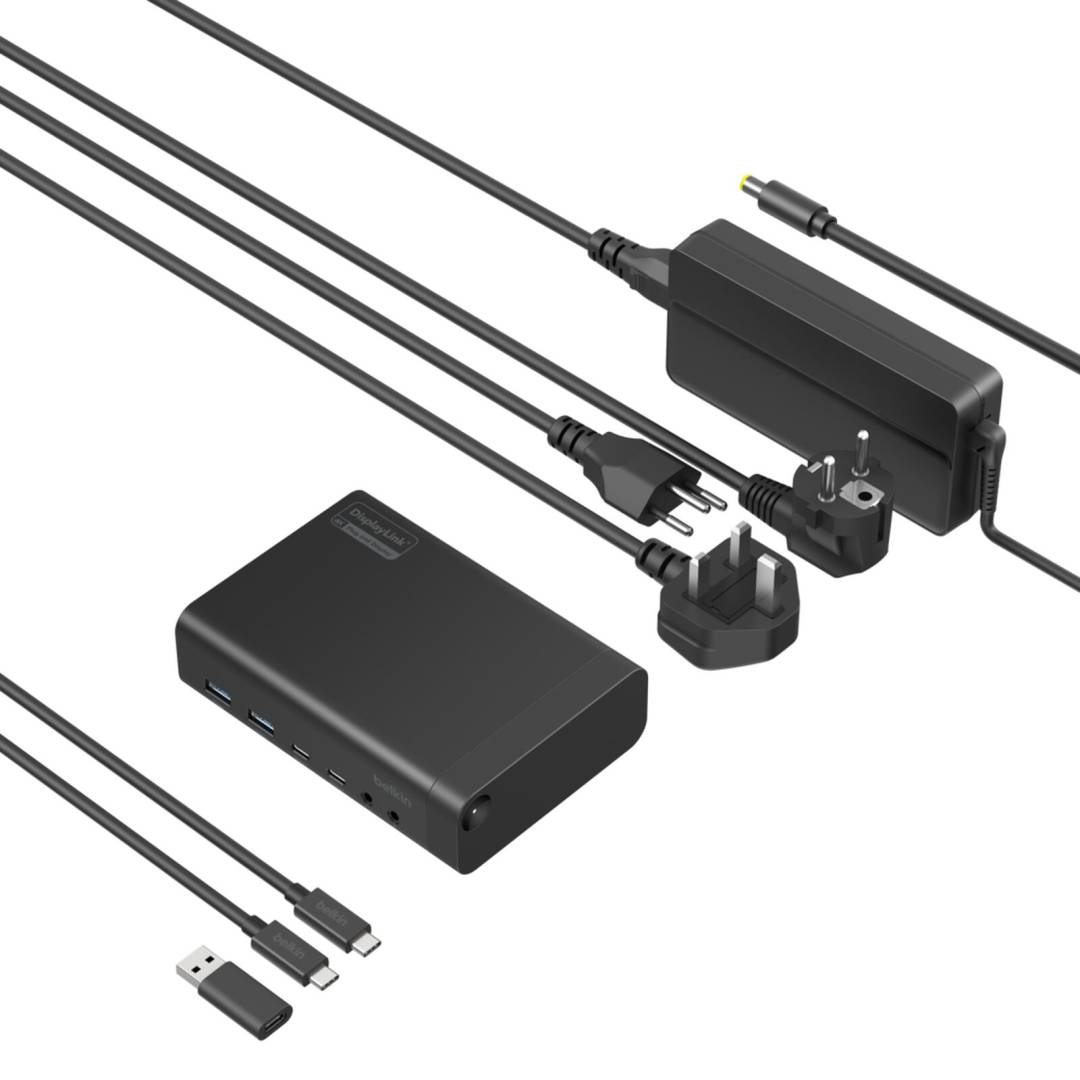
This is the EU-market version (kq); it ships with the power supply, a 1 m USB-C to USB-C cable and a USB-C to USB-A adapter for older hosts.
Compatibility note: DisplayLink video requires the free DisplayLink driver (Windows, macOS) and is not recommended for gaming or copy-protected video playback. Host charging is up to 100W on this EU version; the US version (INC028ttBK) is specified at 140W.
Best For
✓ Hot-desking offices with mixed Windows and Mac laptops
✓ MacBook Air / base M-series users who need two monitors
✓ Chromebook fleets in education and business
✓ Home offices with dual 4K monitors
✓ IT departments standardising one dock for all USB-C laptops
✓ Wired Ethernet for video calls and VPN
Key Features
Dual 4K on any USB-C laptop
Two monitors up to 4K@60Hz through DisplayLink, with both HDMI 2.0 and DisplayPort outputs so most monitors connect without adapters.
Charge and connect with one cable
Up to 100W Power Delivery to the host while front USB-C ports provide 15W and 7.5W for phones and accessories.
Wide host compatibility
Works with USB-C and Thunderbolt 3/4/5 laptops, and with USB-A hosts via the included adapter (without charging).
Technical Specifications
Frequently Asked Questions
Singular Expert Insight
A universal DisplayLink dock is the safest choice for shared desks: it gives dual 4K on almost any USB-C laptop, including base M-series MacBooks, without worrying about Thunderbolt or DP Alt Mode support. For creative work, gaming or high-refresh displays a native-video dock is the better tool. More docking stations are available on Singular.
✓ Buy it if you need one dock that delivers dual 4K monitors and charging to mixed Windows, Mac and Chromebook laptops.
✕ Skip it if you work with high-refresh monitors, games or DRM-protected video, where DisplayLink compression is a limitation.
→ Also consider Belkin Connect Thunderbolt 5 Dock INC031KQSGY for Thunderbolt 4/5 laptops.
Features - BELKIN - INC028KQBK
Colour
black
Interface
- USB Type-C
More Details
Product Code
CS54270
EAN Code
0745883955848
Manufacturer
BELKIN