
Belkin ConnectAir Wireless HDMI Display Adapter AVC024HQBK USB-C Transmitter HDMI Receiver 1080p60 40m Range Black
Brand:
BELKIN

Belkin ConnectAir Wireless HDMI Display Adapter AVC024HQBK USB-C Transmitter HDMI Receiver 1080p60 40m Range Black
€161.63 inc. VAT


AVC024HQBK
Delivery
Order Today...
Ships...
Delivery...
ℹ️ Large or fragile items (e.g. monitors) may require extra handling time. We'll keep you informed.
Payment options
Trusted Tech Choice
Buying Benefits
Verified
Competitive EU pricing
Delivered to Cyprus from EU stock
Local warranty support
Please sign in so that we can notify you about a reply
Belkin ConnectAir Wireless HDMI Display Adapter
USB-C to HDMI, no cable run1080p at 60 Hz with audioUp to 40 m range, under 80 msNo Wi-Fi, app or drivers
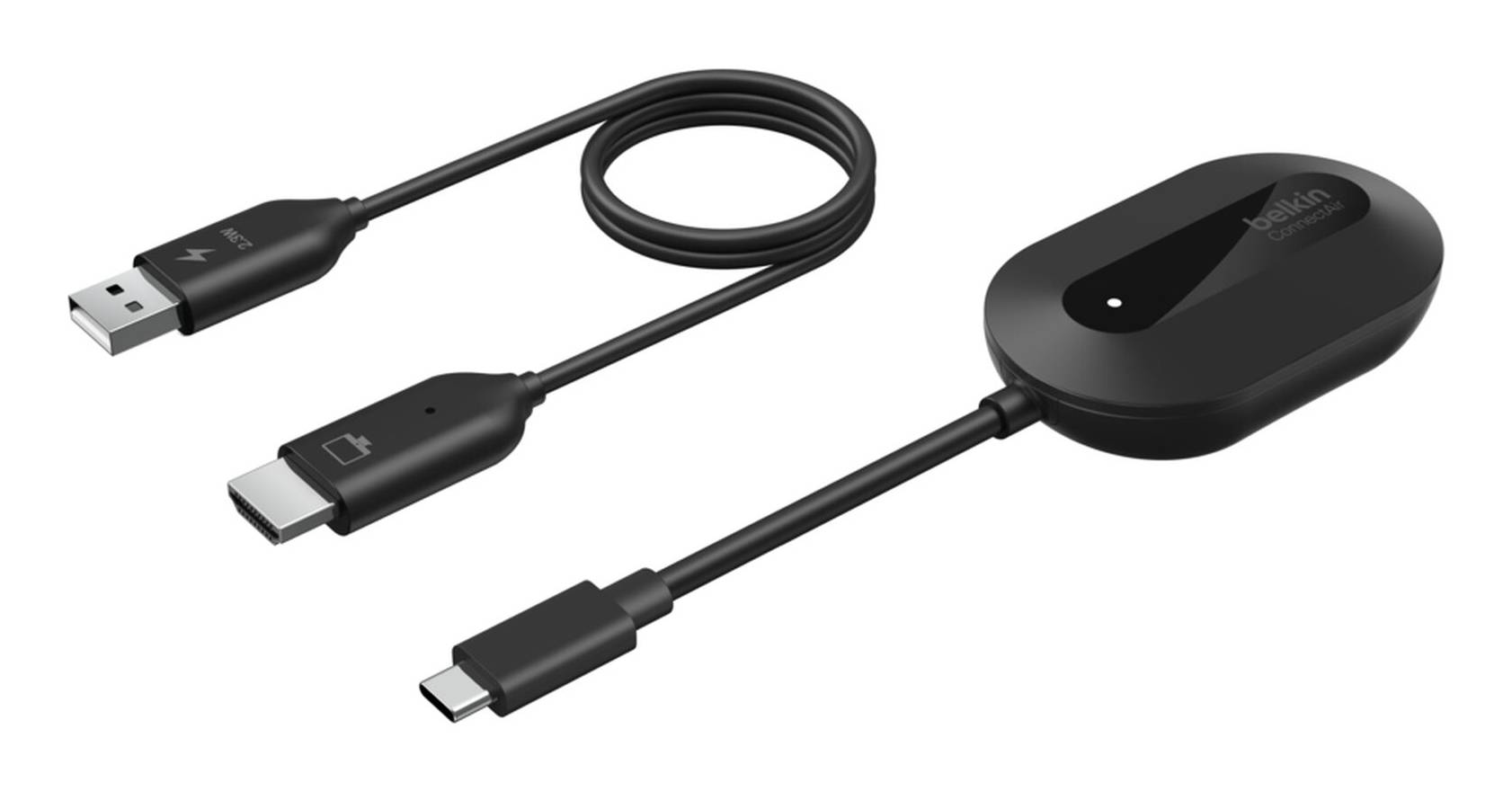
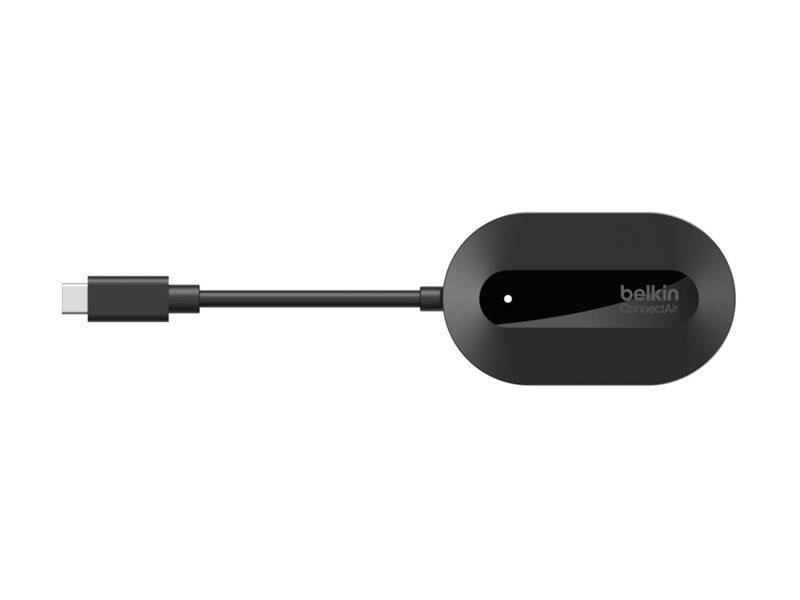
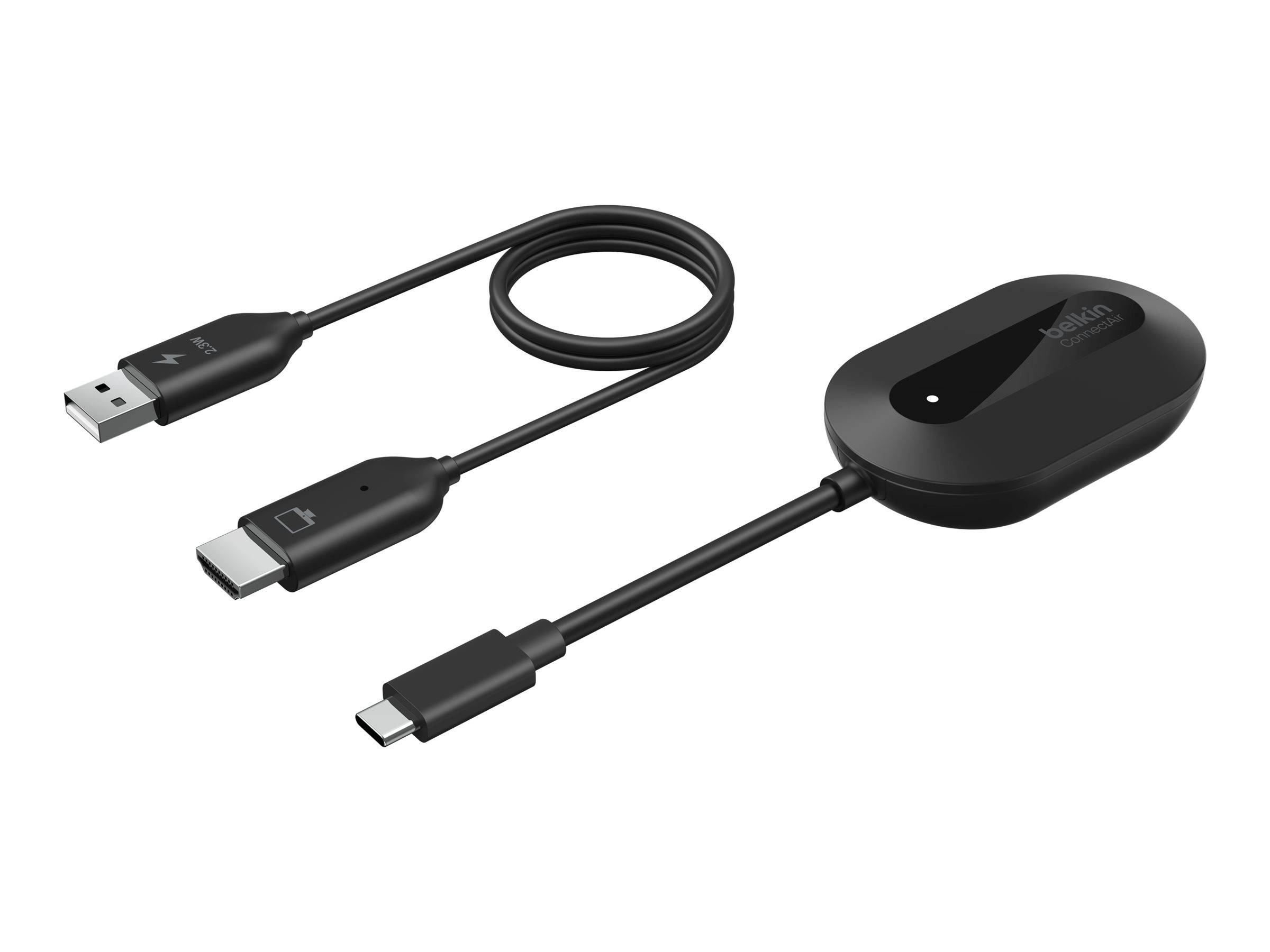
The Belkin ConnectAir Wireless HDMI Display Adapter (AVC024HQBK) sends your laptop, tablet or phone screen to a TV, monitor or projector without an HDMI cable across the room. It is a two-piece kit: a USB-C transmitter plugs into your device and an HDMI receiver plugs into the display, and the two talk to each other directly — no Wi-Fi network, Bluetooth, app or driver involved. It carries video and audio at up to 1080p 60 Hz with latency below 80 ms and a range of up to 40 m in open space, which makes it a tidy fix for meeting rooms, classrooms and home presentations where cables across the floor are a problem.
Compatibility — check before buying:
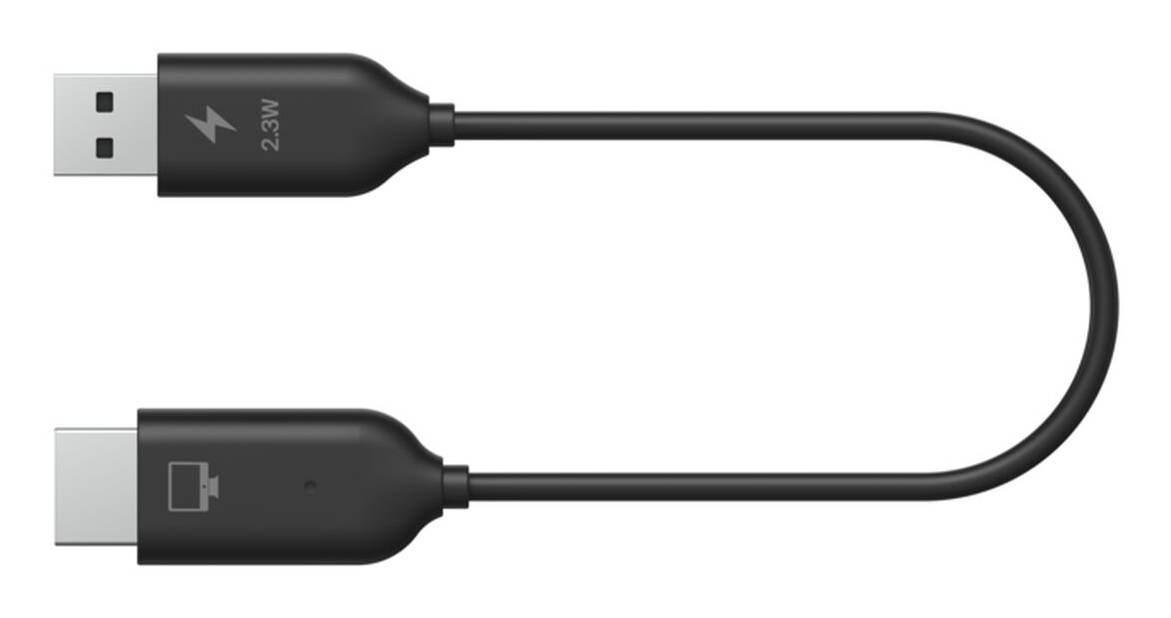
Your device needs a USB-C port with video output (DisplayPort Alt Mode) — charge-only USB-C ports do not work. Belkin lists Windows, macOS and ChromeOS laptops, iPad Pro/Air (M1/M2) and Samsung DeX phones; Lightning iPhones are not supported, and Belkin neither confirms nor excludes USB-C iPhones. Maximum resolution is 1080p 60 Hz — no 4K, and it supports HDCP 1.4, so some protected 4K streaming may show a black screen. The receiver needs USB power (a USB-A port on the TV giving at least 2.3 W, or a USB power adapter, not included). Tell us your laptop or tablet model and we check it before you order.
Best For
✓ Meeting rooms and huddle spaces
✓ Classrooms and training rooms
✓ Presenting to a projector across the room
✓ Hot-desk offices with shared screens
✓ Home TV presentations and photo slideshows
✓ Laptops with USB-C video output
Key Features
Direct wireless link
The transmitter and receiver pair with each other, not with your network, so there is nothing to install and no IT approval for a Wi-Fi connection. Belkin quotes latency below 80 ms — fine for slides, documents and video, though not intended for fast gaming.
Up to 40 m range
Belkin rates the link at up to 40 m in open space. Walls and people shorten that in real rooms, but it comfortably covers a typical meeting room or classroom from the laptop at the table to the screen on the wall.
Share one screen, up to 8 presenters
One receiver can be paired with up to eight transmitters, with one streaming at a time. Add transmitters for each presenter and they take turns on the same display without swapping cables. Mirror or extend works depending on what your device supports.
Simple setup and power
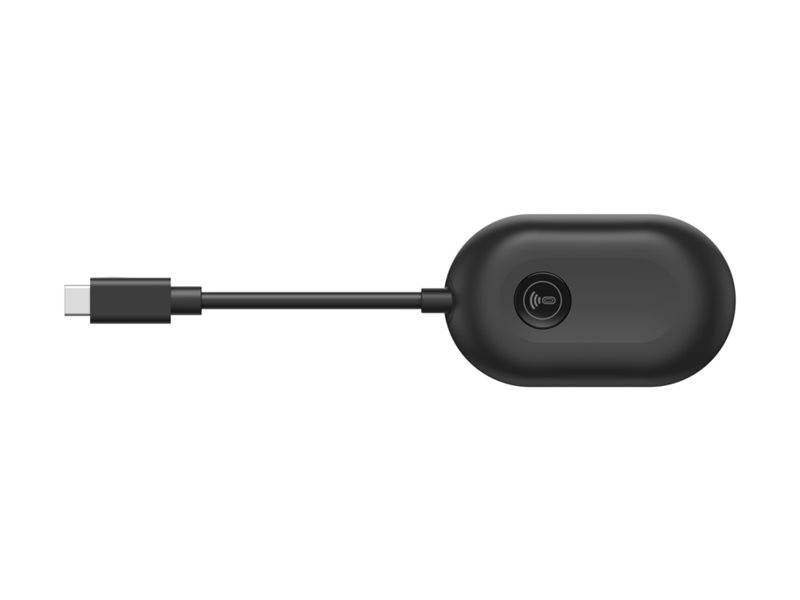
Pair once: hold the receiver reset button for 2 seconds and the transmitter pair button for 5 seconds; they connect within about 30 seconds. The transmitter draws 5 V 0.5 A from your device; the receiver needs 5 V 1 A from a USB port or USB adapter. Indoor use, 0–40 °C.
Technical Specifications
Frequently Asked Questions
Singular Expert Insight
ConnectAir is the simplest way to remove the HDMI cable from a meeting table: no network setup, no app, and one receiver can serve up to eight presenters. Choose it over a wired adapter when the display is far from where people sit; choose a wired USB-C to HDMI solution when you need 4K or zero latency. If the laptop also needs charging, Ethernet and USB ports at the desk, look at our docking stations, and for a new meeting-room screen see our commercial monitors.
Buyer’s Guide
Buy it if
you present from a USB-C laptop or iPad to a TV or projector up to 40 m away and want 1080p 60 Hz with audio and no cables, network or software.
Skip it if
you need 4K, near-zero latency for gaming, or your device only has Lightning or a charge-only USB-C port.
Also consider
A wired USB-C to HDMI cable for 4K at the desk, or a USB-C docking station for a permanent workstation.
Features - BELKIN - AVC024HQBK
Colour
black
Interface
- USB Type-C
More Details
Product Code
CQ75988
EAN Code
0745883924547
Manufacturer
BELKIN