
Belkin 14 Port USB-C Docking Station 65W INC003VFBK 2x HDMI 2x DisplayPort MST Triple Display Gigabit Ethernet Black
Brand:
BELKIN

Belkin 14 Port USB-C Docking Station 65W INC003VFBK 2x HDMI 2x DisplayPort MST Triple Display Gigabit Ethernet Black
€372.97 inc. VAT
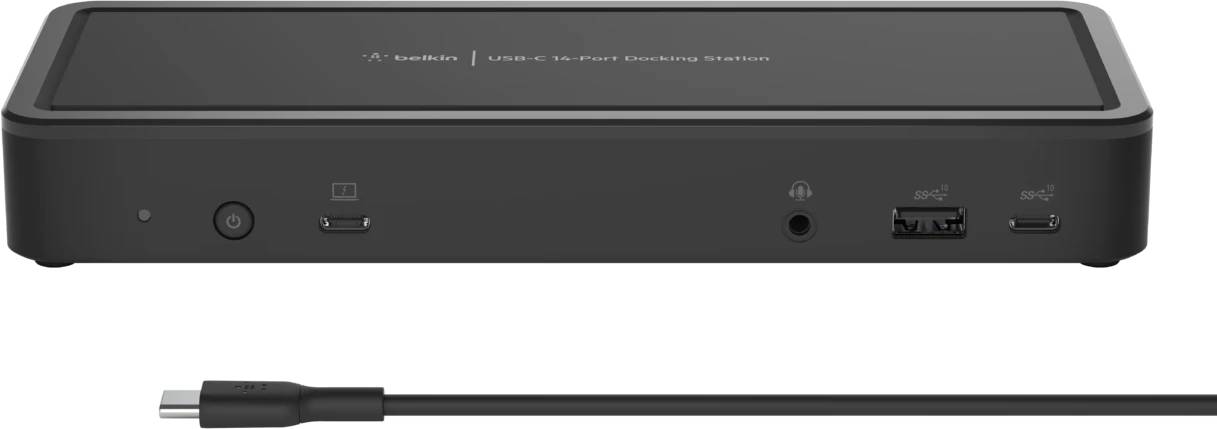
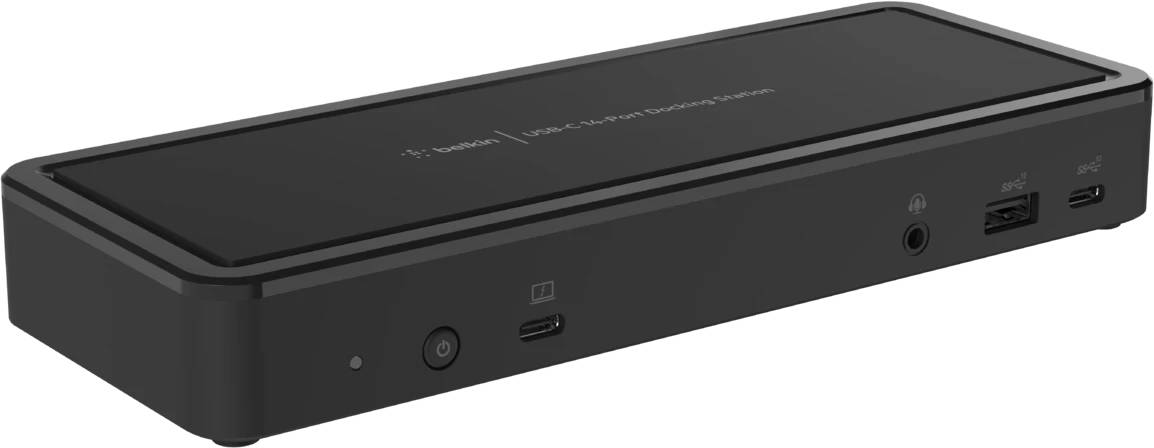
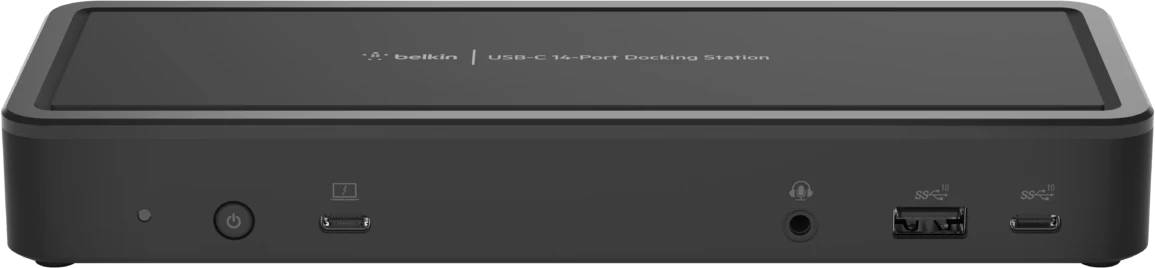



INC003VFBK
Delivery
Order Today...
Ships...
Delivery...
ℹ️ Large or fragile items (e.g. monitors) may require extra handling time. We'll keep you informed.
Payment options
Trusted Tech Choice
Buying Benefits
Verified
Competitive EU pricing
Delivered to Cyprus from EU stock
Local warranty support
Please sign in so that we can notify you about a reply
Belkin 14-Port USB-C Docking Station 65W — 2x HDMI, 2x DisplayPort
14 ports2x HDMI + 2x DPMST, up to 3 displaysGigabit EthernetChromebook Certified
The Belkin INC003VFBK is the port-count answer: fourteen connections including two HDMI 2.0 and two DisplayPort 1.4 outputs, seven USB ports, Gigabit Ethernet and audio, all from one USB-C cable. It is Chromebook Certified, which is a real programme rather than a marketing line.
Video is DisplayPort Alt Mode with MST, not DisplayLink. There are four video connectors but a maximum of three displays at once, and only on a Windows host whose graphics support MST. Chromebooks are limited to two extended displays.
Compatibility — check before buying:
Windows hosts with MST support get up to three displays. Chromebooks get two. Belkin says plainly that this dock is not recommended for Mac users — macOS does not implement MST, so a Mac will mirror rather than extend. Take that at face value: if the desk is a Mac, choose a DisplayLink dock instead. It is also worth being precise about resolution, because the marketing shorthand is misleading: 4K 60 Hz applies to a single display only. Two displays run at 2K 60 Hz and three run at Full HD 60 Hz.
Best For
✓Windows desks that need a lot of ports rather than the highest resolution
✓Chromebook deployments — this is one of the few docks in the range Belkin has certified for Chrome OS
✓Workstations with a mix of HDMI and DisplayPort monitors already on the desk
Key Features
Fourteen ports, genuinely counted
Two HDMI 2.0, two DisplayPort 1.4, three USB-A at 10 Gbps, two USB-A at 480 Mbps, USB-C upstream, USB-C downstream, USB-C MFDP, Gigabit Ethernet and 3.5 mm audio. Note that Belkin’s count includes the upstream host port.
Four video connectors, three live at once
You can leave all four monitors cabled and choose which three are active, which is useful on a desk that switches between setups.
Chromebook Certified
Belkin has put this model through Google’s certification programme, so Chrome OS behaviour is tested rather than assumed. Chromebooks extend to two displays.
Fast charging on the front USB-A
One USB-A port carries BC 1.2 and Apple 2.4 A fast charging, so phones and tablets charge at a sensible rate rather than trickling.
Technical Specifications
Frequently Asked Questions
Singular Expert Insight
Two corrections worth making before you order, because the feeds get both wrong. This is an MST dock, not DisplayLink — which is precisely why Belkin says it is not recommended for Macs. And “triple display 4K” is not achievable: three displays run at Full HD. Judged on what it actually is — a fourteen-port Chromebook-certified Windows dock — it is a lot of connectivity for the money.
Buyer's Guide
Buy it if
Buy this if you run Windows or Chrome OS, need a large number of ports, and Full HD or 2K on the secondary screens is acceptable.
Skip it if
Skip it if you use a Mac, if you need 4K on more than one display, or if you need more than 65 W of laptop charging.
Also consider
Also worth a look: Belkin’s DisplayLink docks for Macs and multi-display setups, the 11-in-1 Pro GaN Dock with 96W charging, and our wider accessories range.
Features - BELKIN - INC003VFBK
Colour
black
Interface
- USB Type-C,
- USB3.0,
- Ethernet
More Details
Product Code
CD97108
EAN Code
0745883815746
Manufacturer
BELKIN