
Belkin Connect USB4 Cable USB-C to USB-C 2 m 240W Power Delivery 20Gbps 4K 60Hz HDR USB-IF Certified Black
Brand:
BELKIN

Belkin Connect USB4 Cable USB-C to USB-C 2 m 240W Power Delivery 20Gbps 4K 60Hz HDR USB-IF Certified Black
€45.79 inc. VAT


INZ004BT2MBK
Delivery
Order Today...
Ships...
Delivery...
ℹ️ Large or fragile items (e.g. monitors) may require extra handling time. We'll keep you informed.
Payment options
Trusted Tech Choice
Buying Benefits
Verified
Competitive EU pricing
Delivered to Cyprus from EU stock
Local warranty support
Please sign in so that we can notify you about a reply
Belkin Connect USB4 Cable — 2 m, 240W and 20Gbps
240 W Power Delivery20 Gbps data transfer4K at 60 Hz HDR videoUSB-IF certified
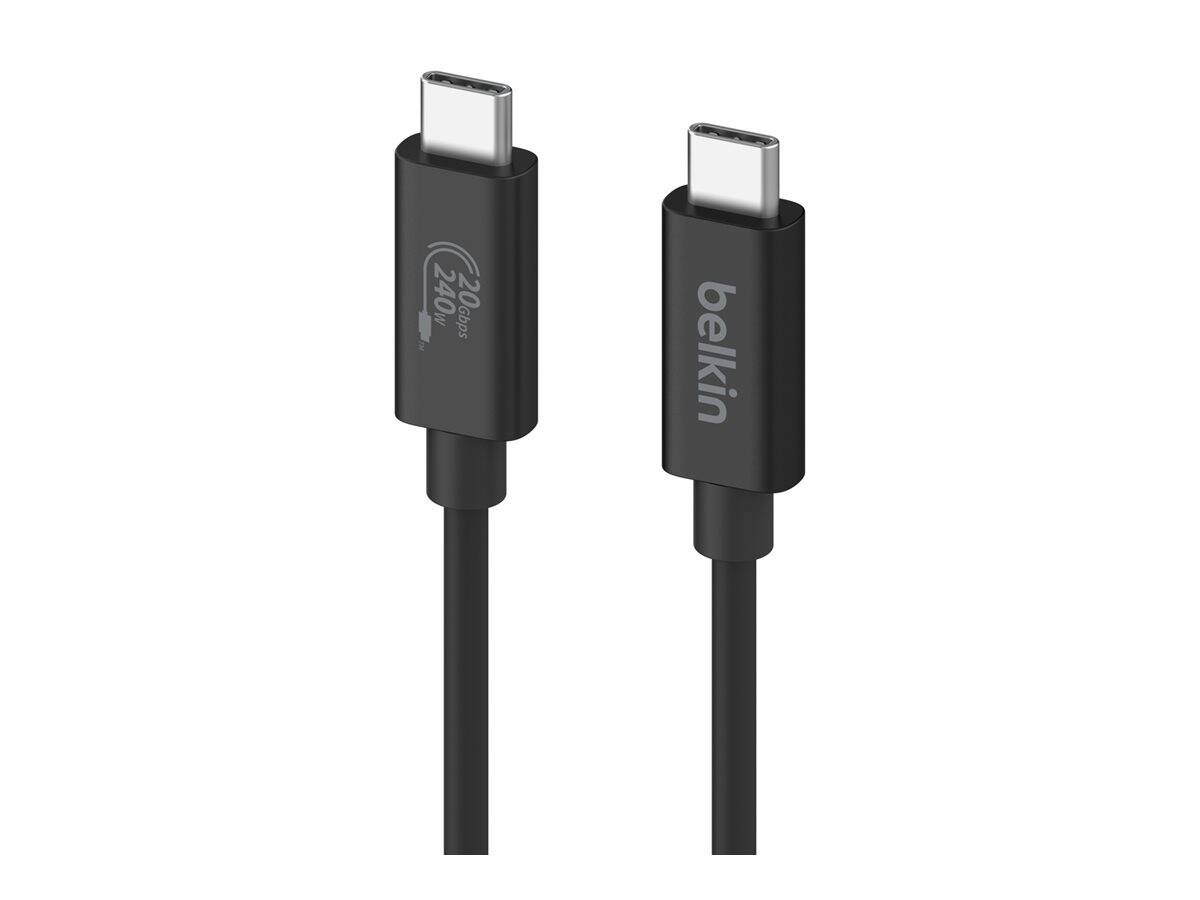
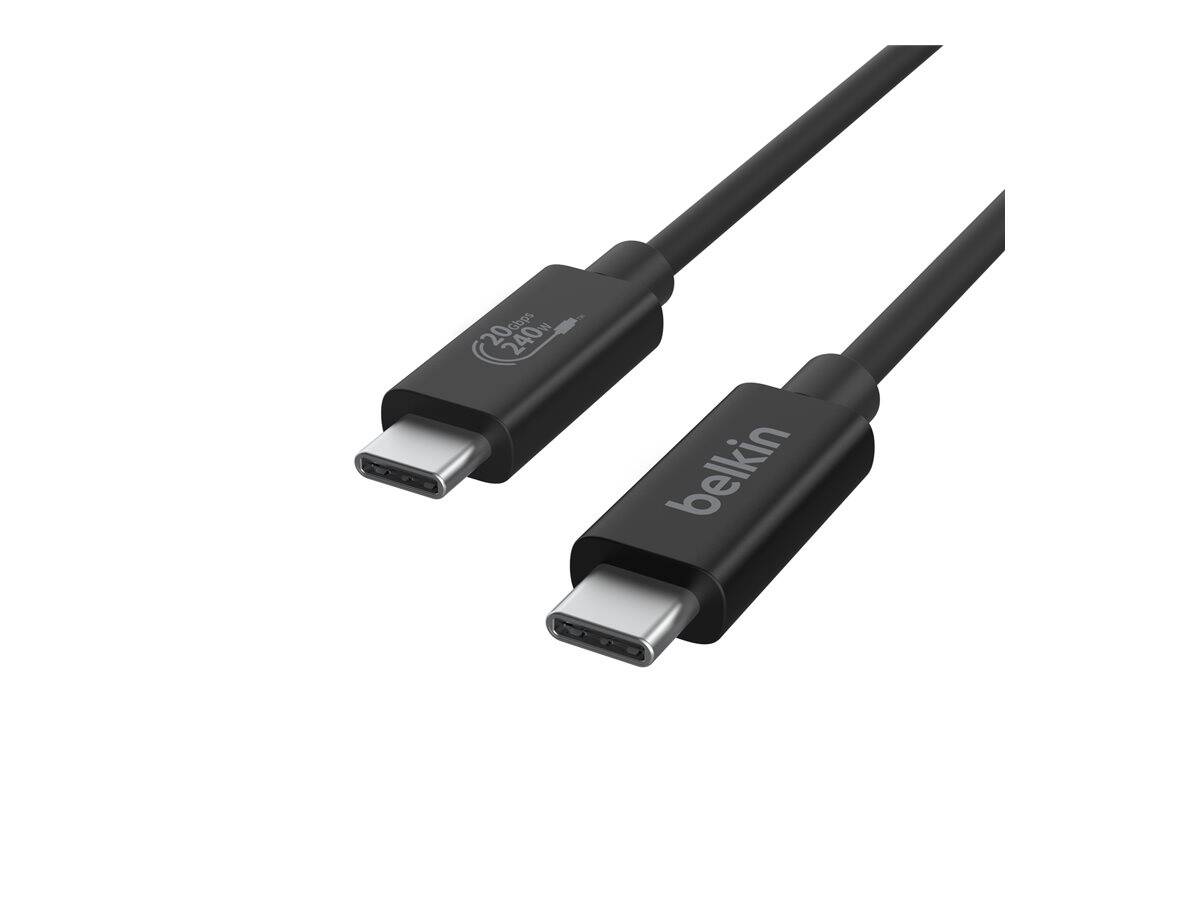
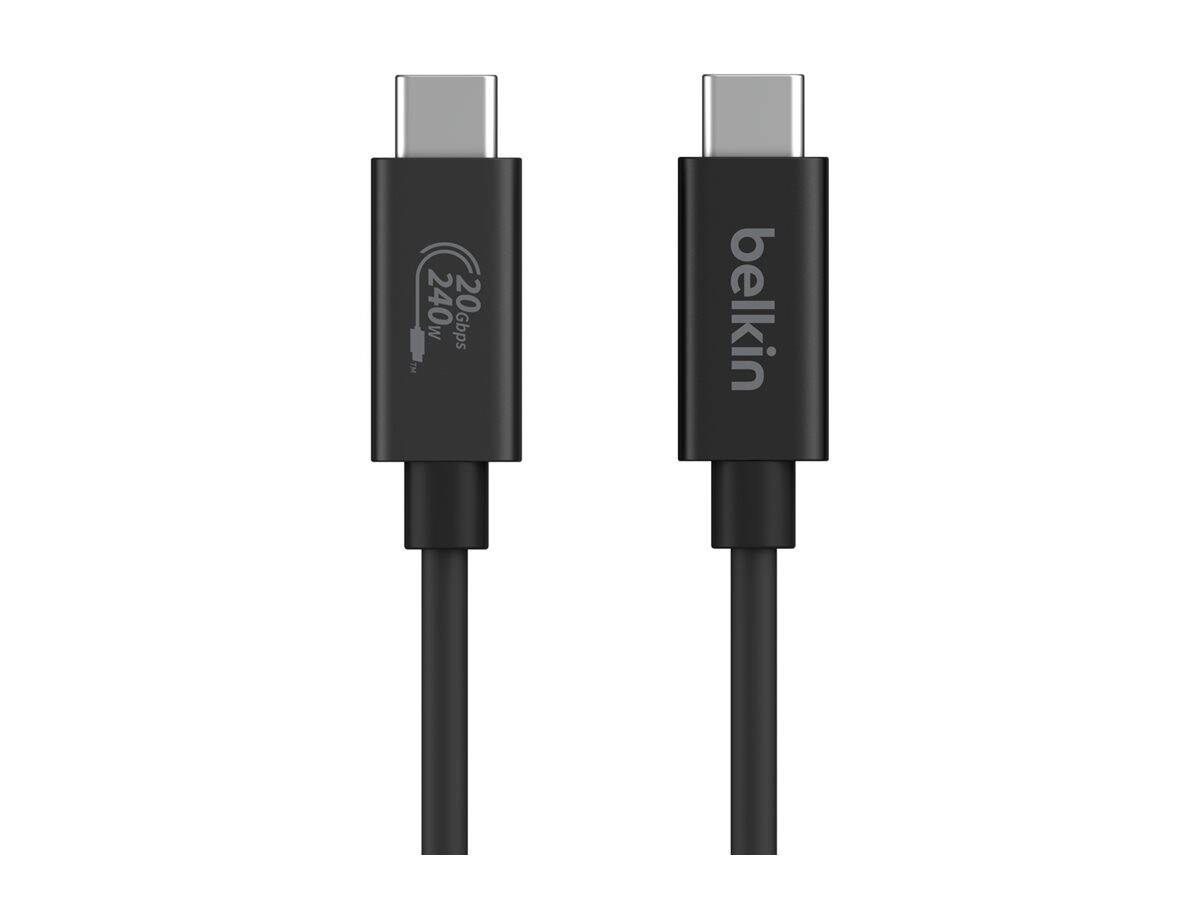
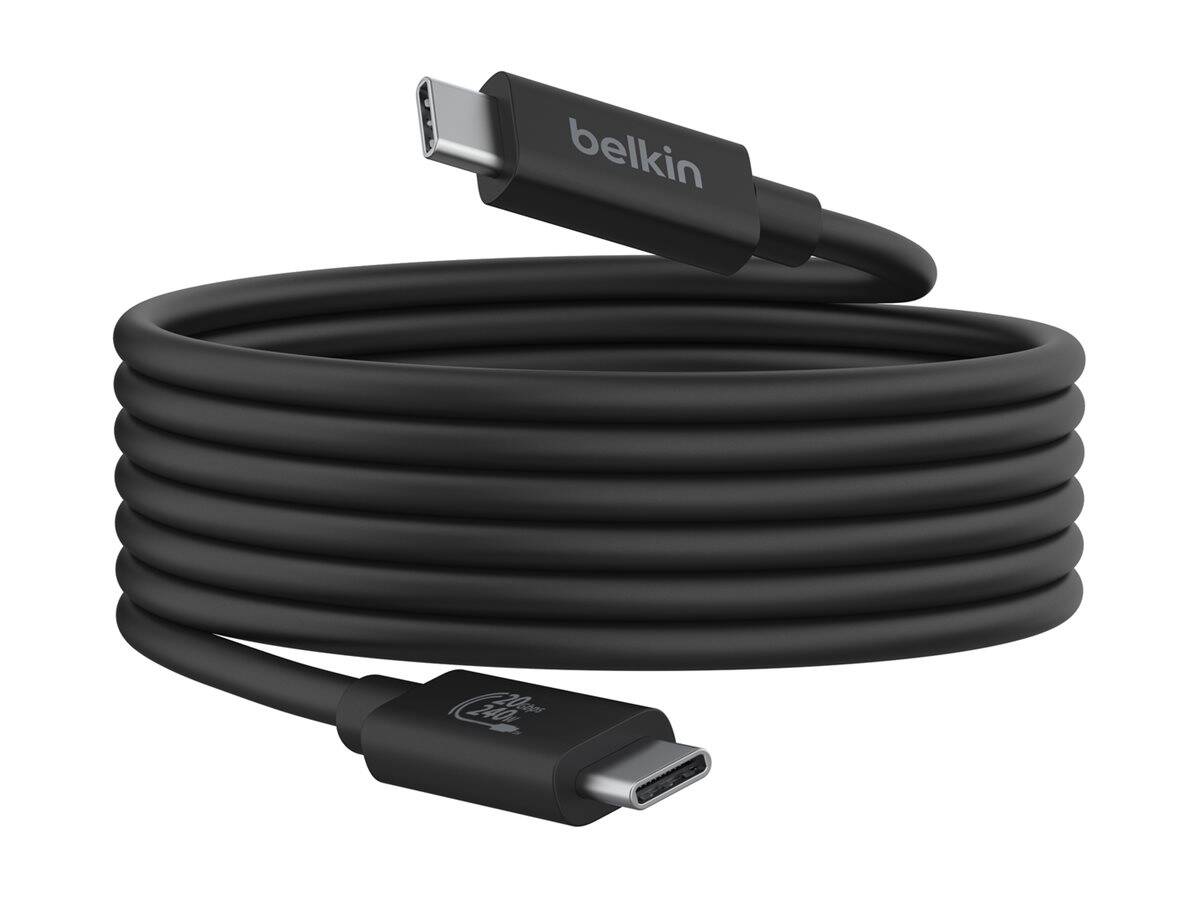
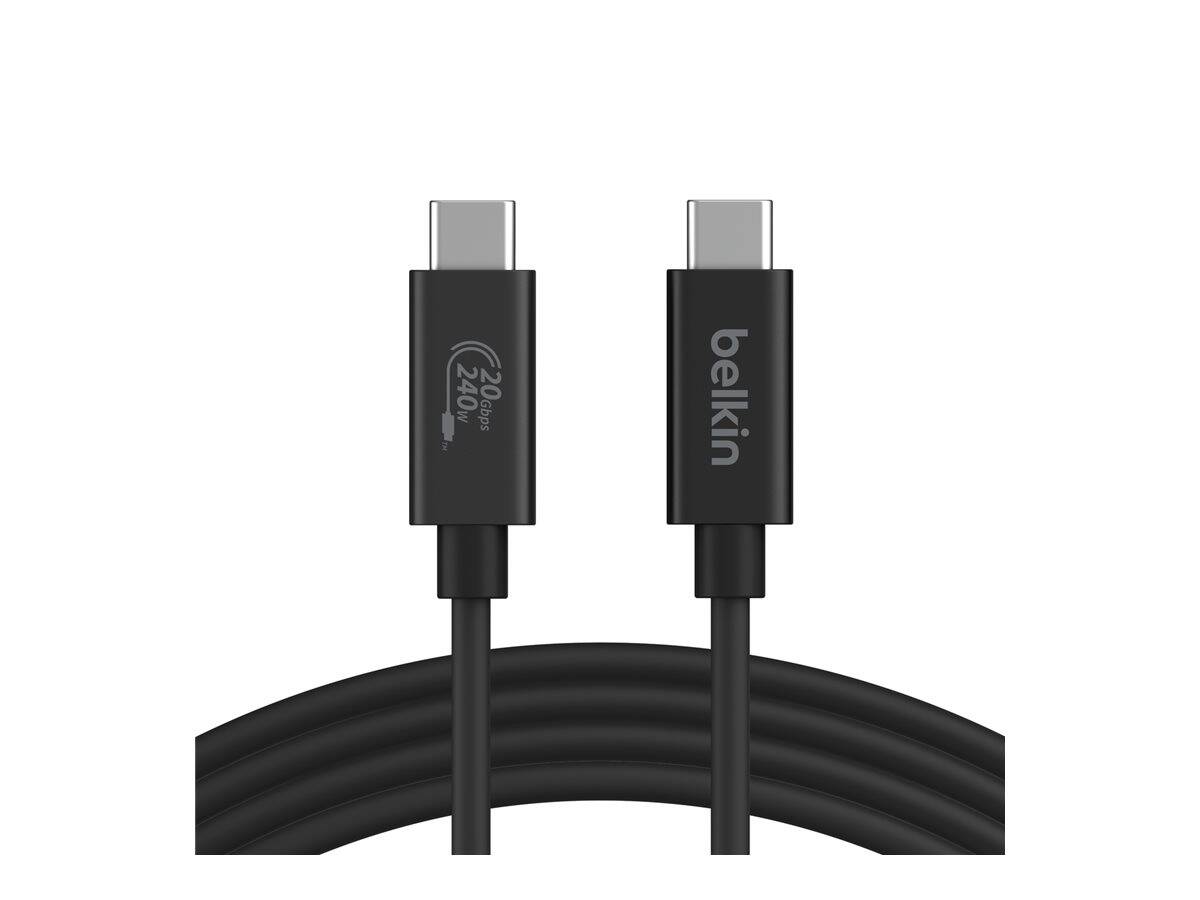
The Belkin Connect USB4 cable (part number INZ004BT2MBK) is a 2 m / 6.6 ft USB-C to USB-C cable that carries power, data and video on one run: 240 W Power Delivery, 20 Gbps of data — four times USB 3.0 — and 4K at 60 Hz with HDR. It is USB-IF certified, which is the difference between a cable that has been tested against the specification and one that has the numbers printed on the bag. 240 W is the full USB Power Delivery 3.1 ceiling, so it will run a gaming laptop, not just a phone. The jacket is a durable fire-resistant material rated for 5,000 bends, the housing is at least 75% post-consumer recycled plastic, and the packaging is 100% plastic-free.
Compatibility — check before buying:
The cable is backward compatible with Thunderbolt 4, Thunderbolt 3, USB 3.2, USB 3.0 and USB 2.0, so it works with almost anything that has a USB-C socket — the connection simply runs at whatever the slower end supports. Belkin has tested it with the MacBook Air M2, MacBook Pro 13-inch M2, iPad Pro 12.9-inch 5th generation, Dell XPS 13 and 15 and the Lenovo ThinkPad X1 Carbon. Note that 240 W and 20 Gbps both require the devices at each end to support them; on a phone the cable simply behaves as a very good charging cable.
Best For
✓ Laptop owners who want one cable for power, data and a monitor
✓ Anyone charging a high-wattage USB-C laptop at 100 W or more
✓ People connecting an external SSD or dock at 20 Gbps
✓ Thunderbolt 3 and 4 users who need a longer, certified cable
✓ Anyone tired of guessing what an unlabelled USB-C cable can do
✓ Buyers who want USB-IF certification rather than marketing claims
Key Features
240 W, the full PD ceiling
240 W is the top of USB Power Delivery 3.1 — enough for a gaming laptop, a workstation laptop or anything smaller. A cable rated below the charger is the usual reason a laptop charges slowly on paper-correct hardware.
20 Gbps data
Four times the throughput of USB 3.0. That is the difference between an external NVMe SSD running near its speed and one crawling, and it is what a dock needs to carry several devices at once.
4K at 60 Hz with HDR
Video over the same cable, at 4K and 60 Hz with high dynamic range, so a single USB-C run can drive a monitor as well as charging the laptop.
Certified and built to survive
USB-IF certification means the cable was tested against the standard. The jacket is a fire-resistant durable material rated to 5,000 bends, and the housing is at least 75% post-consumer recycled plastic.
Technical Specifications
Frequently Asked Questions
Singular Expert Insight
Most USB-C cables look identical and behave nothing alike: the one bundled with a phone is often 60 W and USB 2.0, which is why a laptop charges slowly and an external SSD runs at a fraction of its rating on a cable that physically fits. Certification is the only way to know, and this one is USB-IF certified for 240 W, 20 Gbps and 4K 60 Hz HDR — a single cable that does not need to be re-thought for each device. If you specifically need 40 Gbps for a Thunderbolt 4 dock, buy the Thunderbolt cable instead. See our USB-C cables and docking stations for the rest of the range.
Buyer's Guide
Buy it if
You want one cable that handles laptop-class power, fast storage and a 4K monitor, with certification behind every number.
Skip it if
You only ever charge a phone — a cheaper 60 W charging cable is enough — or you need the full 40 Gbps of Thunderbolt 4.
Also consider
A 240 W rated USB-C charger to make use of the full power headroom, and a dock or hub if you plan to run several devices over the one connection.
Features - BELKIN - INZ004BT2MBK
Colour
black
Length
2m
More Details
Product Code
CK21997
EAN Code
0745883879892
Manufacturer
BELKIN