
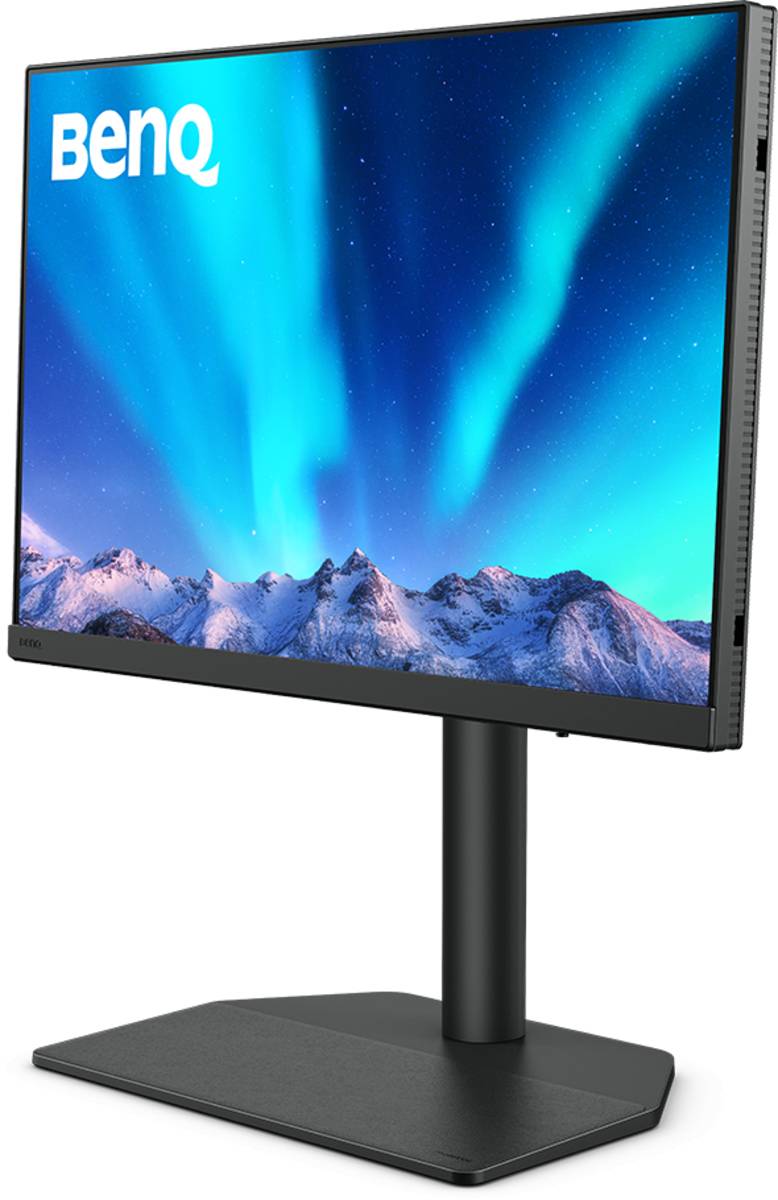
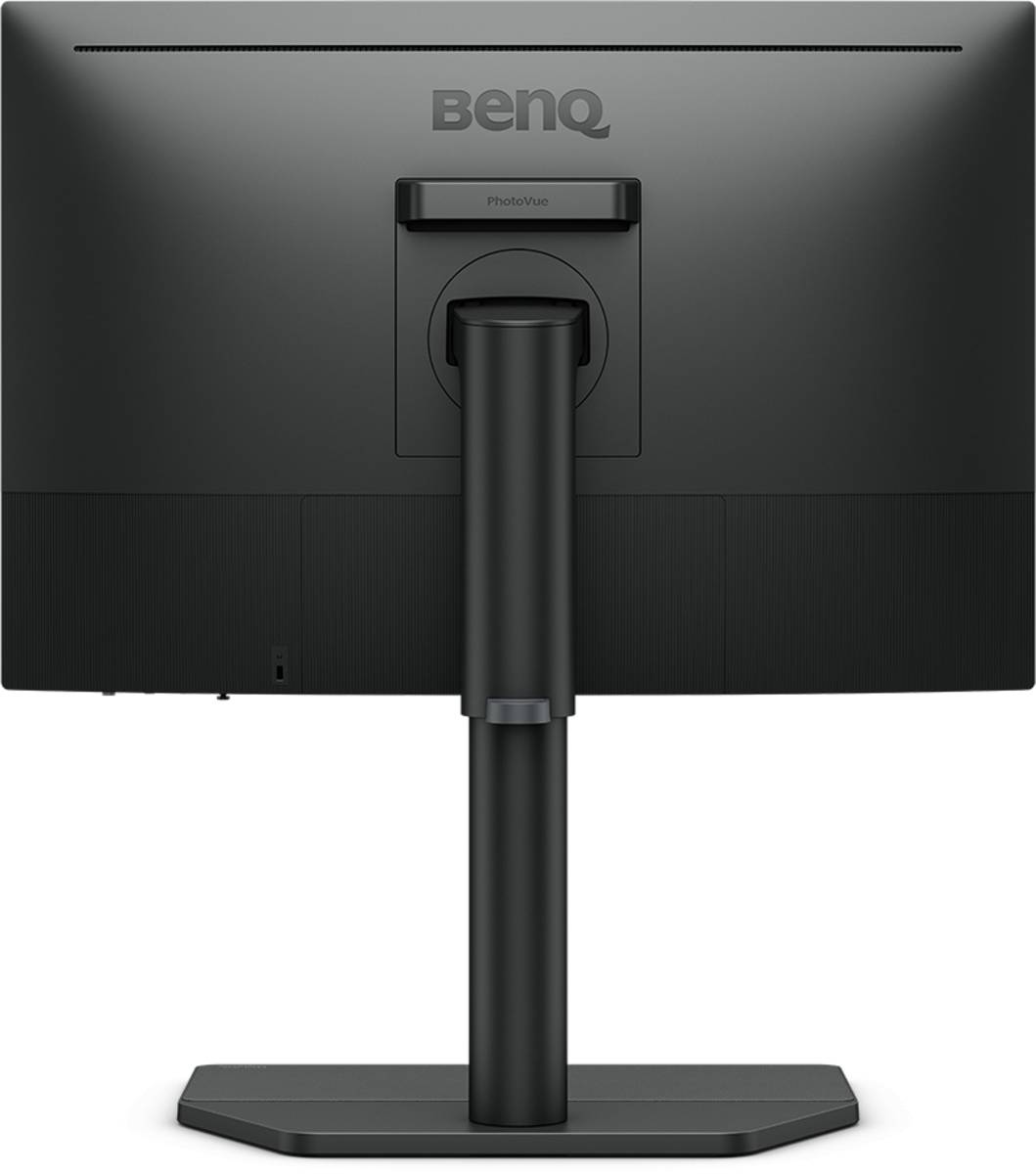
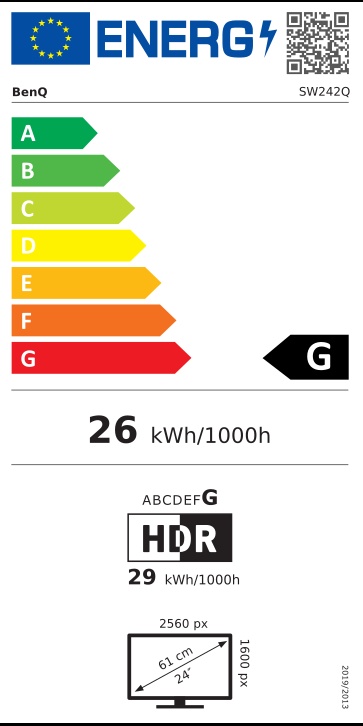
BenQ PhotoVue SW242Q 24" 2560x1600 IPS Photographer Monitor, 99% Adobe RGB, Hardware Calibration, USB-C 90W
Brand:
Benq

BenQ PhotoVue SW242Q 24" 2560x1600 IPS Photographer Monitor, 99% Adobe RGB, Hardware Calibration, USB-C 90W
€720.53 inc. VAT



9H.LLVLA.TBE
Delivery
Order Today...
Ships...
Delivery...
ℹ️ Large or fragile items (e.g. monitors) may require extra handling time. We'll keep you informed.
Payment options
Trusted Tech Choice
Buying Benefits
Verified
Competitive EU pricing
Delivered to Cyprus from EU stock
Local warranty support
Please sign in so that we can notify you about a reply
BenQ PhotoVue SW242Q — 24" 2560x1600 Monitor for Photographers
24.1" 16:10 IPS99% Adobe RGBHardware calibrationUSB-C 90W
The BenQ PhotoVue SW242Q is a 24.1-inch 2560 x 1600 (16:10) IPS monitor for photographers, covering 99% Adobe RGB, 98% Display P3 and 100% sRGB with hardware calibration through a 16-bit 3D LUT.
It is built around the photo workflow: Paper Color Sync to preview prints on your actual paper, Gamut Duo to show two colour spaces side by side, a black-and-white preview mode, an SD card reader on the side and USB-C with 90W charging for laptop editing. Each unit ships factory calibrated (Delta E ≤1.5) with a calibration report, and is Calman Verified and Pantone Validated.
Before you order: Hardware calibration stores the profile inside the monitor, but needs a supported colorimeter (not included) and BenQ Palette Master Ultimate software. The SH242 shading hood is an optional accessory, not in the box.
What's in the Box
- BenQ SW242Q monitor with stand
- DisplayPort 1.4 cable
- HDMI 2.0 cable
- USB-C cable
- USB 3.0 cable
- Factory calibration report
- I/O cover
- Quick start guide and safety instructions
What It Means in Practice
- 16:10 at 2560 x 1600 gives extra vertical room for editing tool panels compared with a 16:9 QHD screen.
- Calibrate with your colorimeter once and the monitor keeps the result internally, independent of the computer.
- The USB-C port delivers picture, data and 90W charging to a laptop over one cable.
- The KVM lets a desktop and laptop share the same keyboard and mouse.
- Pivot to portrait for vertical images and long layouts.
What Will Not Work
- No colorimeter or shading hood in the box — both are separate purchases.
- Not for gaming: 60 Hz maximum.
- HDR10 support is for previewing HDR content, not for HDR grading.
- No daisy chain output and no built-in network port.
Key Features
Wide professional gamut
99% Adobe RGB, 98% P3, 100% sRGB with 1.07 billion colours.
Hardware calibration
16-bit 3D LUT, Palette Master Ultimate, factory report Delta E ≤1.5.
Photo workflow tools
Paper Color Sync, Gamut Duo, B+W mode, uniformity correction, SD card reader.
One-cable laptop editing
USB-C with DP Alt Mode and 90W power delivery, plus KVM.
Technical Specifications
Frequently Asked Questions
Singular Expert Insight · Buyer's Guide
The SW242Q brings real photo-editing features — Adobe RGB, hardware calibration, Paper Color Sync — to a compact 24" desk size. It is a print-workflow tool rather than a general office screen. For hoods and arms, look through our monitor accessories.
✓ Buy it if you edit and print photos and want accurate Adobe RGB on a 24" screen with USB-C.
✕ Skip it if you want a built-in calibration sensor or a larger 27" 4K workspace.
→ Also consider EIZO ColorEdge CS2400S for 24" hardware calibration, or EIZO ColorEdge CG2700X with a built-in sensor.
Not sure which colorimeter works with it? Tell us the one you own and we will check.
Features - Benq - 9H.LLVLA.TBE
Colour
grey
More Details
Product Code
CK95037
EAN Code
4718755093159
Manufacturer
Benq