
Club 3D CSV-2511 USB-C Bi-Directional Switch, Video + Data + PD, 2-to-1 or 1-to-2, 8K 60Hz, 10Gbps, 100W Passthrough
Brand:
Club 3D

Club 3D CSV-2511 USB-C Bi-Directional Switch, Video + Data + PD, 2-to-1 or 1-to-2, 8K 60Hz, 10Gbps, 100W Passthrough
€32.19 inc. VAT


CSV-2511
Delivery
Order Today...
Ships...
Delivery...
ℹ️ Large or fragile items (e.g. monitors) may require extra handling time. We'll keep you informed.
Payment options
Trusted Tech Choice
Buying Benefits
Verified
Competitive EU pricing
Delivered to Cyprus from EU stock
Local warranty support
Please sign in so that we can notify you about a reply
Club 3D CSV-2511 — USB-C Bi-Directional Switch for Video, Data and Power
2→1 or 1→28K 60Hz · DP 1.4USB 3.2 Gen 2 · 10Gbps100W PD passthrough
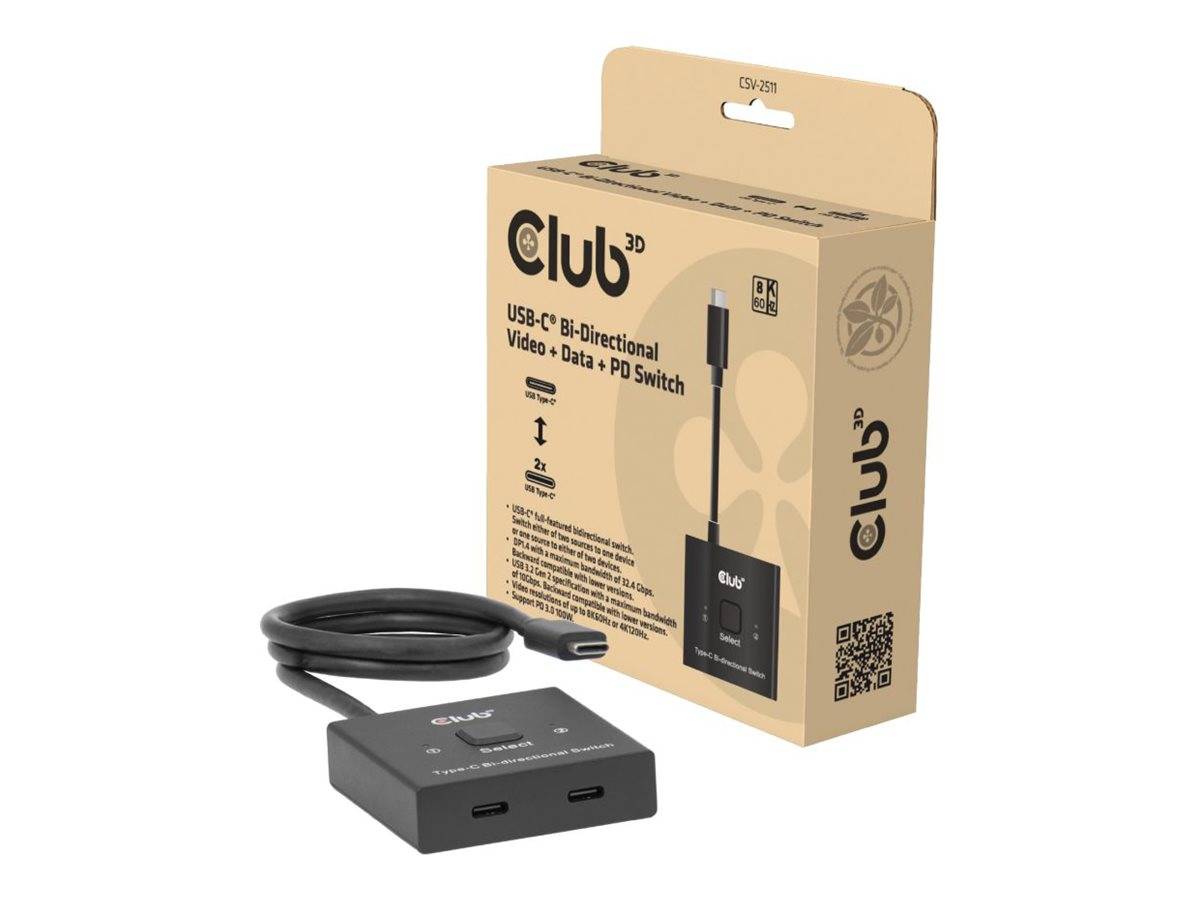
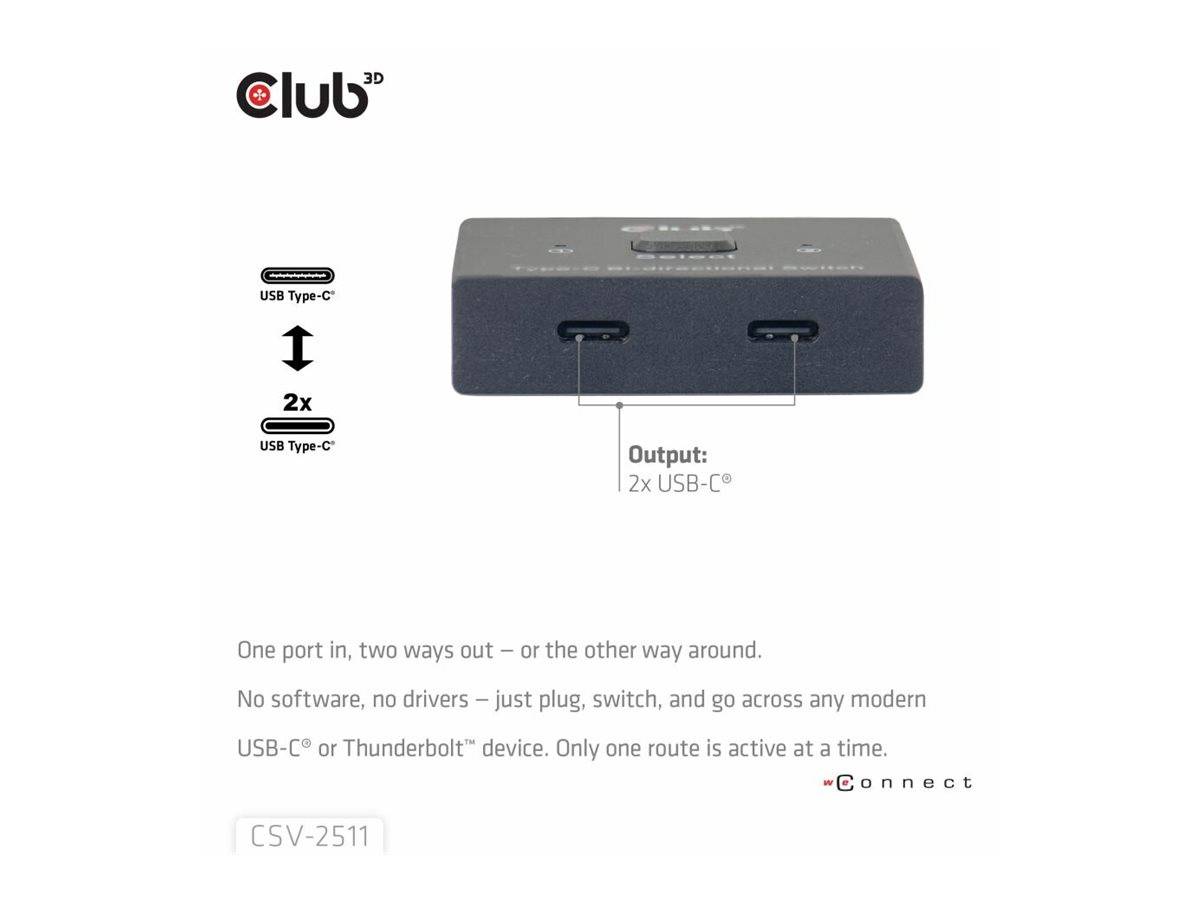
The Club 3D CSV-2511 is a bi-directional USB-C switch that switches video (DisplayPort 1.4 Alt Mode up to 8K 60Hz or 4K 120Hz), USB 3.2 Gen 2 data (10Gbps) and USB Power Delivery up to 100W together, either from two USB-C laptops to one USB-C monitor or dock, or from one laptop to two monitors or docks.
One button with blue LEDs selects the active port, so two people — or a work laptop and a personal laptop — can share one USB-C monitor with its keyboard, mouse and charging, without re-plugging cables. Used the other way round, one laptop can be switched between two USB-C displays or docks, for example between a desk and a meeting screen.
Before you order: The switch needs its own 5V USB-C power (it draws about 0.1W); a 1 m USB-C power cable is included but no power adapter, and no signal cables are included — you need a USB-C cable for each device. Video only works from USB-C ports with DisplayPort Alt Mode.
What's in the Box
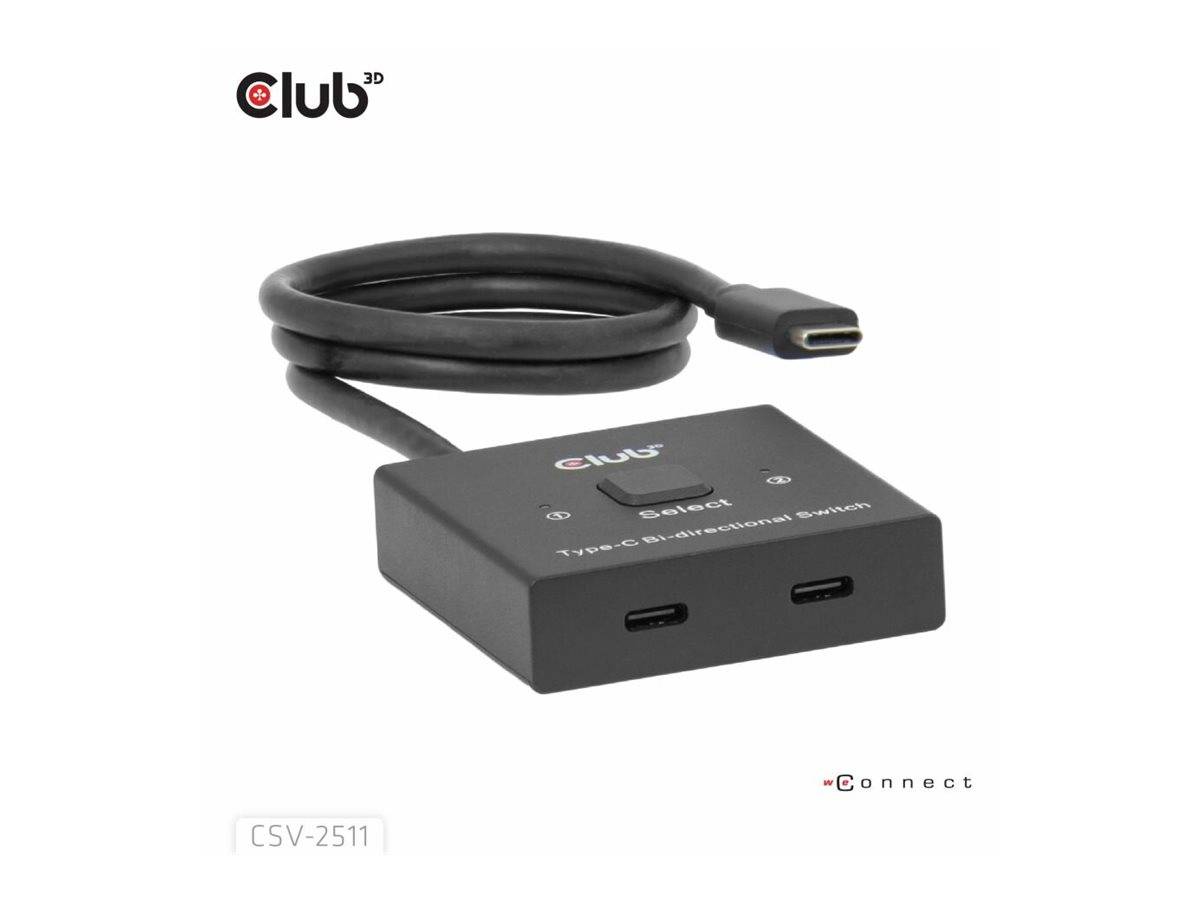
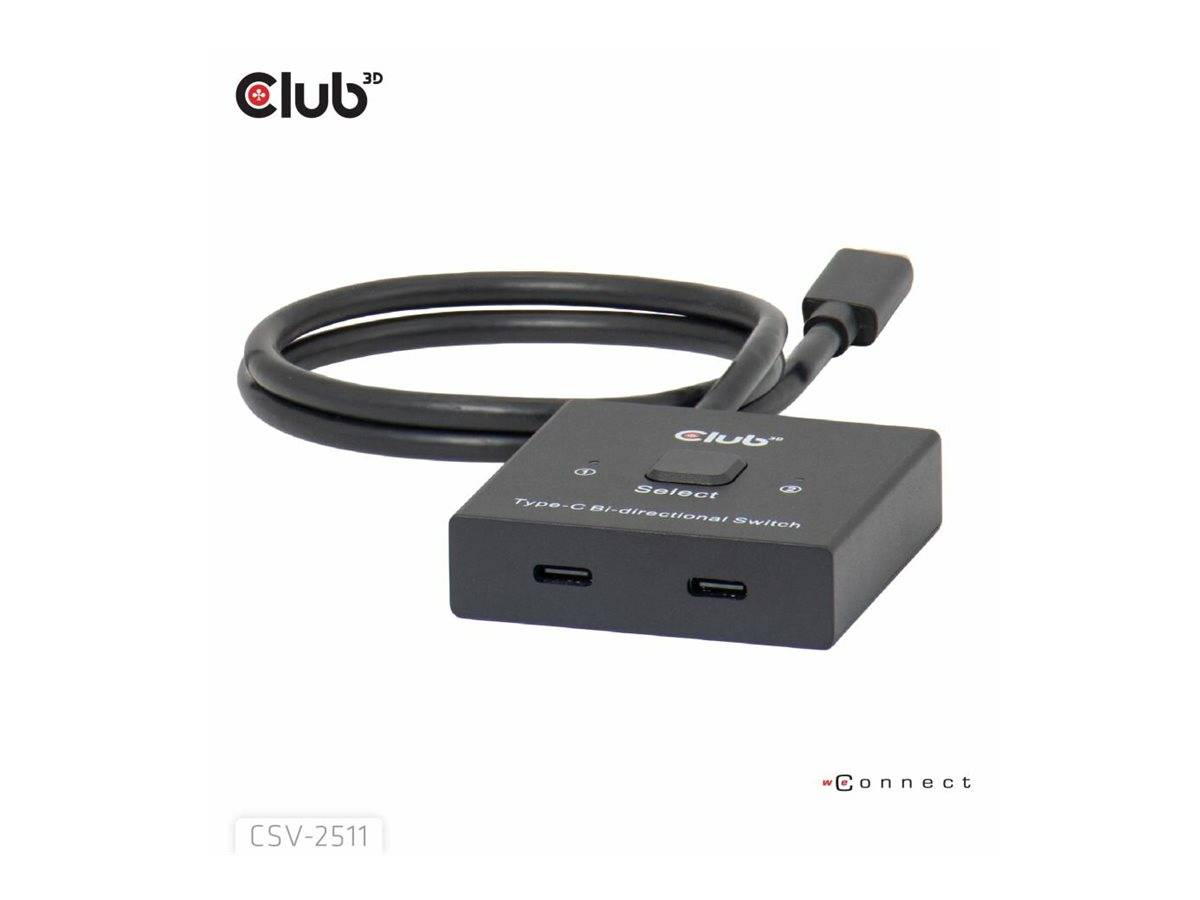
- 1 × Club 3D CSV-2511 USB-C bi-directional switch, black
- 1 × USB-C cable for power, 1 m
- Power adapter and signal cables not included
What It Means in Practice
- Two laptops, one monitor: connect both laptops to the two switchable ports and the USB-C monitor or dock to the common port; press the button to swap.
- One laptop, two screens or docks: connect the laptop to the common port and two USB-C displays or docks to the switchable ports — only one is active at a time.
- Charging: Power Delivery up to 100W passes between the active host and the monitor or dock.
- Data: the monitor or dock's USB ports (keyboard, mouse, webcam) move with the picture at up to 10Gbps.
What Will Not Work
- It does not show both inputs at once — it is a switch, not a splitter or multi-view.
- It will not work with HDMI or DisplayPort-only monitors without a USB-C input; use a USB-C monitor or dock.
- It does not pass more than 100W, so 140W or 240W laptops charge more slowly.
- It will not work without its own 5V USB-C power supply, which is not included.
Key Features
Bi-directional
2 sources to 1 display, or 1 source to 2 displays.
8K 60Hz video
DP 1.4 Alt Mode, 32.4Gbps, HDCP pass-through; 4K 120Hz.
10Gbps + 100W
USB 3.2 Gen 2 data and PD 3.0 up to 100W switch together.
One button
Toggle button with blue LEDs for the active port.
Technical Specifications
Frequently Asked Questions
Singular Expert Insight · Buyer's Guide
For two laptops sharing one USB-C monitor, a video + data + power switch is cleaner than a KVM with separate cables: one button moves picture, peripherals and charging together. For non-USB-C setups look at our video switchers.
✓ Buy it if two USB-C laptops share one USB-C monitor or dock, or one laptop moves between two USB-C screens.
✕ Skip it if your monitors have only HDMI/DisplayPort, or you need both pictures at once.
→ Also consider a USB-C docking station if one laptop needs several screens at the same time.
Not sure it fits your setup? Send us the model of your laptop, dock, monitor or phone and we will check the port before you order.
Features - Club 3D - CSV-2511
Colour
black
Interface
- USB Type-C
More Details
Product Code
04:549197
EAN Code
8719214473310
Manufacturer
Club 3D