Contour RollerMouse Go — Compact Wireless Centred Mouse for Laptops
Laptop-width rollerbar, either handBluetooth, 2.4 GHz and USB-CUp to 4000 DPI, 10 speedsSleeve folds into the wrist rest
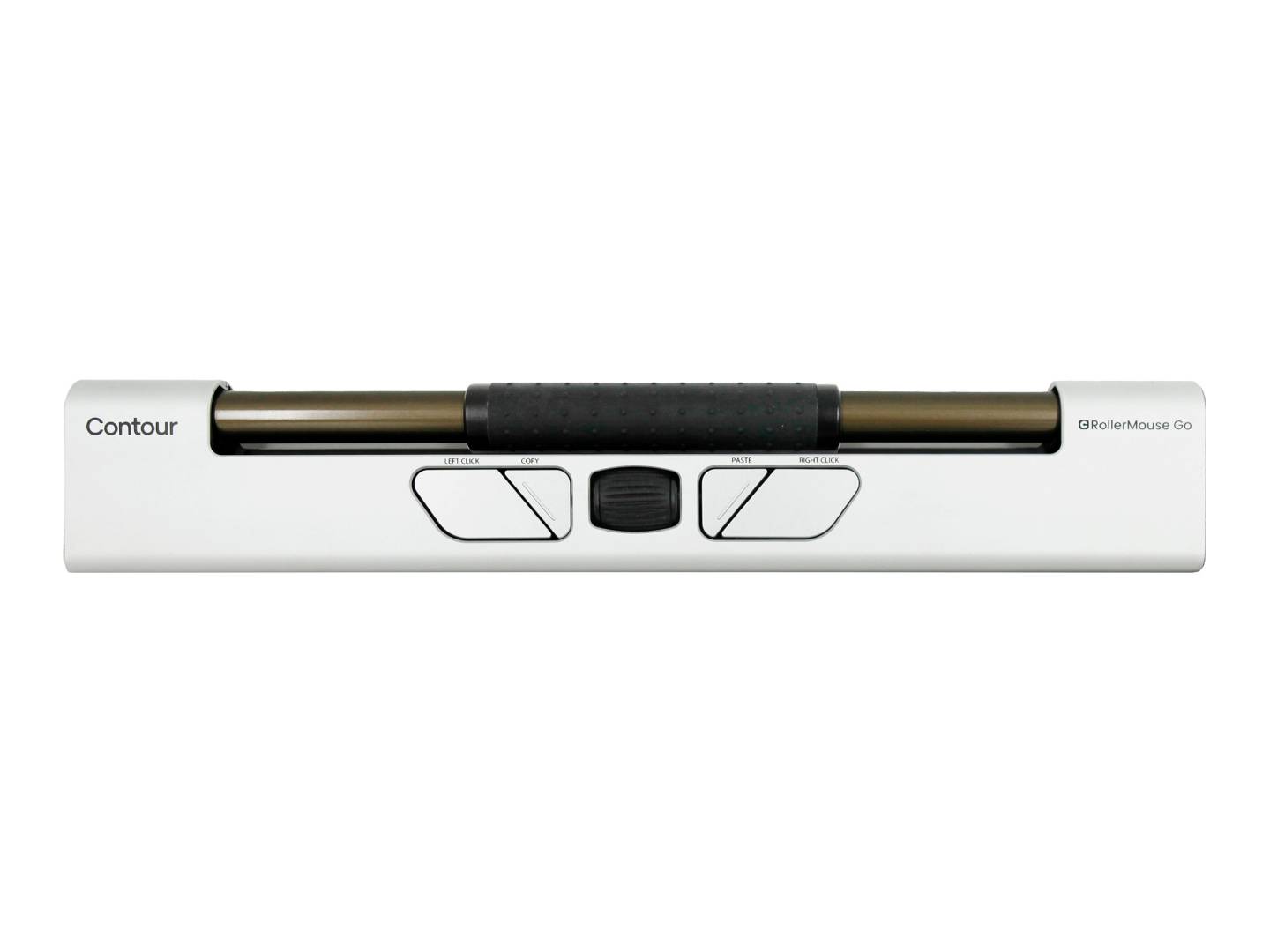
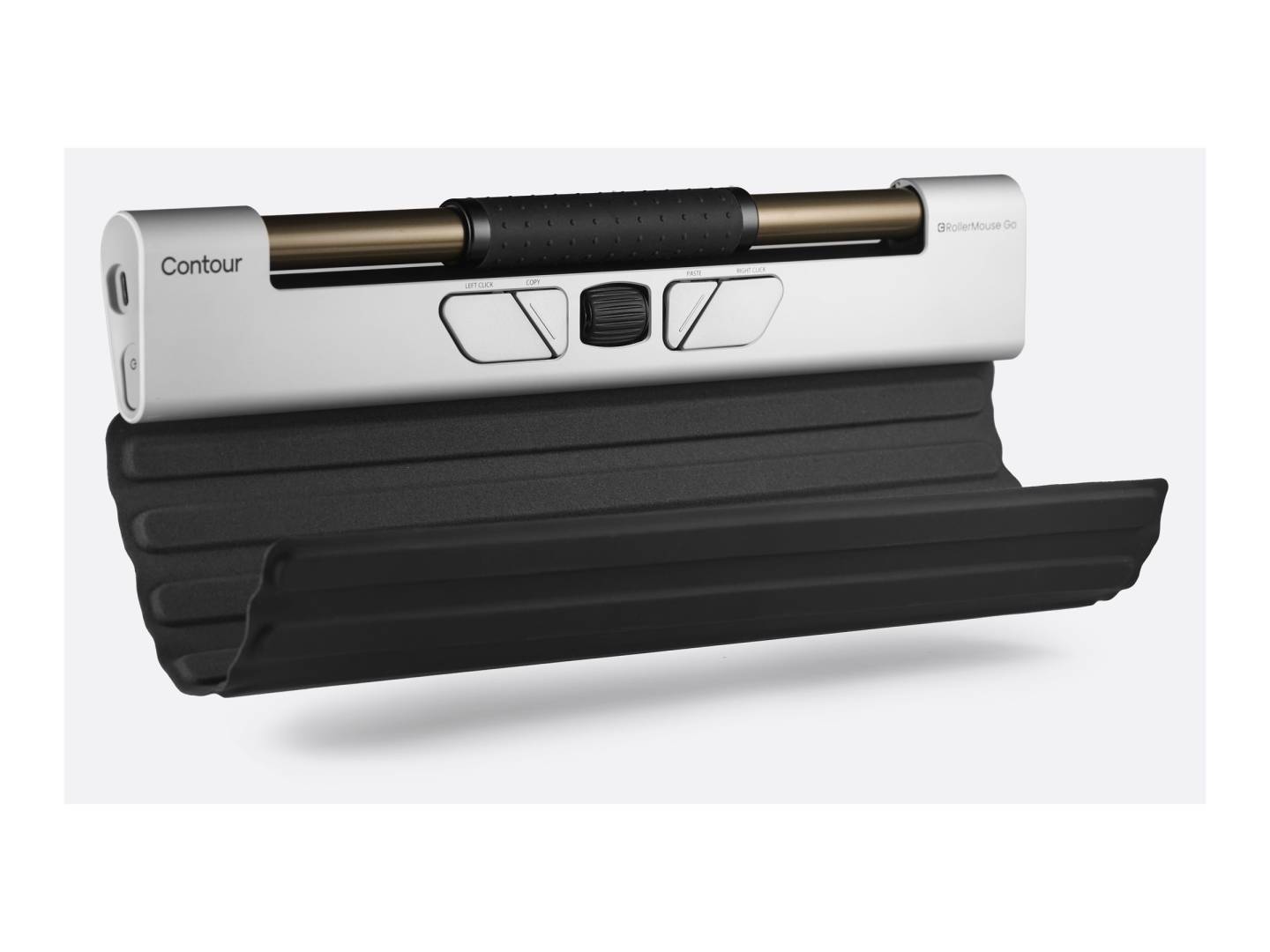
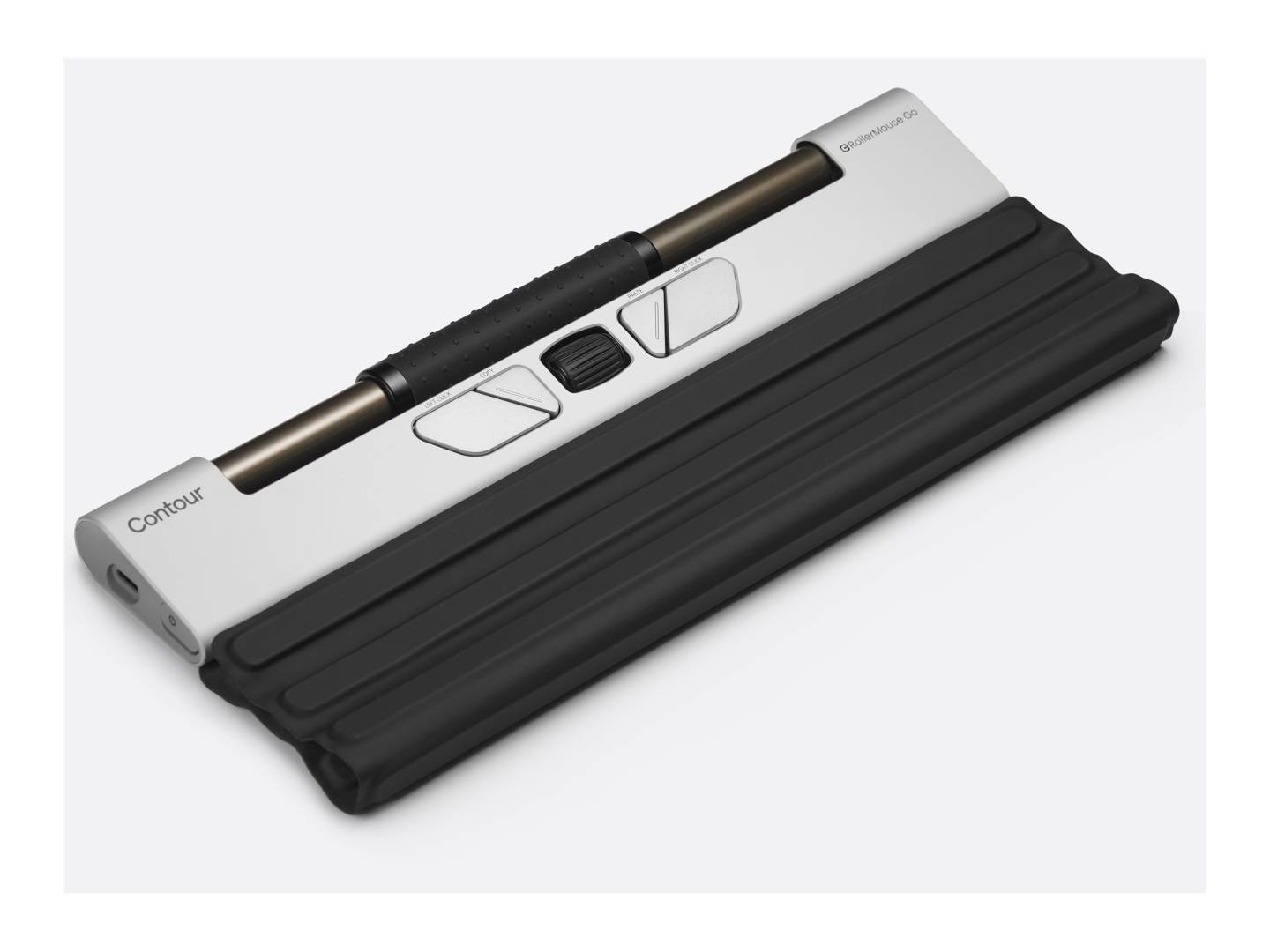
The Contour RollerMouse Go is the compact, travel version of the RollerMouse: a centred mouse whose rollerbar sits in front of a laptop keyboard, so you slide and roll the bar to move the cursor and press it to click without ever reaching out to the side, with either hand. It is sized for a laptop or compact keyboard, has five programmable buttons plus a scroll wheel, ten cursor-speed settings up to 4000 DPI, and connects by Bluetooth, the included 2.4 GHz dongle or a USB-C cable. The travel sleeve unfolds into the wrist support, and Contour publishes about four hours for a full charge. Part number CDRMGO10000, EAN 0743870004449. It is for people with RSI, shoulder or wrist pain who work from a laptop and move between desks. Tell us how you work and we will confirm the Go is the right RollerMouse.
Compatibility — check before buying:
The rollerbar spans a laptop or compact keyboard; with a full-size desktop keyboard the bar is narrower than the keys, which is what the optional RollerMouse Go Dock is for (it widens the Go to full keyboard width) — ask us if your desk has a full keyboard. Connects by Bluetooth, the 2.4 GHz USB-A dongle (with extender) or USB-C cable; Contour lists Windows and macOS and offers an optional free driver; ChromeOS and Linux are not published for the Go. Contour publishes no dimensions, weight or battery runtime on its product page for the Go — we do not quote reseller figures. If you work at one fixed desk with a full keyboard, the RollerMouse Red Plus is the full-width model.
Best For
✓ Laptop users with RSI, shoulder or wrist pain
✓ Hybrid workers moving between home, office and client desks
✓ Ambidextrous or alternating-hand use
✓ Compact desks and hot-desking
✓ Anyone who wants a RollerMouse that fits a laptop bag
✓ Occupational-health equipment for mobile staff
Key Features
The rollerbar replaces the reach
Slide the bar sideways and roll it to move the cursor; press it to click. Both hands stay in front of the keyboard, which is what relieves the shoulder and wrist.
Made for a bag
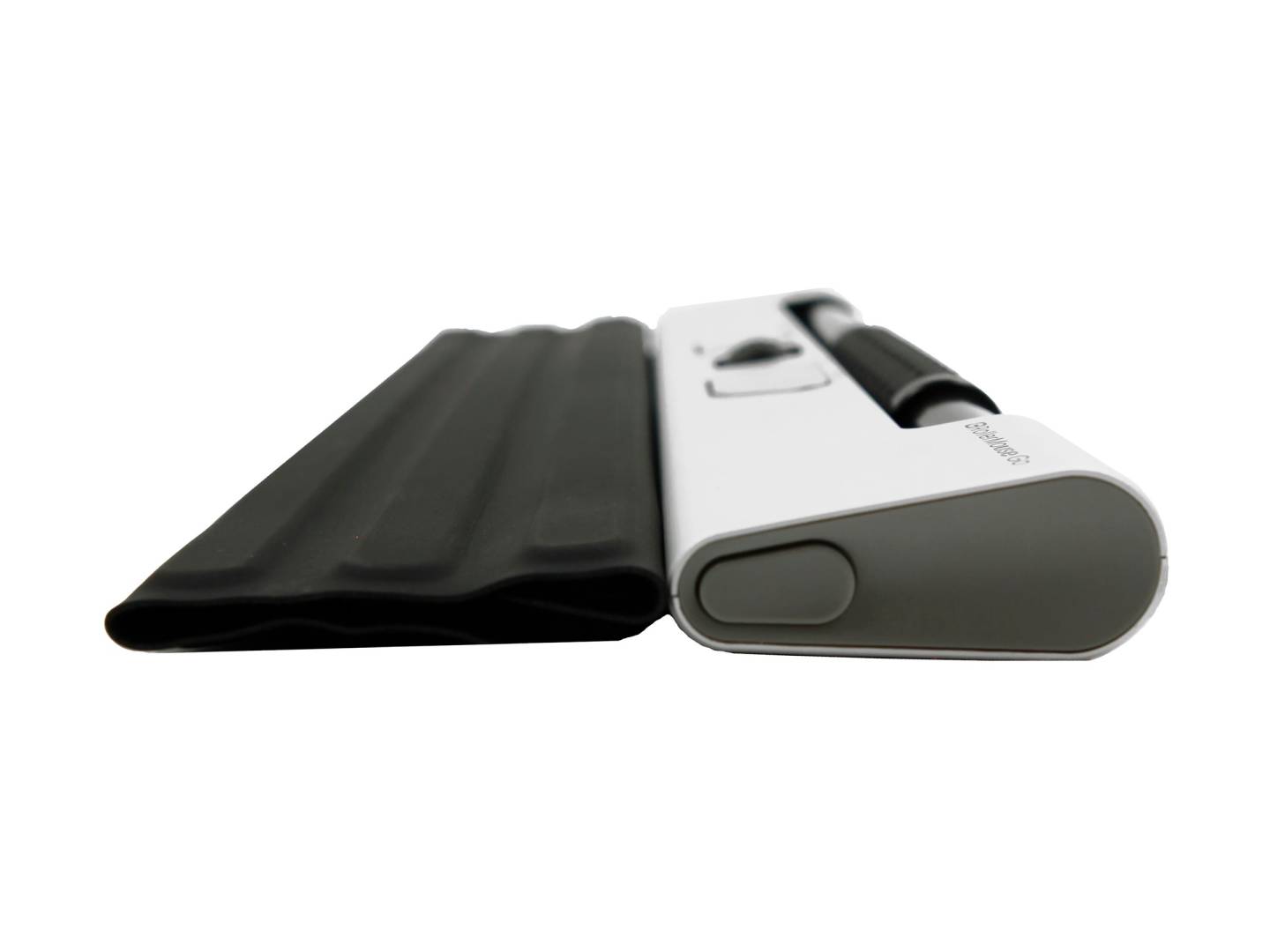
The Go is the compact RollerMouse: the travel sleeve folds into the wrist support, rubber feet lift the laptop keyboard to match, and Bluetooth means no dongle needed on a laptop. Charges over USB-C in about four hours.
Buttons and speed
Copy, paste, left-click, right-click, a cursor-speed button and a scroll wheel, plus the bar itself. Ten speed settings from 600 to 4000 DPI, adjustable from the device.
Technical Specifications
| Identification |
| Brand |
Contour Design |
| Series |
RollerMouse Go |
| Part Number |
CDRMGO10000 |
| EAN / GTIN |
0743870004449 |
| Mouse |
| Type |
Compact centred mouse with rollerbar, either hand |
| Rollerbar |
Laptop / compact keyboard width |
| Buttons |
5 programmable (copy, paste, left, right, cursor speed) plus scroll wheel and rollerbar click |
| Cursor speed |
10 settings: 600 to 4000 DPI |
| Wrist rest |
Travel sleeve folds into the wrist support; detachable |
| Dimensions / weight |
Not published by Contour |
| Connectivity & Battery |
| Modes |
Bluetooth, 2.4 GHz USB-A dongle, USB-C wired |
| Battery |
Rechargeable, pre-charged; about 4 h to full charge; runtime not published |
| Operating systems |
Windows, macOS; optional free Contour driver |
| Optional |
RollerMouse Go Dock widens it to full keyboard width |
| In the Box |
| Contents |
RollerMouse Go, travel sleeve / wrist support, 2.4 GHz dongle, USB extender, charging cable, rubber feet |
| Warranty |
| Warranty |
1-Year Warranty (Singular) |
| Manufacturer Term |
Contour Design publishes a 2-year warranty on all products from the original purchase date, with the battery covered for 6 months as a consumable part. Singular’s direct warranty is 1 year; beyond that we assist you with the manufacturer’s warranty process for its full duration. |
Frequently Asked Questions
Will the RollerMouse Go work with a full-size desktop keyboard?
It works, but the bar is narrower than a full keyboard. Contour’s RollerMouse Go Dock widens it to full width; for a permanent desk the RollerMouse Red Plus is the better fit. Ask us.
Does it work for left-handed users?
Yes. The bar is central, so either hand or both hands can use it, and you can switch during the day.
Does it need software?
No. It is plug and play over Bluetooth, dongle or cable. Contour offers a free optional driver for Windows and macOS to customise the buttons.
How long does the battery last?
Contour publishes about four hours for a full charge but no runtime for the Go on its product page, so we do not quote one. The full-size Red is published at up to three months.
Singular Expert Insight
The Go is the RollerMouse for people who genuinely work from a laptop: it is the only one that fits a bag and the sleeve-as-wrist-rest idea is well thought out. On a fixed desk with a full keyboard, buy the Red Plus instead, or add the Go Dock. See the other wireless mice we stock and ask us to match the model to your workstation.
Buyer’s Guide
Buy it if
You work from a laptop, move between desks and want a centred mouse that stops you reaching to the side, with Bluetooth and a sleeve that becomes the wrist rest.
Skip it if
You sit at one desk with a full-size keyboard (RollerMouse Red Plus), or you want a conventional mouse shape.
Also consider
The RollerMouse Red Plus Wireless for a fixed desk, or the RollerMouse Go Dock to widen the Go to full keyboard width.