
Dell Pro P2726DEB 27 inch QHD IPS Conferencing Monitor 2560x1440 100Hz USB-C 90W Webcam Speakers KVM
Brand:
Dell

Dell Pro P2726DEB 27 inch QHD IPS Conferencing Monitor 2560x1440 100Hz USB-C 90W Webcam Speakers KVM
€541.07 inc. VAT


DELL-P2726DEB
Delivery
Order Today...
Ships...
Delivery...
ℹ️ Large or fragile items (e.g. monitors) may require extra handling time. We'll keep you informed.
Payment options
Trusted Tech Choice
Buying Benefits
Verified
Competitive EU pricing
Delivered to Cyprus from EU stock
Local warranty support
Please sign in so that we can notify you about a reply
Dell Pro P2726DEB — 27-inch QHD USB-C Hub Conferencing Monitor
USB-C with 90 W charging4 MP webcam with Windows Hello2x 5 W speakers and microphoneBuilt-in KVM switch
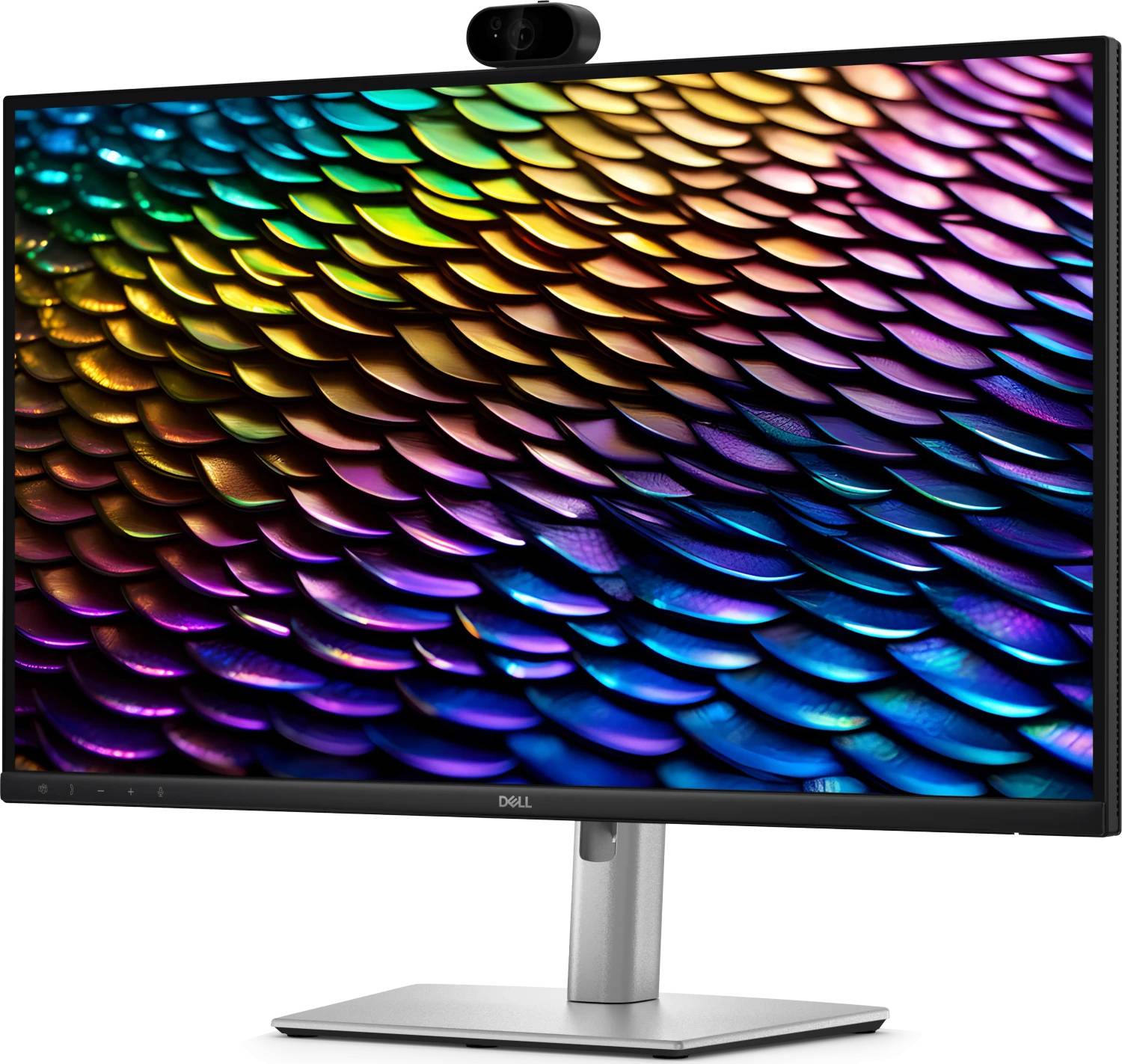
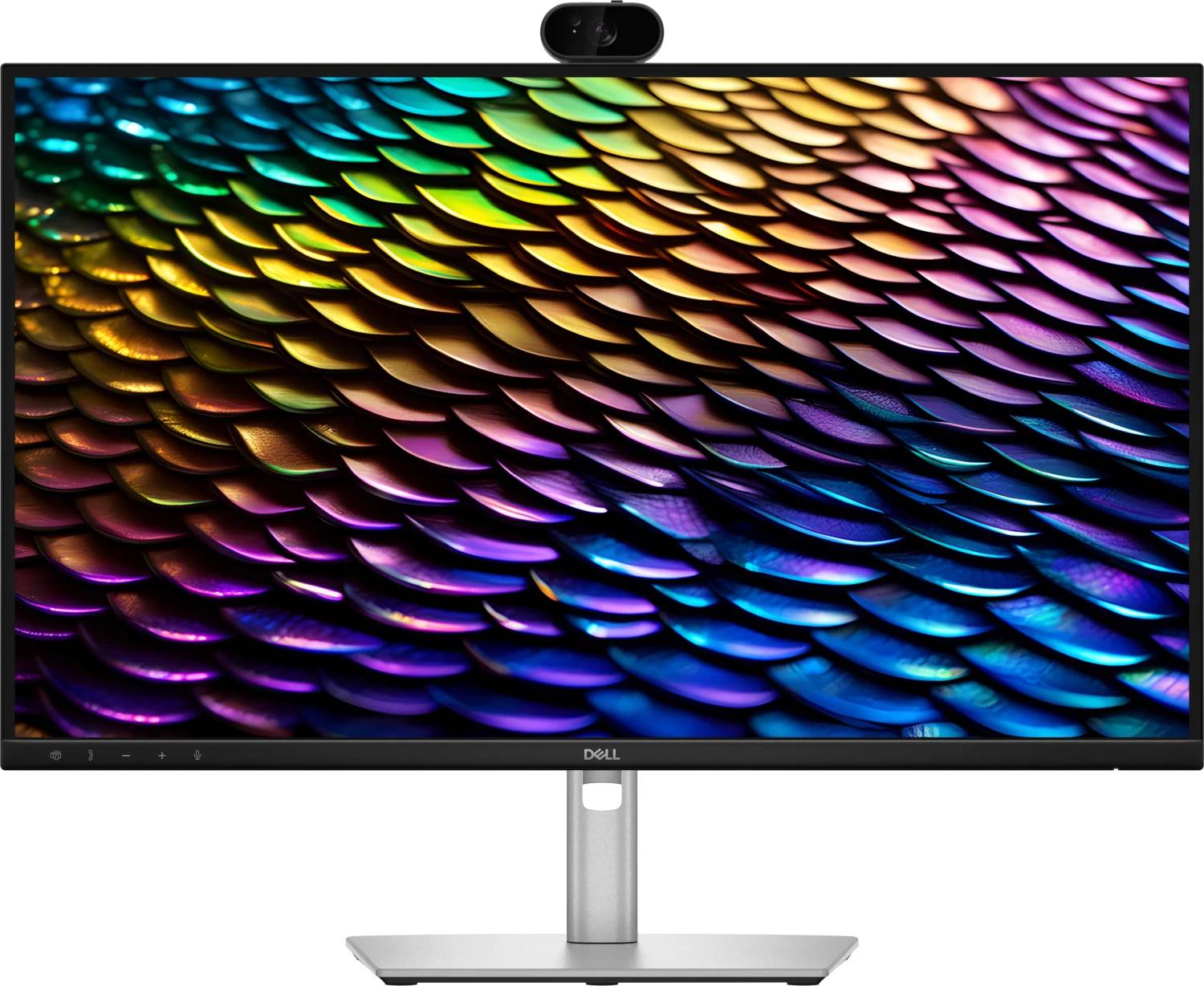
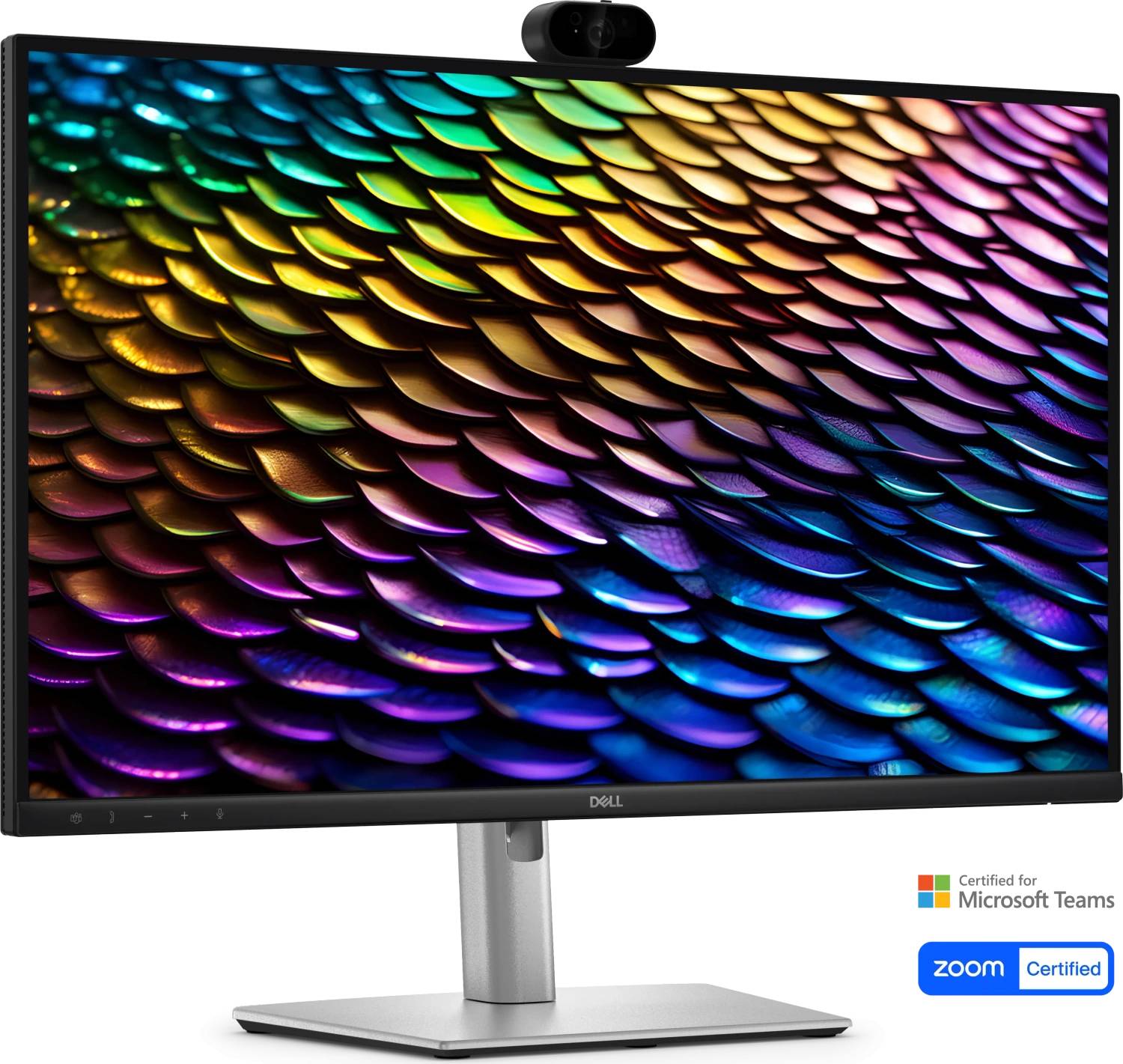
The Dell Pro P2726DEB is a 27-inch QHD monitor that replaces most of a desk. One USB-C cable carries video, the USB hub and up to 90 W of charging to a laptop, while a 4 megapixel webcam, two 5 W speakers and a microphone are built into the panel — which is what the B in the model name marks out as the Conferencing version. A built-in KVM switch lets one keyboard and mouse serve two computers, and a DisplayPort output daisy-chains a second monitor from the same connection. The IPS panel runs 2560 x 1440 at 100 Hz with 350 cd/m2 brightness and 99% sRGB coverage, and the stand raises, tilts, swivels and pivots.
Compatibility — check before buying:
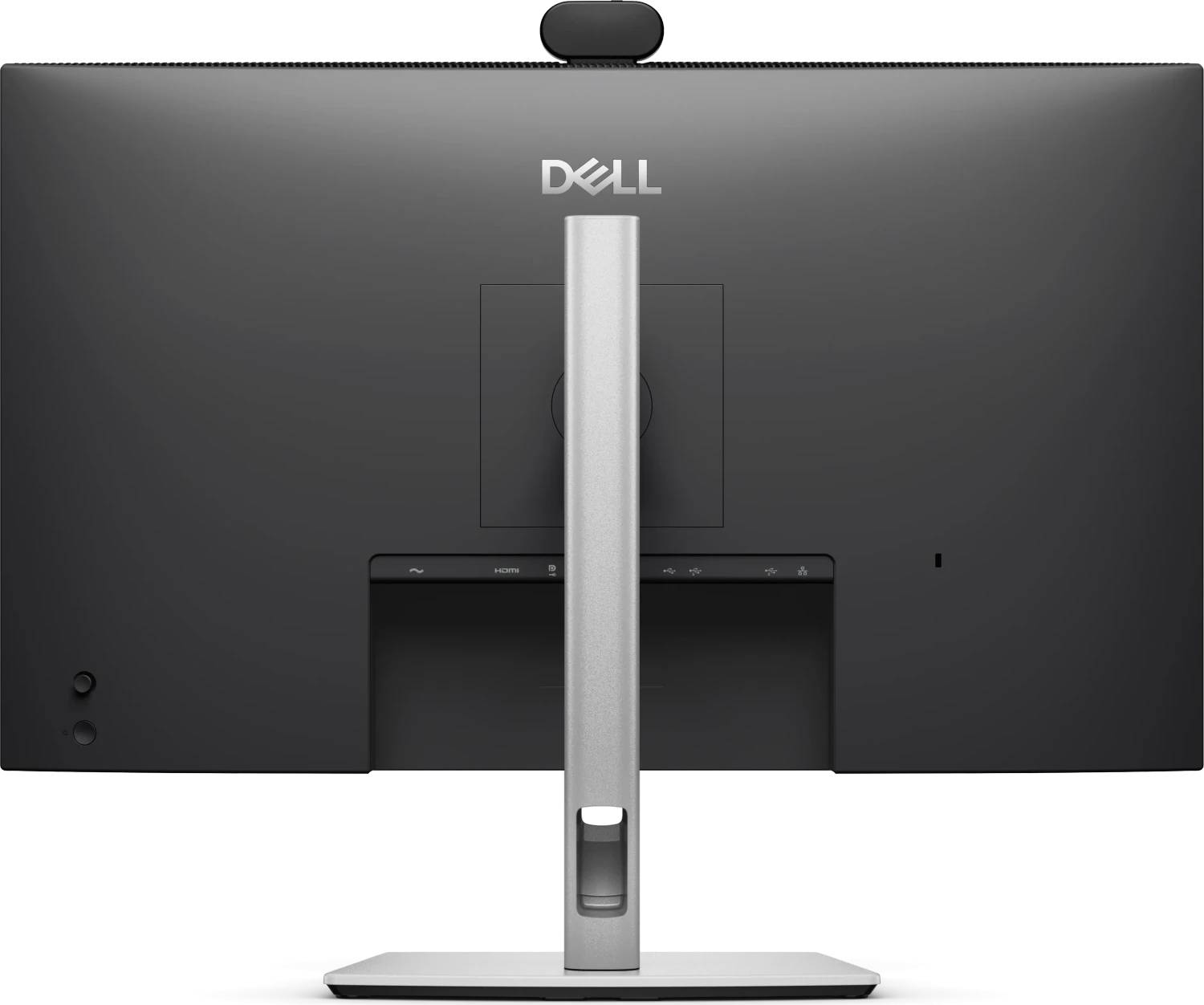
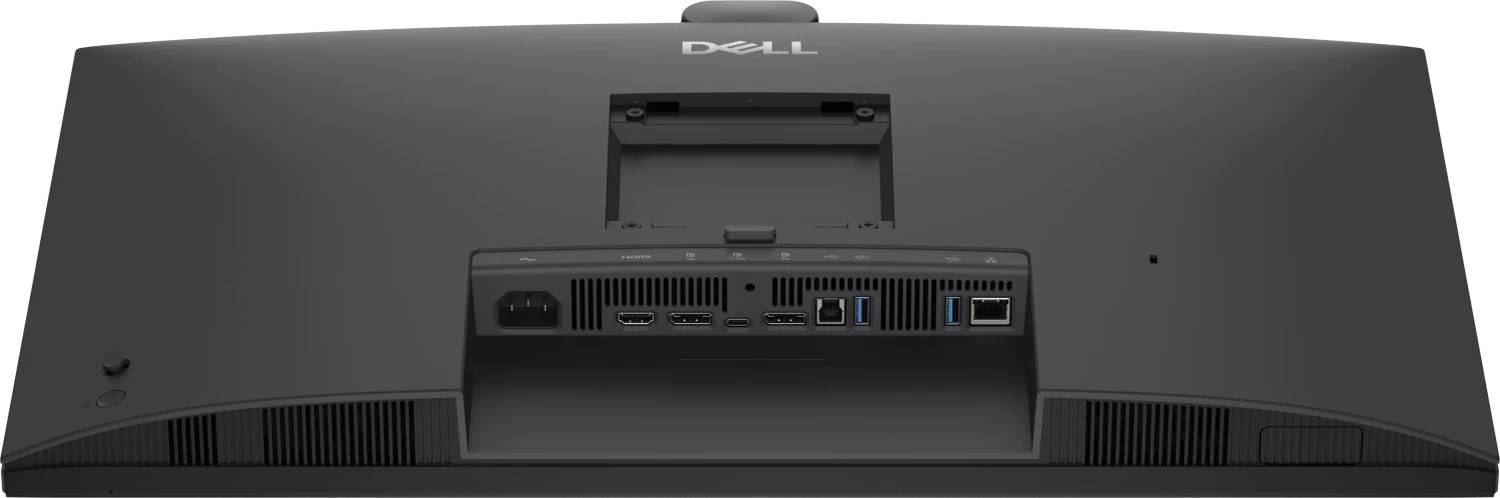
Check the laptop first: the USB-C upstream port needs DisplayPort Alt Mode to carry video, and it delivers up to 90 W, so a machine that needs 100 W or more will charge more slowly than its own adapter. There is no HDMI cable in the box — Dell supplies DisplayPort, USB-C and USB-A-to-USB-B cables, so buy an HDMI lead if that is your input. To use the KVM you connect the second computer to the USB-B upstream port. Two honest notes. Dell publishes no HDR certification and no adaptive sync for this model — it is a work monitor, not a gaming one. And on the Ethernet port, Dell’s own storefronts disagree: the Dell UK listing states a 1 GbE RJ45 port, while the ports table on some other Dell regional pages does not show it. If wired networking through the monitor is essential to your purchase, tell us and we will confirm it against the printed user guide before you order.
Best For
✓ Hybrid and hot-desk setups with a docking laptop
✓ Video calling without a separate webcam and headset
✓ Desks running a laptop and a desktop through one keyboard
✓ Open-plan offices standardising on one monitor
✓ Daisy-chained dual-monitor positions over DisplayPort
✓ Replacing a dock, a webcam, speakers and a monitor with one device
Key Features
One cable to the laptop
USB-C upstream at 5 Gbps carries DisplayPort 1.4 video, the USB hub and up to 90 W of power delivery. Plug in one cable and the laptop charges, drives the screen, reaches the USB devices and, on Dell’s UK listing, the network. Unplug it and take the laptop to a meeting.
Conferencing built into the panel
A 4 megapixel webcam with Windows Hello support, a microphone and two 5 W speakers. That is the difference between this DEB model and the DEV variant, for which Dell publishes a webcam but no speakers — and the reason to check the model letter before ordering.
KVM and DisplayPort out
A built-in KVM switch shares one keyboard and mouse between a machine on USB-C and a machine on the USB-B upstream port. The DisplayPort 1.4 output daisy-chains a second monitor from the same source over MST, so a two-screen desk needs one cable from the computer.
A stand that actually adjusts
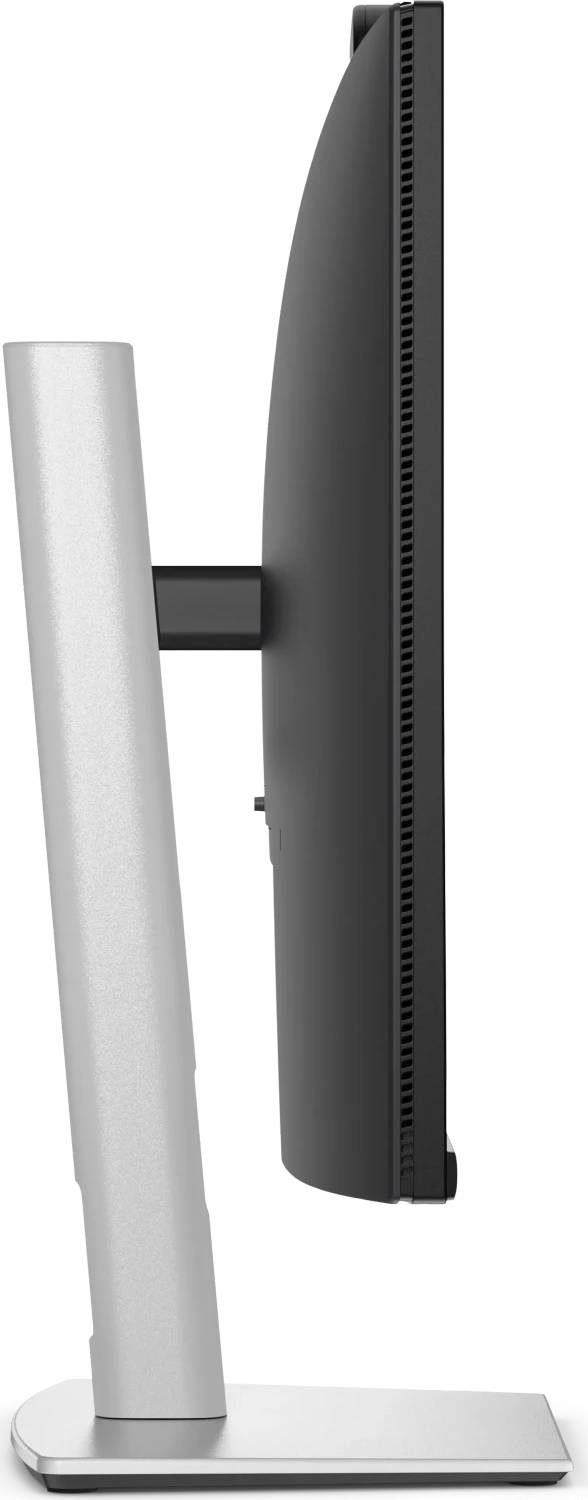
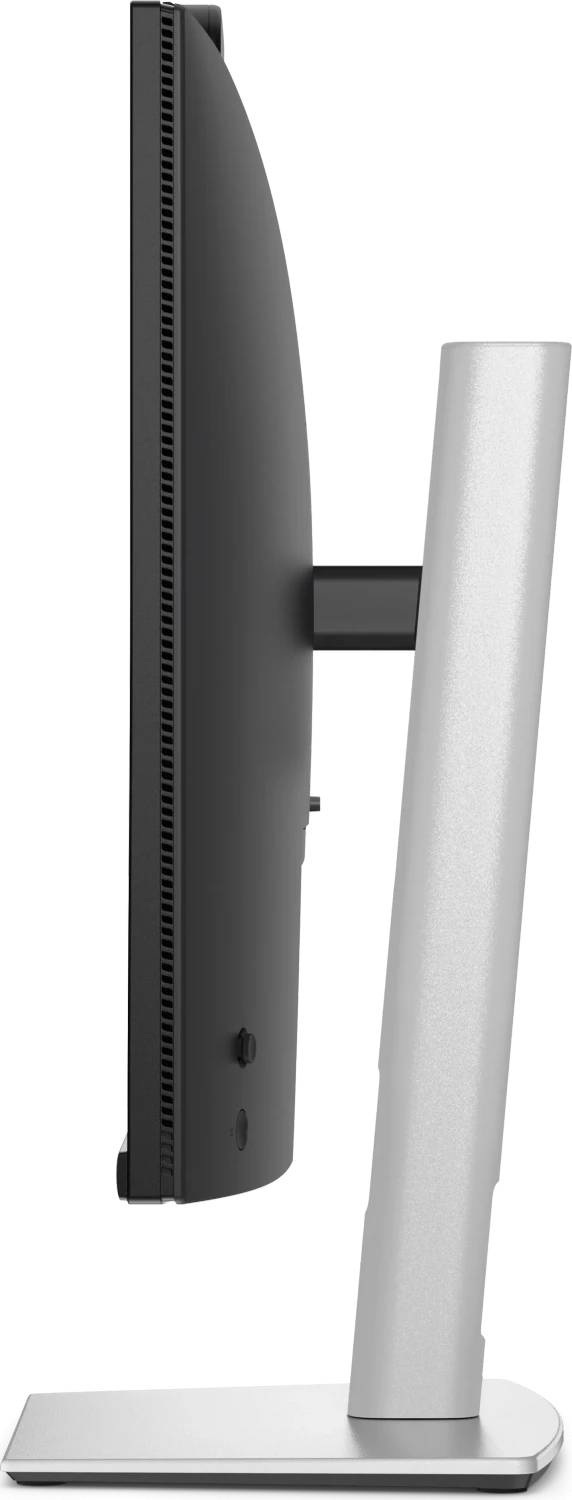
150 mm of height adjustment, tilt from -5 to 21 degrees, swivel from -45 to 45 degrees and full 90-degree pivot into portrait, on a 100 x 100 mm VESA pattern. At 350 cd/m2 the panel is also brighter than most 27-inch office monitors.
Technical Specifications
Frequently Asked Questions
Singular Expert Insight
This monitor earns its price by removing hardware from the desk rather than by having a remarkable panel. A dock, a webcam, a speakerphone and a KVM switch are all inside it, and for a hybrid desk where someone arrives with a laptop and wants one cable, that is worth real money and real cable clutter. The panel itself is a competent 27-inch QHD IPS at 350 cd/m2 — brighter than most office monitors, with a stand that genuinely adjusts — but no HDR, no adaptive sync and 100 Hz. Buy it for the conferencing and the hub, not for the image. Two things to verify before ordering: the 90 W charging ceiling against what your laptop actually needs, and the Ethernet port, where Dell’s own regional pages are inconsistent — ask us and we will confirm from the printed guide. If you want the same chassis without the speakers, that is the DEV; if you want a faster panel and already own a dock, look at the SE2726D. Compare across our PC monitors range, and see docking stations if you would rather dock separately.
Buyer’s Guide
Buy it if
A laptop docks at the desk and you want one cable,Video calls happen at this desk regularly,Two computers share one keyboard, mouse and screen,You want to daisy-chain a second monitor over DisplayPort,A fully adjusting stand and 350 cd/m2 matter
Skip it if
Gaming is the purpose — no adaptive sync, no HDR,Your laptop needs more than 90 W to charge properly,You already own a dock, a webcam and speakers,Wired Ethernet through the monitor is essential and unconfirmed
Also consider
Dell P2726DEV — the same chassis with webcam but no published speakers,Dell SE2726D — 27-inch QHD at 144 Hz with FreeSync, no hub,Dell U3226Q — 32-inch 4K QD-OLED with Thunderbolt 4 and 140 W,An HDMI cable, since none is supplied
Features - Dell - DELL-P2726DEB
Colour
black
More Details
Product Code
CR33106
EAN Code
5397184962930
Manufacturer
Dell