
Dell UltraSharp U3226Q 32 inch QD-OLED Monitor 4K UHD 3840x2160 120Hz 0.03ms Thunderbolt 4 140W KVM
Brand:
Dell

Dell UltraSharp U3226Q 32 inch QD-OLED Monitor 4K UHD 3840x2160 120Hz 0.03ms Thunderbolt 4 140W KVM
€3341.45 inc. VAT
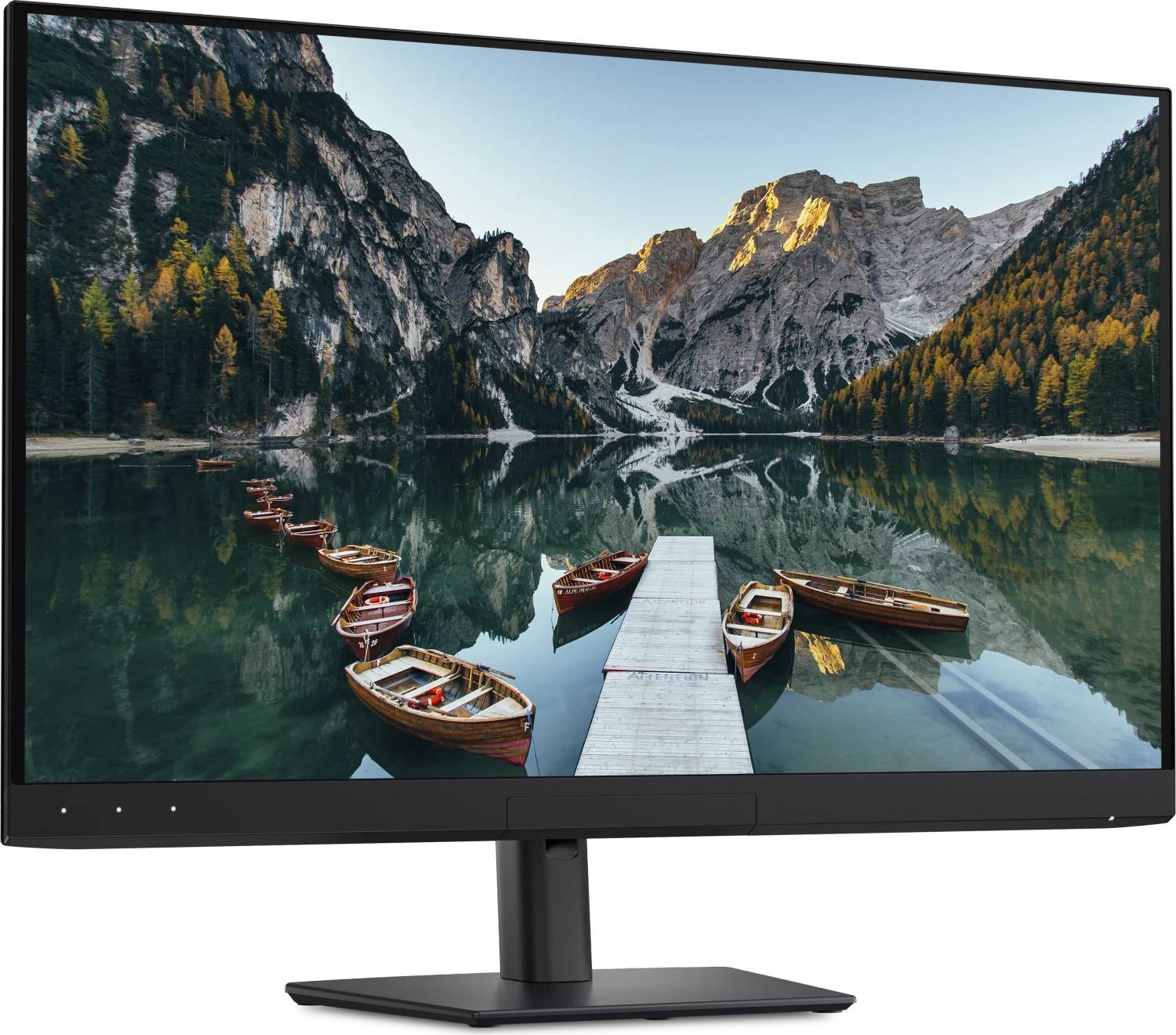
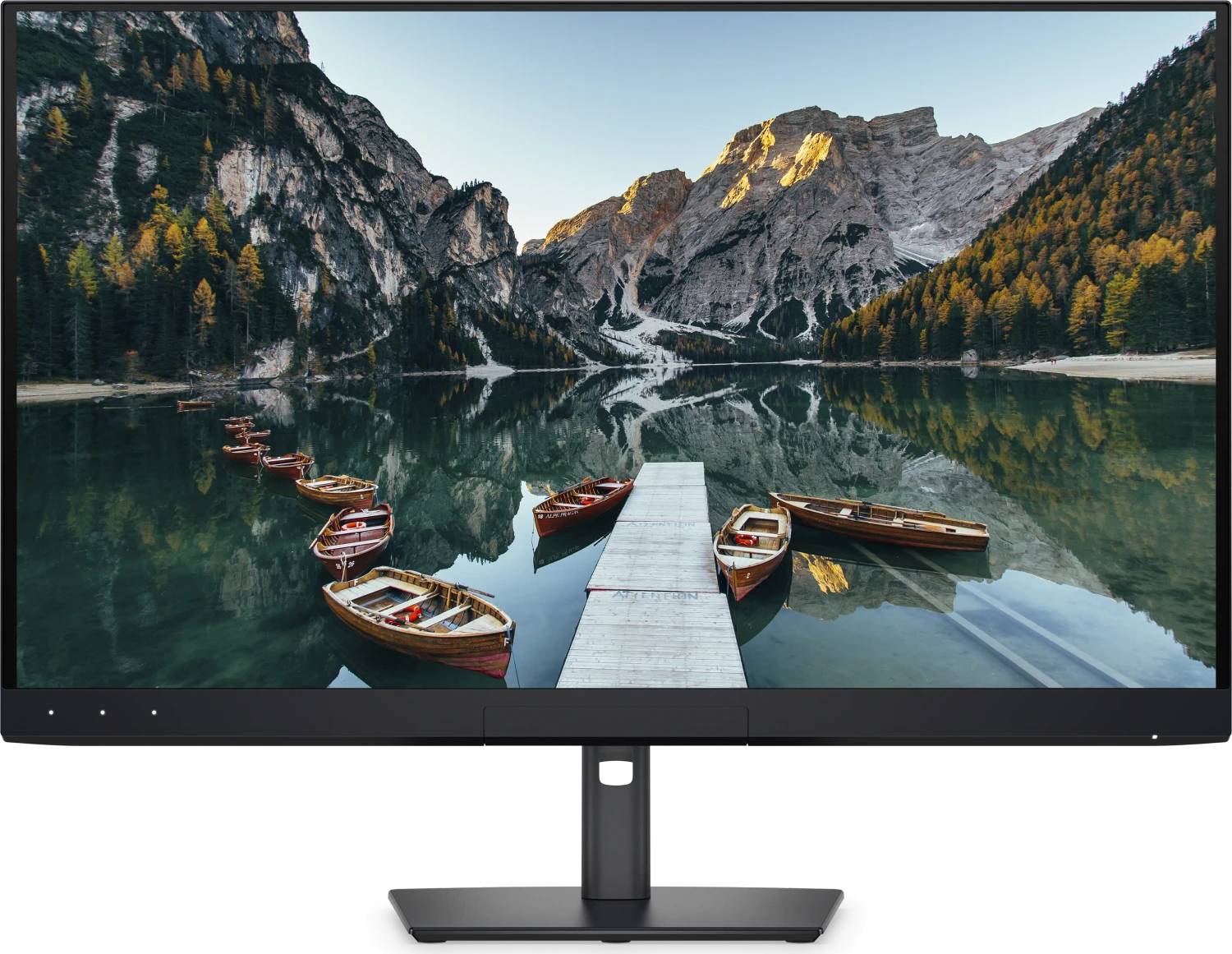
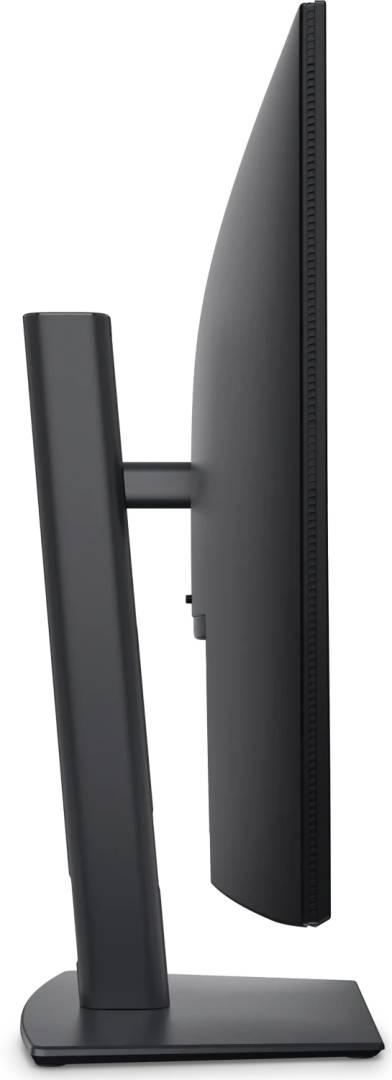
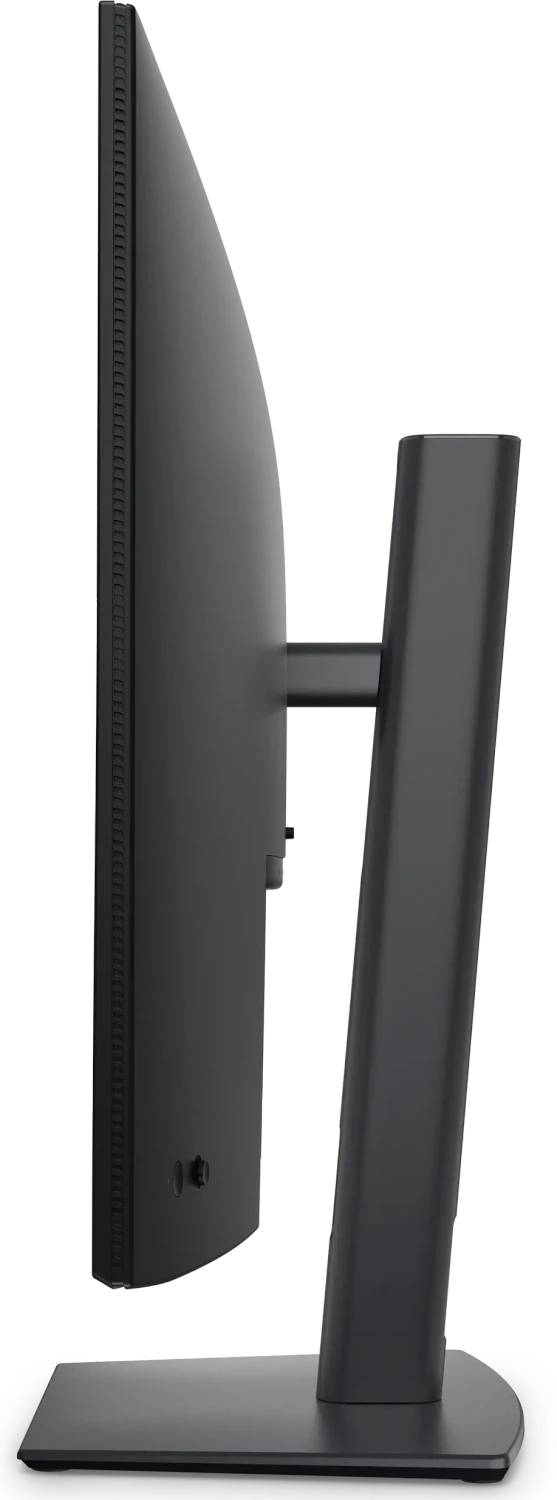



DELL-U3226Q
Delivery
Order Today...
Ships...
Delivery...
ℹ️ Large or fragile items (e.g. monitors) may require extra handling time. We'll keep you informed.
Payment options
Trusted Tech Choice
Buying Benefits
Verified
Competitive EU pricing
Delivered to Cyprus from EU stock
Local warranty support
Please sign in so that we can notify you about a reply
Dell UltraSharp U3226Q — 32‑inch 4K QD-OLED with Thunderbolt 4 and Built-in Colorimeter
4K UHD at 120 Hz, 0.03 ms99% DCI-P3, 100% sRGBThunderbolt 4 with 140 W chargingBuilt-in colorimeter
The Dell UltraSharp U3226Q is a 31.5-inch 4K QD-OLED panel aimed at colour-critical work that also has to feel responsive. Quantum Dot OLED is emissive, so every pixel produces its own light — Dell publishes a 1,500,000:1 contrast ratio and a 0.03 ms grey-to-grey response, figures no backlit LCD reaches. It runs 3840 x 2160 at 120 Hz, covers 99% of DCI-P3 and 100% of sRGB and BT.709, and carries VESA DisplayHDR True Black 500 plus Dolby Vision. What sets it apart from other QD-OLED panels is the desk it replaces: a Thunderbolt 4 port delivering 140 W to a laptop, a 2.5 GbE network port, a full USB hub, a KVM switch and a built-in colorimeter for recalibrating the panel without external hardware.
Compatibility — check before buying:
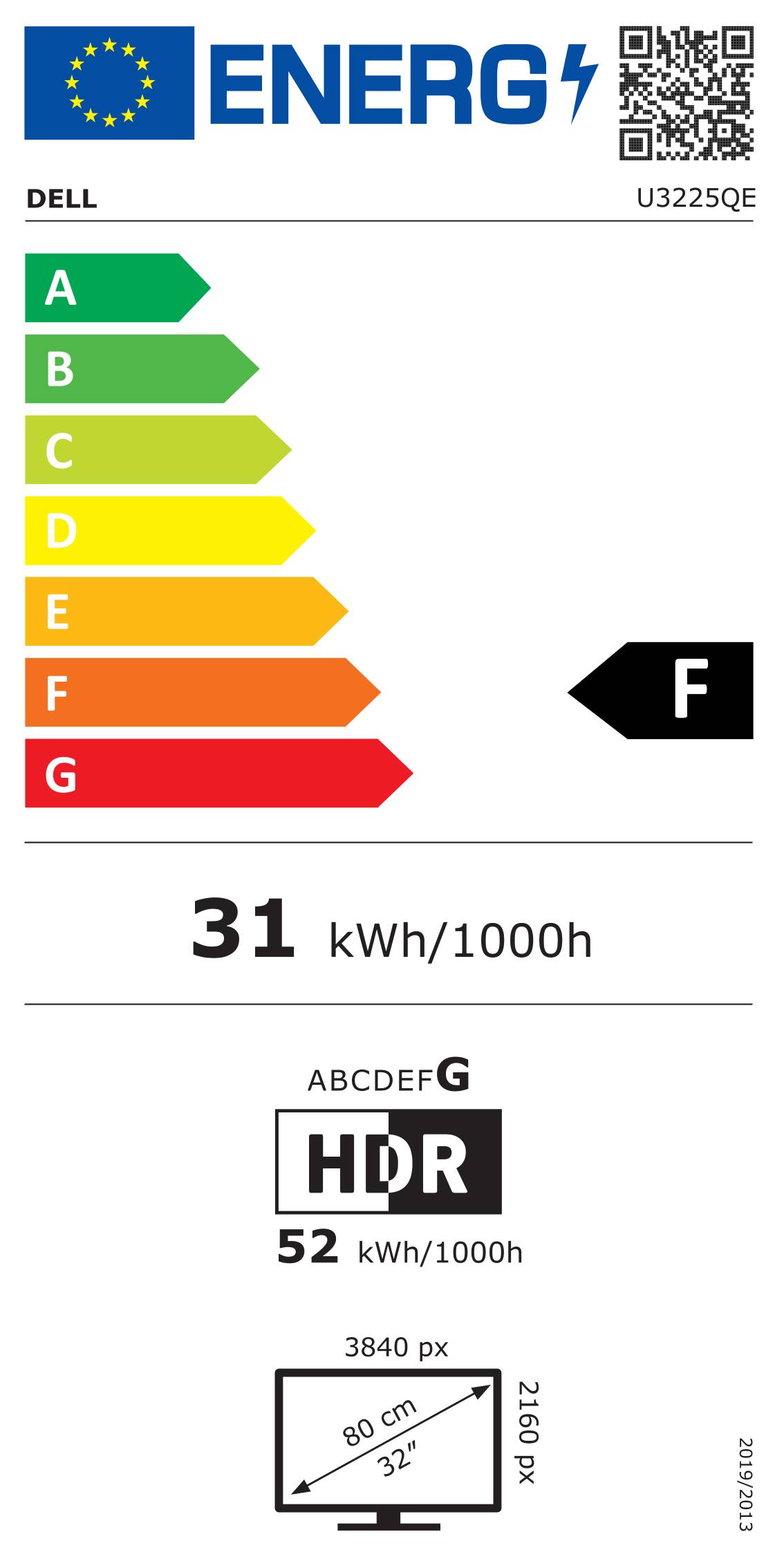
The 140 W Thunderbolt 4 upstream port is the headline for laptop users — one cable carries 4K120 video, USB, 2.5 GbE and charging — but check your laptop actually accepts 140 W USB-C charging and has a Thunderbolt or USB4 port; a USB-C DisplayPort Alt Mode port will drive the screen but will not necessarily take that charge rate. There are no speakers and no webcam on this monitor, so plan those separately if the desk needs them. Dell publishes no audio line-out in the port table either. For the KVM you need the second host connected to the 10 Gbps USB-C upstream port. And note the EU energy class: G in both SDR and HDR, which is normal for a high-brightness OLED but worth knowing if energy labelling matters to your procurement.
Best For
✓ Colour-critical photo, video and design work
✓ Content creation that also needs 120 Hz responsiveness
✓ Single-cable laptop docking at 140 W
✓ Desks running two machines through one screen and keyboard
✓ Home offices replacing a dock, a network adapter and a monitor
✓ HDR grading and review with Dolby Vision
Key Features
QD-OLED contrast, not LCD contrast
Every pixel is its own light source, so Dell publishes 1,500,000:1 native contrast and true black. Peak brightness reaches 1000 cd/m2 with 300 cd/m2 typical, and the response time is 0.03 ms grey-to-grey — three orders of magnitude faster than a typical IPS office panel.
Colour coverage with a colorimeter built in
99% DCI-P3, 99% Display P3, 100% sRGB, 100% BT.709, 94% Adobe RGB and 80% BT.2020, with 1.07 billion colours. The integrated colorimeter recalibrates the panel on a schedule without borrowing an external probe — that is the feature that keeps the numbers true over years, not just on day one.
One cable does everything
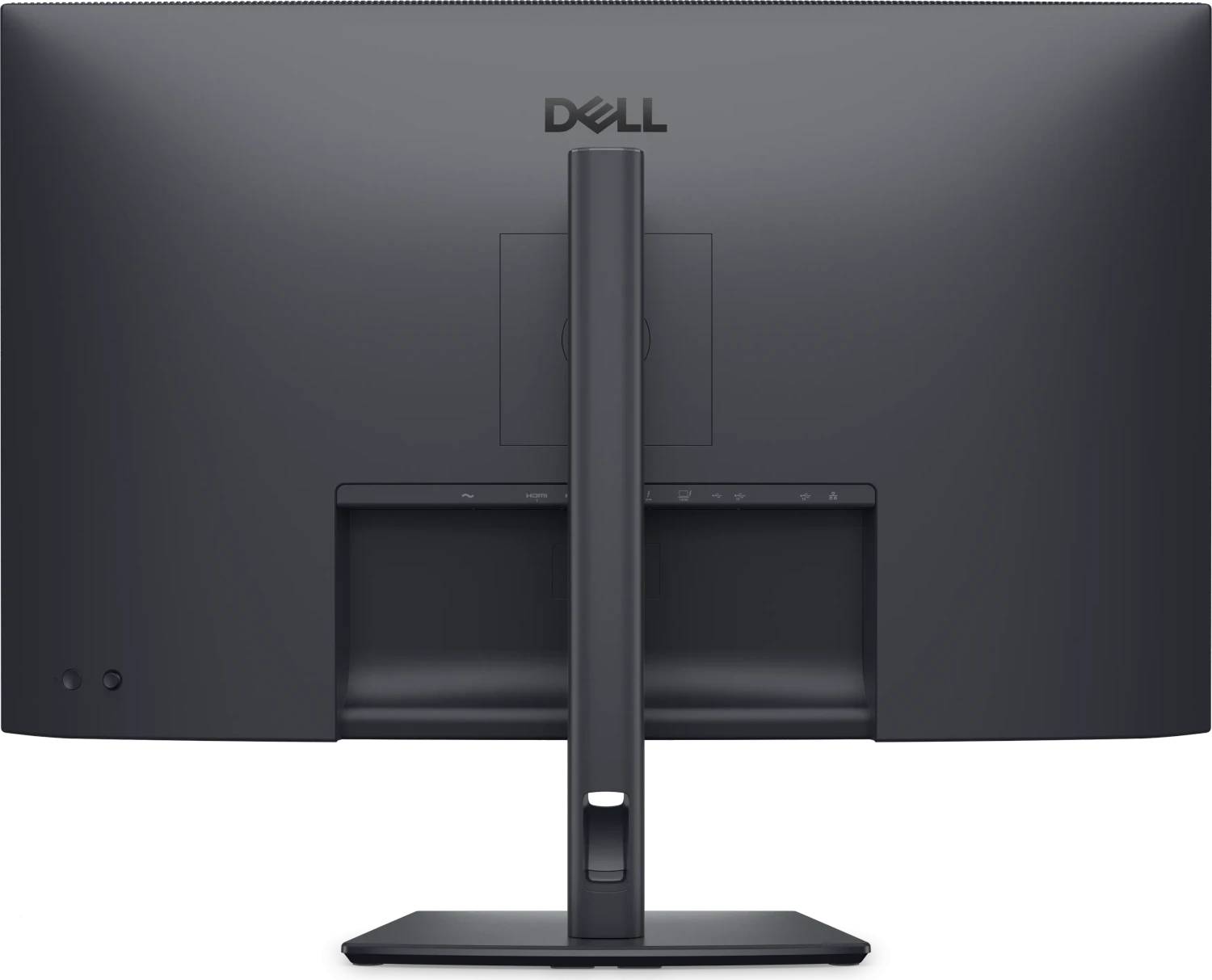
Thunderbolt 4 upstream at 40 Gbps with 140 W power delivery, a Thunderbolt 4 downstream port at 15 W for daisy-chaining, two 27 W downstream USB-C ports, three USB-A 10 Gbps ports and 2.5 GbE Ethernet. The built-in KVM lets one keyboard and mouse serve two connected computers.
Everything supplied to connect it
Dell ships the HDMI 2.1, DisplayPort 1.4, a 2 m Thunderbolt 4 240 W active cable and a USB-C to USB-A cable in the box, plus a monitor hood and a microfibre cloth. The 3-year warranty explicitly includes OLED burn-in cover under Premium Panel Exchange.
Technical Specifications
Frequently Asked Questions
Singular Expert Insight
Two things justify this monitor over a good IPS panel and over a consumer OLED television-style display. The first is that it does not compromise between colour work and responsiveness: 99% DCI-P3 with a built-in colorimeter, and 120 Hz at 0.03 ms in the same panel. The second is that it removes hardware from the desk — a Thunderbolt dock, a 2.5 GbE adapter and a KVM switch are all inside it, so one cable to the laptop replaces four. Be honest with yourself about two limitations. There are no speakers, no webcam and no audio output, so a video-call setup needs separate hardware, and the EU energy class is G in both SDR and HDR, which is normal for a bright OLED but will not suit every procurement policy. On burn-in, the answer that matters commercially is the warranty: Dell covers it for three years on this model, which is unusual. Compare it against the rest of our PC monitors range, and see docking stations if you would rather keep the dock separate from the screen.
Buyer’s Guide
Buy it if
Colour accuracy and 120 Hz responsiveness both matter,You want one cable to the laptop with 140 W charging,Two machines share one screen, keyboard and mouse,You value a colorimeter that keeps calibration true over years,A 3-year warranty that covers OLED burn-in matters to you
Skip it if
You need built-in speakers, a webcam or an audio output,Your laptop cannot take 140 W over USB-C,Energy class G is a problem for your procurement,A high-brightness room where an anti-glare IPS may suit better
Also consider
Dell P2726DEB — 27-inch QHD with webcam, speakers and USB-C hub,Dell SE2726D — 27-inch QHD 144 Hz at a much lower cost,A separate webcam and speakers, since neither is built in,A Thunderbolt dock if you prefer to keep docking off the monitor
Features - Dell - DELL-U3226Q
Colour
silver
More Details
Product Code
CR33297
EAN Code
5397321025146
Manufacturer
Dell