
DIGITUS DA-70827 USB-C to DisplayPort and VGA Adapter 2-in-1, 4K 30Hz, HDCP 2.2, 20cm Cable, Aluminium Housing, Black
Brand:
Digitus

DIGITUS DA-70827 USB-C to DisplayPort and VGA Adapter 2-in-1, 4K 30Hz, HDCP 2.2, 20cm Cable, Aluminium Housing, Black
€22.93 inc. VAT


DA-70827
Delivery
Order Today...
Ships...
Delivery...
ℹ️ Large or fragile items (e.g. monitors) may require extra handling time. We'll keep you informed.
Payment options
Trusted Tech Choice
Buying Benefits
Verified
Competitive EU pricing
Delivered to Cyprus from EU stock
Local warranty support
Please sign in so that we can notify you about a reply
DIGITUS DA-70827 — USB-C to DisplayPort + VGA Adapter, 4K 30Hz, 20 cm
4K 30HzUSB-C → DisplayPort + VGADP 1.4 · HDCP 2.220 cm · Black
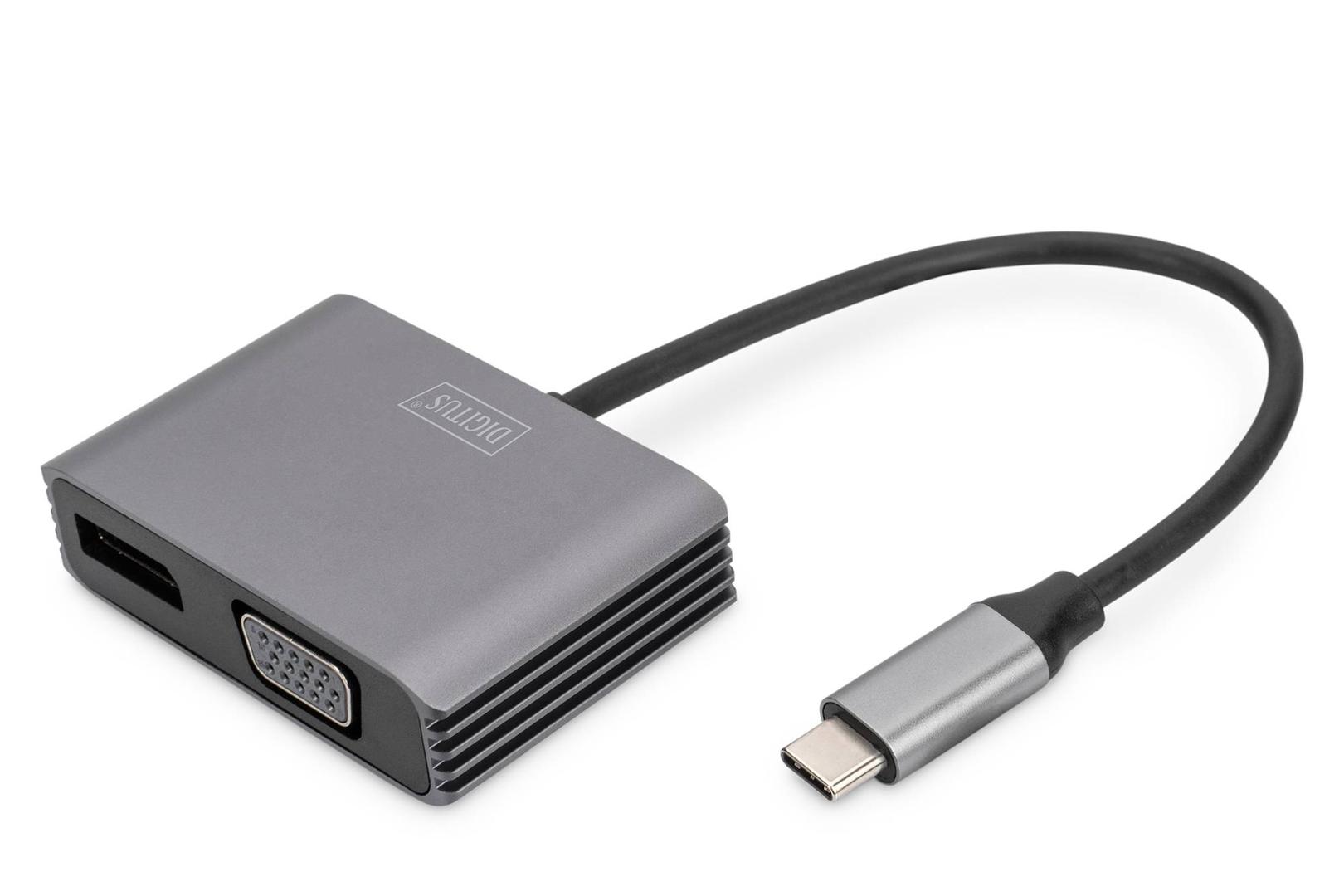
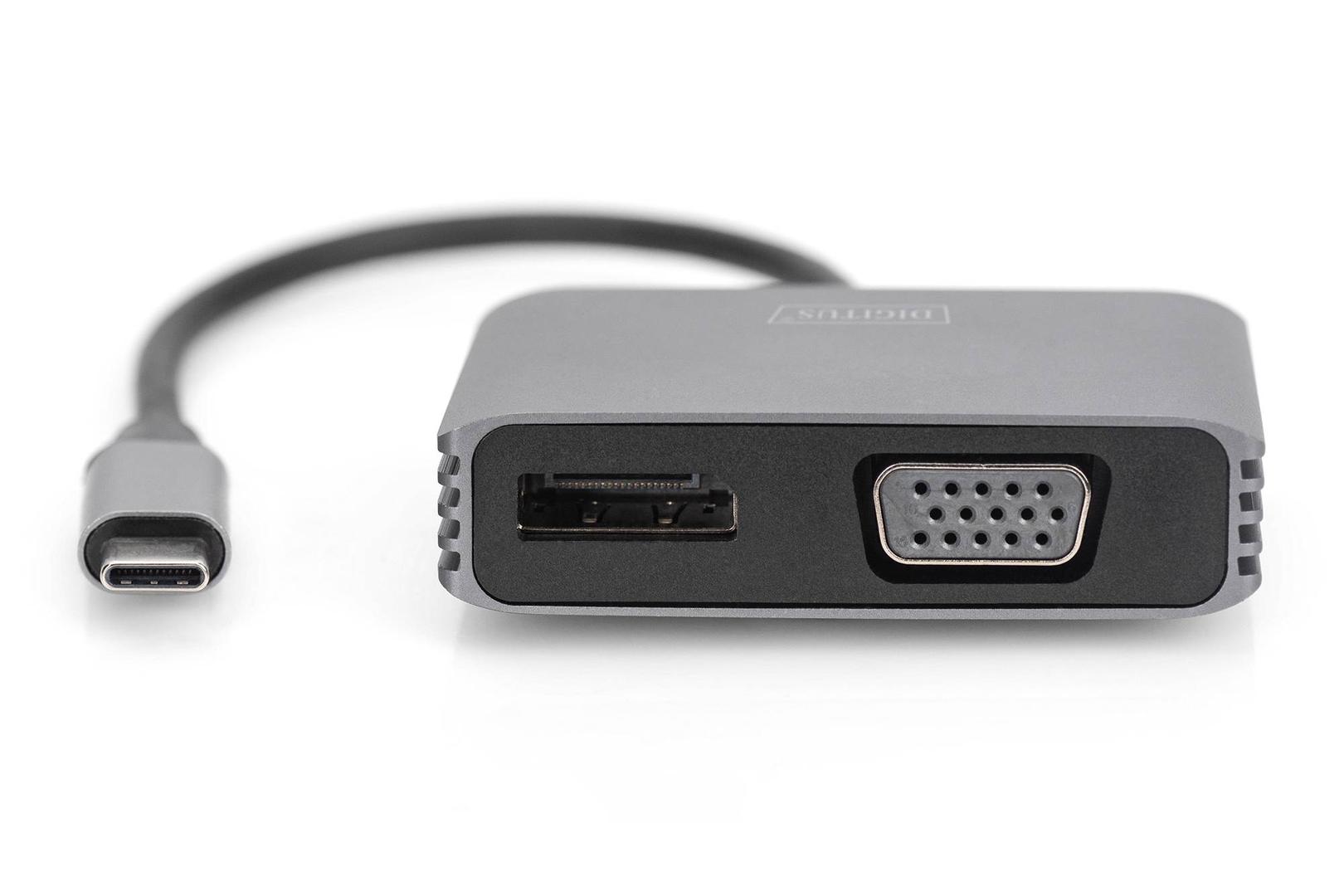
The DIGITUS DA-70827 is a 20 cm USB-C to DisplayPort + VGA adapter that connects a laptop, tablet or phone with a video-capable USB-C port to an DisplayPort + VGA monitor, TV or projector at up to 4K 30Hz.
It turns the USB-C port into a full-size DisplayPort + VGA socket, so you can use the DisplayPort + VGA cable already connected to the desk monitor or meeting-room screen. It is plug-and-play: no drivers and no external power. Having both outputs on one adapter means it works with a modern DisplayPort monitor at the desk and with an older VGA projector in a meeting room.
Before you order: Your USB-C port must support DisplayPort Alternate Mode (DP Alt Mode) — Thunderbolt and USB4 ports do. Many budget laptops, charging-only USB-C ports and many phones do not output video. The signal runs one way only, from the USB-C device to the DisplayPort + VGA display.
What's in the Box
- 1 × DIGITUS DA-70827 USB-C to DisplayPort + VGA adapter, black
- 1 × quick installation guide
- DisplayPort and VGA cables not included
What It Means in Practice
- Resolution: up to 4K 30Hz — fine for office work, spreadsheets and presentations; for smooth video on a 4K screen choose a 4K 60Hz model.
- Mirror or extend: choose the display mode in the operating system settings (Windows key + P on Windows, Displays on macOS).
- Two outputs: use DisplayPort for 4K monitors and VGA for older monitors and projectors. DIGITUS does not state that both outputs can be used at the same time, so plan on one screen per adapter.
- Audio: the DisplayPort output carries 8-channel LPCM audio (192 kHz/24-bit) and DTS; VGA carries no sound.
- Systems listed by DIGITUS: Windows 8.1, macOS 11.0.1, ChromeOS 86, Android 10, Linux 5.4 or later, iPad Pro (3rd gen) or later.
What Will Not Work
- It will not work with USB-A ports or with USB-C ports that have no DisplayPort Alt Mode.
- It does not work in reverse: it cannot bring an DisplayPort + VGA signal from a PC, camera or console into a laptop or USB-C monitor.
- There is no charging pass-through: the laptop cannot be charged through this adapter.
- It is not a two-monitor solution, and it will not exceed 4K 30Hz on DisplayPort; for two screens use a USB-C dock.
Key Features
2-in-1 outputs
DisplayPort for 4K screens, VGA for legacy projectors.
HDCP 2.2
Plays protected content; 12-bit colour depth.
Aluminium
Aluminium housing, 20 cm cable, bus-powered.
Technical Specifications
Frequently Asked Questions
Singular Expert Insight · Buyer's Guide
A DisplayPort + VGA adapter is the travel answer for people who present in rooms with very different equipment: one small adapter covers both old and new screens. If you need two screens, USB-A ports and charging from one connection, a USB-C dock is the better buy — see our docking stations.
✓ Buy it if you need to connect a USB-C laptop to either a DisplayPort monitor or a VGA projector.
✕ Skip it if you need HDMI, 4K 60Hz, or two screens at once.
→ Also consider the Conceptronic ABBY05B if you only need VGA, or the Equip 133458 for DisplayPort at 4K 60Hz.
Not sure it fits your setup? Send us the model of your laptop, dock, monitor or phone and we will check the port before you order.
Features - Digitus - DA-70827
Colour
black
Interface
- USB Type-C
Length
0.2m
More Details
Product Code
03:187138
EAN Code
4016032478768
Manufacturer
Digitus