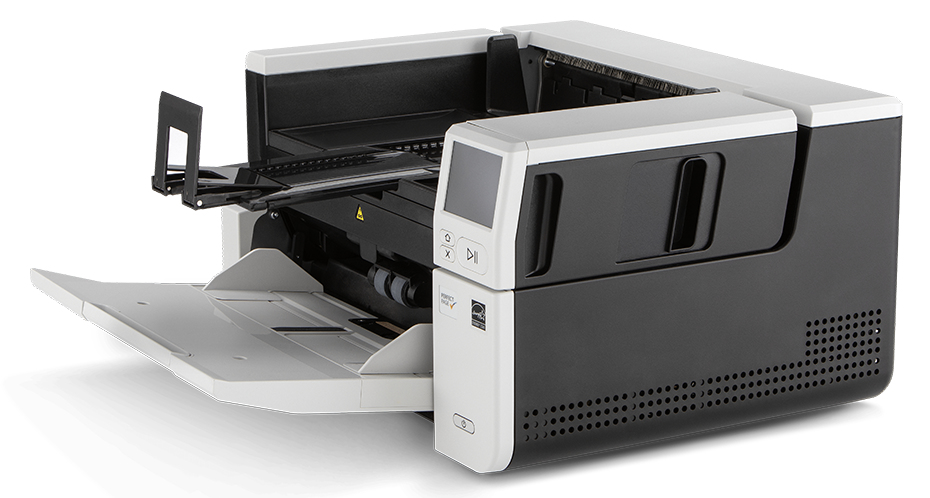
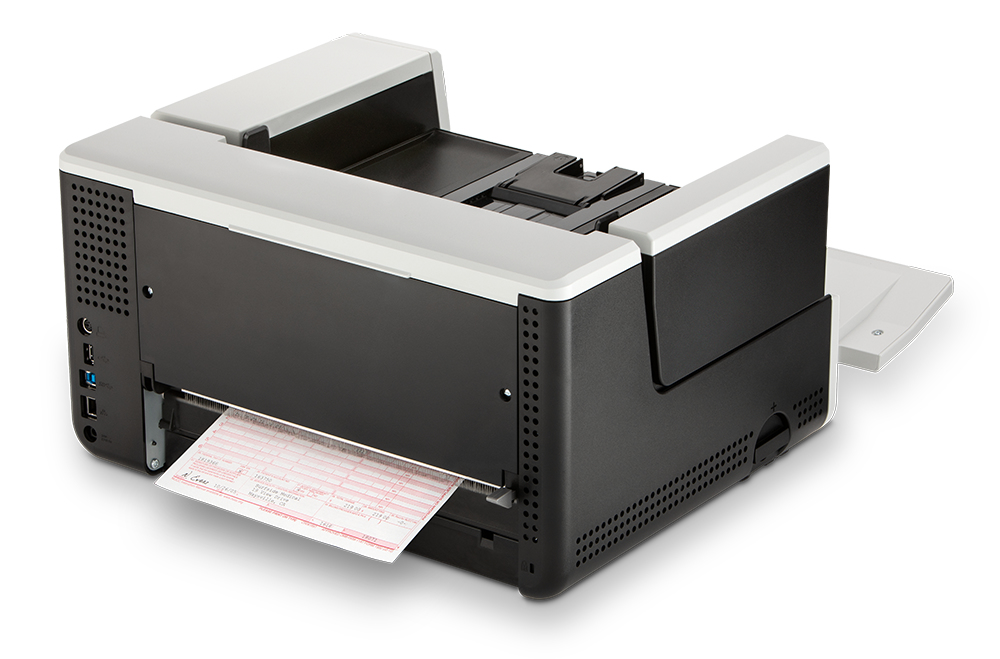
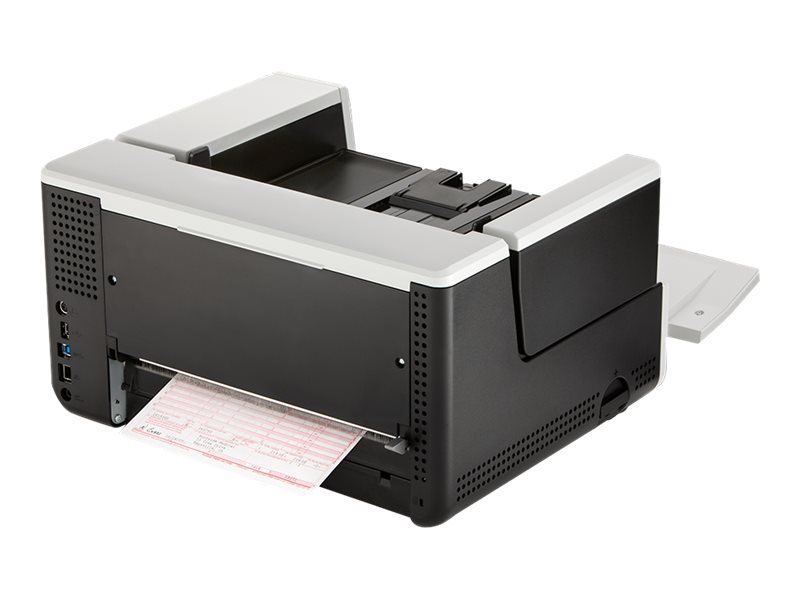
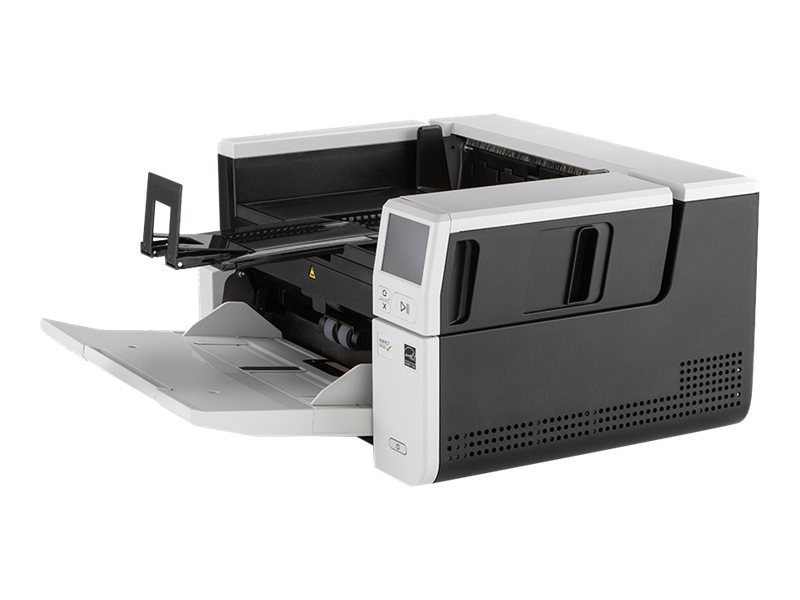
Kodak S3100: A3 duplex production scanning at 100 ppm with a 300-sheet feeder
100 ppm / 200 ipm300-sheet ADFUp to 45,000 pages/dayGigabit Ethernet
The Kodak S3100 is a A3 duplex production document scanner rated at up to 100 pages per minute and 45,000 pages a day, built for departments, scanning bureaus and back offices that process paper every day. It loads up to 300 sheets, scans both sides in one pass and connects over Gigabit Ethernet as well as USB 3.2, so it can be shared across a team. Its feeder takes sheets up to 305 mm wide, so A3 drawings, wide forms and engineering prints go through the ADF alongside A4. The 3.5-inch touchscreen shows pre-set jobs, so operators pick a destination and press start without opening software on every run. It belongs to the Kodak Alaris S2000f/S3000 platform, which shares drivers, consumables and accessories across models, so a department can standardise on one family and move between speeds or the flatbed and non-flatbed versions without retraining staff or changing capture software. In practice that makes it a strong choice for accounts departments, HR, medical records, logistics and public sector offices that need dependable daily throughput, searchable output and a scanner that several operators can share without a dedicated capture PC on every desk.
What's in the Box
- Kodak S3100 scanner
- USB 3.0 cable
- AC power cord bundle with 90 W power supply
- Installation CD
- Printed installation and reference guides
- Sample cleaning kit
What It Means in Practice
- The 300-sheet feeder means a full ream-sized stack can be loaded at once; at 100 ppm a box of mixed files clears in minutes rather than an afternoon.
- A daily rating of 45,000 pages leaves comfortable headroom for a busy department, which matters for roller life and uptime more than the headline speed.
- Gigabit Ethernet lets several users share the scanner without a dedicated PC per operator; USB 3.2 remains for a direct workstation connection.
- Long-document mode handles continuous forms and strips up to about 4 metres, useful for medical, logistics and engineering records.
- Mixed batches of thin and thick paper from 27 g/m² up to 433 g/m² card feed together, so you rarely need to pull odd pages out of a stack.
What Will Not Work
- Don't confuse with the S3100f: the f version adds an integrated A4 flatbed; the S3100 is feeder-only.
- There is no built-in flatbed, so passports, bound pages and damaged originals need the optional A3 flatbed accessory or the flatbed version (S3100f).
- It is not a photo or book scanner; prints you want archived at photographic quality and thick bound volumes need a dedicated flatbed or book scanner.
- macOS is not listed among supported operating systems; drivers are for Windows and Linux.
- At about 15.6 kg and 457 mm wide it needs a solid desk; it is not a compact front-counter scanner.
Key Features
Shared network scanning
Built-in Gigabit Ethernet lets a department share one scanner; jobs and destinations are set up once and selected from the touchscreen.
Intelligent paper handling
Ultrasonic multifeed detection and intelligent document protection stop the feed when two pages stick or a sheet starts to crumple, so originals are protected and no page goes missing silently.
On-board image processing
Perfect Page processing crops, deskews, rotates and cleans images inside the scanner, keeping files small and readable while freeing the PC for capture software.
FADGI 2023 imaging
The scanner meets FADGI 2023 for unbound modern textual records, a useful reference point for archives and public sector digitisation projects.
Technical Specifications
| Identification |
| Part Number |
8001802 |
| EAN/GTIN |
0041778001806 |
| Model |
S3100 |
| Brand |
Kodak (Kodak Alaris) |
| Scanning |
| Scan Type |
Sheet-fed single-pass duplex |
| Speed |
Up to 100 ppm / 200 ipm |
| Recommended Daily Volume |
Up to 45,000 pages |
| Sensor |
Dual RGB LED illumination CIS (CMOS) |
| Optical Resolution |
600 dpi |
| Output Resolution |
100 to 1200 dpi |
| Colour Depth |
24-bit colour output, 48-bit capture, 8-bit greyscale |
| Output Formats |
BMP, JPEG, TIFF, PDF, searchable PDF, PNG, Word, Excel, RTF |
| Imaging Standard |
FADGI 2023, Modern Textual Records |
| Paper Handling |
| ADF Capacity |
Up to 300 sheets of 80 g/m² paper |
| Maximum Document Size (ADF) |
305 x 4060 mm (160 in) in long-document mode |
| Minimum Document Size |
63.5 x 71.1 mm |
| Paper Weight |
27 to 433 g/m² |
| Multifeed Detection |
Ultrasonic |
| Connectivity & Software |
| Ethernet |
10/100/1000 Gigabit, DHCP or static IP |
| USB |
USB 3.2 Gen 1x1, USB 2.0 compatible |
| Control Panel |
3.5-inch colour touchscreen |
| Drivers |
TWAIN, ISIS, WIA, Linux TWAIN and SANE |
| Bundled Software |
Smart Touch and Capture Pro Limited Edition |
| Supported OS |
Windows 10, Windows 11, Windows Server 2016/2019/2022, Ubuntu, SUSE Linux |
| Physical & Power |
| Dimensions (W x D x H) |
457.2 x 370.84 x 254 mm |
| Weight |
15.6 kg |
| Power Consumption |
Under 70 W running, under 0.3 W standby |
| Electrical |
100 to 240 V, 50/60 Hz |
| Warranty |
| Warranty |
1-Year Warranty (Singular) |
| Manufacturer Term |
Standard manufacturer warranty — claims handled through Singular |
Frequently Asked Questions
Is the Kodak-badged unit the same as the Alaris S3000 series?
Yes. Kodak Alaris has sold this range under both badges; mechanism, drivers and specifications are the same. Order by part number and we confirm the exact unit before shipping.
Can several people scan to their own folders?
Yes, over the network each user picks a pre-defined job on the touchscreen; tell us how your folders or DMS are organised and we will check the setup.
What consumables will I need?
Feed and separation rollers wear with use and are sold as feeder consumables kits; at production volumes budget for them like toner on a printer.
Can I add a flatbed later?
Yes, Kodak Alaris offers an optional A3 Size Flatbed Accessory that connects to the scanner, so you can start with the feeder-only model and add the flatbed if exception documents appear.
Singular Expert Insight · Buyer's Guide
The S3100 is a production scanner in a desktop footprint: buy it for duty cycle and paper handling, not just headline speed. Wire it into the network with a Gigabit
network switch port rather than running it from one PC, and choose the flatbed version only if you genuinely handle passports or bound pages every day.
✓ Buy it if Buy it if a team scans thousands of pages a day and you need A3 feeding shared over the network.
✕ Skip it if Skip it if you scan a few hundred pages a day; a desktop S2000 model costs less and takes far less space.
→ Also consider Also consider the Kodak S3060 if your volume stays under 25,000 pages a day, or the i4250 for heavy production work.
Not sure which scanner fits your volume or software? Tell us your daily page count, document types and the software you scan into, and we will check compatibility before you order.