
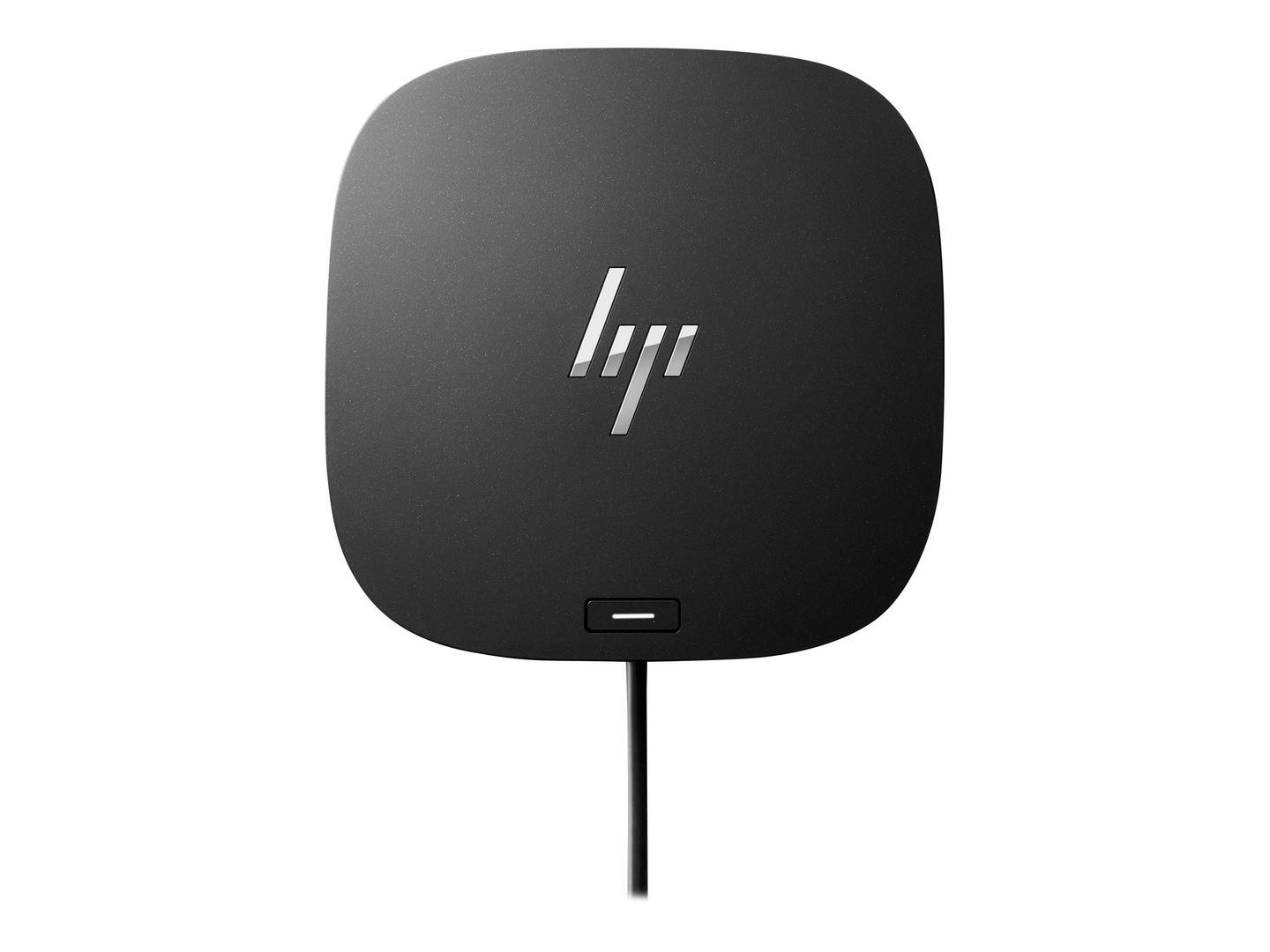
HP USB-C G5 Essential Dock 72C71AA, 2x DisplayPort 1.4, HDMI 2.0, Gigabit LAN, 120W Adapter, 65W Laptop Charging
Brand:
Hewlett Packard

HP USB-C G5 Essential Dock 72C71AA, 2x DisplayPort 1.4, HDMI 2.0, Gigabit LAN, 120W Adapter, 65W Laptop Charging
€425.16 inc. VAT




NLS-MT3752-W4
Delivery
Order Today...
Ships...
Delivery...
ℹ️ Large or fragile items (e.g. monitors) may require extra handling time. We'll keep you informed.
Payment options
Trusted Tech Choice
Buying Benefits
Verified
Competitive EU pricing
Delivered to Cyprus from EU stock
Local warranty support
Please sign in so that we can notify you about a reply
HP USB-C G5 Essential Dock — three screens and 65W charging for HP and other USB-C laptops
Up to 3 displays65W chargingGigabit LANHP manageability
The HP USB-C G5 Essential Dock (72C71AA) is a USB-C docking station with two DisplayPort 1.4 outputs and one HDMI 2.0 output for up to three monitors, Gigabit Ethernet, five USB ports and an audio jack, powered by a 120W adapter that charges the connected laptop with up to 65W. It is built for HP ProBook, EliteBook and ZBook Firefly fleets and also works with other USB-C laptops.
On HP laptops it supports PXE boot, MAC address pass-through, Wake-on-LAN, LAN/WLAN switching and firmware updates over the connection. HP has tested it with selected third-party laptops including MacBook Pro 13 M2, Dell Latitude 7430 and ThinkPad X1 Carbon.
Before you order: The laptop must support DisplayPort Alt Mode over USB-C (or Thunderbolt). Charging is capped at 65W, so ZBooks or other laptops that ship with a bigger charger need their own adapter for full performance. The power button, MAC pass-through and Wake-on-LAN work only with HP laptops.
What's in the Box
- HP USB-C G5 Essential Dock with attached 1 m USB-C cable
- 120W power adapter and power cord
- Quick Setup Poster, warranty card and product notice
What It Means in Practice
- Screen count depends on the laptop: DP 1.4 with DSC gives 3x 4K at 60 Hz; DP 1.3/1.4 gives 3x QHD or 2x 4K; DP 1.2 gives 3x Full HD or 1x 4K.
- The front USB-C port delivers data and 15W for a phone; the two side USB-A ports support charging.
- Use the dock’s power button to wake or power on supported HP laptops.
- The dock is unusable while a firmware update runs — schedule updates outside working hours.
What Will Not Work
- Charging above 65W.
- Video on USB-C ports without DisplayPort Alt Mode, or USB-A-only laptops.
- HP manageability features (power button, MAC pass-through, WoL) on non-HP laptops.
- Ethernet and audio drivers from HP for macOS — HP does not provide them.
Key Features
Up to three displays
2x DisplayPort 1.4 and 1x HDMI 2.0, up to 3x 4K 60 Hz with DSC.
65W charging
For HP and non-HP USB-C laptops.
Five USB ports
4x USB-A 5Gbps and 1x USB-C 5Gbps (15W).
IT manageability
PXE, MAC pass-through, WoL and LAN/WLAN switching on HP.
Technical Specifications
Frequently Asked Questions
Singular Expert Insight · Buyer's Guide
The G5 Essential is a sensible standard dock for HP ProBook and EliteBook fleets: three screens, wired network and HP’s manageability features with one cable. For non-HP laptops it is still a capable USB-C dock, but you lose the HP-only extras. See our other docking stations for higher charging power.
✓ Buy it if you run HP business laptops and want up to three screens, Gigabit LAN and 65W charging from one cable.
✕ Skip it if your laptop needs more than 65W, or you need HP manageability on another brand.
→ Also consider an HP Thunderbolt dock for higher charging power and bandwidth.
Not sure how many screens your laptop will drive? Send us the model and we will check before you order.
Features - Hewlett Packard - NLS-MT3752-W4
Interface
- USB Type-C
More Details
Product Code
CE77954
EAN Code
0197029013002
Manufacturer
Hewlett Packard