
HP 62XL Original Ink Cartridge · High Yield Tri-colour (C/M/Y) · approx. 415 Pages · 11.5 ml · for ENVY & OfficeJet

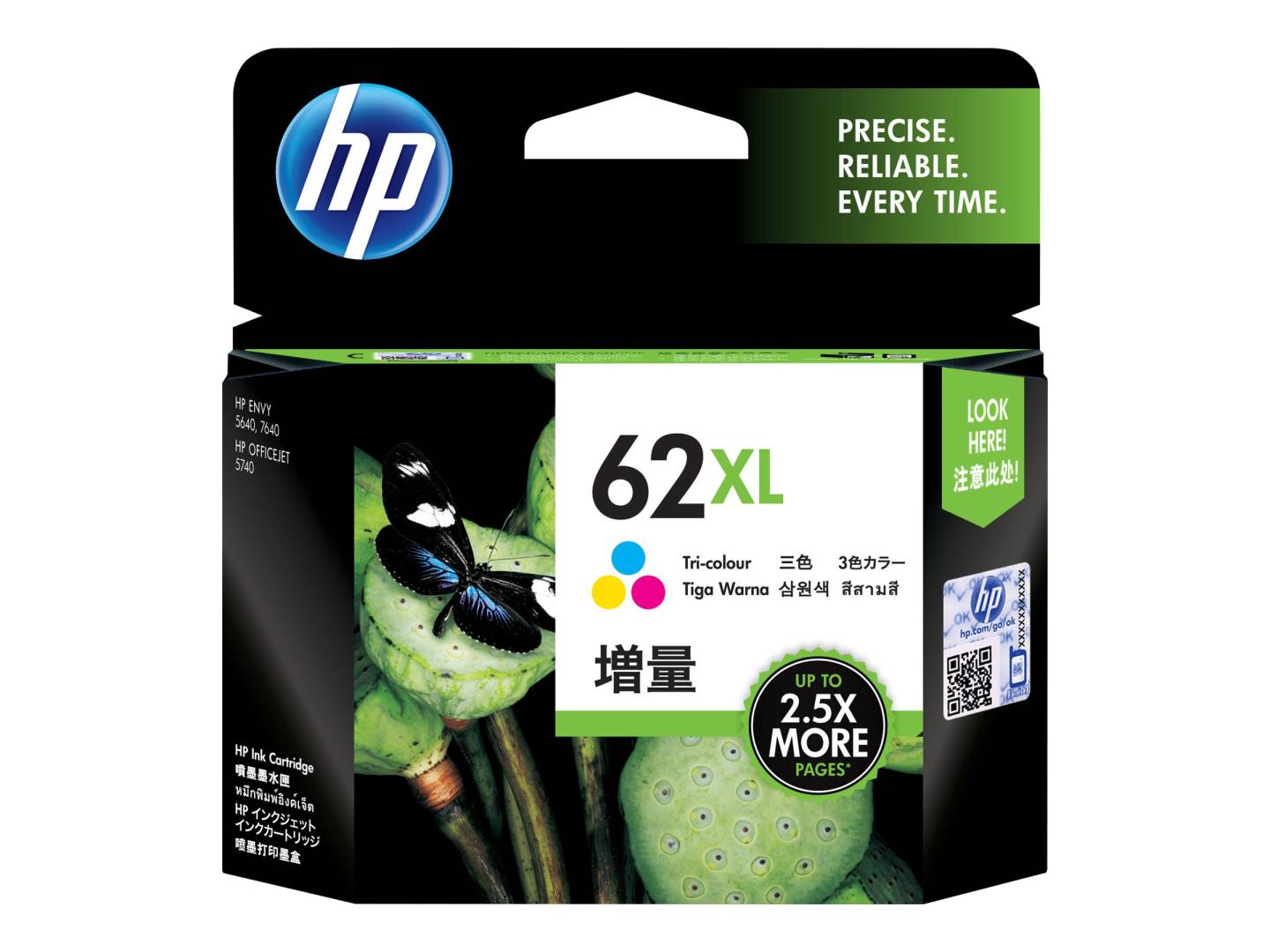
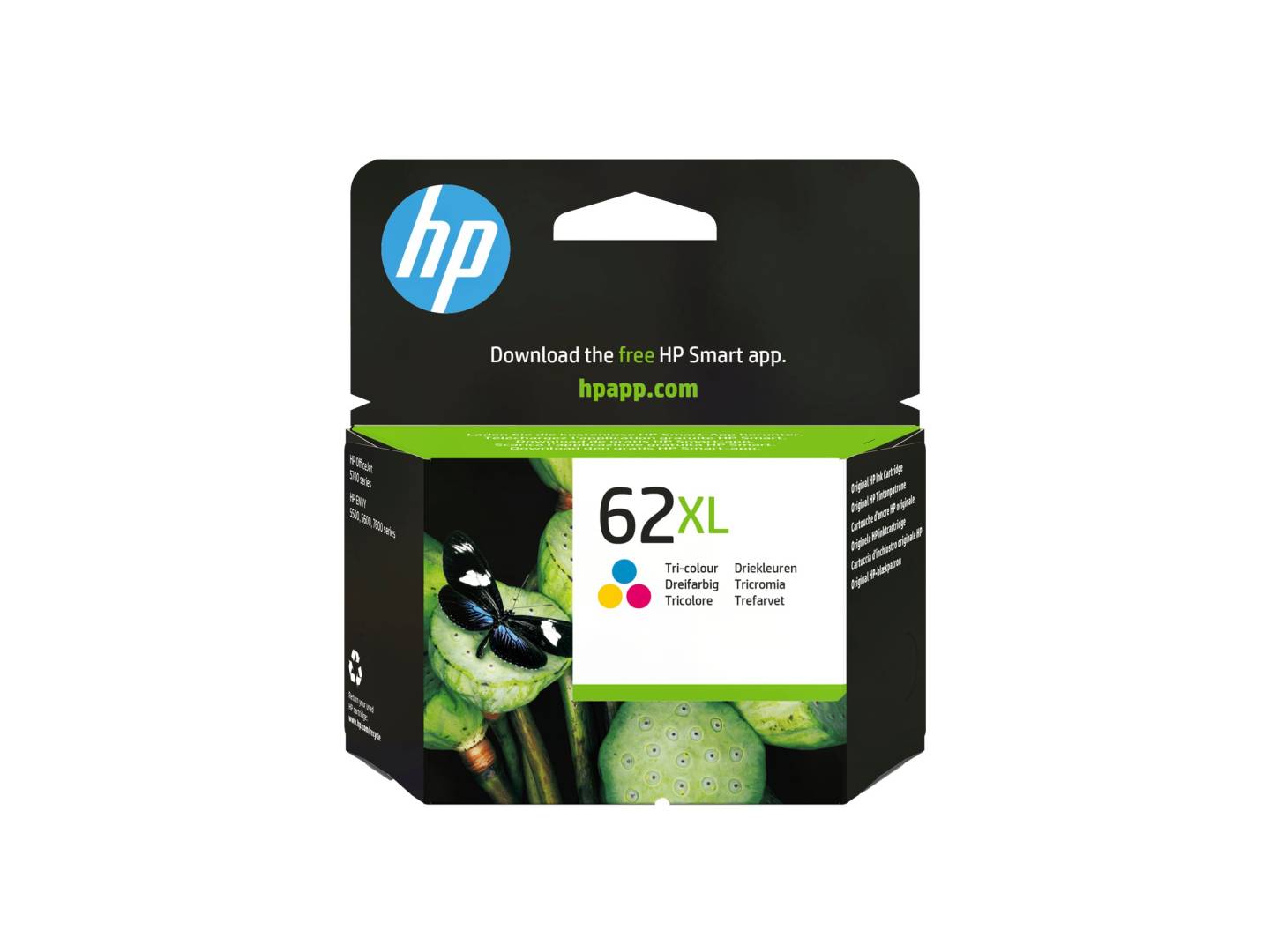


HP 62XL High Yield Tri-colour Original Ink Cartridge
HP HP 62XL (C2P07AE) is a genuine HP high yield tri-colour ink cartridge in tri-colour (cyan, magenta, yellow), 11.5 ml, rated at approx. 415 pages, made for owners of HP ENVY and OfficeJet printers who want the manufacturer's own ink rather than a compatible.
This is the colour cartridge for ENVY 5540/5640/7640/8000 printers and the OfficeJet 200/250 Mobile, 5740 and 8040 — one cartridge with all three colours that handles every colour page, from charts to photos.
Original HP cartridges are recognised by the printer and the HP Smart app, so ink levels are reported correctly and you avoid the "non-HP cartridge" warnings — and the firmware updates HP printers receive can stop cartridges with cloned chips from working, which does not affect originals.
What's in the Box
- 1 × HP 62XL high yield tri-colour ink cartridge (C2P07AE)
- Protective tape over the nozzles — remove before installing
- Black cartridge not included (HP 62XL black, C2P05AE)
What It Means in Practice
- The yield is HP's figure measured with the ISO/IEC 24711 or HP testing methodology method on a standard mixed text-and-graphics test page. Full-page colour, photos or heavy graphics use ink faster, so real page counts will be lower; plain text documents usually land close to the rating.
- The XL tri-colour holds 11.5 ml against 4.5 ml in the standard HP 62 tri-colour, so it lasts well over twice as long — the better choice for anyone printing colour every week.
- All three colours share one cartridge: when one colour is empty the whole cartridge is replaced.
- For the OfficeJet 200/250 Mobile, a spare XL in the bag avoids running out on the road.
- The printhead is built into the cartridge, so every new cartridge also brings fresh nozzles. If prints are streaky and cleaning cycles do not help, a new cartridge usually fixes it.
- Installing takes a minute: open the cartridge access door, wait for the carriage to stop, press down on the old cartridge to release it, pull the pink or orange tape off the new cartridge without touching the copper contacts or nozzles, and slide it in until it clicks.
- Keep spare cartridges sealed in their box at room temperature and install them before the date printed on the packaging; an opened cartridge is best used rather than stored.
- Empty HP cartridges can be returned for free recycling through HP Planet Partners where the programme is offered.
- HP sells its consumer and office ink cartridges by region. This is the European/EMEA version, made for printers sold in Europe, the Middle East and Africa — which covers printers bought in Cyprus, Greece or elsewhere in the EU.
What Will Not Work
- HP 61, 63, 64 or 65 printers — similar-looking numbers, different cartridges. A 62 only fits printers that take HP 62.
- Black-only printing — the black is a separate cartridge.
- A printer bought in the US, Latin America or Asia — it is set up for that region's cartridges and can reject this European version.
- Any printer that is not in the compatibility list below — if your model is not listed, send us the model before ordering.