
i-tec CADUAL4KHDMI USB-C to Dual HDMI DisplayLink Adapter 2x 4K60 with USB-A Adapter
Brand:
i-tec

i-tec CADUAL4KHDMI USB-C to Dual HDMI DisplayLink Adapter 2x 4K60 with USB-A Adapter
€98.46 inc. VAT



CADUAL4KHDMI
Delivery
Order Today...
Ships...
Delivery...
ℹ️ Large or fragile items (e.g. monitors) may require extra handling time. We'll keep you informed.
Payment options
Trusted Tech Choice
Buying Benefits
Verified
Competitive EU pricing
Delivered to Cyprus from EU stock
Local warranty support
Please sign in so that we can notify you about a reply
Singular Selected
i-tec USB-C Dual HDMI Video Adapter 4K 60Hz (CADUAL4KHDMI)
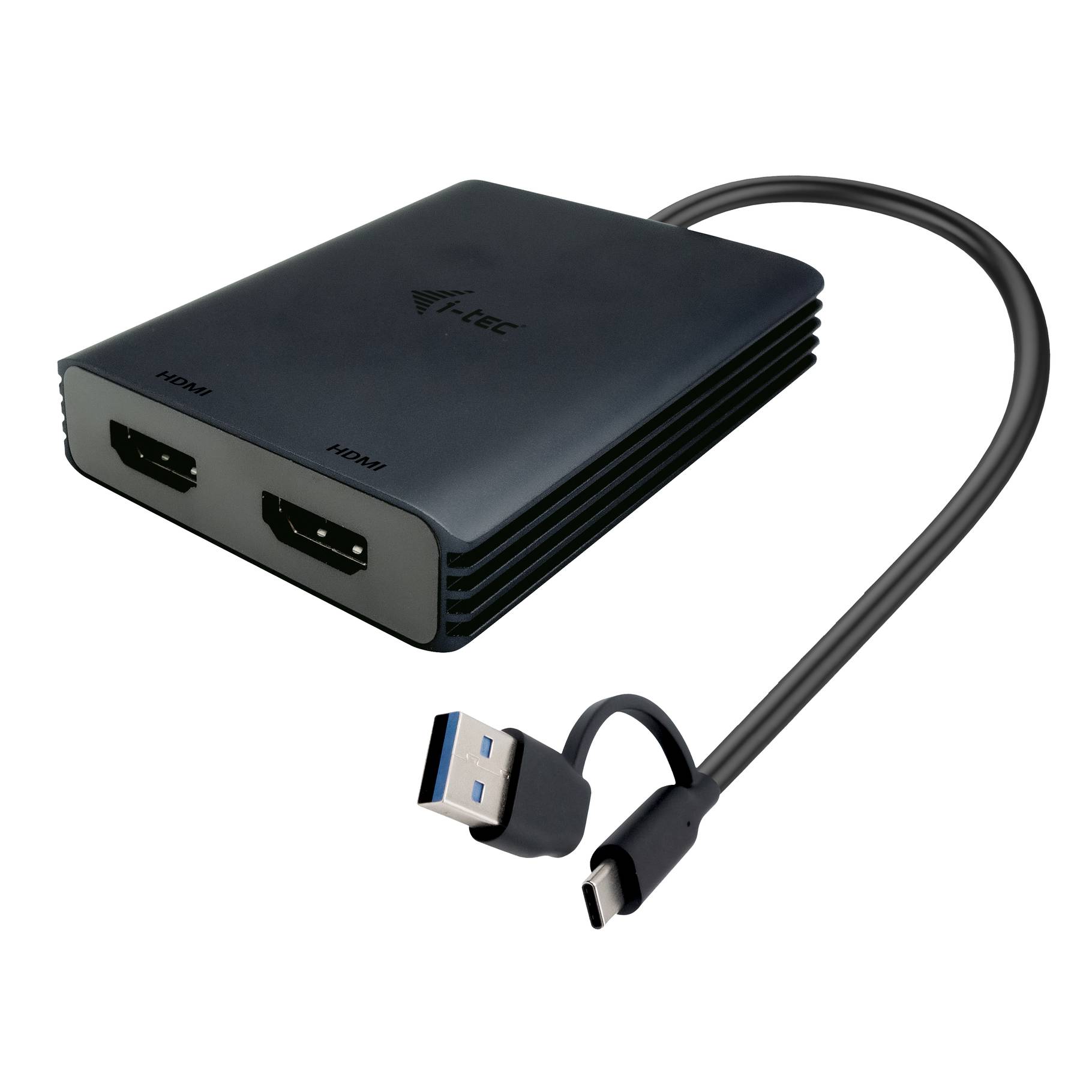
Two 4K HDMI monitors from any USB-C, USB-A or Thunderbolt port, with DisplayLink.
2x 4K 60Hz HDMIDisplayLink certifiedUSB-C + USB-A reductionMetal housing, 80 g
The i-tec CADUAL4KHDMI is a USB-C to dual HDMI video adapter with DisplayLink technology that connects one or two 4K monitors at up to 60Hz, and includes a USB-A reduction so it works with USB-A, USB-C, USB4 and Thunderbolt 3/4/5 ports. DisplayLink lets it add two external screens even to laptops and Macs whose graphics normally support only one, including Apple M1, M2 and M3 models.
The compact metal-housed adapter (75 x 60 x 15 mm, 80 g) has a built-in 27 cm cable, making it a light, portable way to set up a dual-monitor desk from one USB port.
Compatibility Note: A DisplayLink driver is required: Windows 10/11 installs it automatically, while macOS, ChromeOS, Android and Linux need a manual install from Synaptics. DisplayLink compresses video over USB, so it suits office and productivity work rather than gaming, and some HDCP-protected streaming may not play on its outputs.
Key Features
Two 4K 60Hz HDMI outputs
Runs one or two monitors at 3840 x 2160 60Hz in extended mode through DisplayLink, independent of the laptop GPU.
Works on almost any port
Built-in USB-C cable plus included USB-A reduction, compatible with USB-A, USB-C, USB4 and Thunderbolt 3/4/5 host ports.
Dual screens on Apple silicon
Adds two external displays to M1, M2 and M3 Macs that natively support only one, once the DisplayLink Manager app is installed.
Technical Specifications
Frequently Asked Questions
Singular Expert Insight
We recommend the CADUAL4KHDMI for hot desks and laptops that need two 4K HDMI monitors from a single USB port, including base M-series Macs, with a small metal adapter you can carry. For Thunderbolt laptops wanting native, driver-free video the Club 3D CSV-1586 is better; for DisplayPort monitors choose the i-tec CADUAL4KDP.
✓ Buy it if you want two 4K 60Hz HDMI screens from any USB-C or USB-A port, including on an Apple silicon Mac.
✕ Skip it if you game on the external screens or cannot install the DisplayLink driver.
→ Also consider i-tec CADUAL4KDP (DisplayPort version), Club 3D CSV-1475 (dual HDMI 2.0) or Club 3D CSV-1586 (Thunderbolt, native).
Features - i-tec - CADUAL4KHDMI
Interface
- USB Type-C,
- USB3.0
Length
0.25m
More Details
Product Code
CK22807
EAN Code
8595611706844
Manufacturer
i-tec