
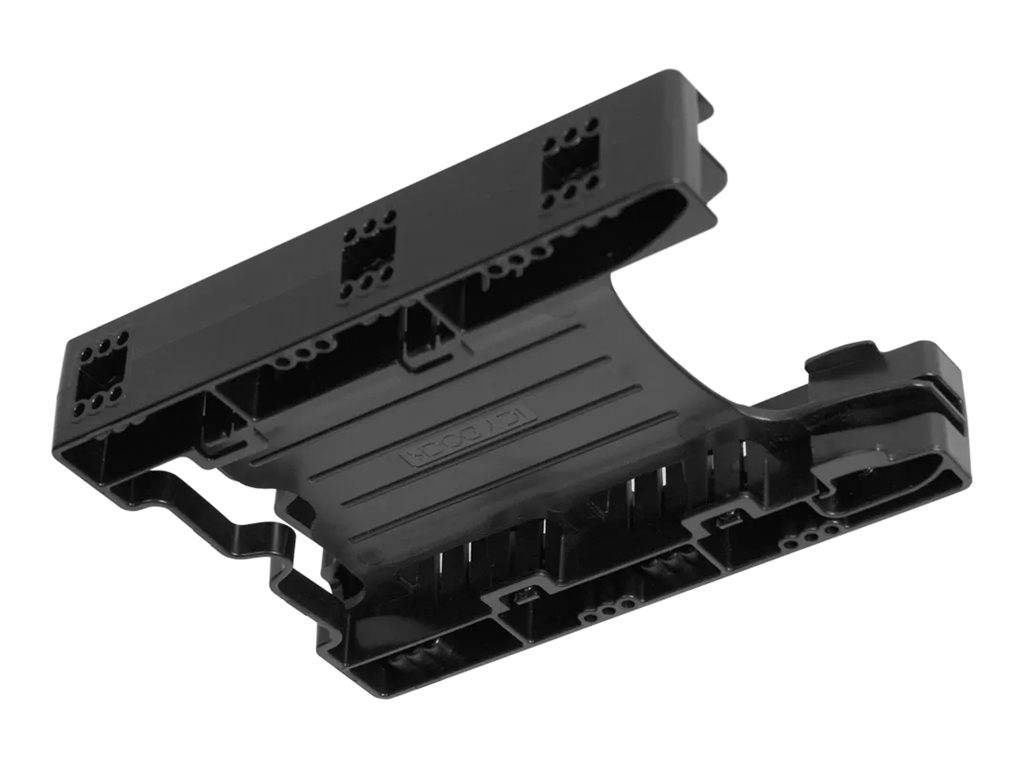
ICY DOCK EZ-Fit Lite MB290SP-B Dual 2.5 Inch HDD SSD Mounting Bracket for 3.5 Inch Bay 9.5mm Black
Brand:
Icy Box

ICY DOCK EZ-Fit Lite MB290SP-B Dual 2.5 Inch HDD SSD Mounting Bracket for 3.5 Inch Bay 9.5mm Black
€20.17 inc. VAT


MB290SP-B
Delivery
Order Today...
Ships...
Delivery...
ℹ️ Large or fragile items (e.g. monitors) may require extra handling time. We'll keep you informed.
Payment options
Trusted Tech Choice
Buying Benefits
Verified
Competitive EU pricing
Delivered to Cyprus from EU stock
Local warranty support
Please sign in so that we can notify you about a reply
ICY DOCK EZ-Fit Lite MB290SP-B — Two 2.5″ Drives in One 3.5″ Bay
Two drives, one bay7–9.5 mm drives59 g passive bracketFour screws supplied
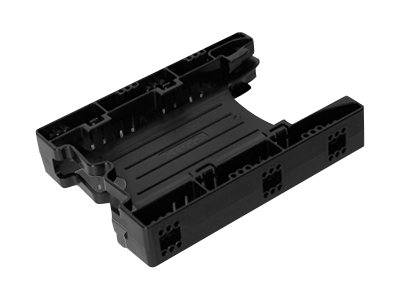
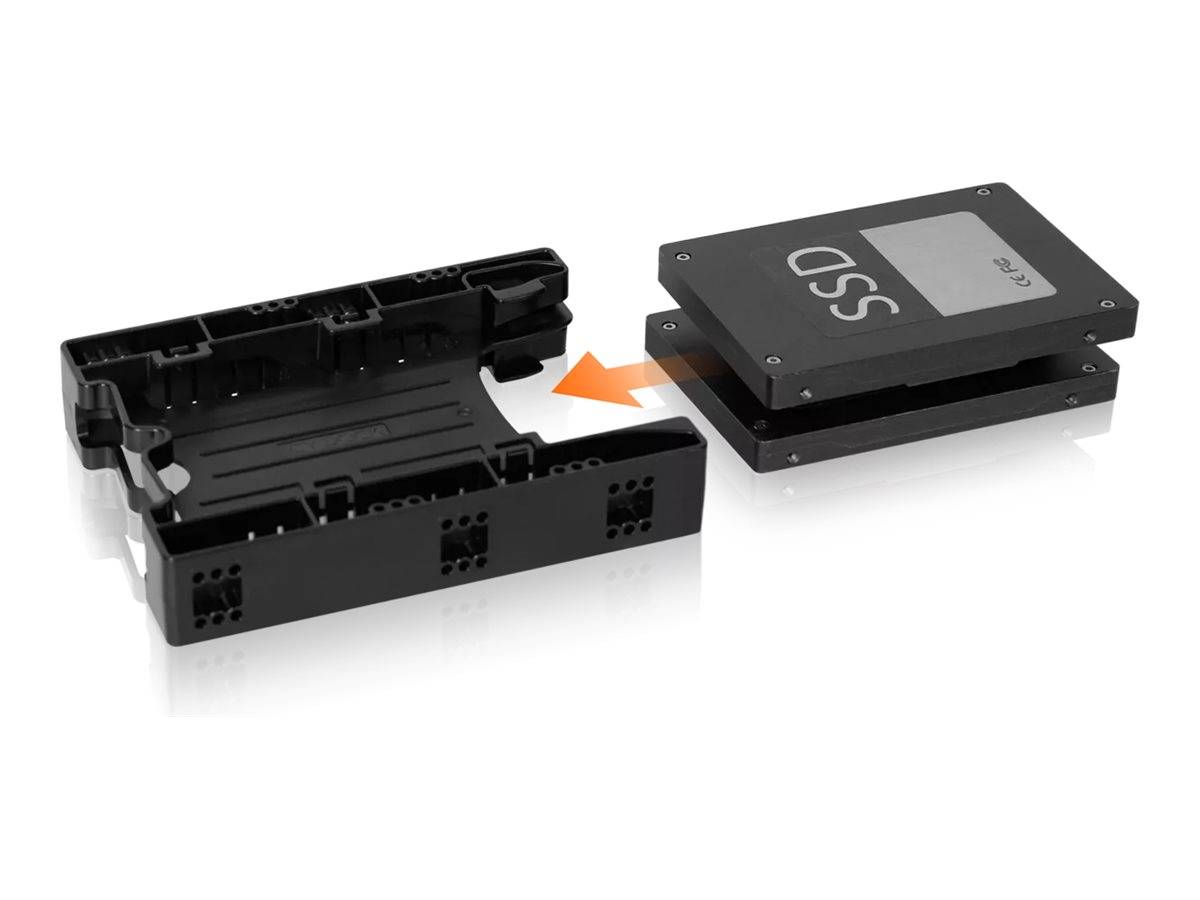
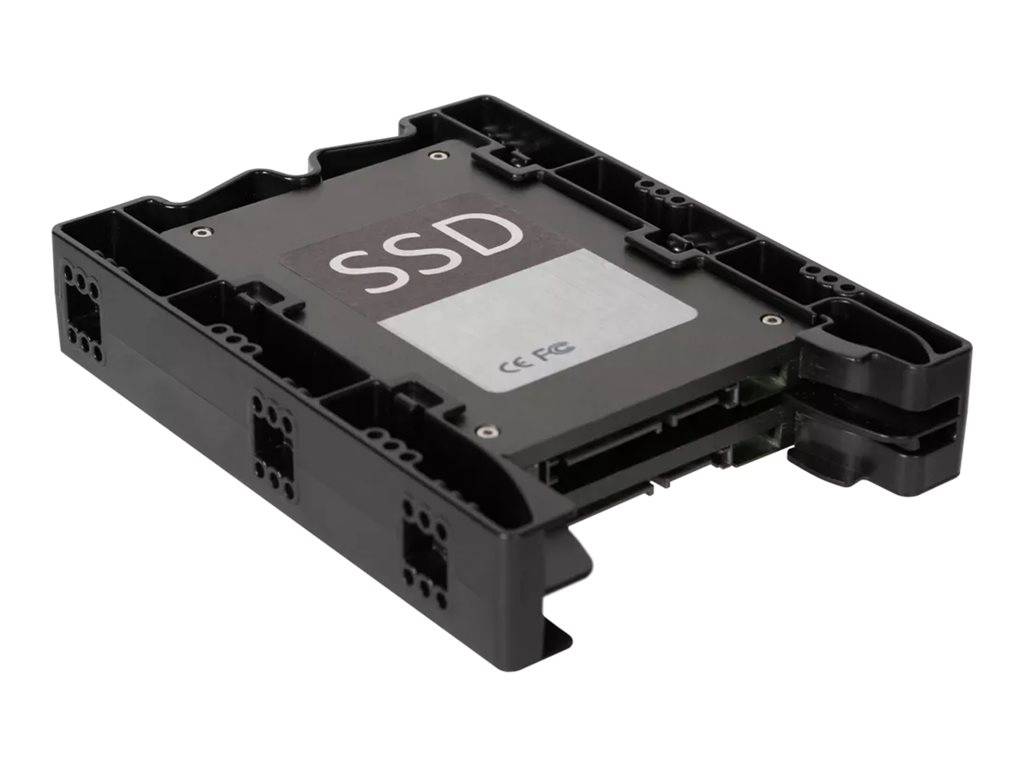
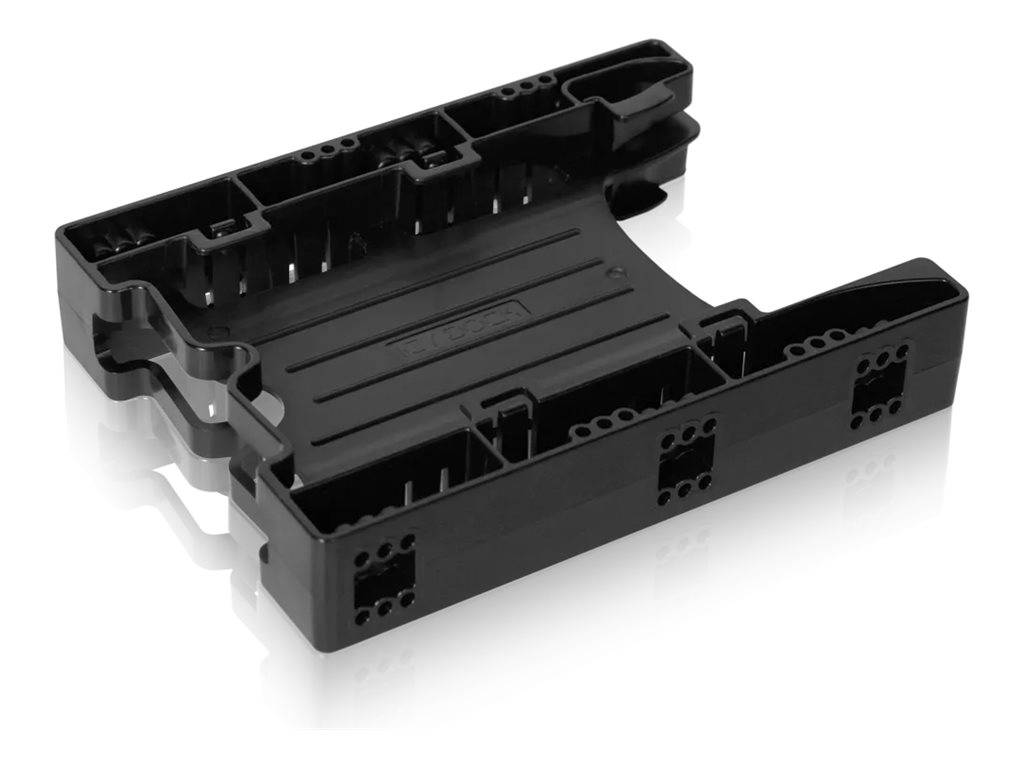
The ICY DOCK EZ-Fit Lite MB290SP-B is a passive plastic bracket that mounts two 2.5-inch drives into a single internal 3.5-inch bay. It is deliberately simple: there is no backplane, no connector and no electronics on the bracket at all. Each drive keeps its own cables and is wired straight to the motherboard, so the host sees two ordinary drives with no adapter in the path and no compatibility layer to go wrong. At 59 g it is the lightest way to double the drive count in a desktop that has run out of 2.5-inch mounting points, and the four screws needed to fit it are in the box.
Compatibility — check before buying:
No cables are included with this version. The MB290SP-B is the bare bracket — you supply two SATA data cables and the power connections yourself. The closely named MB290SP-1B is the same bracket with two SATA data cables and a power splitter in the box; if you do not already have spare cables and a free power lead, that is the one to order, and the difference is easy to miss on a shelf. Beyond that: drive height must be 7–9.5 mm, so 12.5 mm and 15 mm 2.5-inch drives will not fit. The bracket is passive, which means it does not convert anything — two SATA drives need two SATA ports, and a SAS drive still needs a SAS controller. It also has no hot-swap function: the machine goes off before a drive comes out. Tell us how many free SATA ports and power connectors your build has and we will make sure the order is complete.
Best For
✓ Desktops with spare 3.5-inch bays but no 2.5-inch mounting points
✓ Adding a second SSD without buying a new case
✓ A boot SSD plus a data SSD sharing one bay
✓ Small builds where every bay counts
✓ Recycling an old tower into a light file server
✓ Workshop machines that hold a pair of test drives
Key Features
Two drives where one used to go
A standard 3.5-inch bay holds one drive. This bracket puts two 2.5-inch drives in the same space, side by side, which in a typical mid-tower is the difference between two SSDs and four. It is 134.5 × 101.6 × 25.4 mm, so it drops into the bay exactly as a 3.5-inch disk would.
Nothing between the drive and the board
There is no backplane and no bridge chip — each drive plugs directly into the motherboard with its own data and power leads. Nothing can throttle the link, nothing needs a driver, and if the bracket ever fails you simply unscrew the drives and they carry on working. Speed is whatever the drives and the ports deliver.
Light enough to forget about
At 59 g of ABS the bracket adds nothing meaningful to the machine, and four screws are supplied to secure it. ICY DOCK rates the SATA connector for 10,000 insertion cycles and specifies the part from 0 to 60 °C in operation, which is well beyond anything a desktop bay will ask of it.
Technical Specifications
Frequently Asked Questions
Singular Expert Insight
The version letter is the whole story on this one. MB290SP-B and MB290SP-1B look identical in a photograph and cost slightly different amounts because one has cables in the box and the other does not. If you are working on a machine that already has spare SATA leads coiled behind the drive cage, the plain -B is the sensible buy; if you are finishing a build from a bare case, the -1B saves a second order. Everything else about them is the same. For the drives themselves, our internal SSDs range is the natural pairing, and if what you actually want is drives you can pull out without opening the case, look at HDD and SSD enclosures instead — this bracket is a permanent mount, not a hot-swap bay.
Buyer’s Guide
Buy it if
You have a free 3.5-inch bay and two 2.5-inch drives up to 9.5 mm thick, you have spare SATA ports and power leads, and you want the drives mounted permanently and out of the way.
Skip it if
You need cables in the box — order the MB290SP-1B. Your drives are thicker than 9.5 mm. Or you want to pull drives out from the front, which needs a mobile rack rather than a bracket.
Also consider
ICY DOCK MB290SP-1B for the same bracket with cables and a power splitter included, or a single-drive 2.5-to-3.5 converter if you only have one drive to mount.
Features - Icy Box - MB290SP-B
Colour
black
More Details
Product Code
04:152845
EAN Code
4711132869316
Manufacturer
Icy Box