
iiyama ProLite TF1534MC-B8X 15-inch Open Frame Touch Monitor
Brand:
Iiyama



TF1534MC-B8X
Delivery
Order Today...
Ships...
Delivery...
ℹ️ Large or fragile items (e.g. monitors) may require extra handling time. We'll keep you informed.
Payment options
Trusted Tech Choice
Buying Benefits
Verified
Competitive EU pricing
Delivered to Cyprus from EU stock
Local warranty support
Please sign in so that we can notify you about a reply
A 15-inch open-frame PCAP display for planned kiosk integration
15-inch TN /4:31024×768 /75HzPCAP 10-point normal modeIP65 front
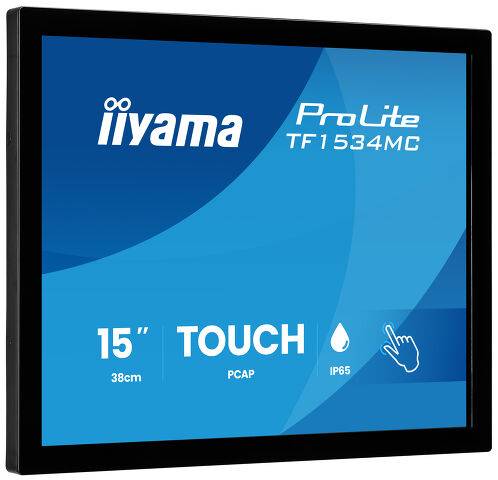
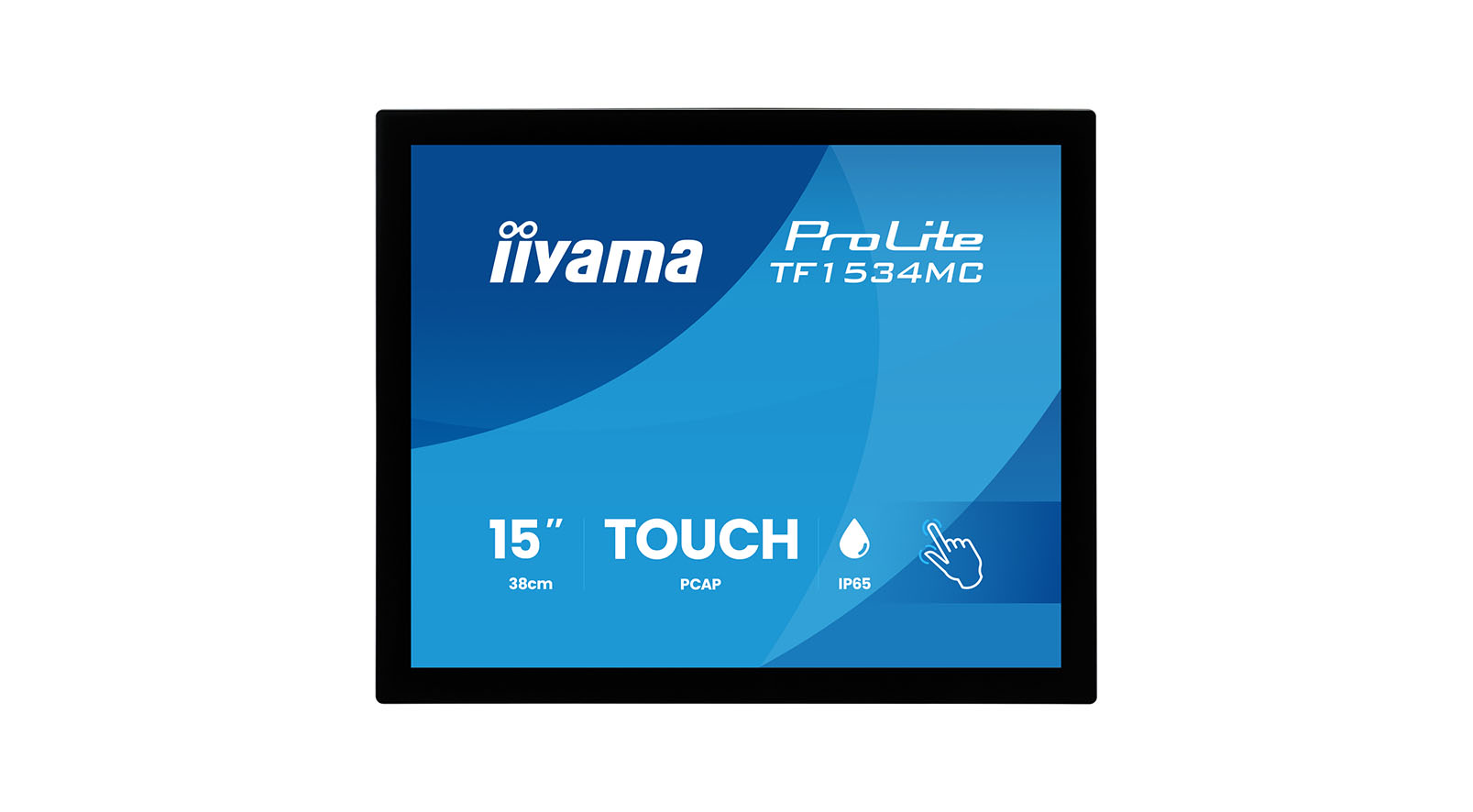
The iiyama ProLite TF1534MC-B8X is a 15-inch open-frame touch monitor for kiosk,retail and custom installations. Its TN panel provides 1024×768 resolution at up to 75Hz,while edge-to-edge glass,an anti-fingerprint finish and front IP65 protection support frequent interaction. HDMI,DisplayPort and VGA provide video options,with a separate USB connection for touch.
Best For: Integrators building compatible kiosks,POS interfaces and interactive enclosures that need a compact4:3 display and planned mounting.
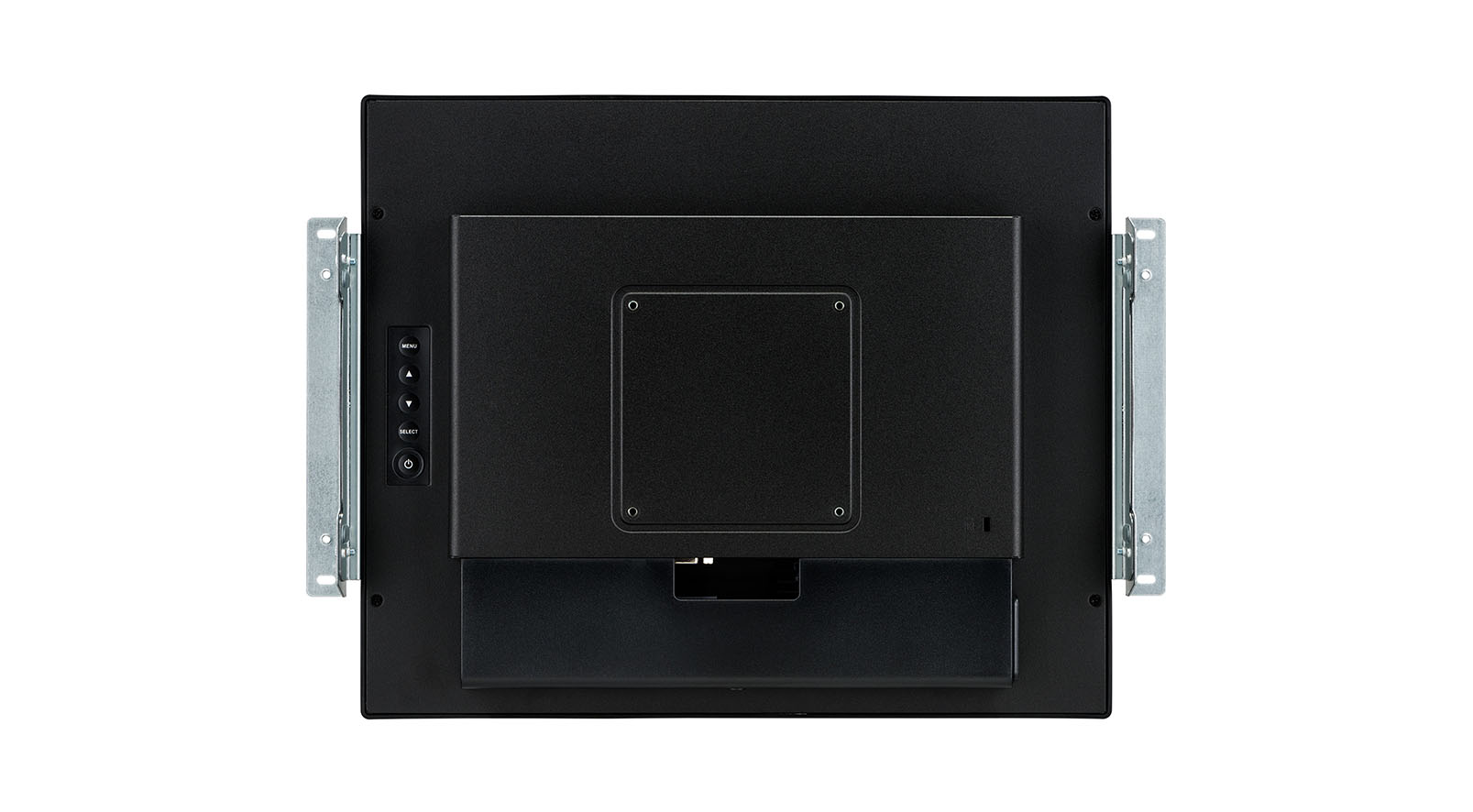
Before you order: This is a monitor requiring an external computer and suitable mounting. OMK1-1 external brackets shown in some images are optional and sold separately. Confirm mechanical drawings before cutting an enclosure. Touch modes differ:normal mode supports 10points,glove mode 5 and through-glass mode 2,with an overlay up to 6mm. Set the Touch Switch after installation as the manual instructs.
What's in the Box
- iiyama ProLite TF1534MC-B8X open-frame monitor.
- External AC adapter,power,USB,HDMI and DisplayPort cables; cables listed as 1.8m.
- Cable cover,quick-start guide and safety guide.
- OMK1-1 mounting brackets,RC TOUCHV01 controller,desktop stand and computer are not listed as included.
What It Means in Practice
- Connect the selected video input and USB touch link to a compatible host; verify its OS/driver support.
- Choose landscape,portrait or face-up installation following the mounting and ventilation instructions.
- For a protective glass overlay,configure through-glass mode and test the completed installation; that mode supports two touch points.
- Plan service access and cable routing,and confirm the exact drawing and bracket clearances before fabricating a kiosk.
What Will Not Work
- Front IP65 protection does not make the rear connectors or whole assembly waterproof.
- The 10-point headline applies to normal mode,not glove or through-glass modes.
- Open-frame mounting accessories and the host computer are separate.
- The manual states this product is not specifically designed for blanket 24/7 operation.
Key Features
PCAP interaction
Normal 10-point touch,with dedicated glove and through-glass settings for supported applications.
Protected front surface
Edge-to-edge7H glass,anti-fingerprint treatment and front-only IP65 protection.
Integration flexibility
Landscape,portrait and face-up orientations plus 100×100mm VESA mounting.
Video connection choices
HDMI,DisplayPort or VGA for the image,with USB for touch communication.
Technical Specifications
Frequently Asked Questions
Singular Expert Insight
For integration,the enclosure design and touch mode are as important as the panel. Confirm bracket clearance,USB routing,ventilation and the final glass stack before production. Test the actual mounted unit with the intended host and application.
Buyer’s Guide
✓ Buy it if You are integrating a 15-inch4:3 PCAP monitor into a properly designed kiosk or enclosure.
✕ Skip it if You need a complete desktop touch computer,included stand or ten-point interaction through protective glass.
→ Also consider Current mechanical drawing,optional brackets,host compatibility,overlay thickness and mode-specific touch-point limits.
Features - Iiyama - TF1534MC-B8X
More Details
Product Code
04:600818
EAN Code
4948570127801
Manufacturer
Iiyama