
iiyama ProLite T1931SR-B2S 19-inch IPS Touch Monitor
Brand:
Iiyama

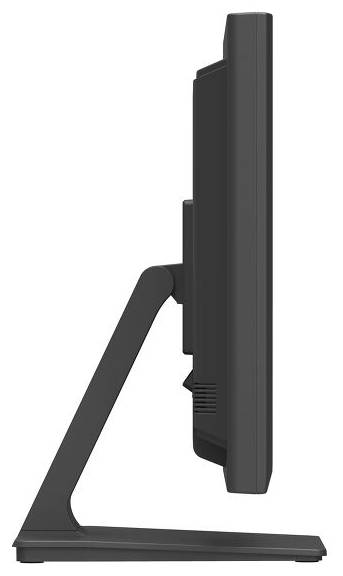
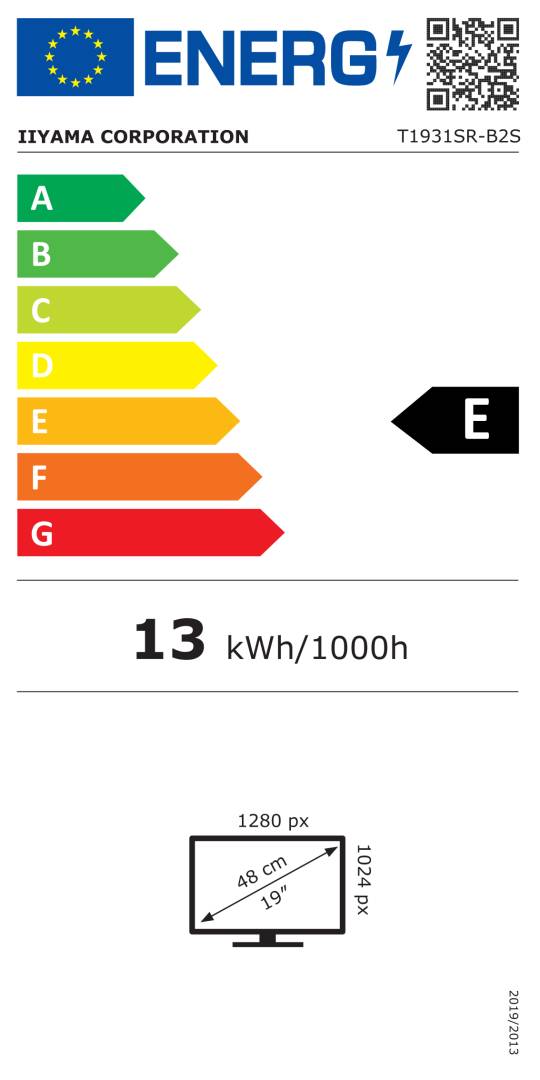


T1931SR-B2S
Delivery
Order Today...
Ships...
Delivery...
ℹ️ Large or fragile items (e.g. monitors) may require extra handling time. We'll keep you informed.
Payment options
Trusted Tech Choice
Buying Benefits
Verified
Competitive EU pricing
Delivered to Cyprus from EU stock
Local warranty support
Please sign in so that we can notify you about a reply
Practical single-point touch for counters and workstations
19-inch IPS / 5:41280×1024 up to 75Hz5-wire resistive / USBFront IP54
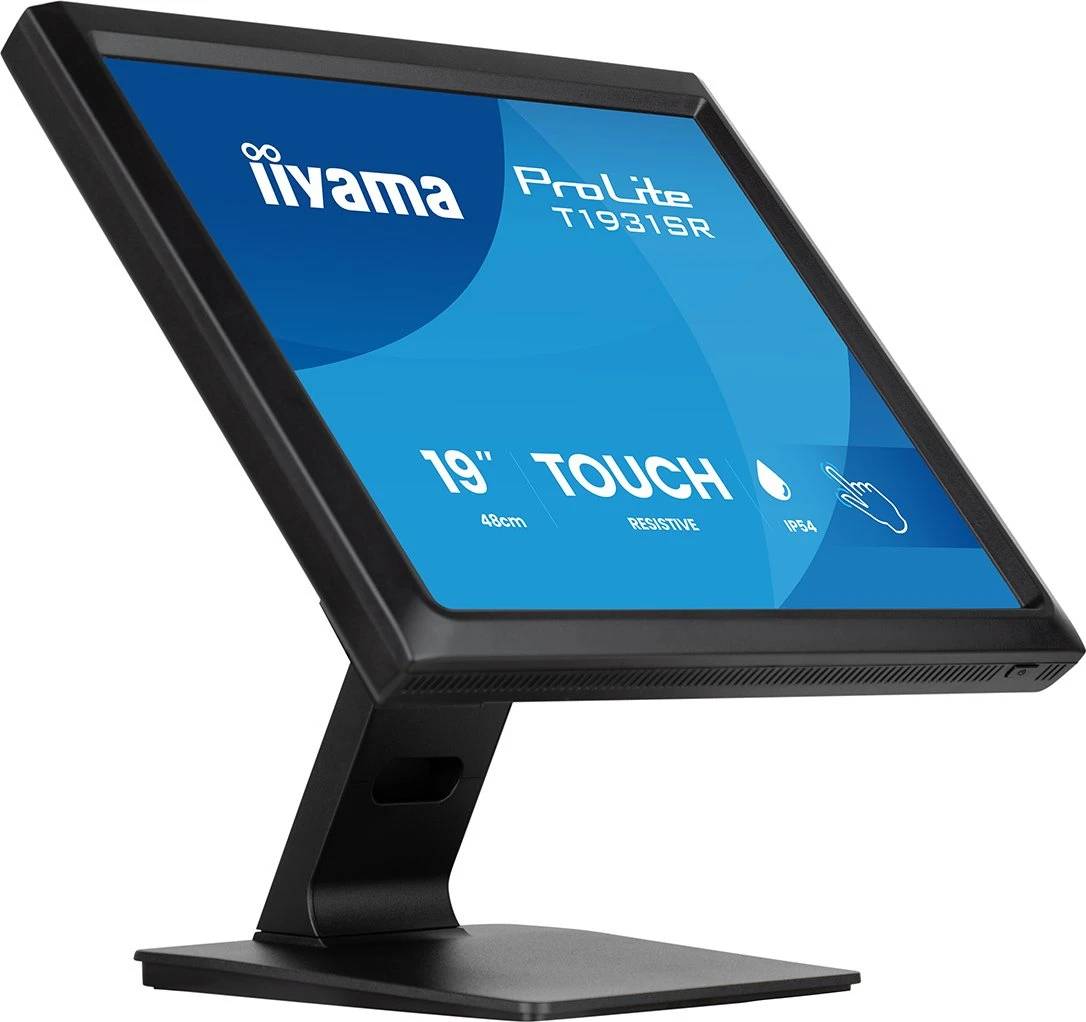
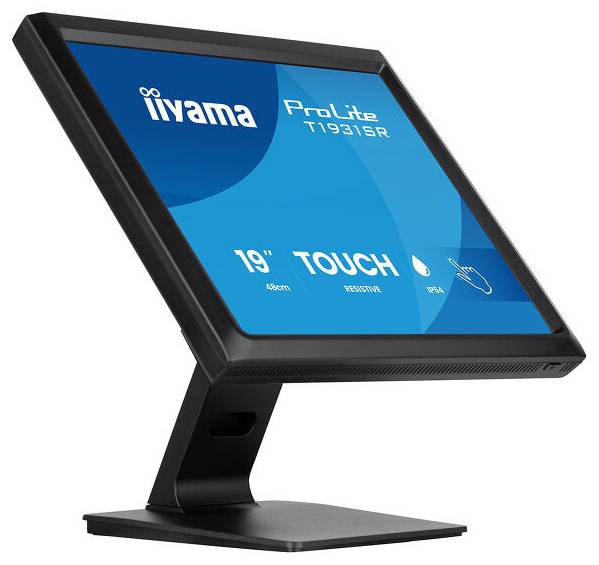
The black iiyama ProLite T1931SR-B2S is a standalone 19-inch IPS touch monitor for retail counters, workshops and other commercial workstations. Its 5-wire resistive surface accepts a finger, glove or suitable plastic stylus, with one touch point communicated over USB. HDMI, DisplayPort and VGA support digital or analogue host video connections.
Best For: POS interfaces, workstations operated with gloves and applications designed around one-point touch on a compact 5:4 display.
Before you order: This is a monitor, requiring a separate computer or compatible host. Connect USB as well as a video cable for touch; HDMI/DisplayPort/VGA alone do not carry its touch input. Check touch drivers, calibration and application support for the intended OS. IP54 applies only to the front face, not the complete enclosure.
What's in the Box
- Black T1931SR-B2S monitor, stand neck/base with screws, cable cover and cover screw, screwdriver.
- Power, HDMI, DisplayPort, USB and audio cables; manufacturer lists 1.8m lengths.
- Quick start and safety guides. Computer, separate VESA arm and stylus are not listed as supplied.
What It Means in Practice
- Use HDMI or DisplayPort for digital video, or VGA for a legacy host. Connect USB separately for touch.
- The 5:4 1280×1024 layout suits compatible commercial interfaces; set the host to native resolution for sharp text.
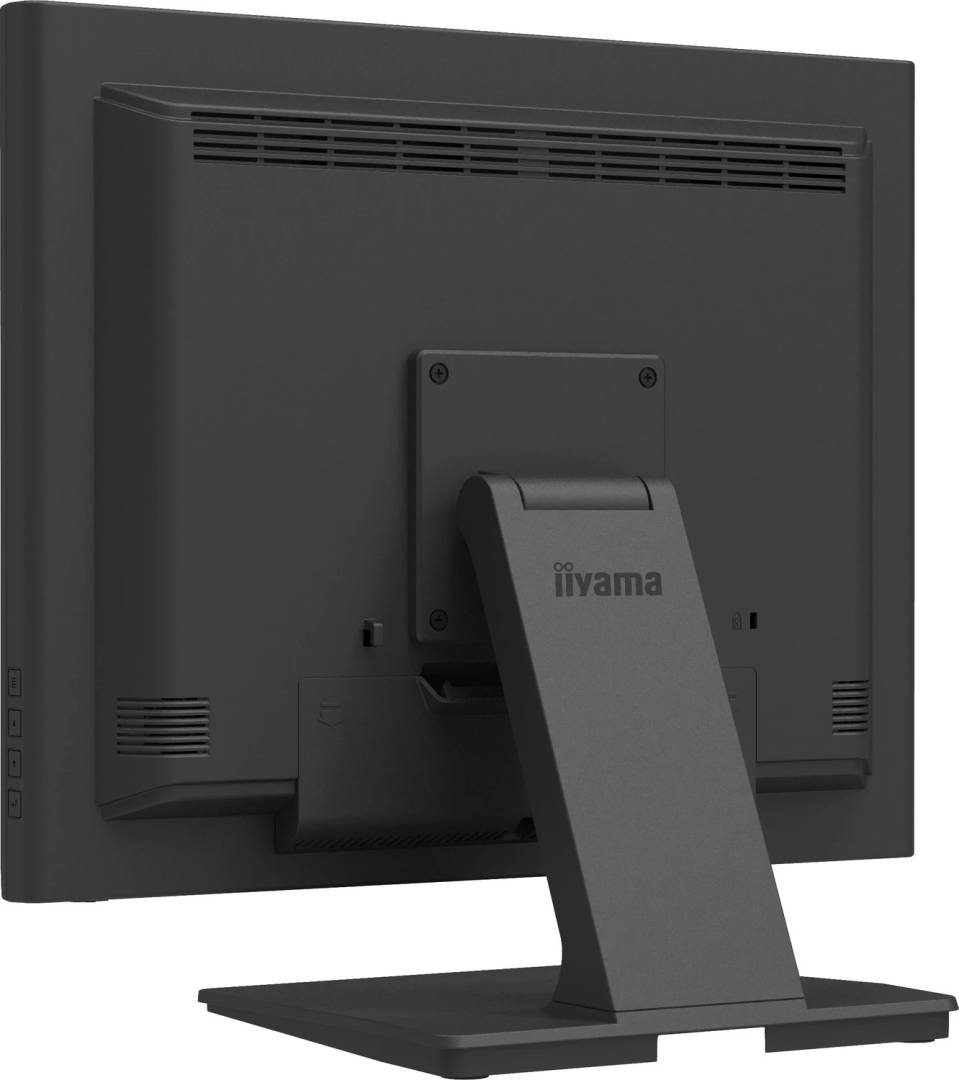
- Tilt upward through 90° or downward 5° and use the cable cover to manage the installation.
- Use a finger or a suitable plastic stylus; the manual recommends a tip radius of at least 0.8mm. Sharp, pointed or metal objects can permanently damage the surface.
What Will Not Work
- Single-point resistive touch, rather than capacitive multi-touch or a gesture-tablet experience.
- Front-only IP54 does not make the enclosure waterproof; keep connectors and the rear dry and wipe away moisture.
- No integrated computer or USB-C video/docking is specified. A USB connection and appropriate host support are required.
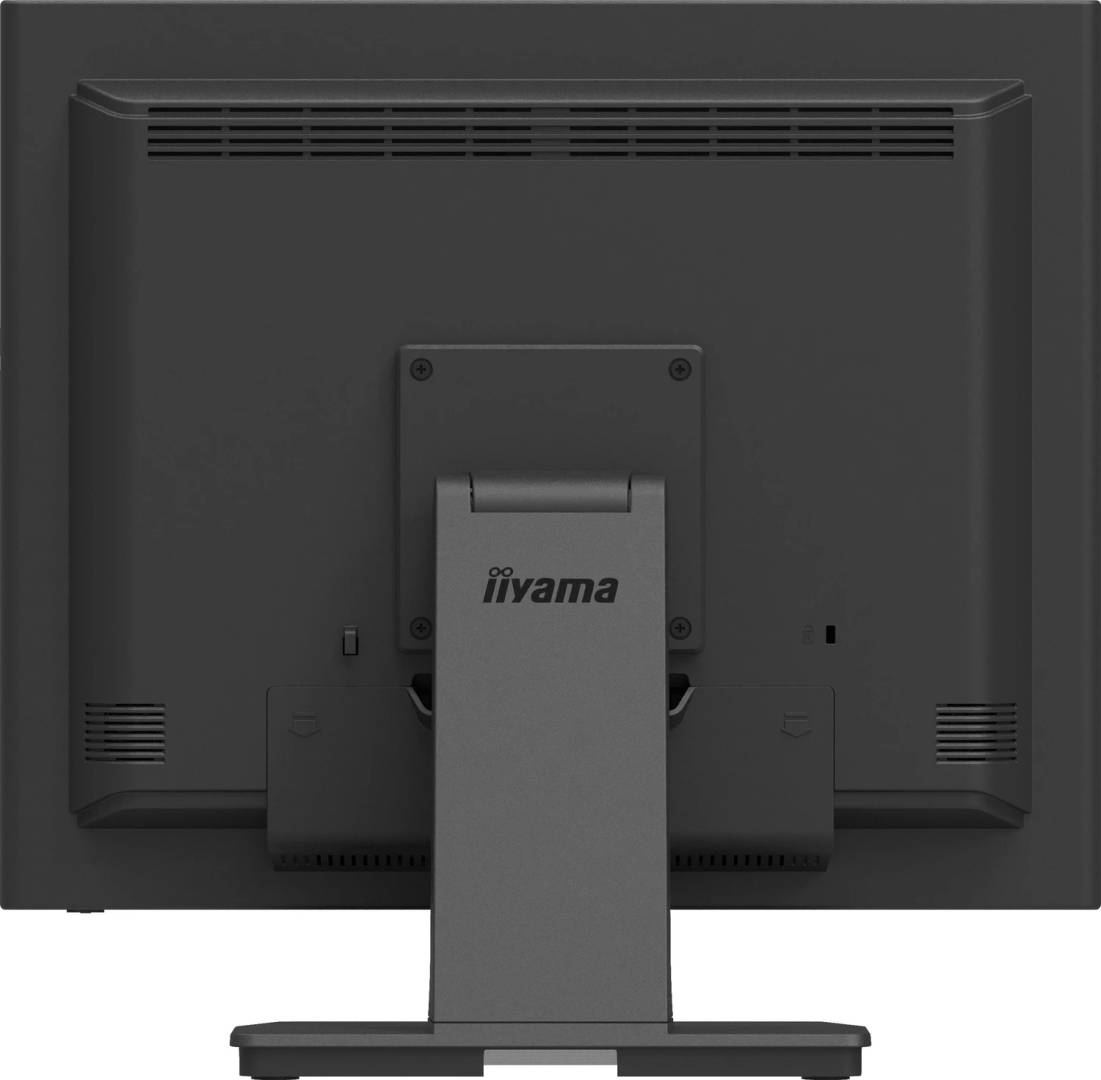
- Check mounting, ventilation and clearance; a separate arm must meet VESA100×100mm and load requirements.
Key Features
Glove-friendly input
5-wire resistive technology responds to a finger, glove or appropriate plastic stylus at one point.
Compact IPS format
19-inch IPS with 1280×1024 native resolution, 5:4 aspect and 178° viewing angles.
Commercial connections
HDMI, DisplayPort and VGA video, separate USB touch and stereo 2×1W speakers.
Flexible placement
Single-hinge tilt stand, front IP54 protection, cable cover and VESA100×100mm mounting.
Technical Specifications
Frequently Asked Questions
Singular Expert Insight
Check the complete workstation before choosing the screen: the application should suit a 5:4 interface and single-point input, while the host needs both a supported video output and USB touch support. Front IP54 helps at the display face, but installation still needs dry connectors and adequate ventilation.
Buyer’s Guide
✓ Buy it if You need a compact 19-inch commercial touchscreen for one-point input, gloves and digital or legacy video sources.
✕ Skip it if You need a complete computer, multi-touch gestures, Full HD widescreen or a sealed waterproof enclosure.
→ Also consider Host OS and touch drivers, application layout, USB routing, stand angle, mounting and protection around the rear connections.
Features - Iiyama - T1931SR-B2S
More Details
Product Code
04:599189
EAN Code
4948570127757
Manufacturer
Iiyama