
iiyama ProLite T1932MSC-B2S 19-inch IPS Touch Monitor
Brand:
Iiyama



T1932MSC-B2S
Delivery
Order Today...
Ships...
Delivery...
ℹ️ Large or fragile items (e.g. monitors) may require extra handling time. We'll keep you informed.
Payment options
Trusted Tech Choice
Buying Benefits
Verified
Competitive EU pricing
Delivered to Cyprus from EU stock
Local warranty support
Please sign in so that we can notify you about a reply
19-inch IPS touch for counters and desktops
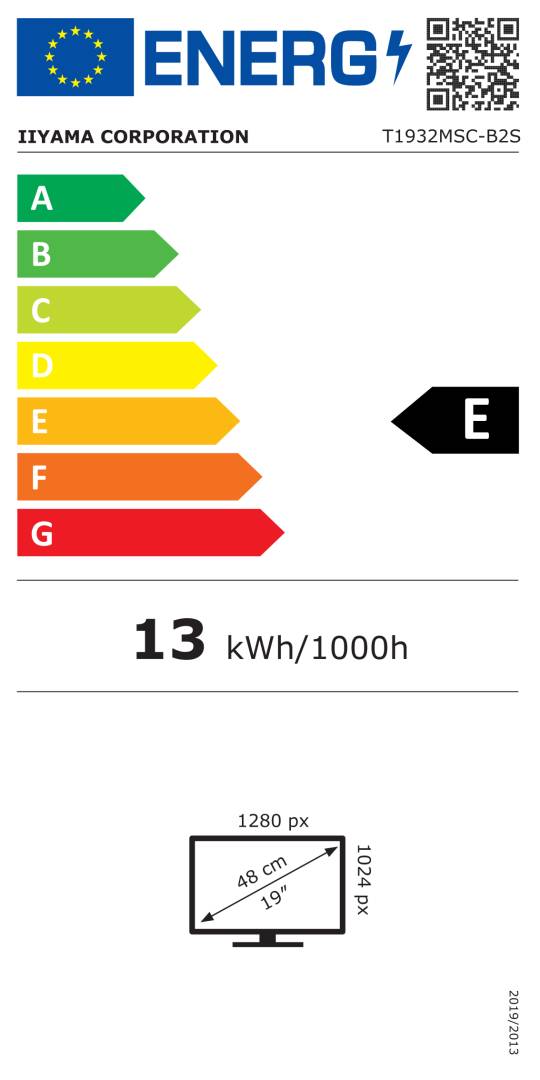
19-inch IPS / 1280×102410-point PCAP / USBIP54 front face only90° up / 5° down tilt
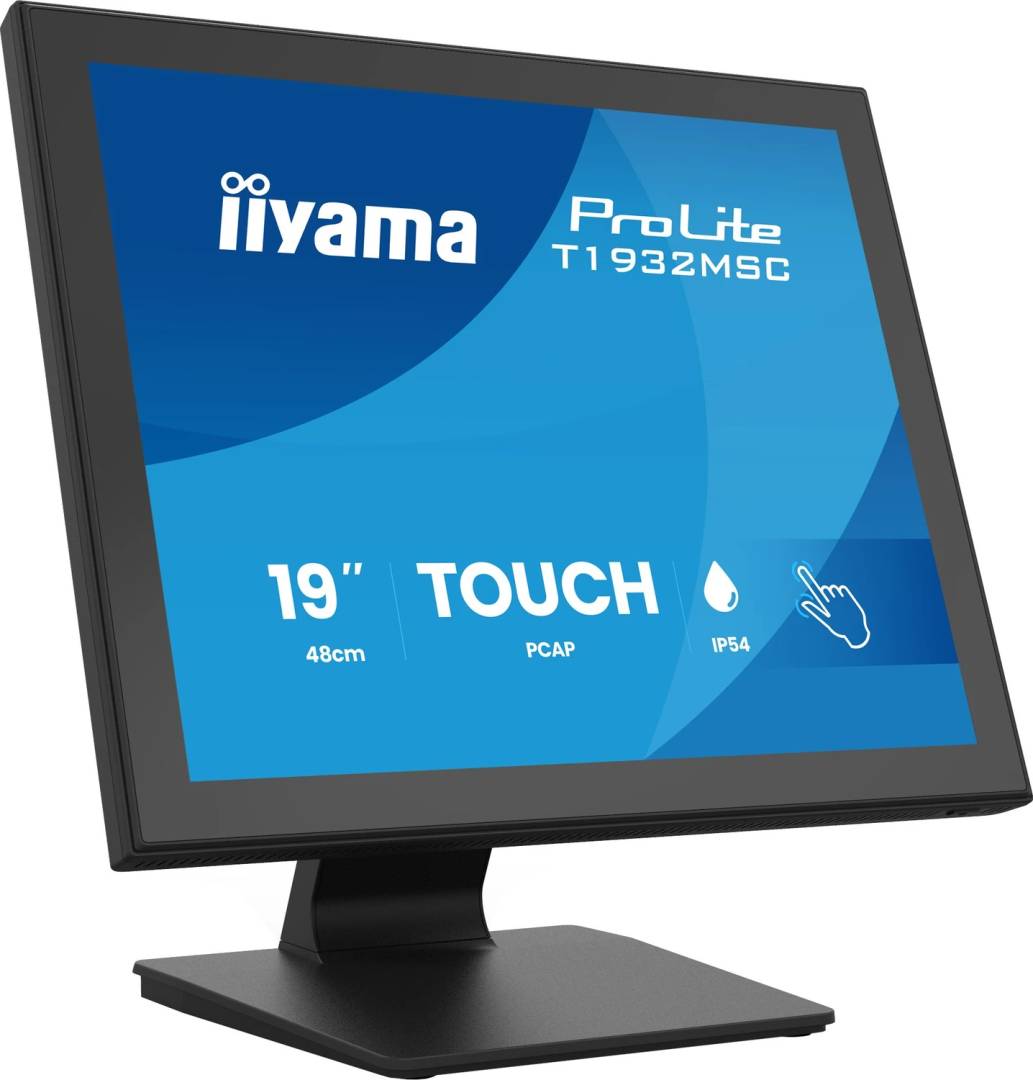
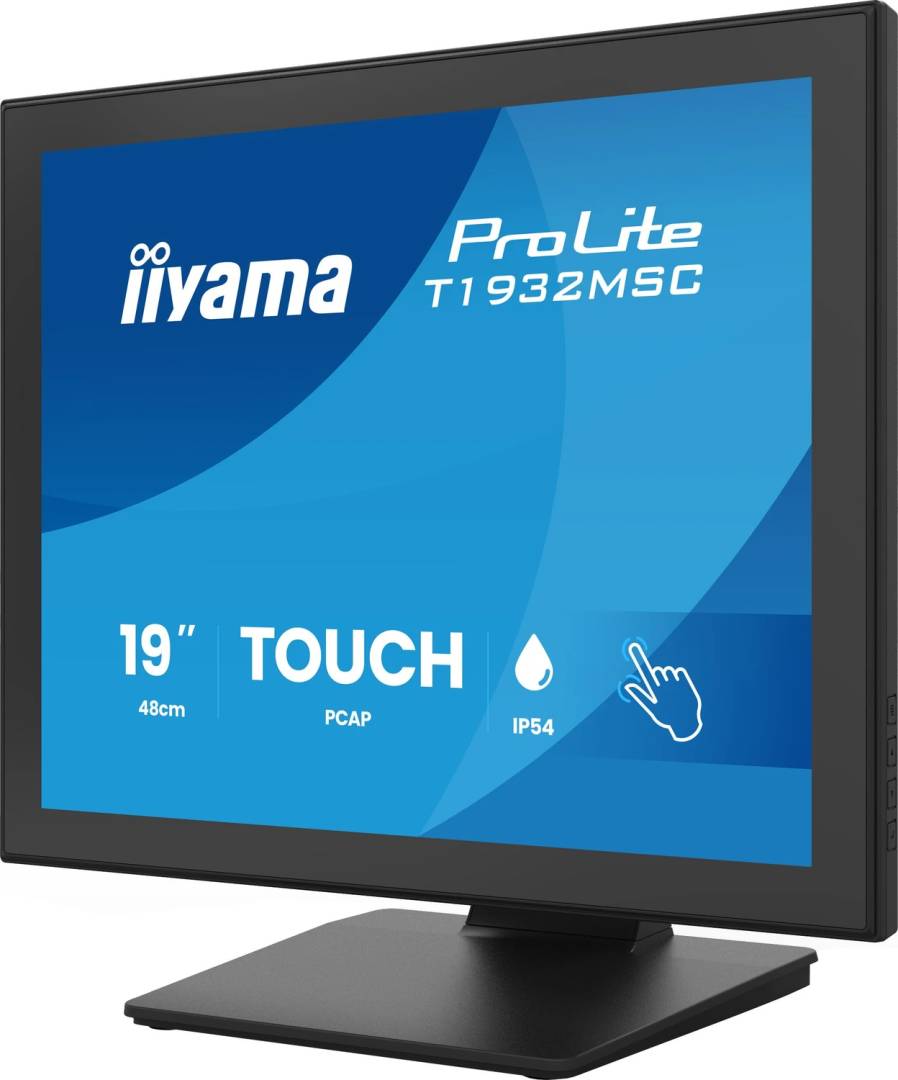
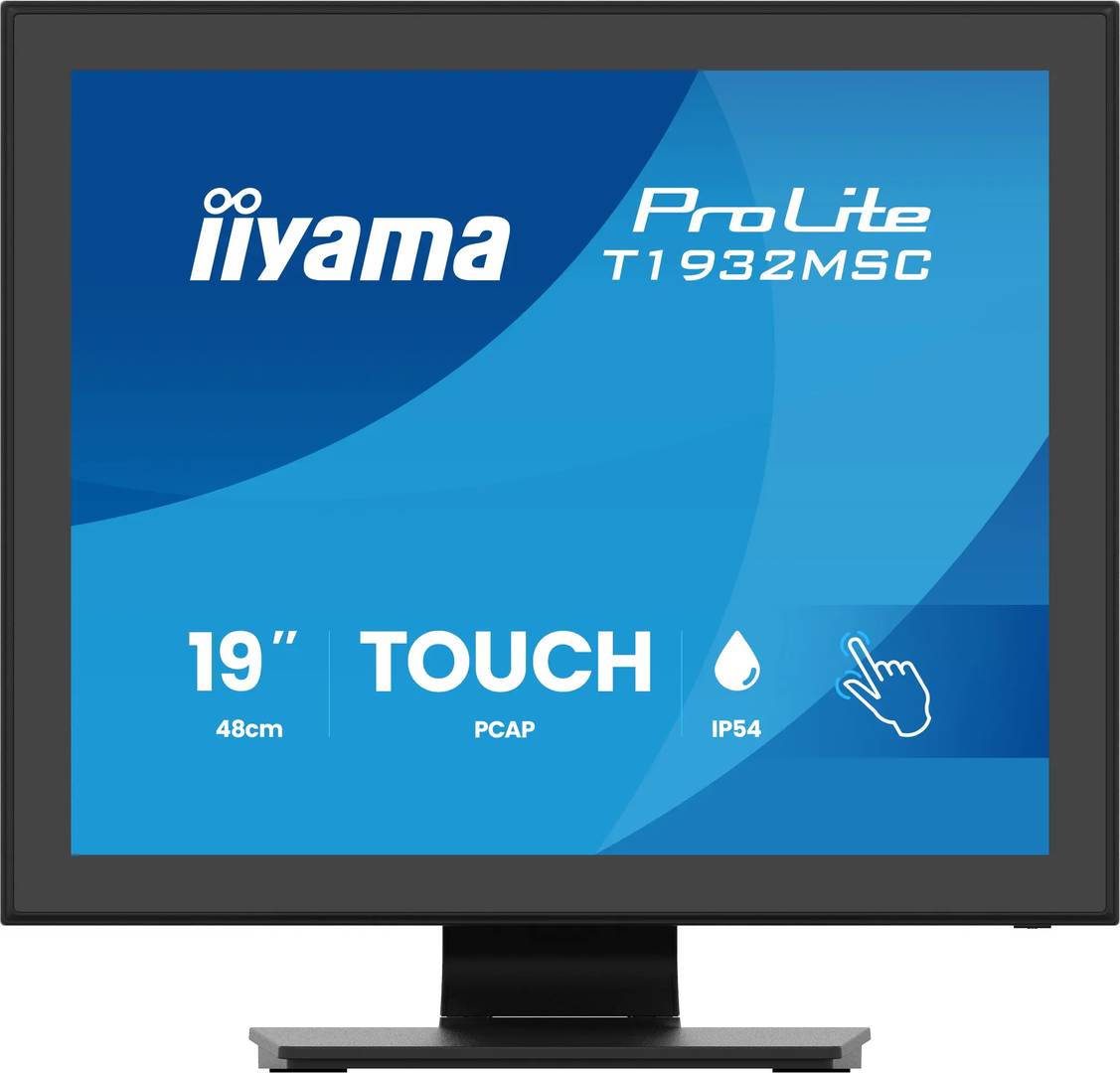
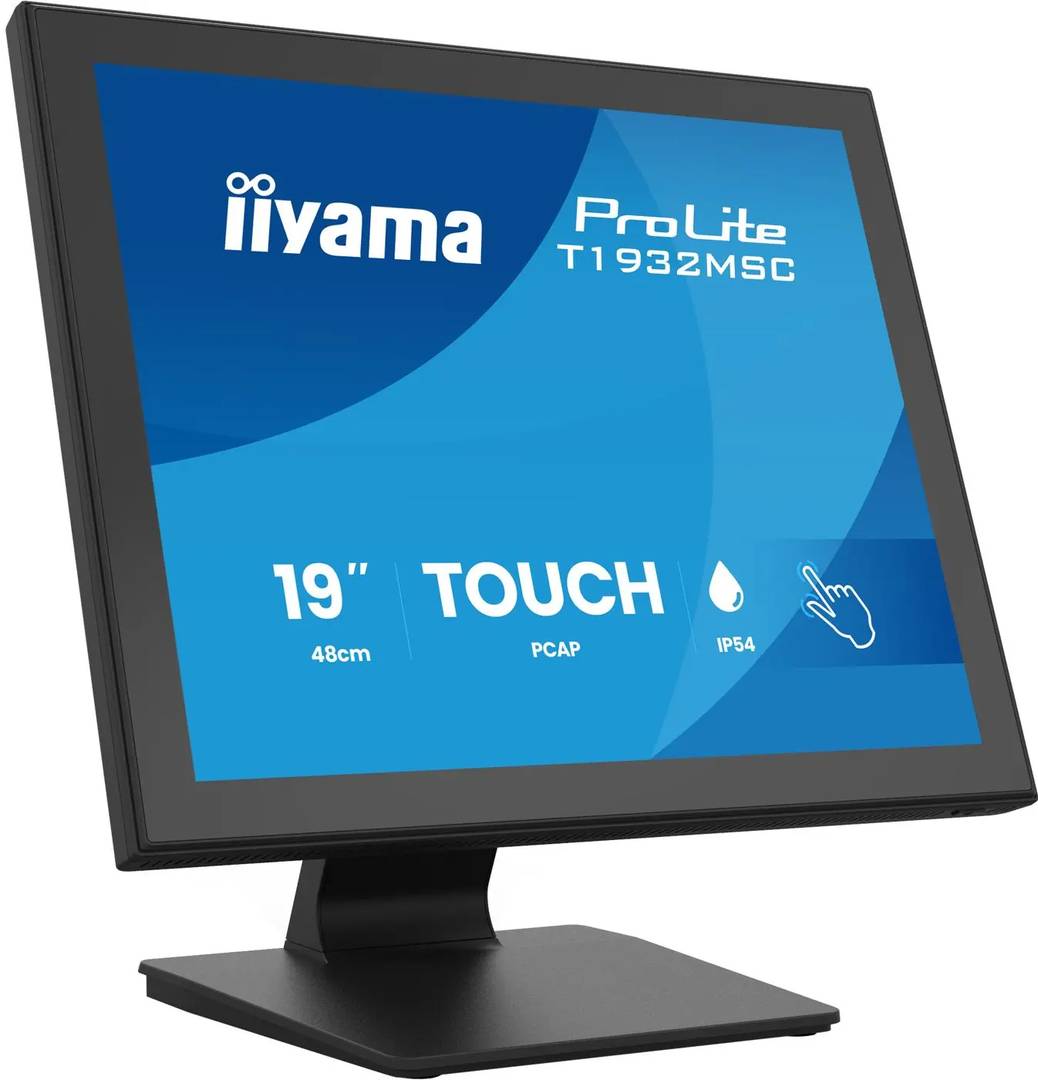
The iiyama ProLite T1932MSC-B2S is a black 19-inch desktop touchscreen with a 5:4 IPS panel and edge-to-edge glass. Up to 10-point projected-capacitive touch works through USB on supported hosts. A tilting stand, wide viewing angles and HDMI, DisplayPort or VGA video inputs make it a practical choice for compact interactive workstations.
Best For: Retail counters, reception desks and desktop applications built for a 5:4 interface with compatible multi-touch input.
Before you order: This is the standard B2S, not the separate anti-glare B2SAG. A compatible computer and USB connection are required for touch in addition to the video cable. Check operating-system, driver and application support. IP54 applies only to the front face; follow the manual’s landscape installation guidance.
What's in the Box
- T1932MSC-B2S monitor, stand neck and base with screws, screwdriver and cable-cover parts.
- Power, HDMI, DisplayPort, USB and audio cables, quick start guide and safety guide.
- Computer, stylus, VGA cable and a separate VESA mount are not listed as included.
What It Means in Practice
- Connect HDMI or DisplayPort for digital video, or VGA for a suitable older host. Add USB separately for touch input.
- Use native 1280×1024 for a sharp 5:4 interface. The manual supports up to 75 Hz with suitable host timing.
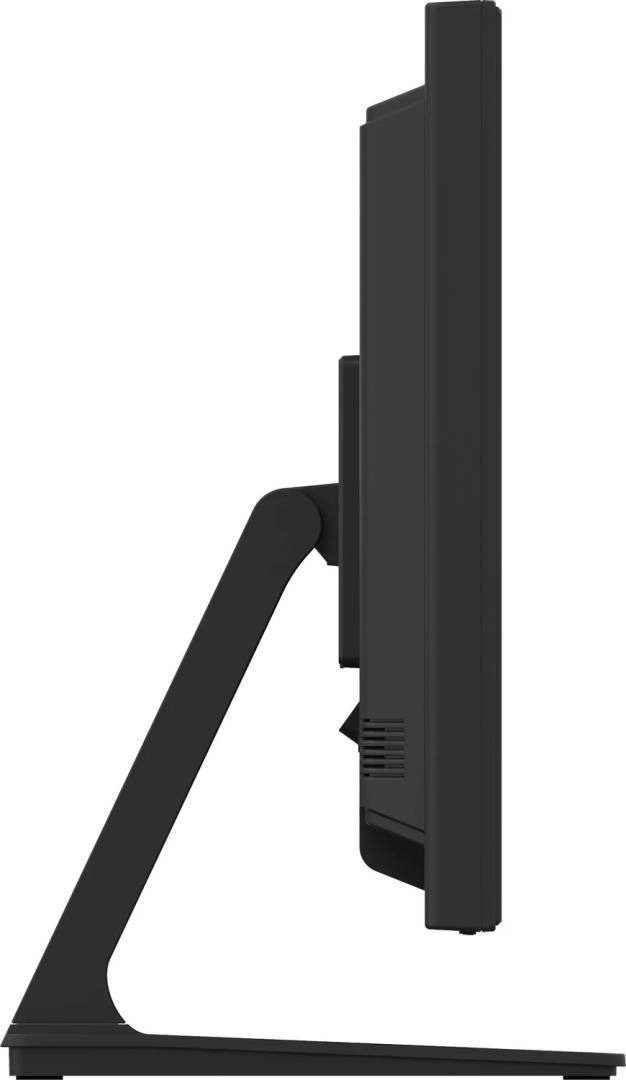
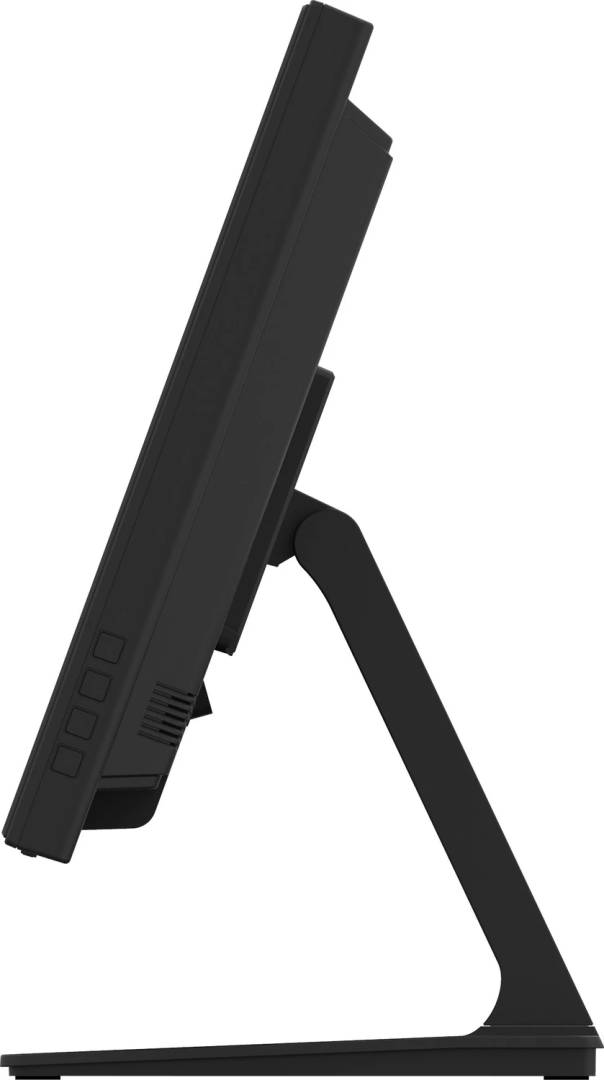
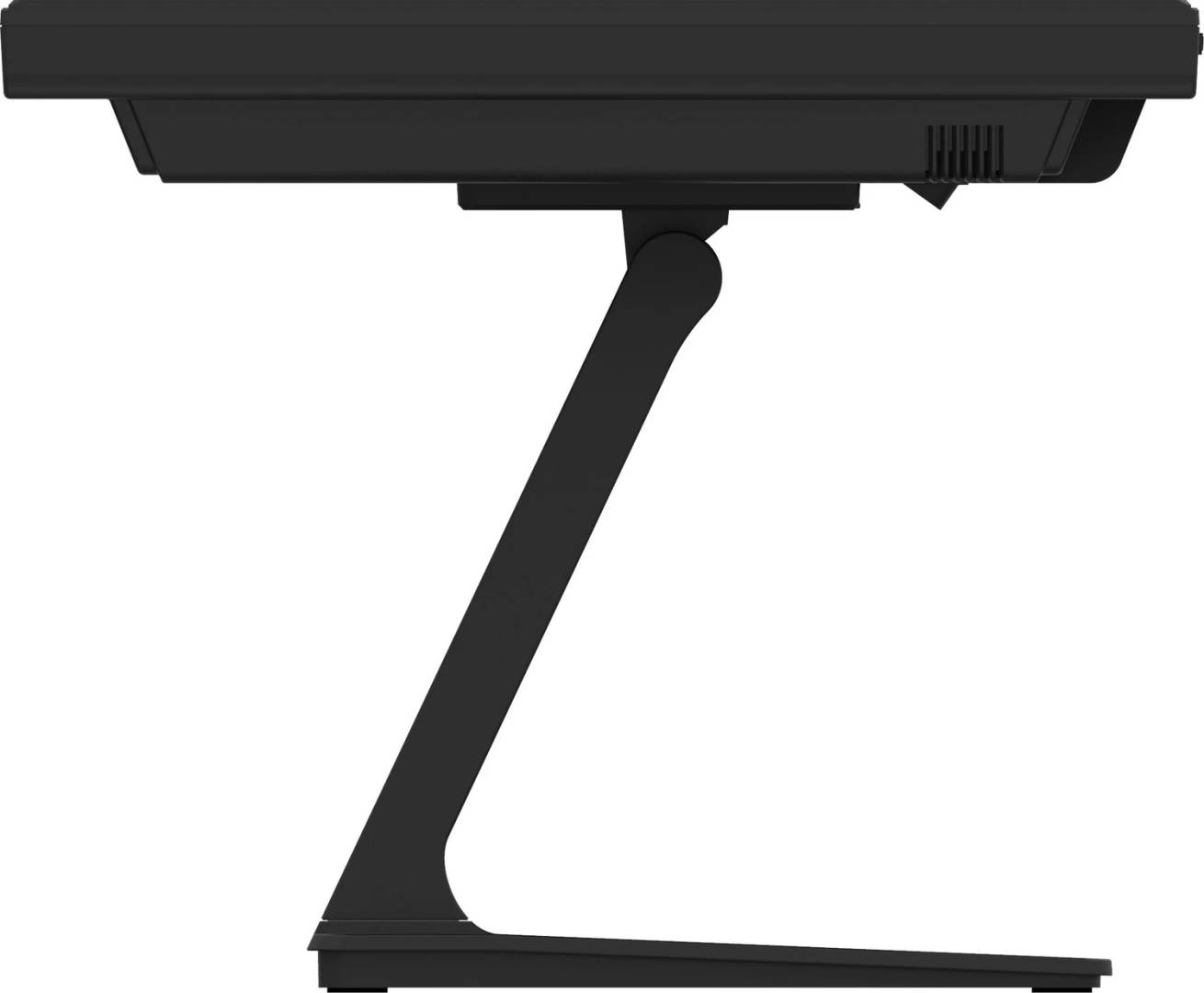
- Adjust the single-hinge stand through 90° upward and 5° downward tilt while keeping cables clear and the base stable.
- Use a finger, suitable latex glove or an appropriate plastic stylus. The manual recommends a tip radius of at least 0.8 mm; avoid sharp or metal tools.
- Install in landscape orientation with ventilation clear, including when using a separate 100×100 mm VESA mount. Follow the manufacturer’s cleaning instructions.
What Will Not Work
- Standard B2S glass is not the anti-glare B2SAG version. The 5:4 panel is not a widescreen Full HD display.
- The number of usable touch points and gestures depends on the operating system, drivers and application.
- Front-only IP54 does not seal the rear connectors or permit immersion.
- No integrated computer, USB-C docking or unrestricted 24/7 operation is specified.
Key Features
IPS viewing comfort
The 19-inch IPS panel provides 178° horizontal and vertical viewing angles with 1280×1024 native resolution.
Multi-touch control
Projected-capacitive input supports up to 10 touch points through USB with supported software.
Flexible desk positioning
The single-hinge stand tilts 90° up and 5° down; built-in cable management helps organise connections.
Video and sound
HDMI, DisplayPort, VGA, a 3.5 mm audio input and two 1 W speakers serve compatible hosts.
Technical Specifications
Frequently Asked Questions
Singular Expert Insight
A 5:4 touchscreen works best when the application layout fits its native resolution and the host has both video and USB connections. IPS viewing angles help when staff and customers view the same screen. Test gestures in the intended business application and preserve the specified installation and cleaning conditions.
Buyer’s Guide
✓ Buy it if You need a compact 19-inch IPS desktop touchscreen with a tilting stand and modern or legacy video inputs.
✕ Skip it if You require widescreen Full HD, the anti-glare B2SAG variant, an integrated computer or a sealed waterproof enclosure.
→ Also consider Touch support in your OS and application, 5:4 layout, USB plus video cabling, desk space and front-only protection.
Features - Iiyama - T1932MSC-B2S
More Details
Product Code
04:599191
EAN Code
4948570127771
Manufacturer
Iiyama