
iiyama G-Master G2471HS-B1 24-inch 240Hz Gaming Monitor
Brand:
Iiyama

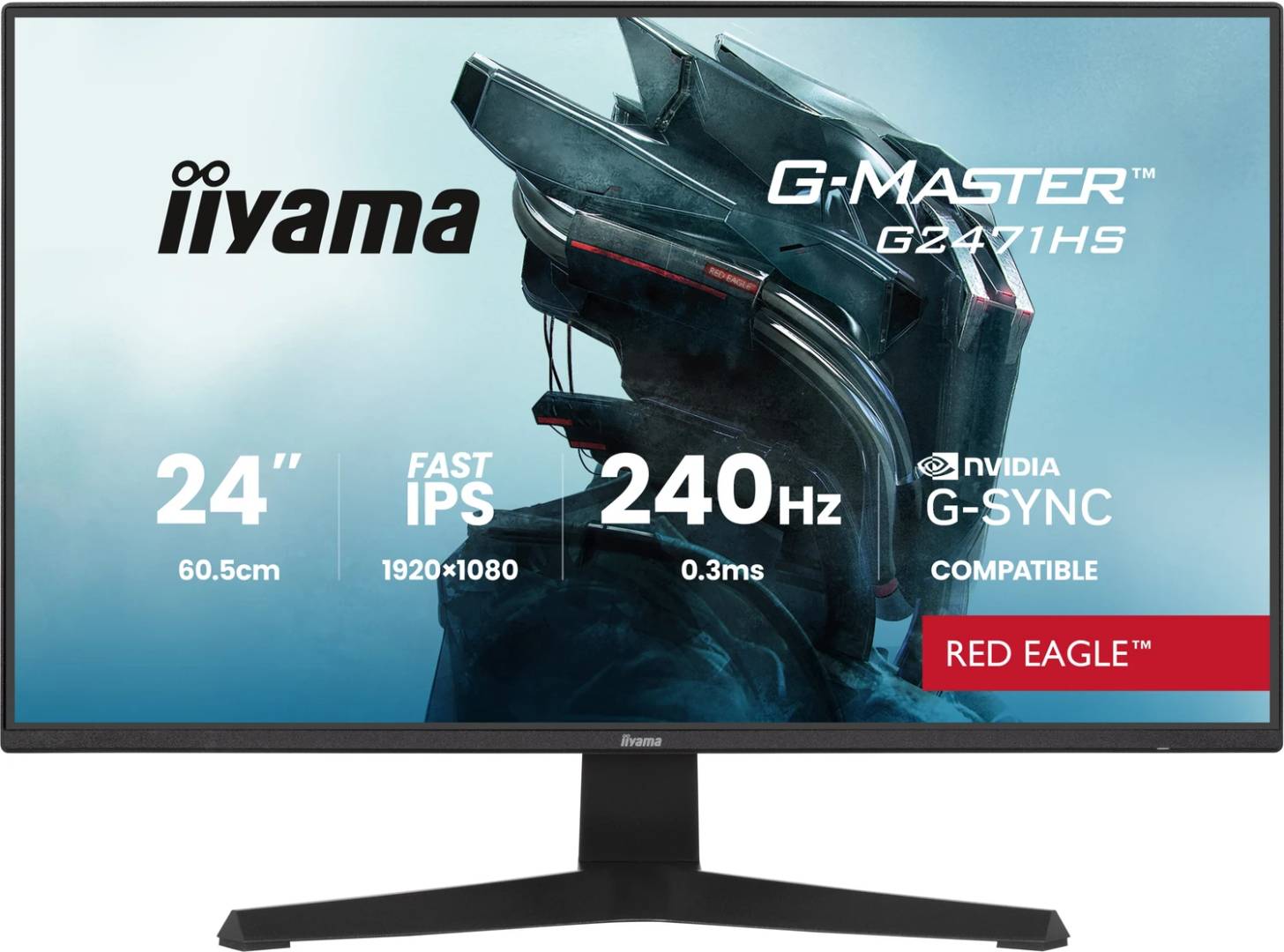
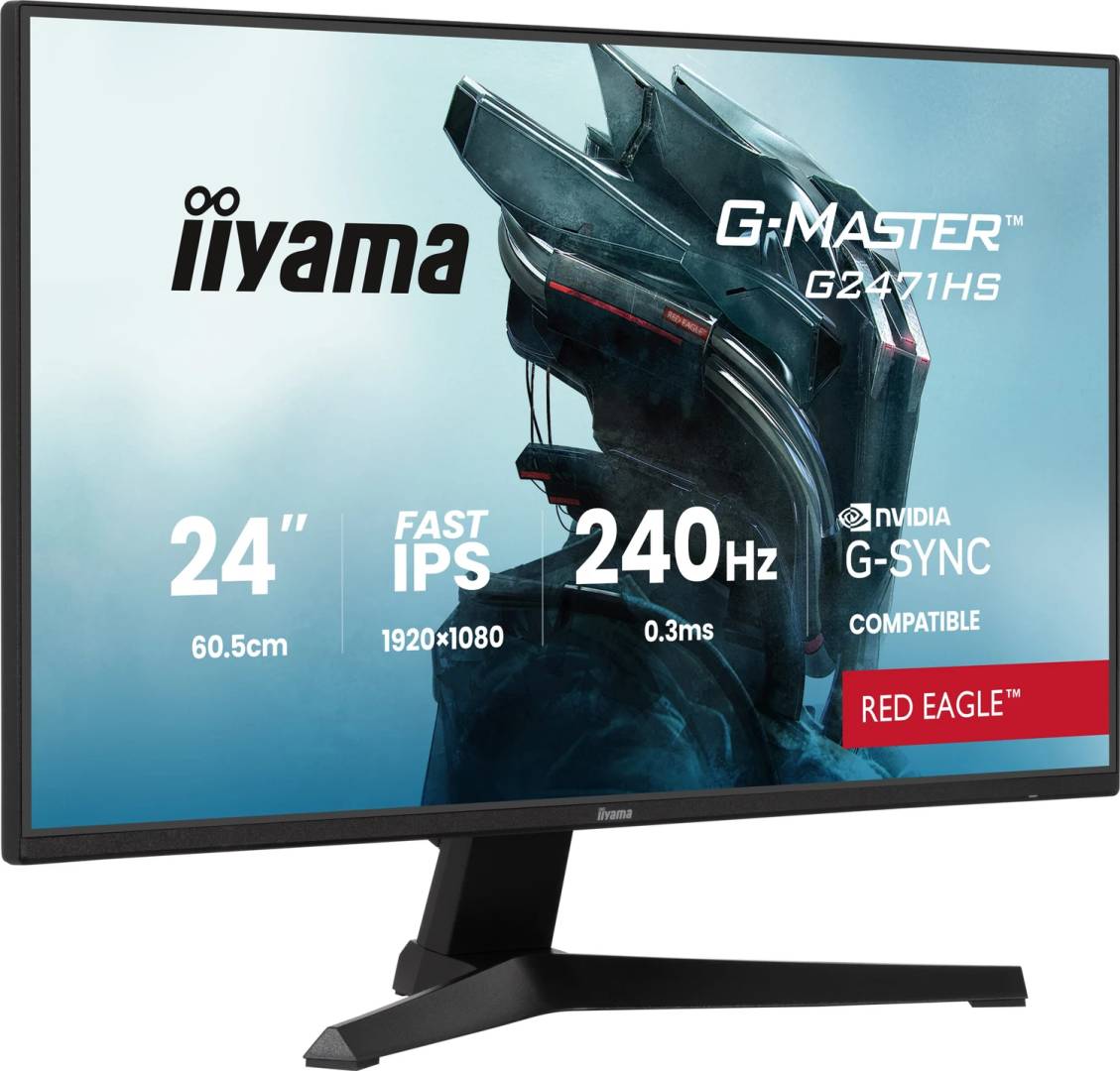
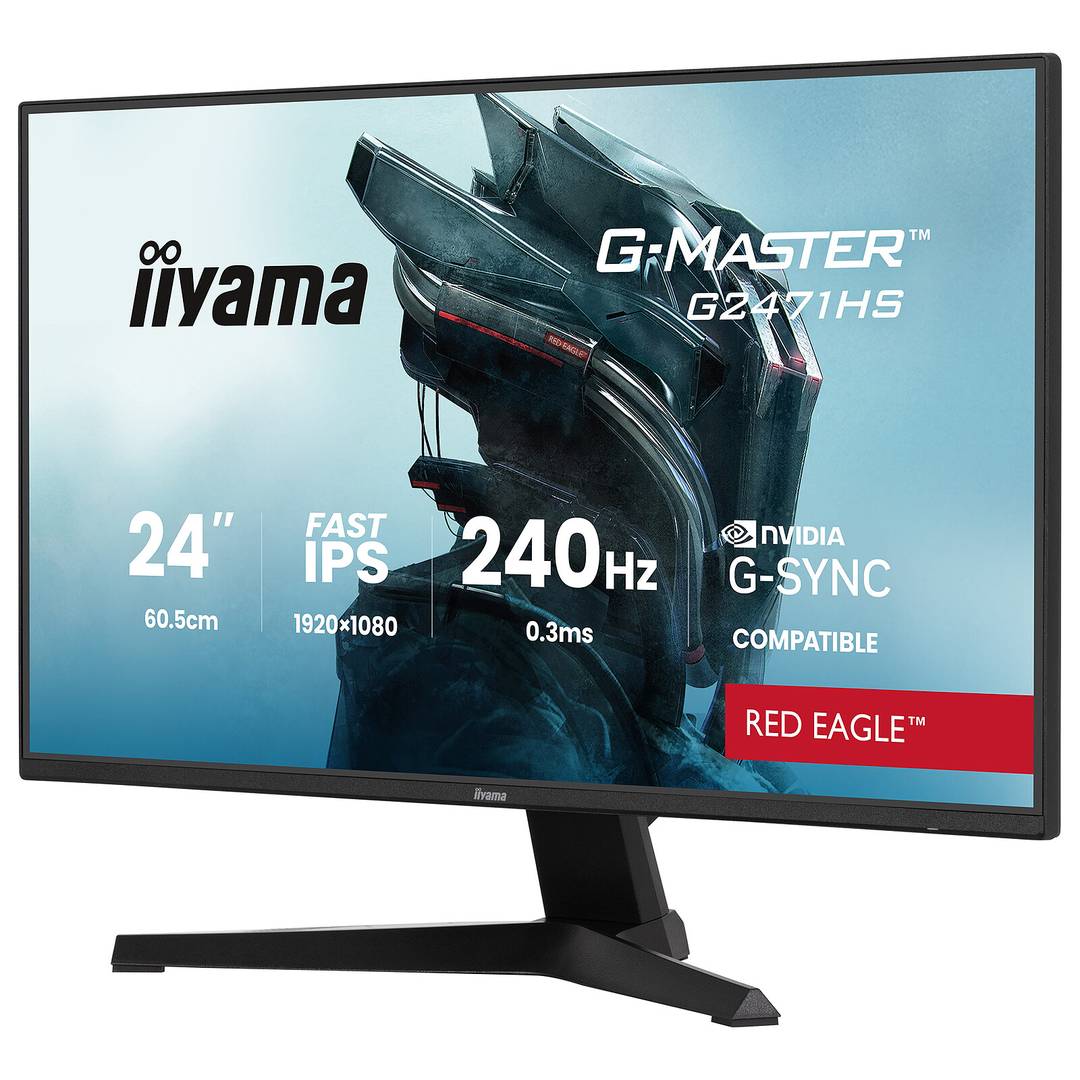
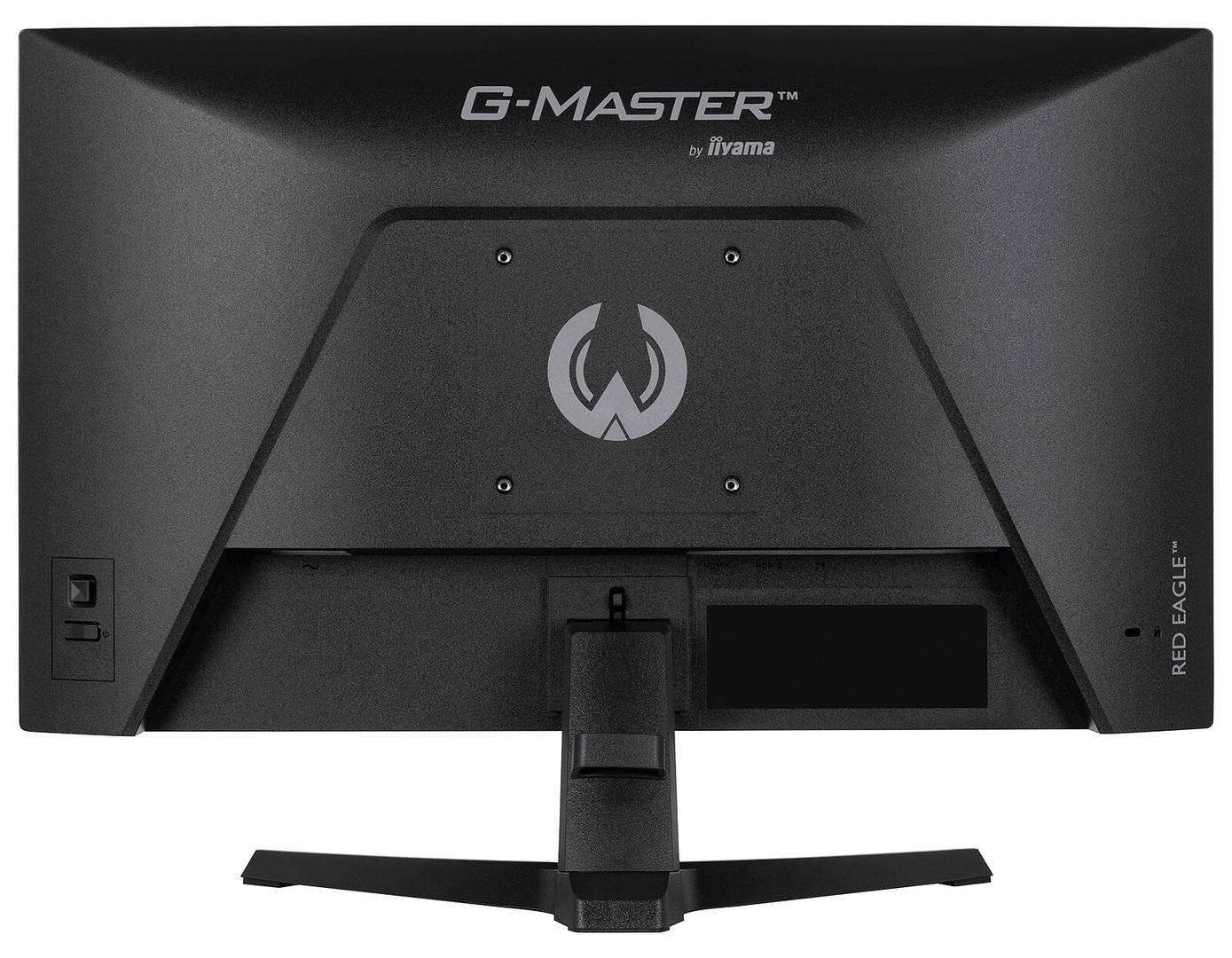
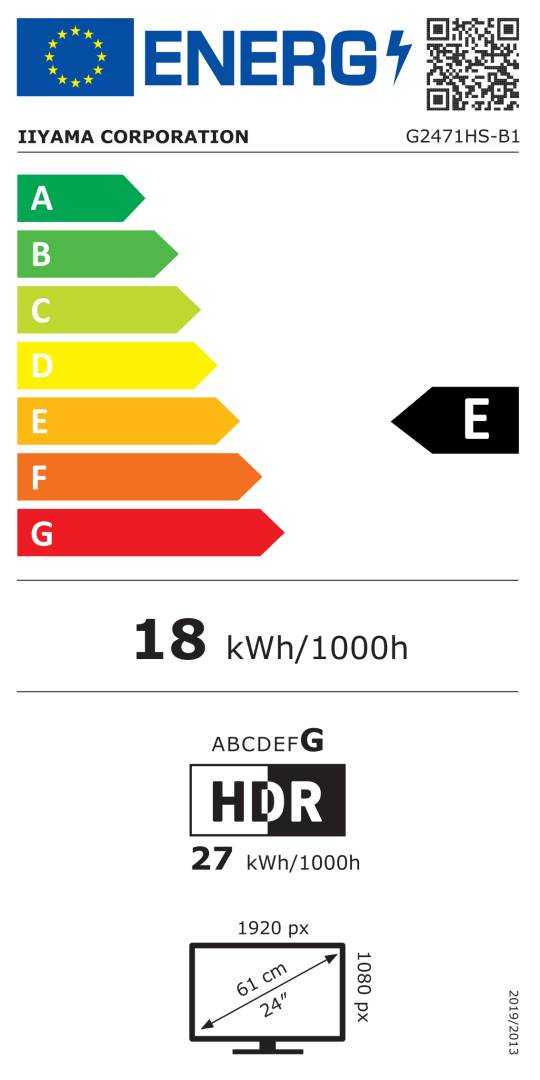


G2471HS-B1
Delivery
Order Today...
Ships...
Delivery...
ℹ️ Large or fragile items (e.g. monitors) may require extra handling time. We'll keep you informed.
Payment options
Trusted Tech Choice
Buying Benefits
Verified
Competitive EU pricing
Delivered to Cyprus from EU stock
Local warranty support
Please sign in so that we can notify you about a reply
Full HD Fast IPS built for 240 Hz play
23.8-inch Fast IPS1920×1080 / up to 240 Hz0.3 ms MPRTG-SYNC Compatible via DP
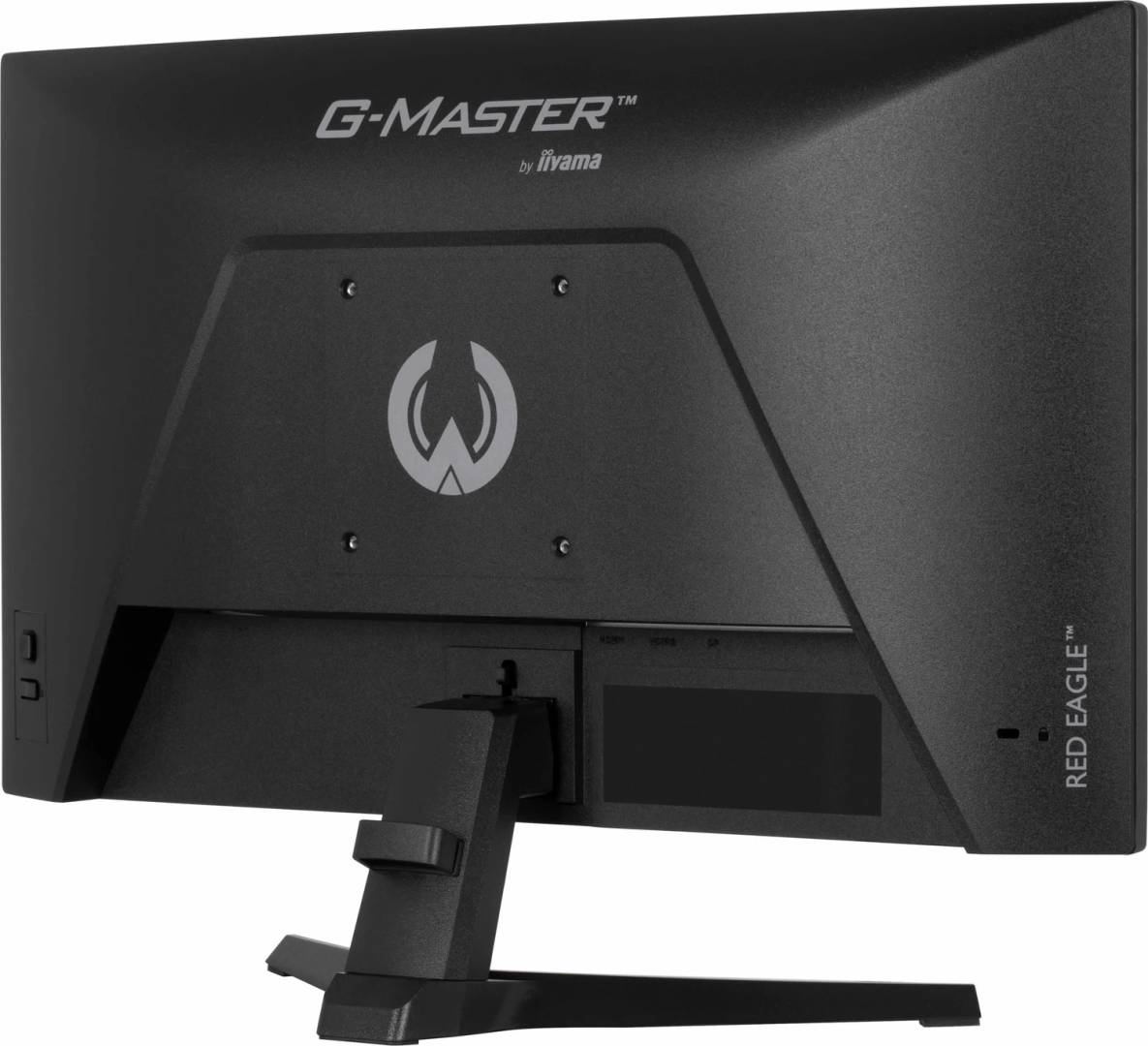
The iiyama G-Master G2471HS-B1 Red Eagle pairs a 23.8-inch Fast IPS panel with Full HD resolution and up to 240 Hz refresh. Two HDMI inputs and one DisplayPort input support the native high-refresh format with compatible sources. Its black desktop design includes a tilt stand, stereo speakers and headphone output, focusing on a compact gaming setup.
Best For: Players who prioritise high frame rates and a compact Full HD screen for competitive PC gaming.
Before you order: The graphics card, game frame rate, connection and cable must support the selected 240 Hz timing. G-SYNC Compatible operation is specified through DisplayPort only. The 0.3 ms figure is MPRT, not grey-to-grey. This G model has a tilt-only stand and no USB hub; GB and HSU variants are different products.
What's in the Box
- G2471HS-B1 monitor, stand neck and base.
- Power, HDMI and DisplayPort cables, quick start guide and safety guide.
- Computer, headset and a separate VESA arm are not included.
What It Means in Practice
- Select 1920×1080 at up to 240 Hz in the host graphics settings using compatible HDMI or DisplayPort.
- Use DisplayPort and a supported NVIDIA configuration for the specified G-SYNC Compatible mode.
- Tune Overdrive and Motion Blur Reduction for the game and viewing conditions. The manual makes MBR available at 75 Hz or above.
- Tilt the supplied stand 21° upward or 3° downward; use a compatible separate VESA mount if different positioning is needed.
- Connect headphones to the 3.5 mm output for personal listening, or use the two built-in 2 W speakers.
What Will Not Work
- The supplied stand does not provide height adjustment, swivel or pivot.
- There is no USB hub or USB-C dock on this HS version.
- 240 Hz requires a suitable source; console and game support varies.
- HDR10 readiness does not establish DisplayHDR certification, local dimming or a hardware G-SYNC module.
Key Features
240 Hz Full HD
Native 1920×1080 supports up to 240 Hz over either HDMI or DisplayPort with suitable hardware.
Fast IPS panel
A 23.8-inch matte panel offers 350 cd/m² typical brightness, 1000:1 static contrast and wide viewing angles.
Motion controls
0.3 ms MPRT, adjustable Overdrive and Motion Blur Reduction support tuning for fast action.
Straightforward gaming setup
Two HDMI, one DisplayPort, stereo speakers and a headphone socket connect compatible sources and audio.
Technical Specifications
Frequently Asked Questions
Singular Expert Insight
A 240 Hz screen is most useful when the PC can sustain high frame rates in the games you play. Check the actual timing selected in the graphics driver, then tune motion settings while watching for unwanted image artefacts. The simple tilt stand keeps this version compact; choose positioning accessories according to the confirmed VESA pattern and load.
Buyer’s Guide
✓ Buy it if You want compact Full HD Fast IPS gaming with up to 240 Hz and straightforward HDMI/DisplayPort connectivity.
✕ Skip it if You need a height-adjustable supplied stand, USB docking, a higher native resolution or guaranteed 240 Hz from every console.
→ Also consider Graphics performance, game frame rates, DisplayPort for G-SYNC Compatible, desk height and motion-setting preferences.
Features - Iiyama - G2471HS-B1
Colour
black
More Details
Product Code
04:572998
EAN Code
4948570126415
Manufacturer
Iiyama