
iiyama ProLite X2491H-B1 23.8-inch IPS FHD 120Hz Monitor
Brand:
Iiyama

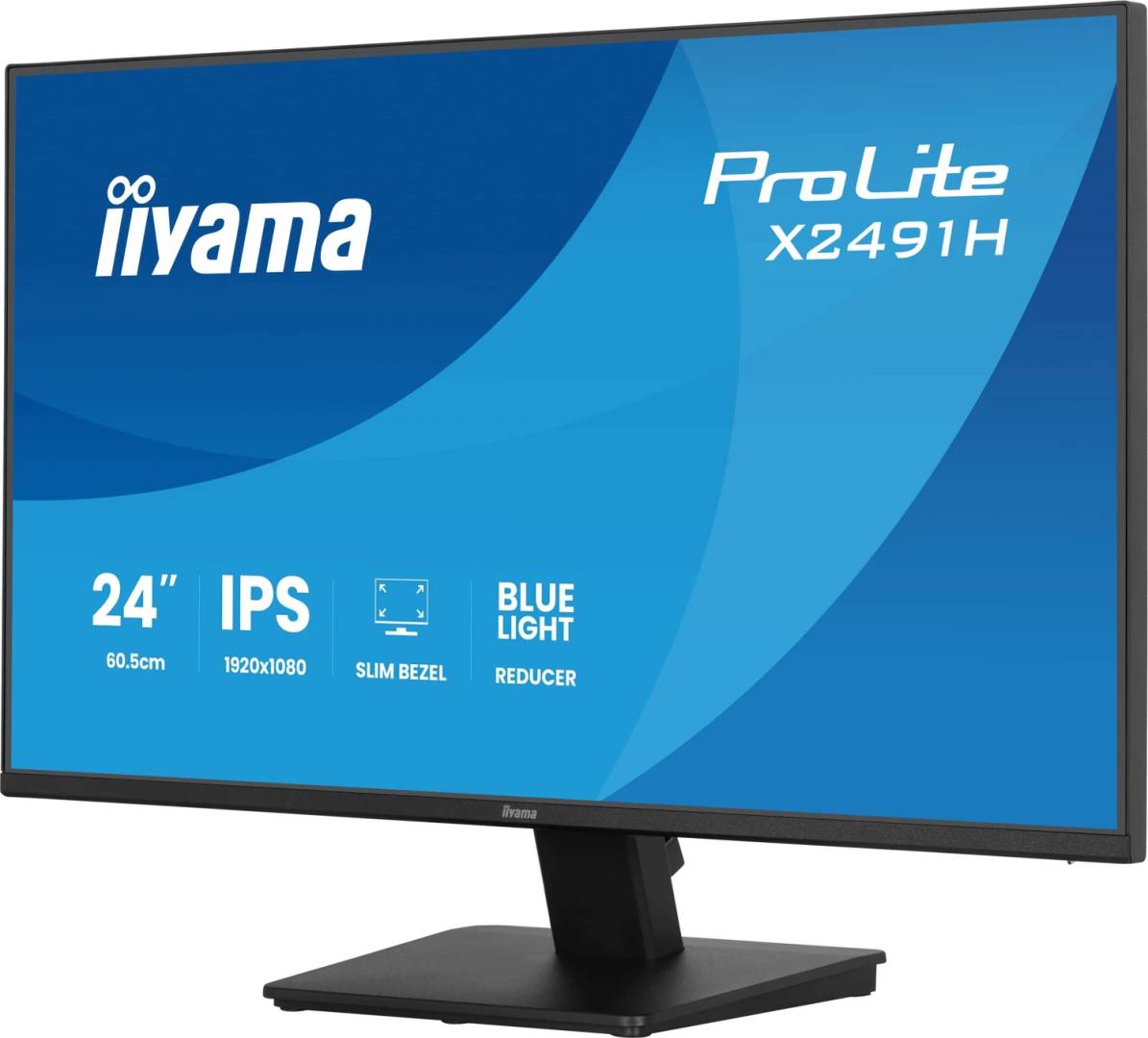
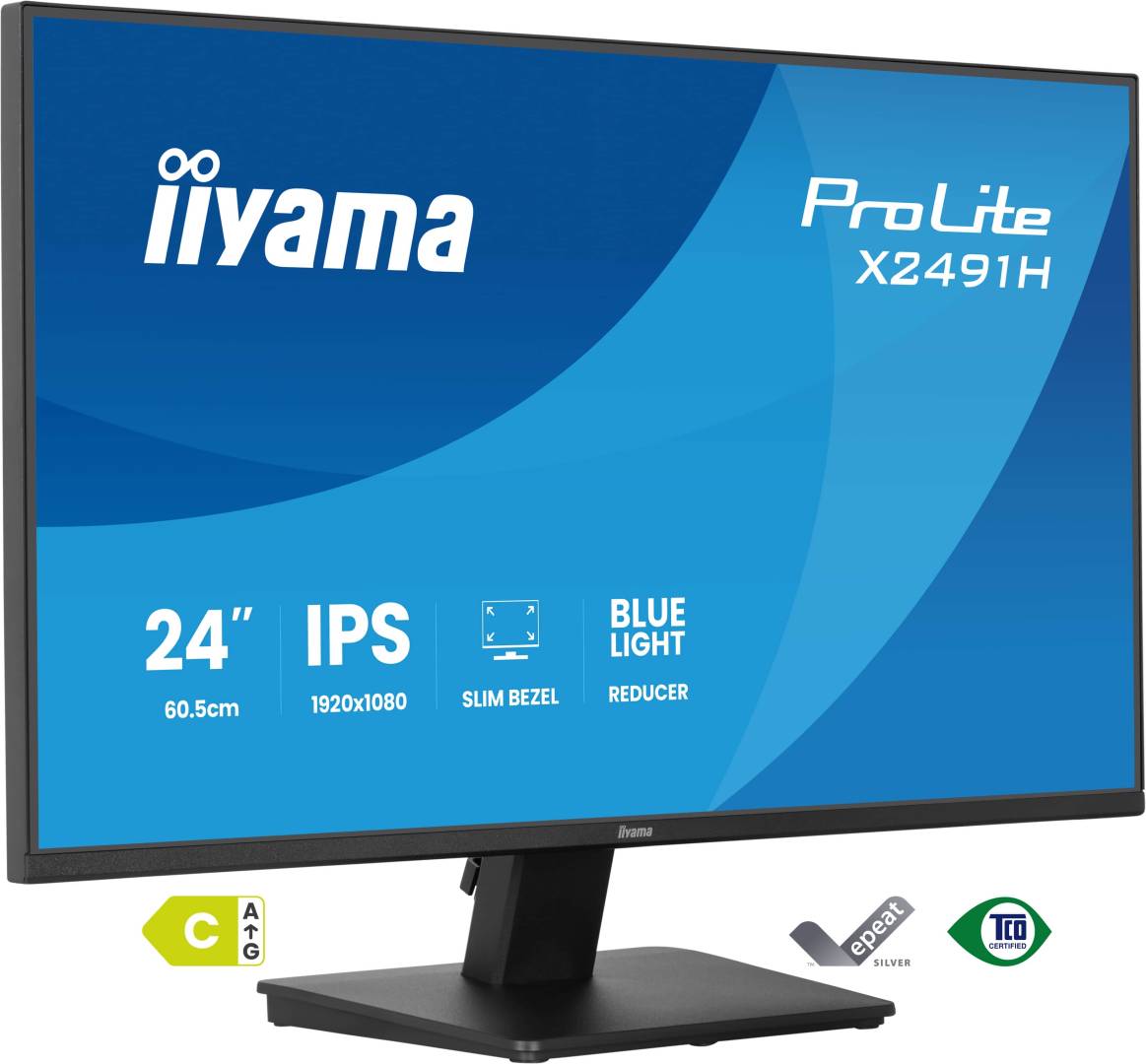


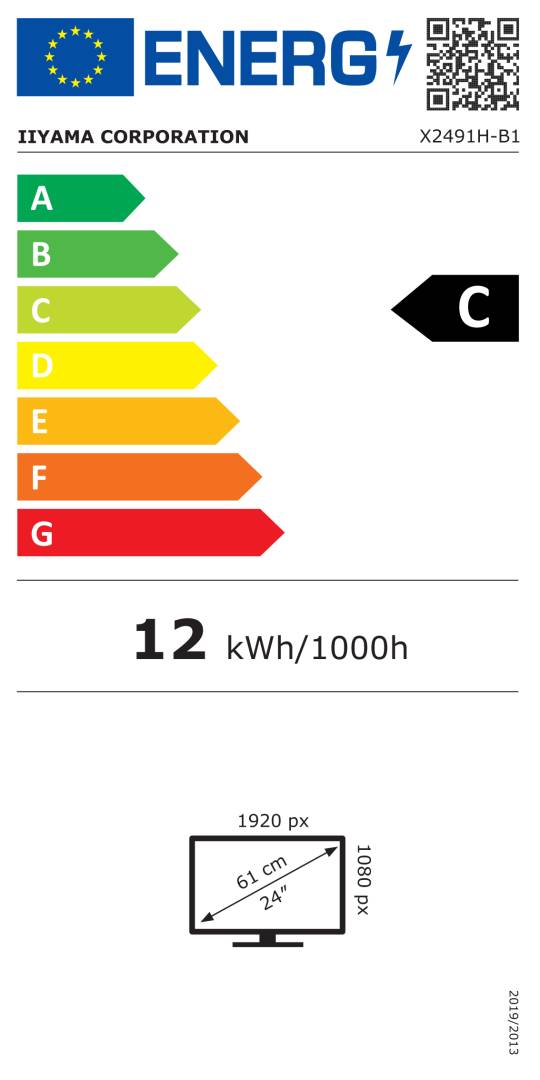


X2491H-B1
Delivery
Order Today...
Ships...
Delivery...
ℹ️ Large or fragile items (e.g. monitors) may require extra handling time. We'll keep you informed.
Payment options
Trusted Tech Choice
Buying Benefits
Verified
Competitive EU pricing
Delivered to Cyprus from EU stock
Local warranty support
Please sign in so that we can notify you about a reply
A compact Full HD workspace with smooth 120Hz motion
23.8-inch IPS1920×1080 / 120HzHDMI + DisplayPortTilt stand / VESA100
The iiyama ProLite X2491H-B1 is a 23.8-inch IPS desktop monitor with Full HD resolution and a refresh rate up to 120Hz. A matte panel, four-side slim bezel design and 1500:1 native contrast suit everyday office work and multimedia. HDMI and DisplayPort inputs connect to a compatible computer, while a headphone output provides private audio.
Best For: Office documents, browsing, study and multi-monitor desktop arrangements where a compact Full HD display and smooth motion are useful.
Before you order: This X2491H-B1 has a tilt-only stand and no built-in speakers. Check the exact model rather than assuming the height adjustment of XB variants or the audio features of HS variants. For 120Hz, use a supported output, suitable cable and the correct operating-system refresh setting. Additional screens and desktop arms are separate.
What's in the Box
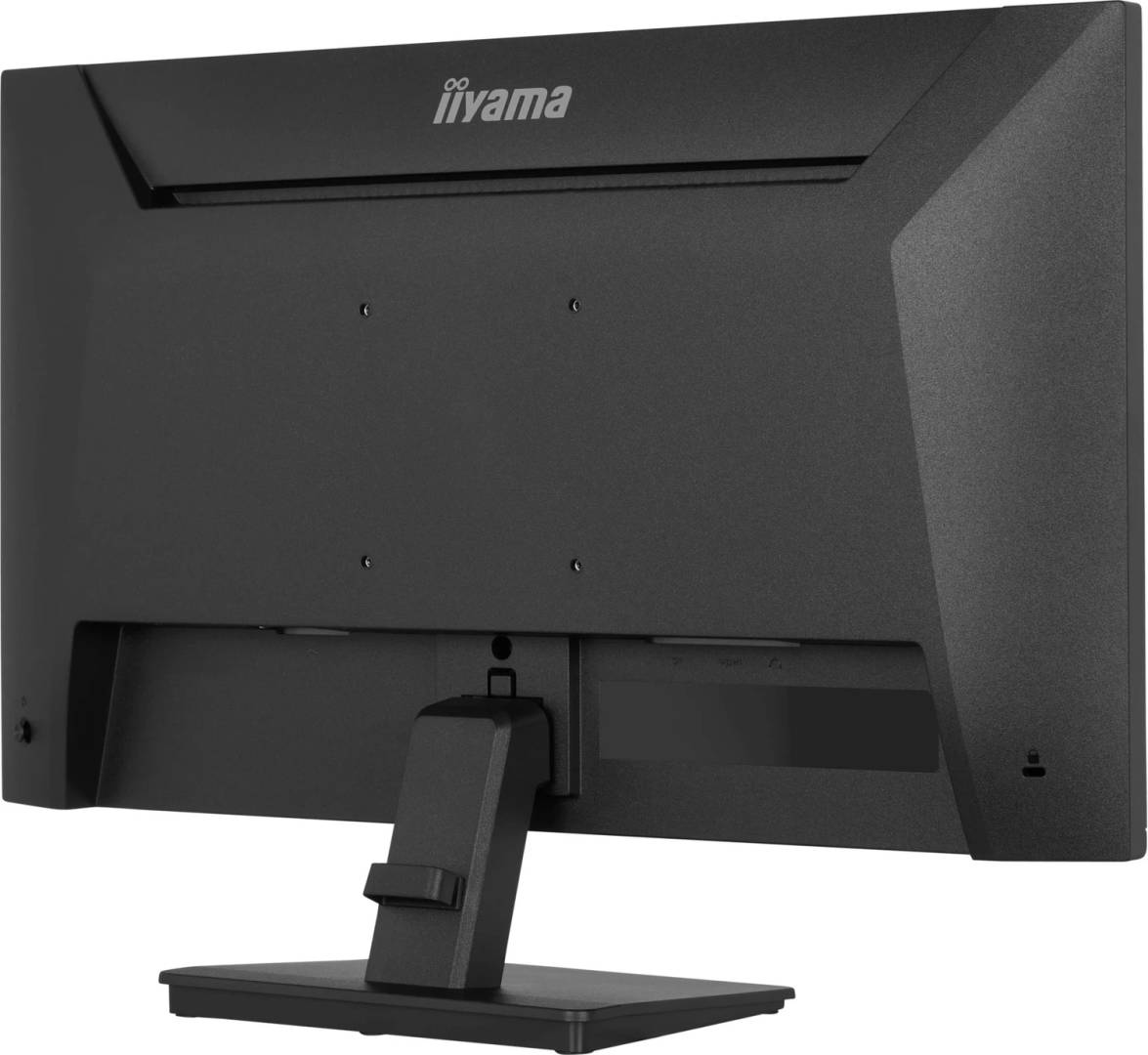
- iiyama ProLite X2491H-B1 monitor with stand neck, stand base and cable holder.
- Power cable and HDMI cable, both listed as 1.5m.
- Quick start guide and safety guide. DisplayPort cable and a desktop arm are not listed as included.
What It Means in Practice
- Use HDMI1.4 or DisplayPort1.2 at up to1920×1080 at120Hz with a suitable source.
- Place multiple separate screens side by side, checking computer outputs and desk space; no daisy-chain feature is claimed.
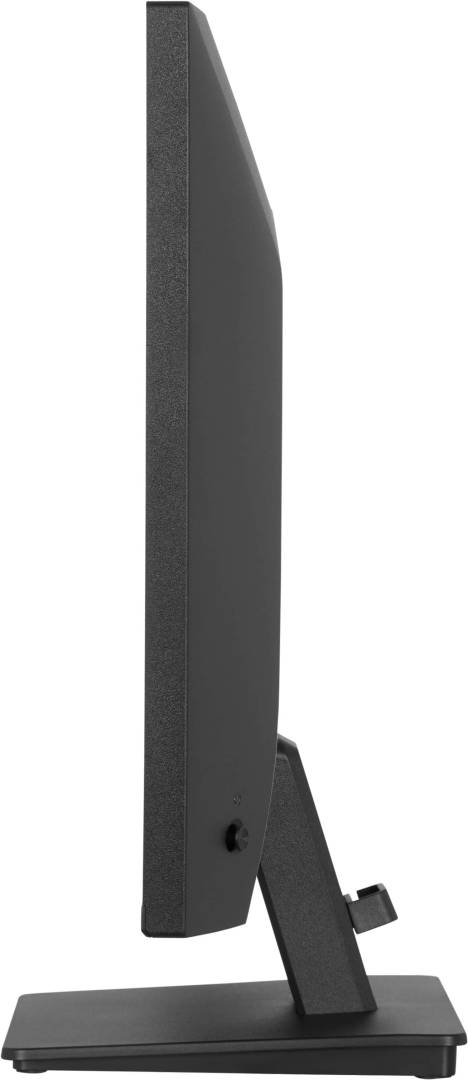
- Adjust tilt within20° upward and3° downward, or use a correctly rated VESA100×100 desktop arm following the manual.
- Use separate headphones or external audio equipment because this exact model has no integrated speakers.
What Will Not Work
- No height adjustment or pivot on the supplied stand; stock-stand use is landscape.
- No USB-C docking, USB hub or touch function is specified.
- 1ms is MPRT, not a claimed1ms grey-to-grey response.
- This desktop model is not specifically designed for continuous24/7 signage use.
Key Features
IPS viewing
23.8-inch matte Full HD panel with178° horizontal and vertical viewing angles.
120Hz refresh
Smooth display updates with compatible HDMI or DisplayPort sources; Adaptive Sync is supported.
Slim desktop design
Four-side slim bezels with a compact tilt stand and cable management.
Comfort settings
Flicker-free technology and a software blue light reducer support adjustable viewing conditions.
Technical Specifications
Frequently Asked Questions
Singular Expert Insight
The practical distinction is the exact suffix. This X model offers the same compact Full HD workspace concept with a simple tilt stand, but a buyer needing height adjustment or built-in sound should check a different model instead of assuming those features.
Buyer’s Guide
✓ Buy it if You want an affordable compact IPS business monitor with120Hz and HDMI/DisplayPort.
✕ Skip it if You need a height-adjustable stand, built-in speakers, USB-C docking or a higher-resolution workspace.
→ Also consider Desk height, computer video outputs,120Hz support, separate audio and any desktop arm requirements.
Features - Iiyama - X2491H-B1
Colour
black
More Details
Product Code
04:588443
EAN Code
4948570127832
Manufacturer
Iiyama