
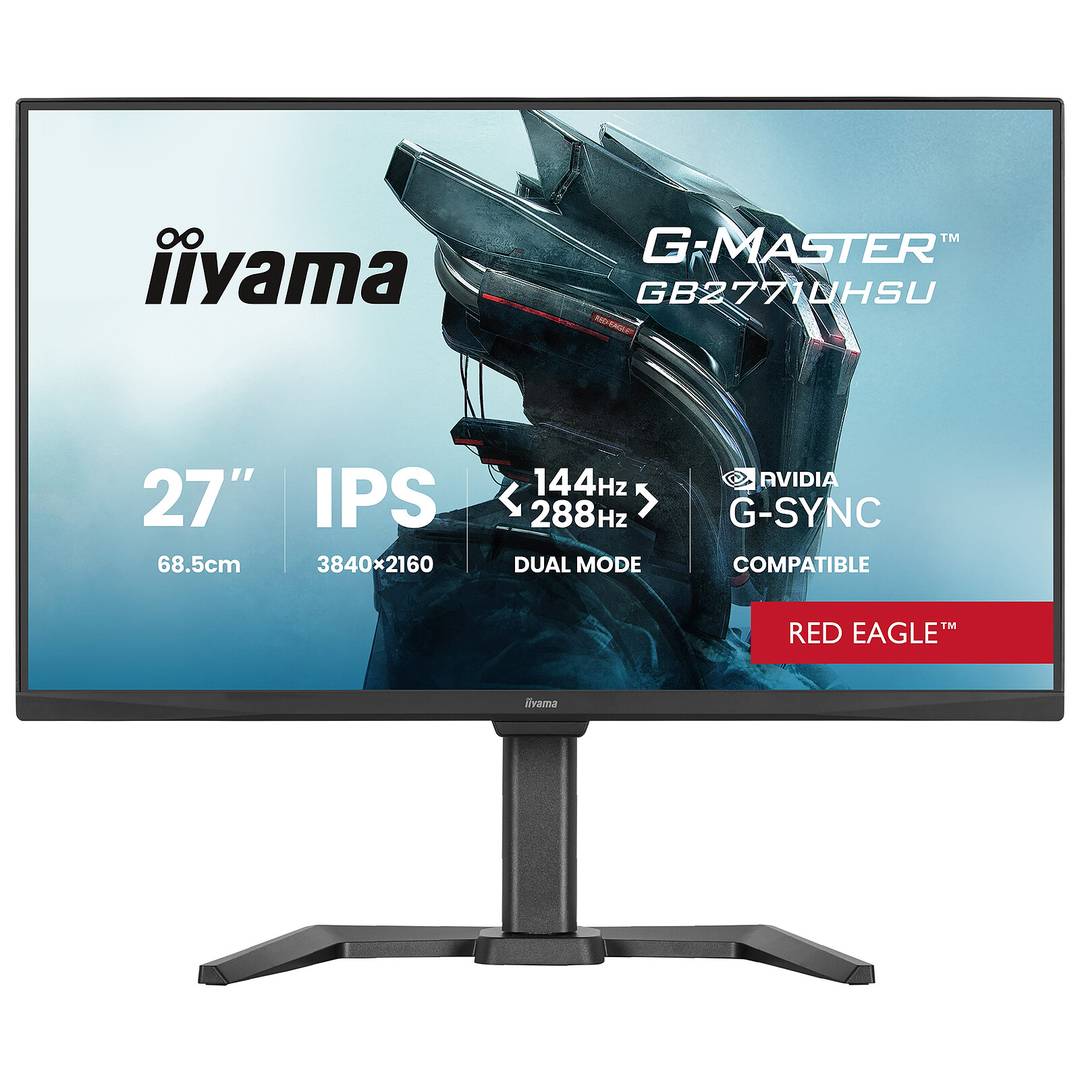
iiyama GB2771UHSU-B1 27 IPS 4K 144Hz Dual Mode Monitor
Brand:
Iiyama



GB2771UHSU-B1
Delivery
Order Today...
Ships...
Delivery...
ℹ️ Large or fragile items (e.g. monitors) may require extra handling time. We'll keep you informed.
Payment options
Trusted Tech Choice
Buying Benefits
Verified
Competitive EU pricing
Delivered to Cyprus from EU stock
Local warranty support
Please sign in so that we can notify you about a reply
Choose 4K detail or faster Full HD play
27-inch IPS4K 144 Hz / FHD 288 HzHDMI 2.1 / DP 1.4 DSC150 mm height adjustment
The G-Master Red Eagle GB2771UHSU-B1 is a 27-inch IPS gaming monitor with two display modes. Use 3840×2160 at up to 144 Hz for detail, or switch to 1920×1080 at up to 288 Hz for a higher refresh rate. HDMI, DisplayPort, an adjustable stand and a USB hub support a flexible desktop setup.
Best For: PC gamers switching between detailed UHD games and competitive Full HD play with a suitable graphics card.
Before you order: The modes are 4K 144 Hz or Full HD 288 Hz, not 4K 288 Hz. The source, cable, DSC capability and display settings must support the chosen mode. G-SYNC Compatible operation is specified over DisplayPort. Frame rate and console modes depend on the connected system; the monitor does not increase the source's rendering performance.
What's in the Box
- GB2771UHSU-B1 monitor with adjustable stand.
- Power, USB, HDMI and DisplayPort cables, quick start and safety guides.
- Computer, console, keyboard/mouse and optional VESA arm are separate.
What It Means in Practice
- Connect a suitable graphics card using HDMI 2.1 or DisplayPort 1.4 DSC and an appropriate cable.
- Select the desired dual mode and refresh rate in the monitor and graphics settings.
- Use supported adaptive sync with a compatible GPU; use DisplayPort for G-SYNC Compatible operation.
- Connect USB upstream for hub functions; downstream USB-C is not a laptop video/PD dock.
- Adjust height, swivel, tilt or pivot for a stable desktop position.
What Will Not Work
- Full HD 288 Hz has lower resolution than 4K mode; both modes need suitable host output.
- The 0.8 ms value is minimum MPRT, not GTG, and depends on the applicable display settings.
- HDR400 is the manufacturer HDR designation; no advanced local dimming or reference HDR performance is promised.
- No USB-C video input, laptop PD dock, webcam or touchscreen is specified.
Key Features
Dual-mode flexibility
3840×2160 up to 144 Hz or 1920×1080 up to 288 Hz, depending on the selected mode and source.
IPS image and motion tools
450 cd/m² brightness, 1500:1 static contrast, adaptive sync and manufacturer HDR400 support.
Desktop connections
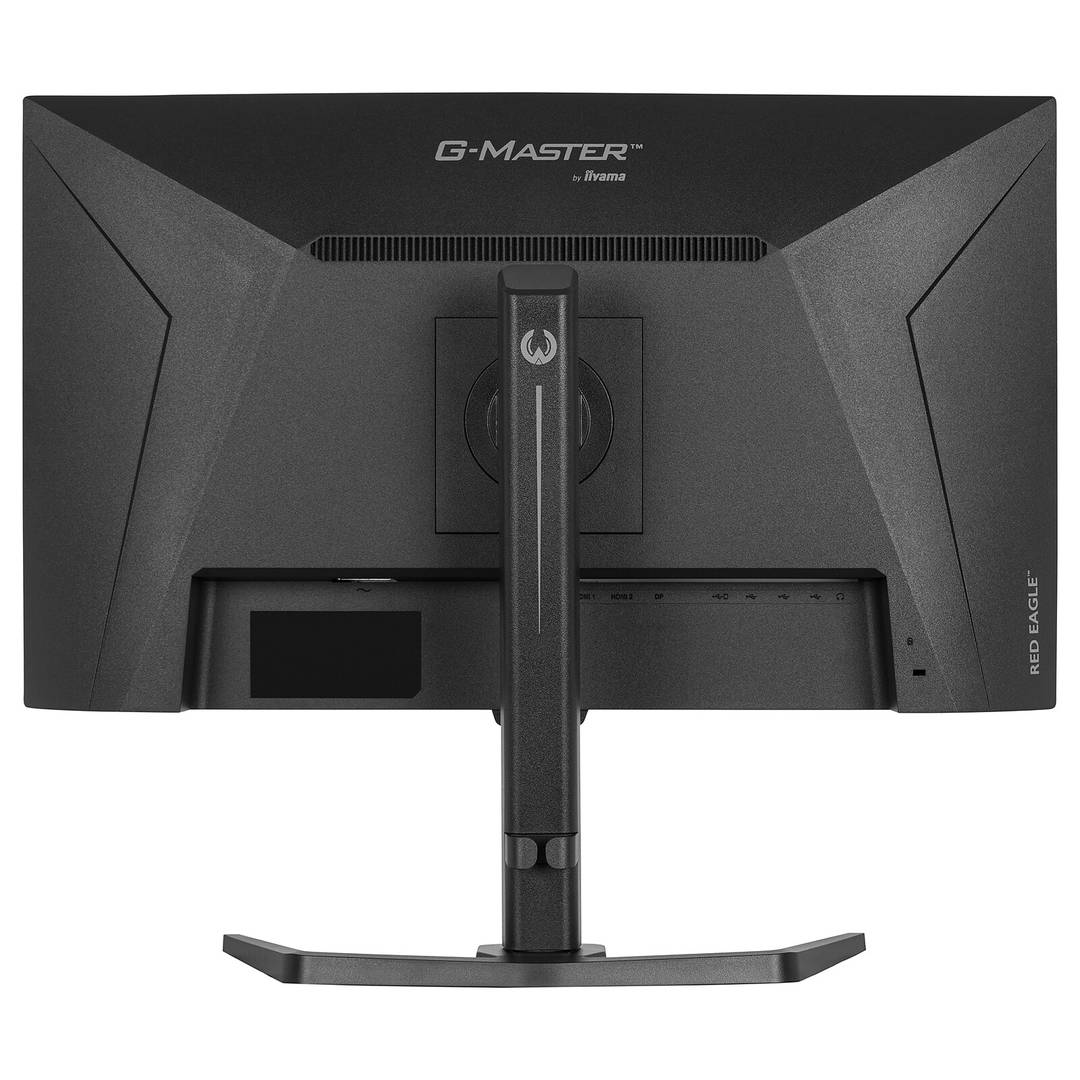
Two HDMI 2.1 inputs, DP 1.4 DSC, four downstream USB ports, headphone output and stereo speakers.
Adjustable stand
150 mm height, ±45° swivel, +23°/−5° tilt, ±90° pivot and VESA 100×100.
Technical Specifications
Frequently Asked Questions
Singular Expert Insight
Choose the mode to suit both the game and the graphics card. UHD adds image detail but requires more rendering performance, while Full HD 288 trades resolution for refresh. Check the complete input path and adaptive-sync settings before judging the benefit of a higher-refresh display.
Buyer’s Guide
✓ Buy it if You want one adjustable IPS monitor for 4K detail and faster Full HD gaming.
✕ Skip it if You need 4K at 288 Hz, USB-C laptop docking or professional HDR reference performance.
→ Also consider GPU output, DSC and cable support, attainable frame rates, selected dual mode and adaptive-sync requirements.
Features - Iiyama - GB2771UHSU-B1
Colour
black
More Details
Product Code
04:575938
EAN Code
4948570127139
Manufacturer
Iiyama