
iiyama G-MASTER GB2791QSU-B1 Gold Phoenix 27-inch QHD 320Hz
Brand:
Iiyama

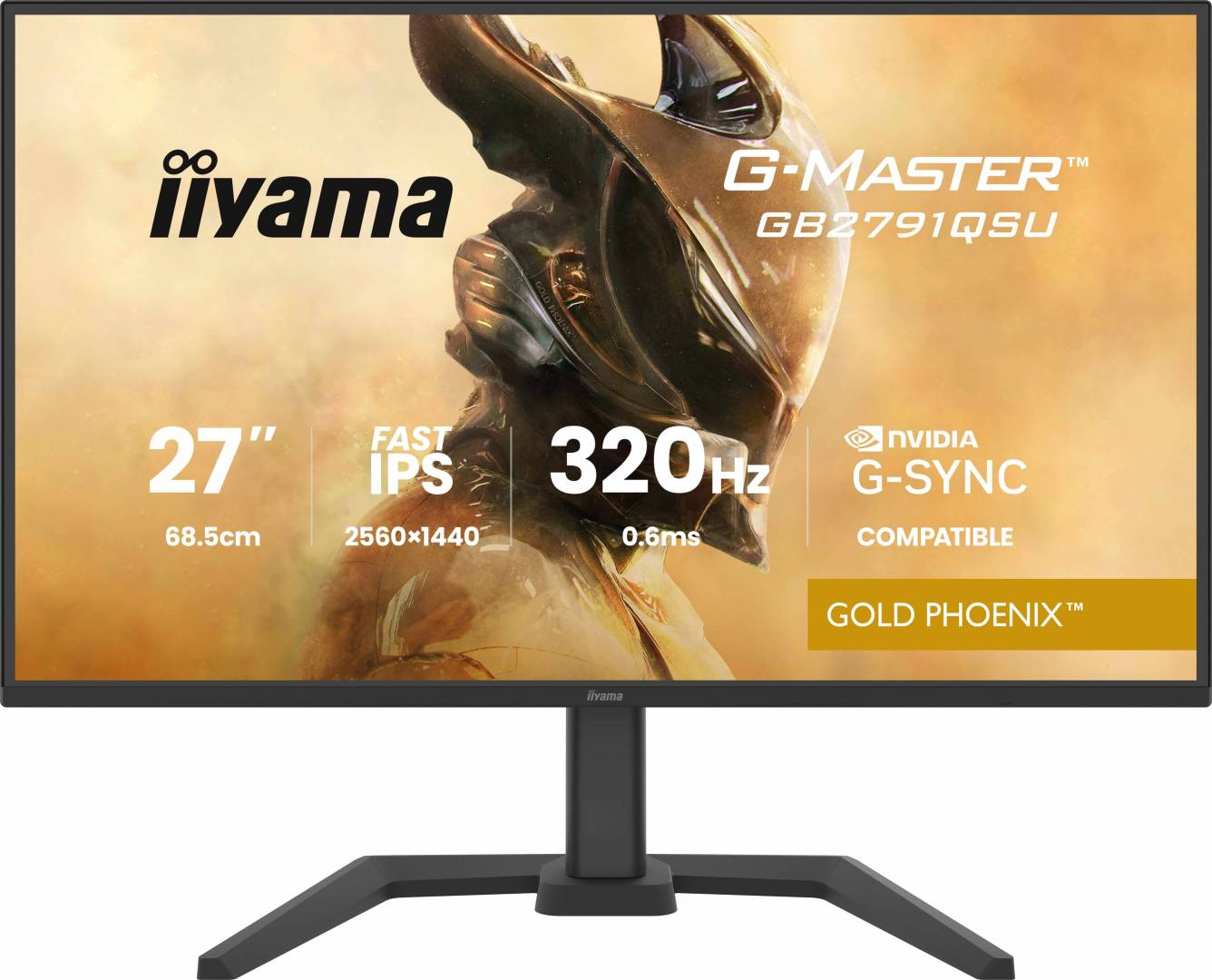
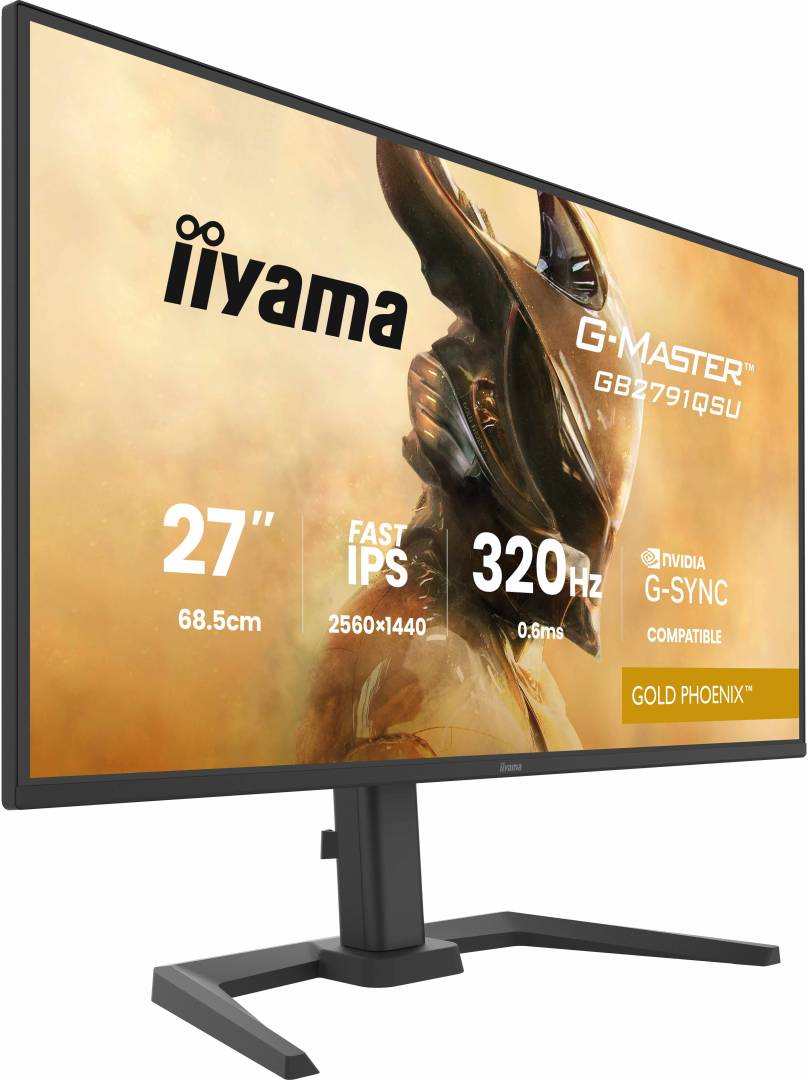


GB2791QSU-B1
Delivery
Order Today...
Ships...
Delivery...
ℹ️ Large or fragile items (e.g. monitors) may require extra handling time. We'll keep you informed.
Payment options
Trusted Tech Choice
Buying Benefits
Verified
Competitive EU pricing
Delivered to Cyprus from EU stock
Local warranty support
Please sign in so that we can notify you about a reply
27-inch QHD Fast IPS gaming with up to 320Hz refresh
2560 × 1440Fast IPSUp to 320Hz150mm height adjustment
The iiyama G-MASTER GB2791QSU-B1 Gold Phoenix combines a 27-inch QHD Fast IPS panel with refresh rates up to 320Hz and a specified 0.6ms MPRT response time. Its adjustable stand, USB hub and integrated speakers make it a practical desktop gaming display, while DisplayPort and two HDMI inputs give you several ways to connect your equipment.
Best For: PC gamers who want QHD detail and high refresh rates with an adjustable stand, and who have a graphics card capable of their target resolution and frame rate.
Before you order: For QHD 320Hz with adaptive sync, use a compatible DisplayPort setup. HDMI reaches QHD 320Hz without adaptive sync; its listed adaptive-sync range stops at 300Hz. USB-C ports are downstream USB hub ports, not video inputs or laptop charging docks. The 0.6ms figure is MPRT, not a stated grey-to-grey time.
What's in the Box
- iiyama G-MASTER GB2791QSU-B1 monitor with adjustable stand
- Power, USB, HDMI and DisplayPort cables, each listed at 1.8m
- Quick start guide and safety guide
What It Means in Practice
- Choose the refresh rate in your operating system and game settings. A 320Hz panel does not make every game run at 320 frames per second.
- Connect the USB Type-B upstream port to the computer to use the downstream hub: two USB-A and two USB-C ports.
- Adjust height through 150mm, swivel, tilt or pivot to suit your desk. A compatible 100 × 100mm VESA mount can replace the stand.
- Use the built-in 2 × 2W speakers for basic audio or the headphone output for headphones.
What Will Not Work
- The USB-C ports do not replace an HDMI or DisplayPort video cable, and their 5W rating does not provide laptop-class charging.
- HDR10 support alone is not a promise of local dimming or a DisplayHDR certification.
- High refresh, adaptive sync and motion-blur settings depend on the input and selected mode. Check the manual when combining them.
Key Features
QHD Fast IPS panel
2560 × 1440 resolution on a matte 27-inch panel with wide stated viewing angles.
High refresh for fast action
Up to 320Hz with 0.6ms MPRT; actual game frame rate depends on the PC and settings.
Comfortable positioning
150mm height adjustment, swivel, tilt and pivot help fit the display to your desk.
Useful desk connections
Two HDMI 2.1 inputs, DisplayPort 1.4, a four-port USB hub and headphone output.
Technical Specifications
Frequently Asked Questions
Singular Expert Insight
Match the connection to the mode you actually intend to use. DisplayPort is the clearest route to the listed QHD 320Hz adaptive-sync range, while the USB hub needs its own upstream connection. Check graphics performance at QHD before treating the panel's maximum refresh rate as your expected game frame rate.
Buyer’s Guide
✓ Buy it if You want a 27-inch QHD high-refresh gaming display with an adjustable stand and practical USB hub.
✕ Skip it if You need a single USB-C cable for video and laptop charging, or require a 4K native panel.
→ Also consider A suitable DisplayPort output on your GPU and an optional VESA arm if the supplied stand does not suit your desk.
Features - Iiyama - GB2791QSU-B1
Colour
black
More Details
Product Code
04:580272
EAN Code
4948570126859
Manufacturer
Iiyama