
iiyama ProLite T2754MSC-B2AG 27-inch FHD Touch Monitor
Brand:
Iiyama

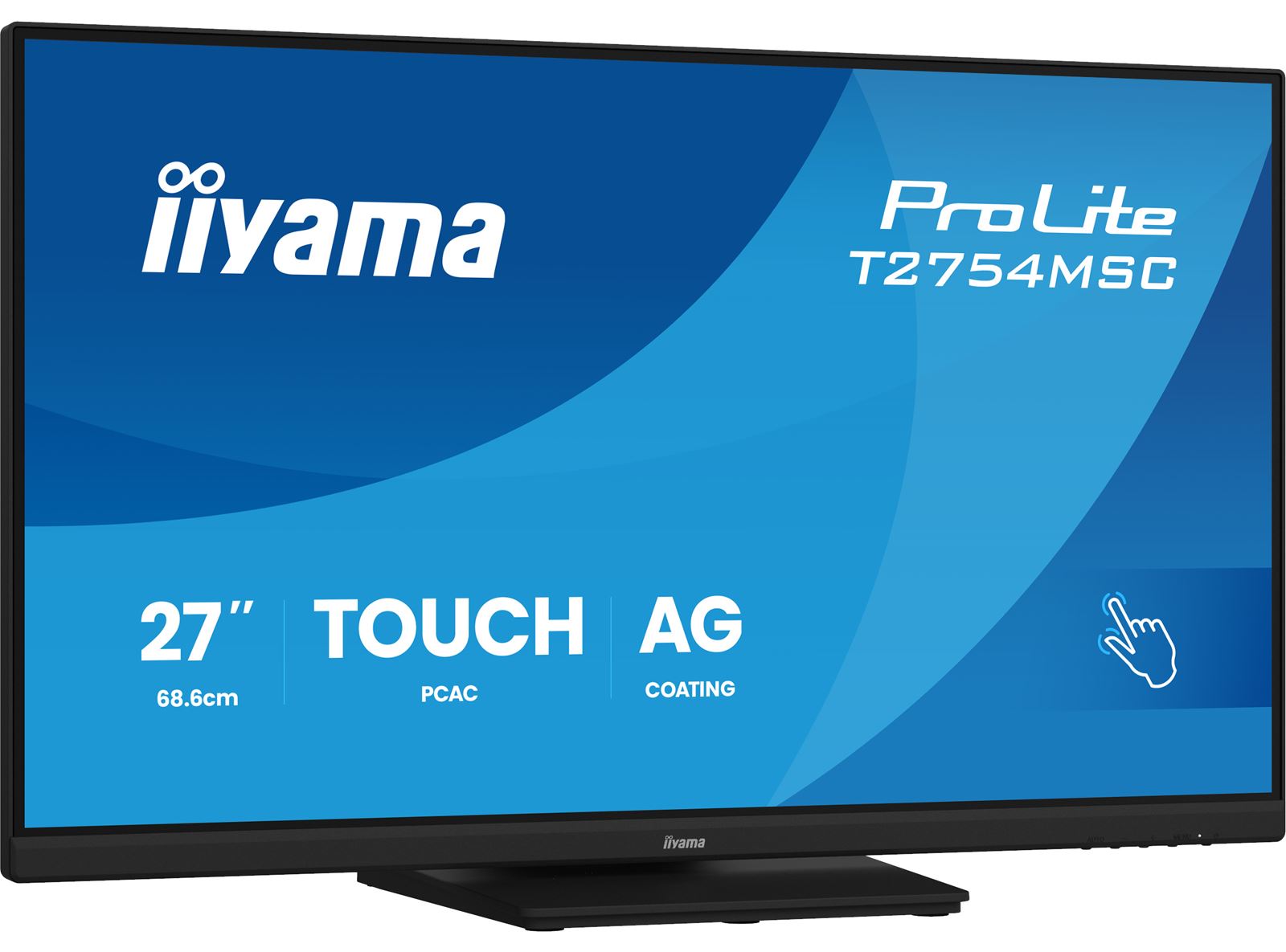


T2754MSC-B2AG
Delivery
Order Today...
Ships...
Delivery...
ℹ️ Large or fragile items (e.g. monitors) may require extra handling time. We'll keep you informed.
Payment options
Trusted Tech Choice
Buying Benefits
Verified
Competitive EU pricing
Delivered to Cyprus from EU stock
Local warranty support
Please sign in so that we can notify you about a reply
27-inch anti-glare touch for an interactive desk
27-inch IPS /Full HD60HzInCell PCAP /10 pointsHDMI +VGA +USB3.2Dual-hinge stand
The black iiyama ProLite T2754MSC-B2AG is a standalone27-inch IPS Full HD touch monitor. Its anti-glare InCell projected-capacitive surface supports up to10 touch points with a suitable host, while a dual-hinge stand positions the screen upright or face-up for hands-on desktop use. HDMI and VGA handle video; a separate USB connection carries touch input.
Best For: Retail counters, reception desks, interactive desktop applications and shared workstations needing a wide Full HD touch surface.
Before you order: A separate computer or compatible host is required. Connect USB as well as HDMI or VGA for touch, and check OS, driver and application support for the intended gestures. The current RevC manual specifies Full HD60Hz and an external19V adapter. This is a desktop monitor, with no integrated computer, USB-C docking or specified waterproof enclosure.
What's in the Box
- Black T2754MSC-B2AG monitor, stand neck/base with screws, screwdriver and cable-management parts.
- External AC adapter, power cable, HDMI and USB cables, quick start and safety guides per manufacturer.
- Computer, VGA cable, capacitive stylus and a separate VESA arm are not listed as supplied.
What It Means in Practice
- Connect HDMI for digital video or VGA for a compatible legacy source; use the USB-B upstream connection separately for touch.
- Use a finger, suitable latex glove or capacitive stylus. Verify the intended multi-touch gestures in the host application and operating system.
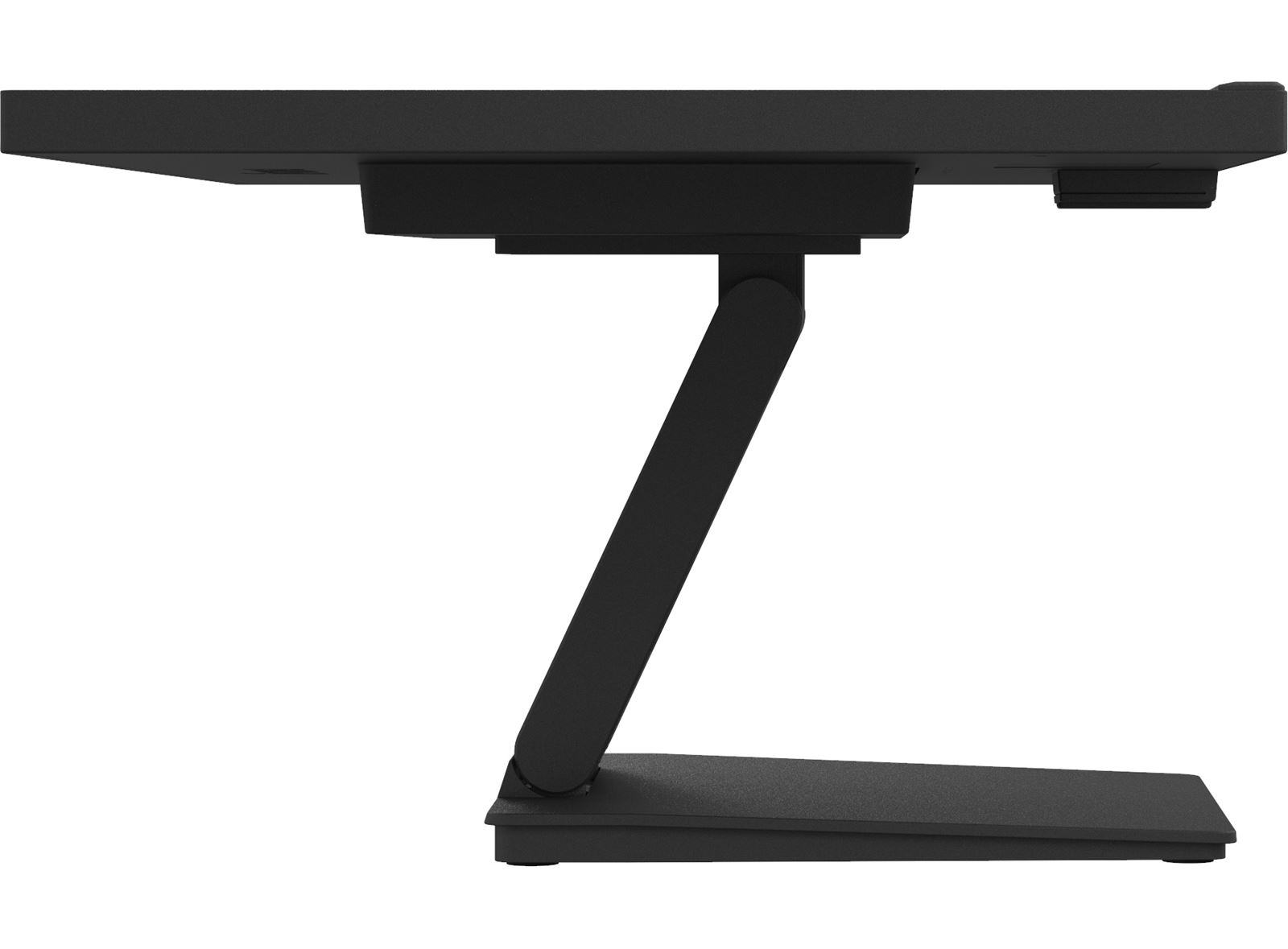
- Adjust the dual-hinge stand for upright or face-up desktop use, keeping the monitor stable and cables clear.
- For a separate desktop arm, check VESA100×100mm and load capacity. The manual excludes wall, ceiling and digital-signage installation.
- Clean with a soft dry cloth or a well-wrung cloth with diluted mild detergent as directed. The manual prohibits alcohol and disinfectants; do not spray liquid directly.
What Will Not Work
- Up to10 touch points depend on host OS, driver and application support; video alone does not carry touch.
- Native Full HD60Hz, rather than a high-refresh gaming or4K display.
- One USB-A downstream port, not a USB-C video or laptop-charging dock.
- No medical-grade, ingress-protection or disinfectant-resistance claim is made.
Key Features
Anti-glare multi-touch
InCell PCAP technology supports up to10 touch points and reduces reflections at the touch surface.
Full HD IPS
27-inch1920×1080 IPS with178° viewing angles and300cd/m² typical brightness.
Desktop connections
HDMI, VGA, a USB3.2Gen1 hub,2×2W speakers and a headphone output.
Dual-hinge positioning
138mm height adjustment and90°up/5°down tilt support upright and face-up desktop work.
Technical Specifications
Frequently Asked Questions
Singular Expert Insight
Treat the display, host software and physical stand position as one workstation. Test the intended touch gestures, connect both video and USB, and provide room for the stand and cables as it lowers. Anti-glare treatment helps reflections, while the manual cleaning instructions remain important for preserving the touch surface.
Buyer’s Guide
✓ Buy it if You need a27-inch Full HD capacitive touchscreen with an anti-glare surface and flexible desktop positioning.
✕ Skip it if You need an integrated PC, USB-C laptop dock, high-refresh gaming screen or sealed medical display.
→ Also consider Host OS and touch support, video plus USB cabling, desk space, stand position and cleaning requirements.
Features - Iiyama - T2754MSC-B2AG
More Details
Product Code
04:580274
EAN Code
4948570125807
Manufacturer
Iiyama