
iiyama GCB3484WQSU-B2 34 Curved UWQHD 200Hz Monitor
Brand:
Iiyama

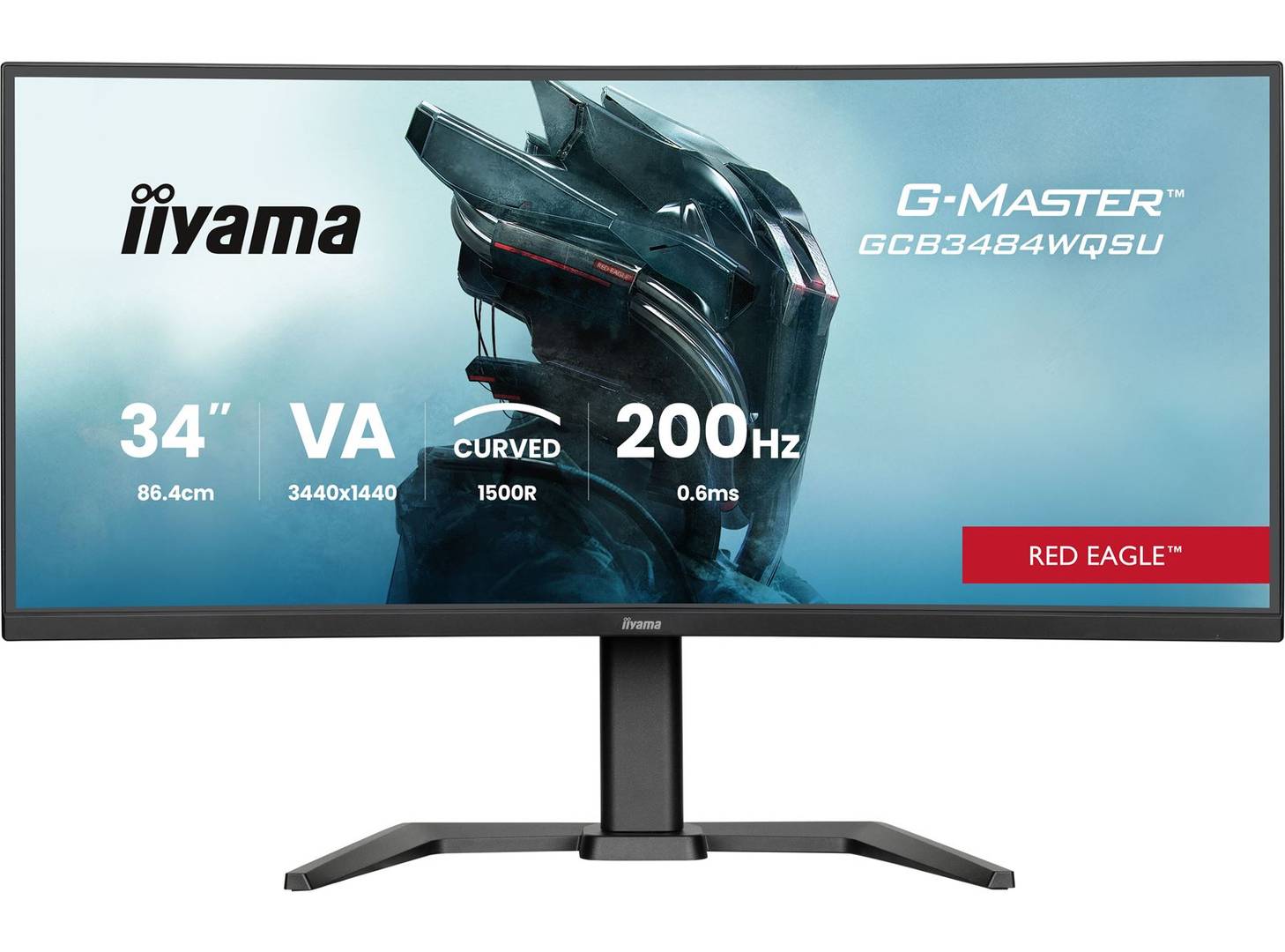
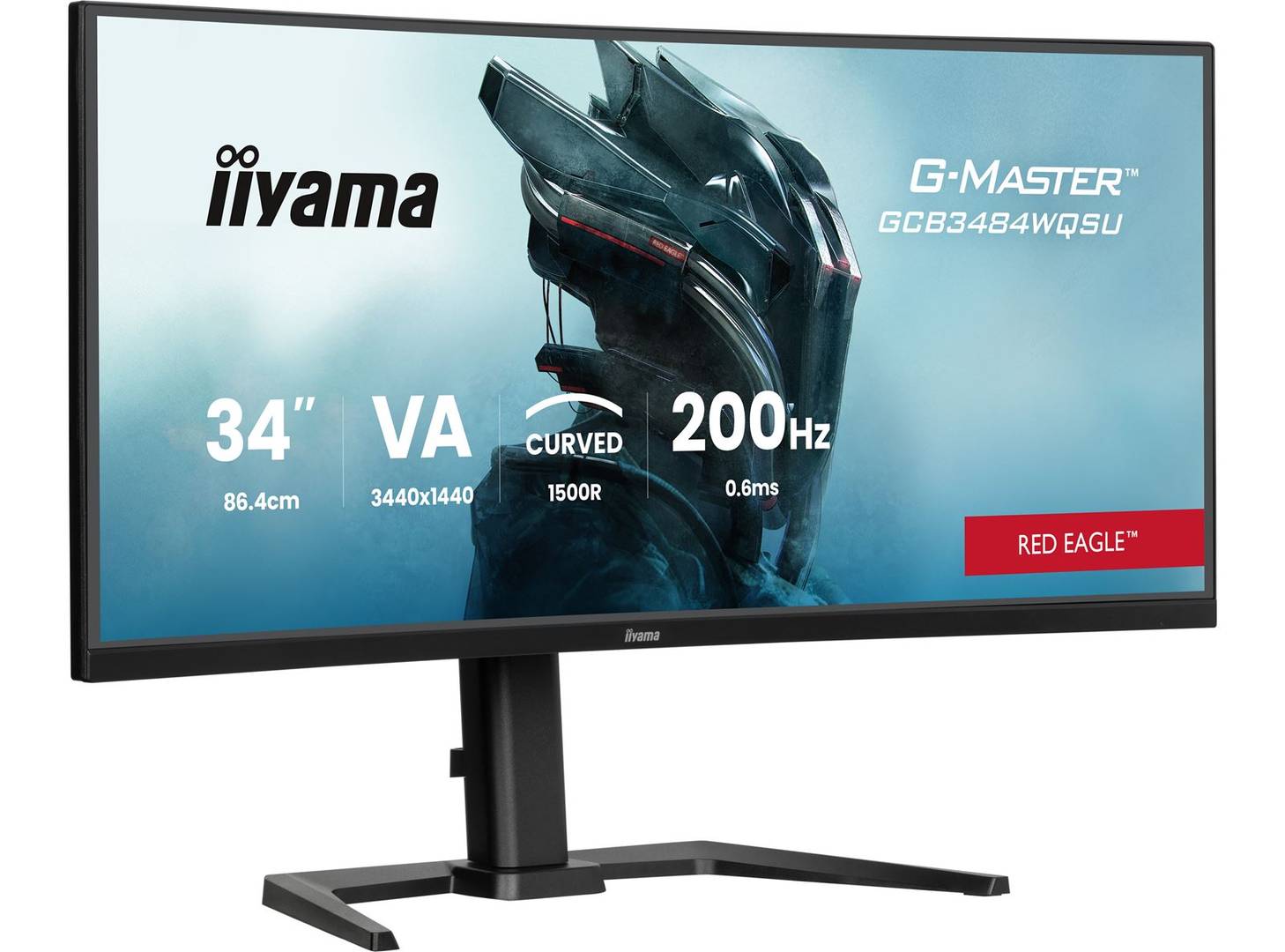


GCB3484WQSU-B2
Delivery
Order Today...
Ships...
Delivery...
ℹ️ Large or fragile items (e.g. monitors) may require extra handling time. We'll keep you informed.
Payment options
Trusted Tech Choice
Buying Benefits
Verified
Competitive EU pricing
Delivered to Cyprus from EU stock
Local warranty support
Please sign in so that we can notify you about a reply
Curved ultrawide immersion with a faster Dual Mode
34-inch VA / 1500RUWQHD 200 Hz via DPDual Mode up to 400 HzFreeSync Premium / HDR400
The G-Master Red Eagle GCB3484WQSU-B2 pairs a 34-inch 1500R curved VA panel with ultrawide 3440×1440 resolution at up to 200 Hz through DisplayPort. A separate Dual Mode trades detail for speed at 1728×720 and up to 400 Hz over DP. FreeSync Premium, DisplayHDR 400, a four-port USB hub and height adjustment complete this gaming display.
Best For: PC gamers choosing a curved 21:9 ultrawide screen with native-detail and reduced-resolution high-speed modes.
Before you order: Native 3440×1440 reaches 200 Hz over DP 1.4, but 100 Hz over HDMI 2.0. Dual Mode is 1728×720: up to 400 Hz DP or 200 Hz HDMI. Compatible GPU output, cable and settings are required; this is not native-resolution 400 Hz. USB-C ports are downstream data/peripheral power, not laptop video/PD docking.
What's in the Box
- Monitor with stand, power, USB, HDMI and DisplayPort cables (manufacturer lists 1.85 m cables).
- Quick start and safety guides.
- Computer, peripherals and optional VESA arm are separate.
What It Means in Practice
- Use DisplayPort for native UWQHD 200 Hz; choose reduced-resolution Dual Mode when speed matters more than detail.
- Enable supported FreeSync Premium with a compatible GPU and settings.
- Connect USB-B upstream for the two USB-A and two USB-C downstream ports; USB-C offers 7.5 W peripheral power.
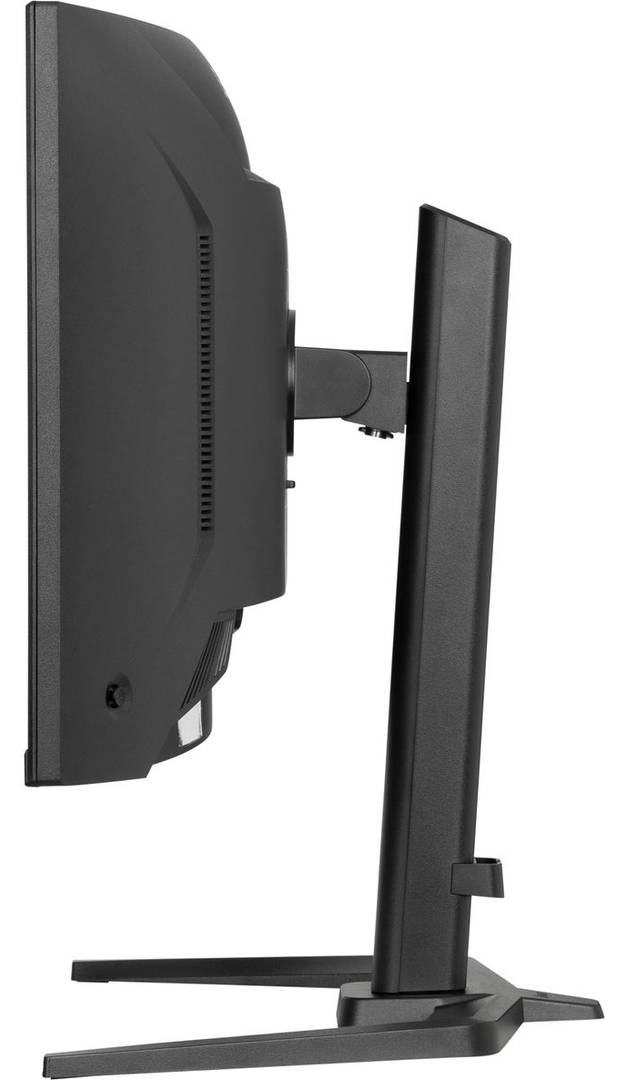
- Adjust nominal height by 150 mm, swivel ±45° and tilt +23°/−5°; allow 290 mm stand depth.
What Will Not Work
- 400 Hz requires reduced 1728×720 Dual Mode through DP; HDMI native resolution is limited to 100 Hz.
- 0.6 ms is MPRT, not GTG; blur-reduction and adaptive-sync settings have operating restrictions.
- No USB-C laptop video/charging dock, KVM, webcam, touch or stand pivot is specified.
- DisplayHDR 400 does not establish advanced local dimming or reference HDR performance. Game frame rates depend on the PC.
Key Features
Wide curved VA image
34-inch 21:9 1500R panel, 450 cd/m² and 4000:1 static contrast.
Choose detail or speed
3440×1440 at 200 Hz DP, or 1728×720 Dual Mode at up to 400 Hz DP.
Useful peripheral hub
USB-B upstream, two USB-A and two USB-C downstream at 5 Gbps.
Position and multitasking
Height, swivel and tilt; PIP/PBP for supported two-source layouts.
Technical Specifications
Frequently Asked Questions
Singular Expert Insight
Treat Dual Mode as a deliberate detail-versus-speed choice. DisplayPort provides the full native 200 Hz mode, while HDMI has a lower native ceiling. Confirm your GPU and game support ultrawide layouts, and allow sufficient desk depth and viewing distance for the 1500R screen.
Buyer’s Guide
✓ Buy it if You want a curved 34-inch ultrawide gaming screen with native 200 Hz DP and an optional faster reduced-resolution mode.
✕ Skip it if You require native 4K, USB-C laptop docking or a pivot stand.
→ Also consider Graphics output, cables, game performance, desk depth, viewing distance and adaptive-sync settings.
Features - Iiyama - GCB3484WQSU-B2
Colour
black
More Details
Product Code
04:593428
EAN Code
4948570127900
Manufacturer
Iiyama