
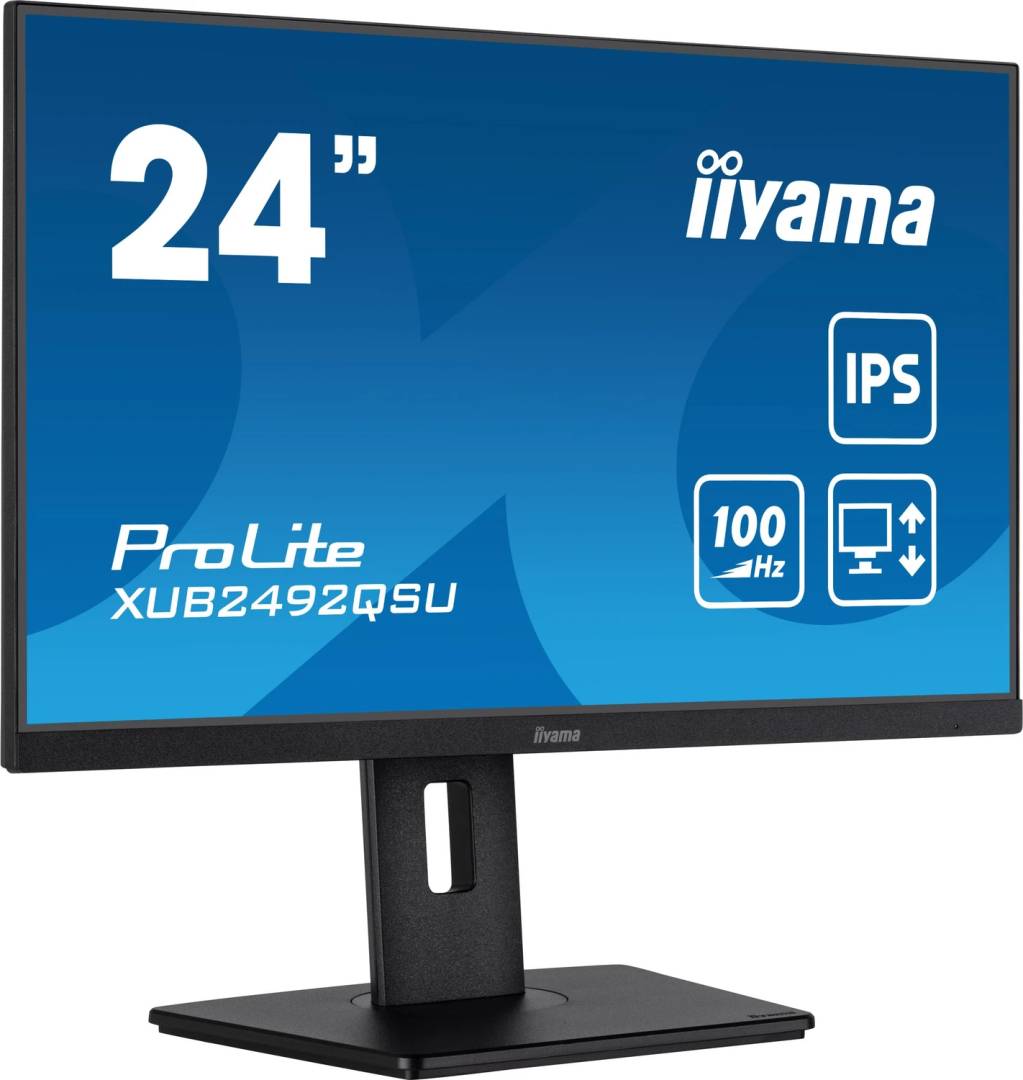
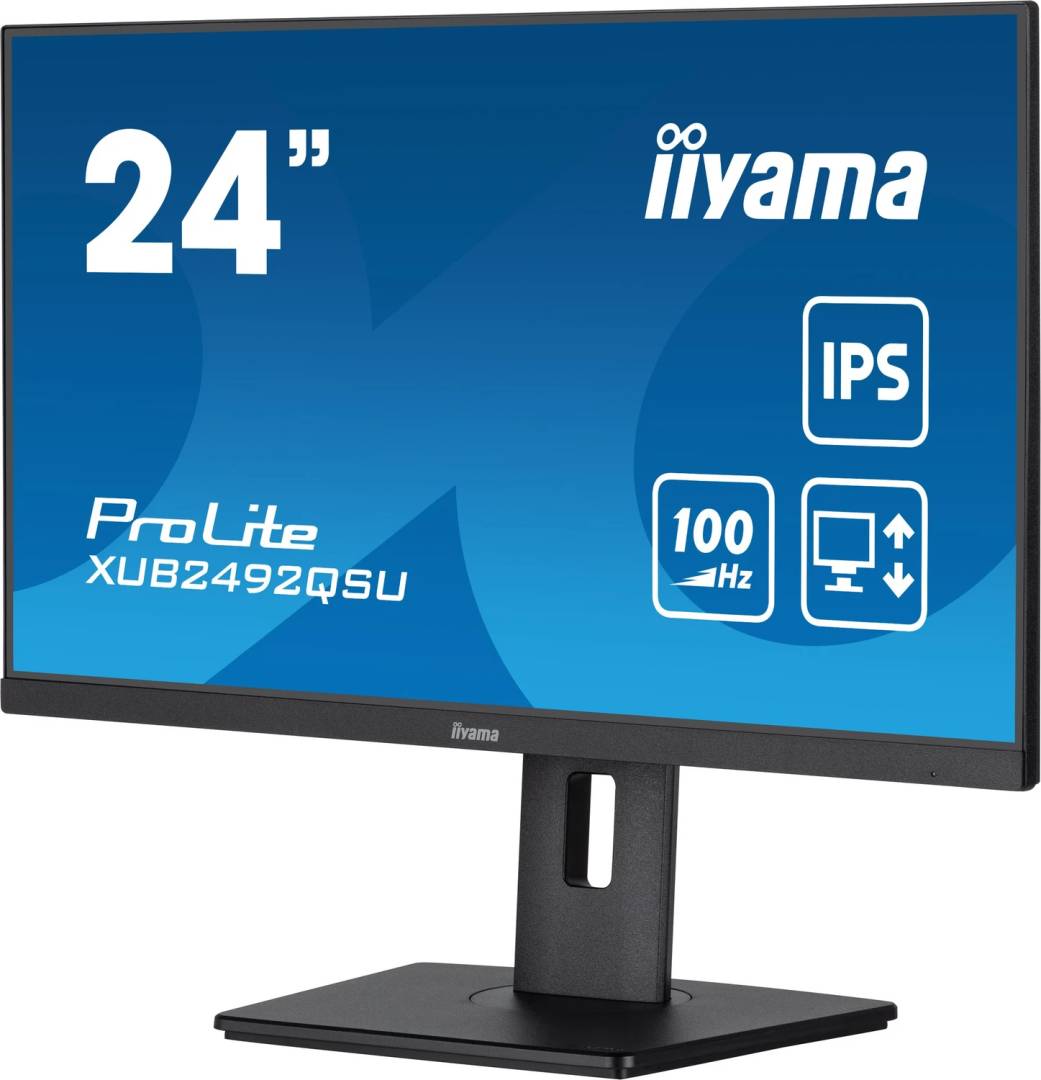
iiyama ProLite XUB2492QSU-B1 23.8" QHD IPS Monitor, 100Hz, USB Hub with USB-C Charging Port, Height-Adjustable Stand, Black
Brand:
Iiyama

iiyama ProLite XUB2492QSU-B1 23.8" QHD IPS Monitor, 100Hz, USB Hub with USB-C Charging Port, Height-Adjustable Stand, Black
€275.18 inc. VAT



XUB2492QSU-B1
Delivery
Order Today...
Ships...
Delivery...
ℹ️ Large or fragile items (e.g. monitors) may require extra handling time. We'll keep you informed.
Payment options
Trusted Tech Choice
Buying Benefits
Verified
Competitive EU pricing
Delivered to Cyprus from EU stock
Local warranty support
Please sign in so that we can notify you about a reply
iiyama ProLite XUB2492QSU-B1 — 23.8" QHD IPS Monitor with 100Hz and Full Ergonomic Stand
23.8" IPS QHD100Hz · Adaptive-SyncHeight · Swivel · PivotUSB hub + USB-C charge port
The iiyama ProLite XUB2492QSU-B1 is a 23.8-inch IPS monitor with QHD 2560 x 1440 resolution, a 100Hz refresh rate and a height-adjustable stand, aimed at office and home-office users who want sharper text than Full HD on a compact desk.
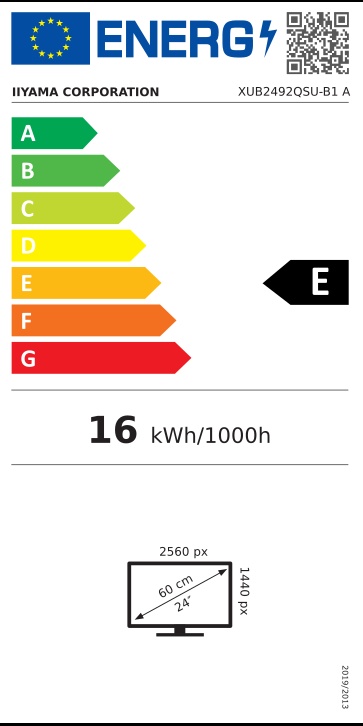
Putting QHD on a 23.8" panel gives roughly 123 PPI — about 35% more pixel density than a 24" Full HD screen. Text and lines look noticeably crisper, and you get more workspace for side-by-side windows. Windows will typically suggest 125% scaling at this size, which keeps text readable while still showing more content than Full HD.
Before you order: The USB-C port on this monitor is a hub/charging port only (5Gbps data, 15W). It does not accept video from a laptop and cannot charge a laptop — connect the computer via HDMI or DisplayPort.
What's in the Box
- iiyama ProLite XUB2492QSU-B1 monitor with stand
- HDMI cable
- DisplayPort cable
- USB upstream cable
- Power cable — the power supply is built in
- Quick start guide and safety guide
What It Means in Practice
- Use the included DisplayPort cable to run 2560 x 1440 at 100Hz; Adaptive-Sync smooths frame delivery with compatible graphics cards. HDMI 1.4 is there as a second input.
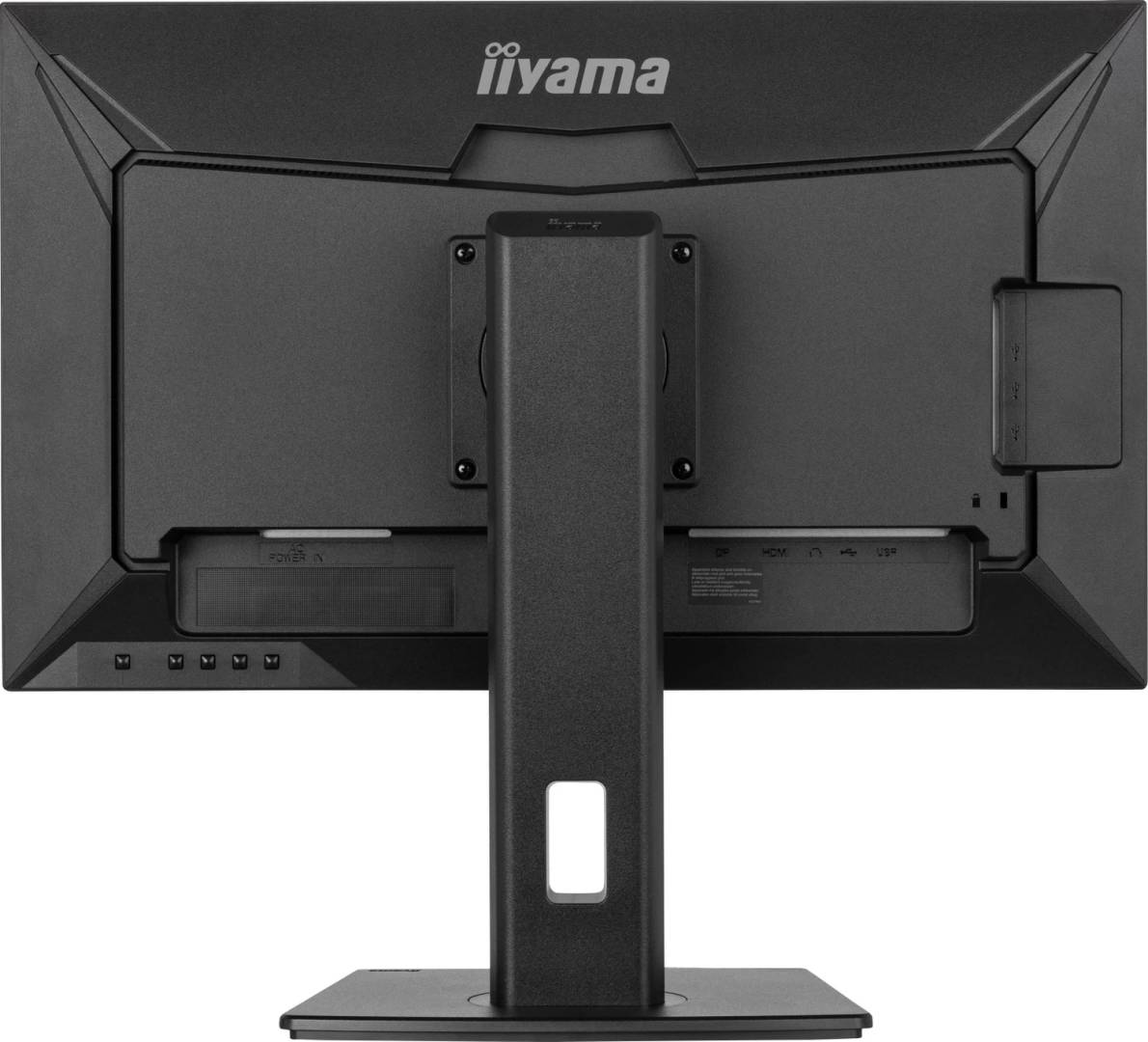
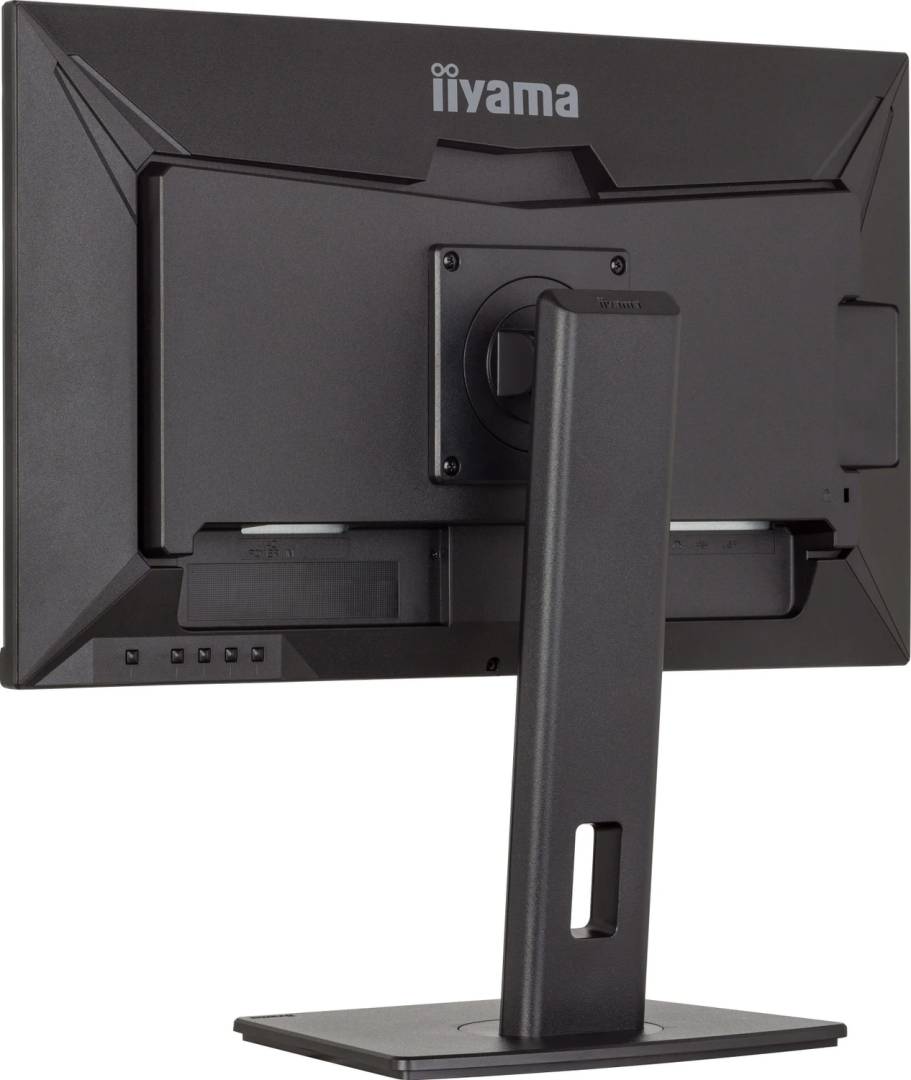
- Connect the supplied USB cable to the PC and the monitor becomes a small hub: two USB-A 5Gbps ports for peripherals and a USB-C port that can charge a phone or earbuds at up to 15W.
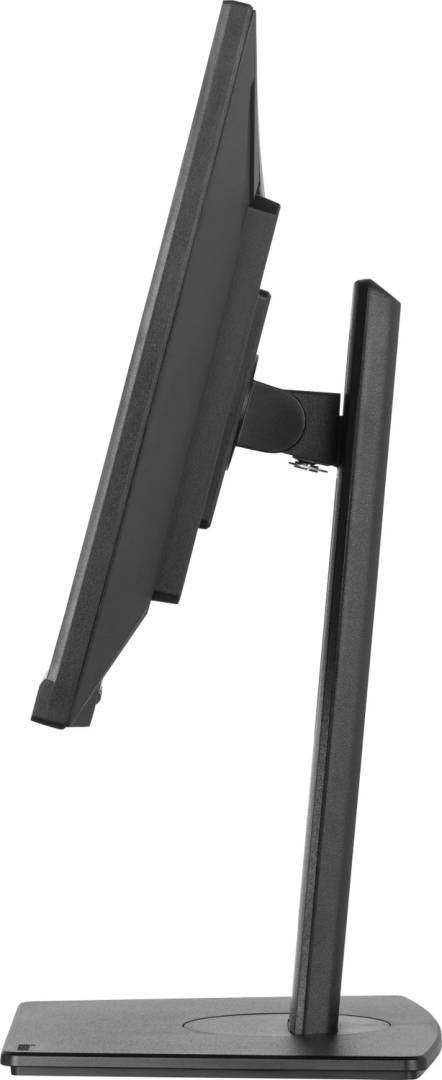
- The stand adjusts 150mm in height, tilts 23° back and 5° forward, swivels 60° each way and pivots 90° into portrait.
- Two 2W speakers cover calls and notifications; a headphone jack is available for private listening.
- At 23.8" the screen fits desks where a 27" would be too wide, while still giving QHD workspace.
What Will Not Work
- A laptop that only outputs video over USB-C will not display through the monitor's USB-C port — you need a USB-C to HDMI or USB-C to DisplayPort cable.
- There is no laptop charging (no Power Delivery for notebooks) and no RJ45 network port.
- HDR is not published by iiyama, so do not expect HDR playback.
- No webcam or microphone is built in.
Key Features
QHD on a compact panel
2560 x 1440 at 23.8" gives about 123 PPI for crisp text and more room for documents and spreadsheets.
100Hz with Adaptive-Sync
Smoother scrolling and motion than 60Hz office screens; 0.5ms MPRT motion response.
Full ergonomic stand
150mm height adjustment, tilt, 120° total swivel and pivot for portrait use.
Eye comfort
Flicker-free backlight and Blue Light Reducer for long working days.
Technical Specifications
Frequently Asked Questions
Singular Expert Insight · Buyer's Guide
The XUB2492QSU-B1 is a smart pick when desk width is limited but you still want QHD sharpness and a proper ergonomic stand. The USB-C port is a convenience charger, not a docking connection — plan on HDMI or DisplayPort for the PC. For dual-screen setups, add a monitor arm or stand.
✓ Buy it if you want crisp QHD text on a compact 24" footprint with height, swivel and pivot adjustment.
✕ Skip it if you need one-cable USB-C docking with laptop charging, or you prefer larger text without scaling.
→ Also consider the iiyama G-MASTER GB2771QSU-B1 for a 27" QHD gaming panel, or a USB-C docking monitor if you use laptops.
Not sure it fits your setup? Tell us your laptop or PC model and we will confirm which cable and input you need before you order.
Features - Iiyama - XUB2492QSU-B1
Colour
black
More Details
Product Code
CJ82426
EAN Code
4948570123179
Manufacturer
Iiyama