
JAPANNEXT JN-MD-i156F-LE 15.6" Portable Monitor, IPS Full HD 60Hz, USB-C + mini-HDMI, Speakers, Black
Brand:
JAPANNEXT

JAPANNEXT JN-MD-i156F-LE 15.6" Portable Monitor, IPS Full HD 60Hz, USB-C + mini-HDMI, Speakers, Black
€162.36 inc. VAT
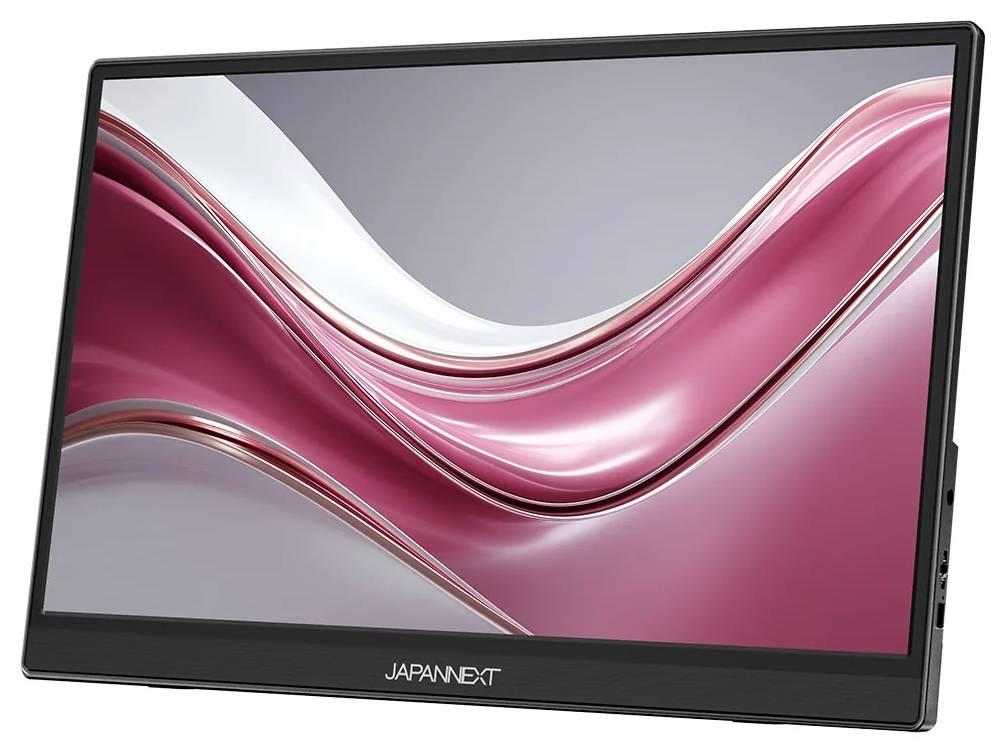
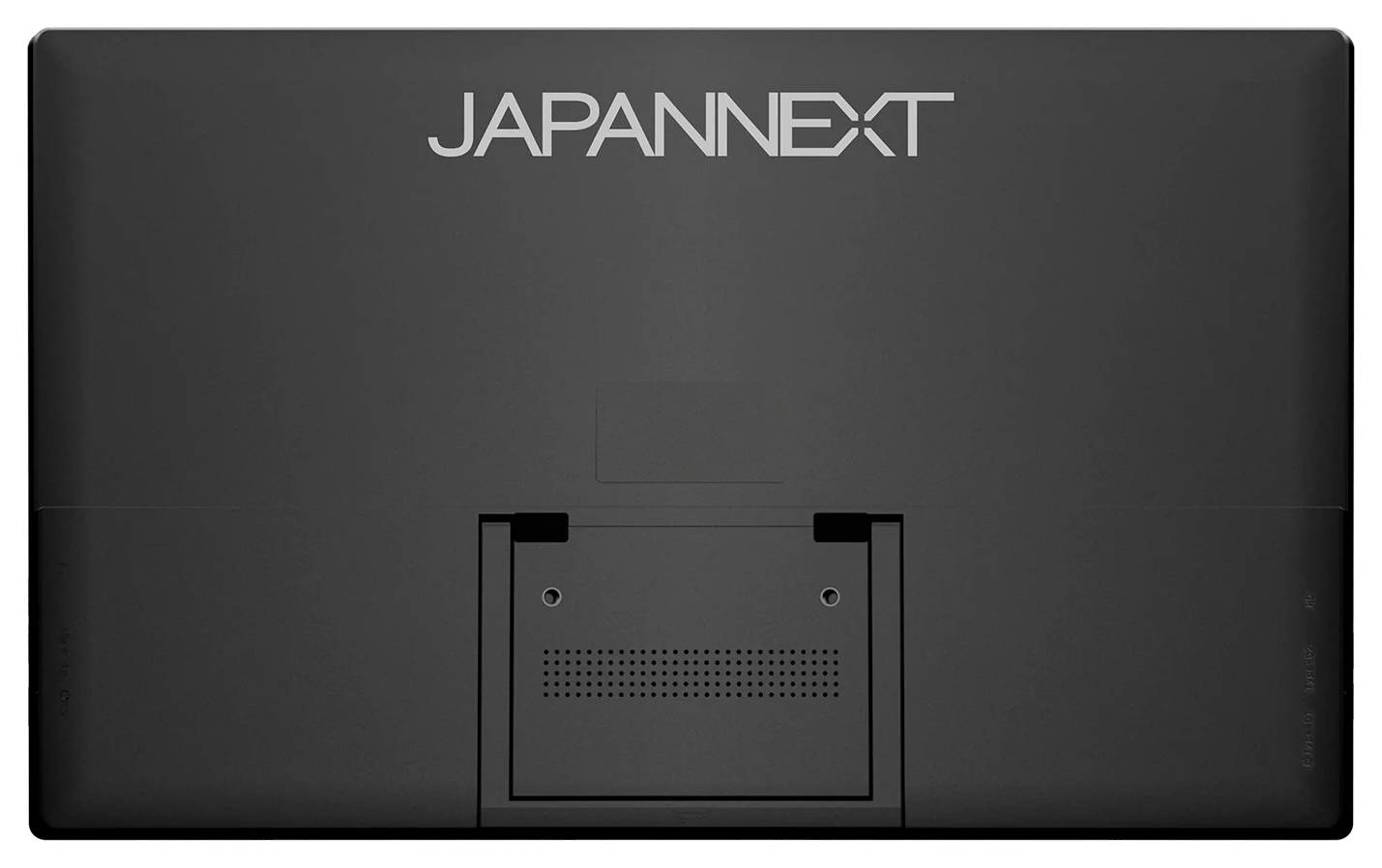


JN-MD-I156F-LE
Delivery
Order Today...
Ships...
Delivery...
ℹ️ Large or fragile items (e.g. monitors) may require extra handling time. We'll keep you informed.
Payment options
Trusted Tech Choice
Buying Benefits
Verified
Competitive EU pricing
Delivered to Cyprus from EU stock
Local warranty support
Please sign in so that we can notify you about a reply
JAPANNEXT JN-MD-i156F-LE 15.6" Portable Monitor
15.6" IPS Full HD1000:1 contrastUSB-C one-cablemini-HDMI
The JAPANNEXT JN-MD-i156F-LE is a 15.6-inch portable monitor with an IPS Full HD (1920 × 1080, 60 Hz) panel that turns a laptop into a two-screen workstation anywhere. It is for people who work on the move — consultants, sales staff, students and technicians — and want a second screen that fits in a laptop bag at about 700 g and 9 mm at its thinnest point.
A single USB-C cable carries video and power from a compatible laptop, so there is no separate power brick on the desk. A mini-HDMI input connects laptops, game consoles and other HDMI sources; in that case the screen is powered through its second USB-C port. A built-in rear kickstand, stereo speakers and a felt carrying case complete the package.
Before you order: For one-cable use your laptop USB-C port must output video (DisplayPort Alt Mode / Thunderbolt) and supply enough power; plain data-only USB-C ports will not show a picture. There is no power adapter in the box.
What's in the Box
- 1 × JAPANNEXT JN-MD-i156F-LE 15.6" portable monitor with built-in kickstand
- 1 × USB-C to USB-C cable (video and power)
- 1 × mini-HDMI to HDMI cable
- 1 × USB-A to USB-C cable (power)
- 1 × felt carrying case
- User manual and warranty card
What It Means in Practice
- With a laptop that supports USB-C video, one cable is enough: picture and power come from the laptop.
- On USB-C only, the monitor lowers brightness to match the power the laptop can supply; for full brightness connect a 5V/3A (or stronger) USB-C power adapter to the second port.
- The kickstand opens up to 90°, so the screen can stand next to a laptop without a separate stand; VESA 75 mm holes allow an arm.
- Mini-HDMI makes it usable with devices without USB-C video, such as older laptops or consoles.
What Will Not Work
- USB-C ports without video output (DisplayPort Alt Mode) will not show a picture.
- It has no touchscreen — the touch version is JN-MD-i156F-T-LE.
- No power adapter is included; a weak laptop port or phone may cause flicker or a dark picture without external power.
- Resolution is limited to 1920 × 1080 at 60 Hz — no 4K or high-refresh input.
Key Features
IPS Full HD panel
15.6" 1920 × 1080, 300 cd/m², 178° viewing angles, 1000:1 contrast.
One-cable USB-C
Video and power over one USB-C cable from compatible laptops, plus a second USB-C for power only.
Built to travel
About 700 g, 9 mm at thinnest point, rear kickstand and felt case included.
Eye comfort
Flicker reduction and blue-light reduction modes.
Technical Specifications
Frequently Asked Questions
Singular Expert Insight · Buyer's Guide
A portable monitor is the most practical upgrade for people who work from client sites or hotel desks: the second screen fits in the laptop bag and needs one cable. Check that your laptop USB-C port outputs video before ordering — or compare desk-bound options in our PC monitors range.
✓ Buy it if you want a light, one-cable second screen for a laptop without paying for touch.
✕ Skip it if your laptop has only USB-A ports and no HDMI, or you need more than Full HD.
→ Also consider the touch version JN-MD-i156F-T-LE for Windows tablets-style use.
Not sure your laptop outputs video over USB-C? Send us the laptop model and we will check it before you order.
Features - JAPANNEXT - JN-MD-I156F-LE
Colour
black
More Details
Product Code
04:589099
EAN Code
4589511171813
Manufacturer
JAPANNEXT