
Kensington K79820WW Wired Numeric Keypad 21 Keys with Four Shortcut Keys Scissor Switches Num Lock Indicator USB-A Black
Brand:
Kensington

Kensington K79820WW Wired Numeric Keypad 21 Keys with Four Shortcut Keys Scissor Switches Num Lock Indicator USB-A Black
€25.47 inc. VAT





K79820WW
Delivery
Order Today...
Ships...
Delivery...
ℹ️ Large or fragile items (e.g. monitors) may require extra handling time. We'll keep you informed.
Payment options
Trusted Tech Choice
Buying Benefits
Verified
Competitive EU pricing
Delivered to Cyprus from EU stock
Local warranty support
Please sign in so that we can notify you about a reply
Kensington Wired Numeric Keypad — 21 Keys, USB-A
21 keysScissor switchesNum lock LED3-year term
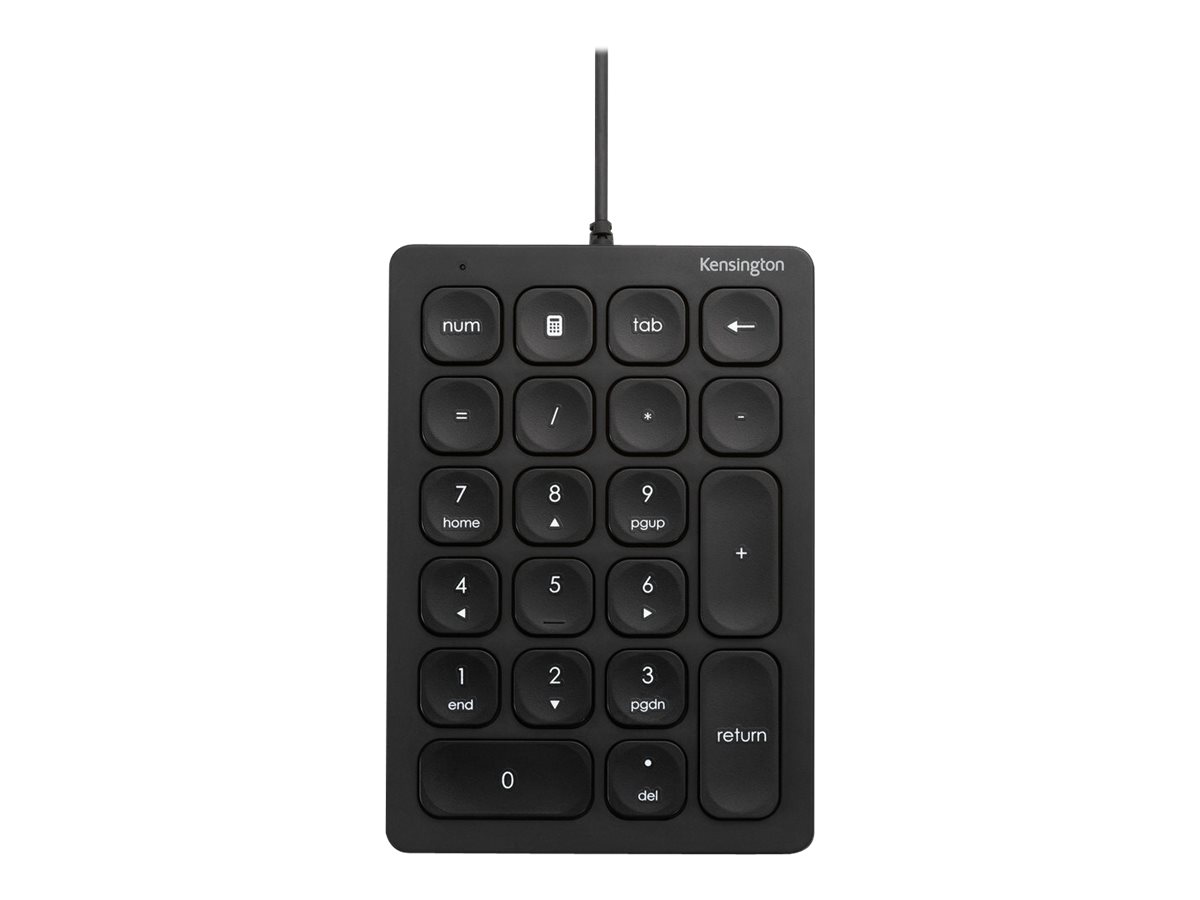
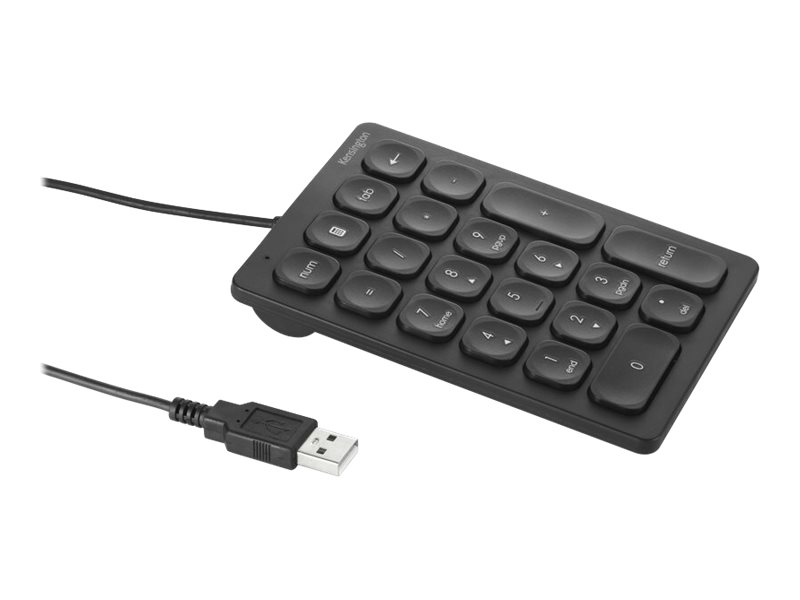
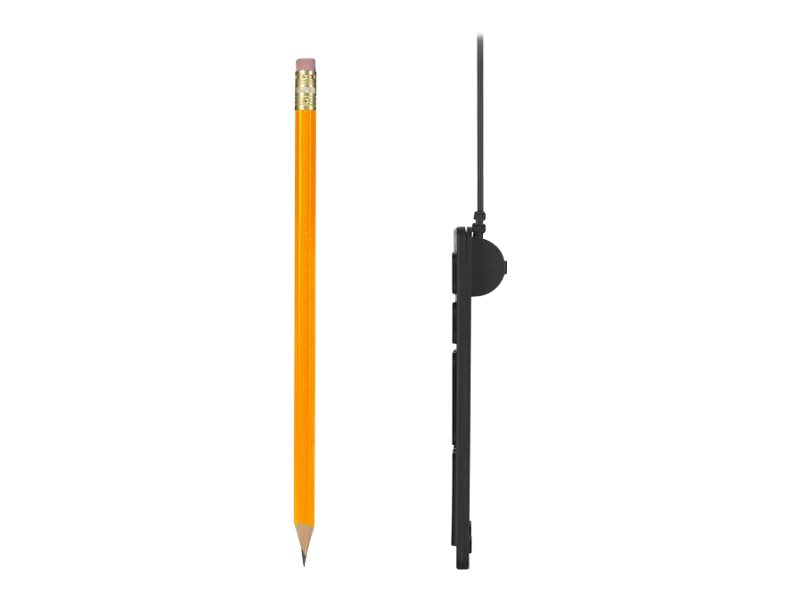
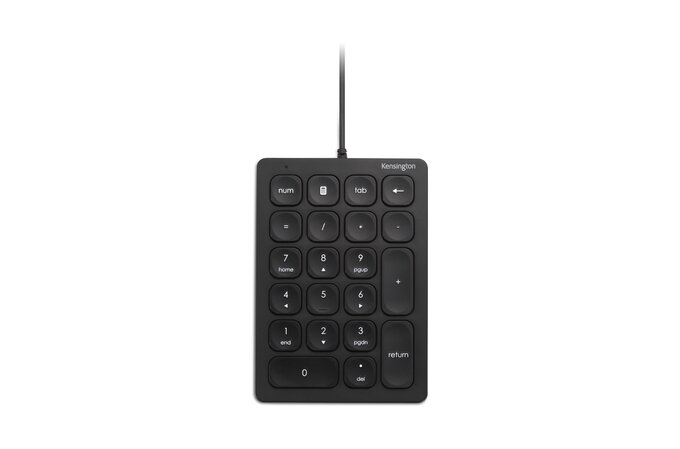
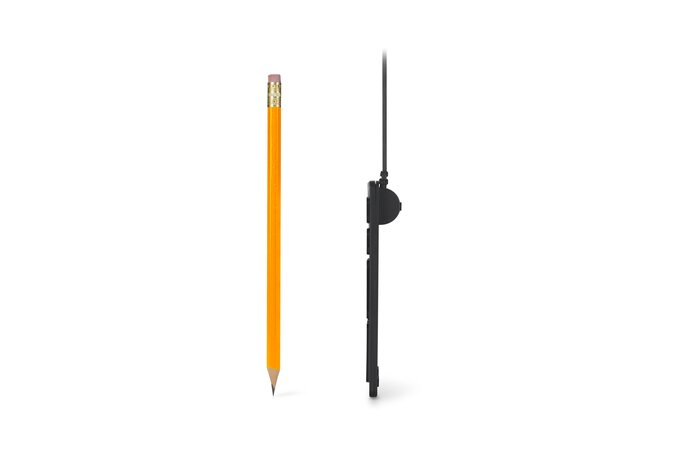
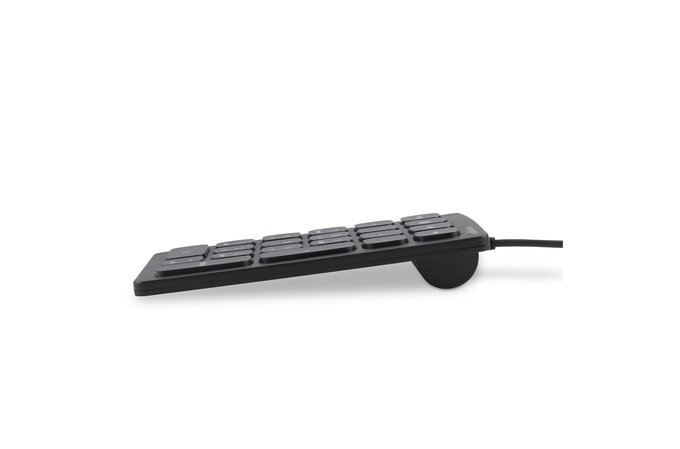
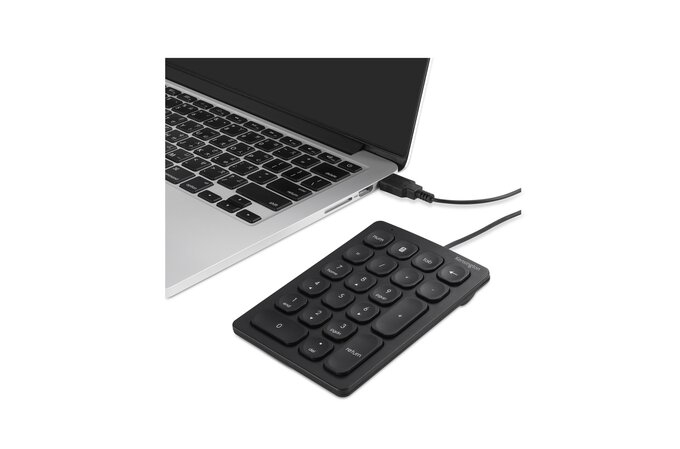
Two things separate this from the cheap keypads: the switches and the warranty. Kensington uses scissor key switches, which it describes as responsive and quiet — the same mechanism as a good laptop keyboard, with a short, defined travel that does not clatter in an open office. And it is backed by a three-year warranty, longer than almost anything in this class. The layout is a 21-key number pad with four shortcut keys, there is a num lock indicator light so you can see the state at a glance, and anti-slip foot pads keep it still. The connection is plug-and-play wired USB-A, so nothing installs. Kensington lists it as compatible with Windows, macOS and ChromeOS, noting that some shortcut keys are only Windows compatible.
Compatibility — check before buying:
Read the compatibility caveat carefully, because Kensington states it plainly: the keypad works on Windows, macOS and ChromeOS, but some shortcut keys are only Windows compatible. If the four shortcut keys are the reason you are buying it, and you are on a Mac, ask us which ones map before you order and we will check on a unit. The connector is USB-A, so a laptop with only USB-C ports needs an adapter — tell us and we will include one. Scissor switches are a matter of taste: short, quiet travel that suits laptop typists, and too shallow for anyone who wants a firm mechanical click. On what is not published: Kensington gives no cable length, no dimensions and no weight for this part number on its own page, so we quote none. There is no backlight.
Best For
✓ Open-plan offices where key noise matters
✓ Laptops with no number pad
✓ Anyone who prefers laptop-style key travel
✓ Mixed Windows, macOS and ChromeOS fleets
✓ Buyers who want a long published warranty
✓ Data entry and accounting desks
Key Features
Scissor switches, not rubber dome
A defined, quiet, short travel — the same mechanism as a good laptop keyboard, which is why it does not clatter in a shared office.
Three years from Kensington
Longer cover than nearly every keypad at this price, and the strongest single reason to choose this one.
Four shortcut keys
Beyond the digits, so common actions stay under the same hand rather than sending you back to the main keyboard.
It stays put
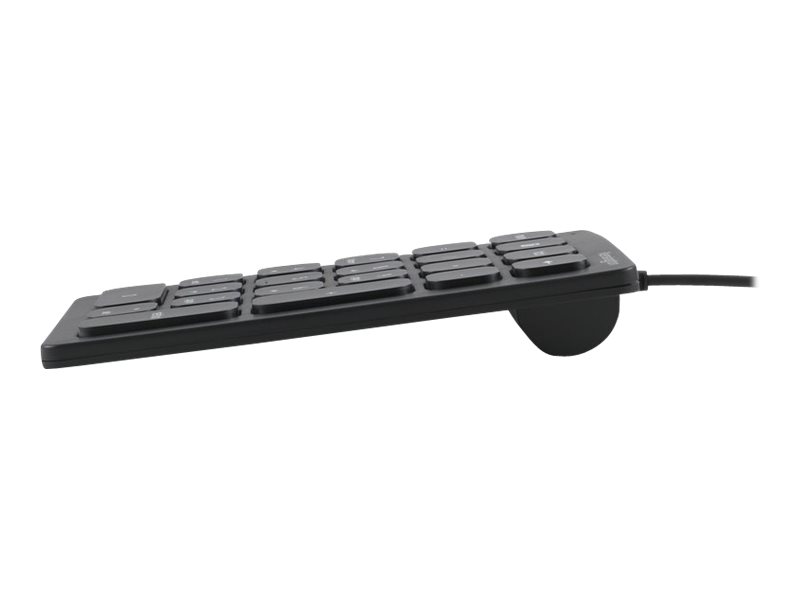
Anti-slip foot pads, which on a light keypad is the difference between a fixed position and one you keep straightening.
Technical Specifications
Frequently Asked Questions
Singular Expert Insight
Scissor switches and a three-year warranty put this above the usual rubber-dome keypad, and the noise difference is real in a shared office. The only thing to check is whether you need the shortcut keys on macOS. See our keyboard accessories and our keyboards.
Buyer’s Guide
Buy it if
You want a quiet, well-built wired keypad with a genuinely long warranty, on Windows, macOS or ChromeOS.
Skip it if
You need a published cable length or dimensions, you want a 000 key, or you want it wireless.
Also consider
The Trust Xalas for 23 keys and a five-year term, or the LogiLink ID0201 if you would rather go wireless.
Features - Kensington - K79820WW
Colour
black
More Details
Product Code
04:404015
EAN Code
0085896798200
Manufacturer
Kensington