Special B2B pricing available after sign-in

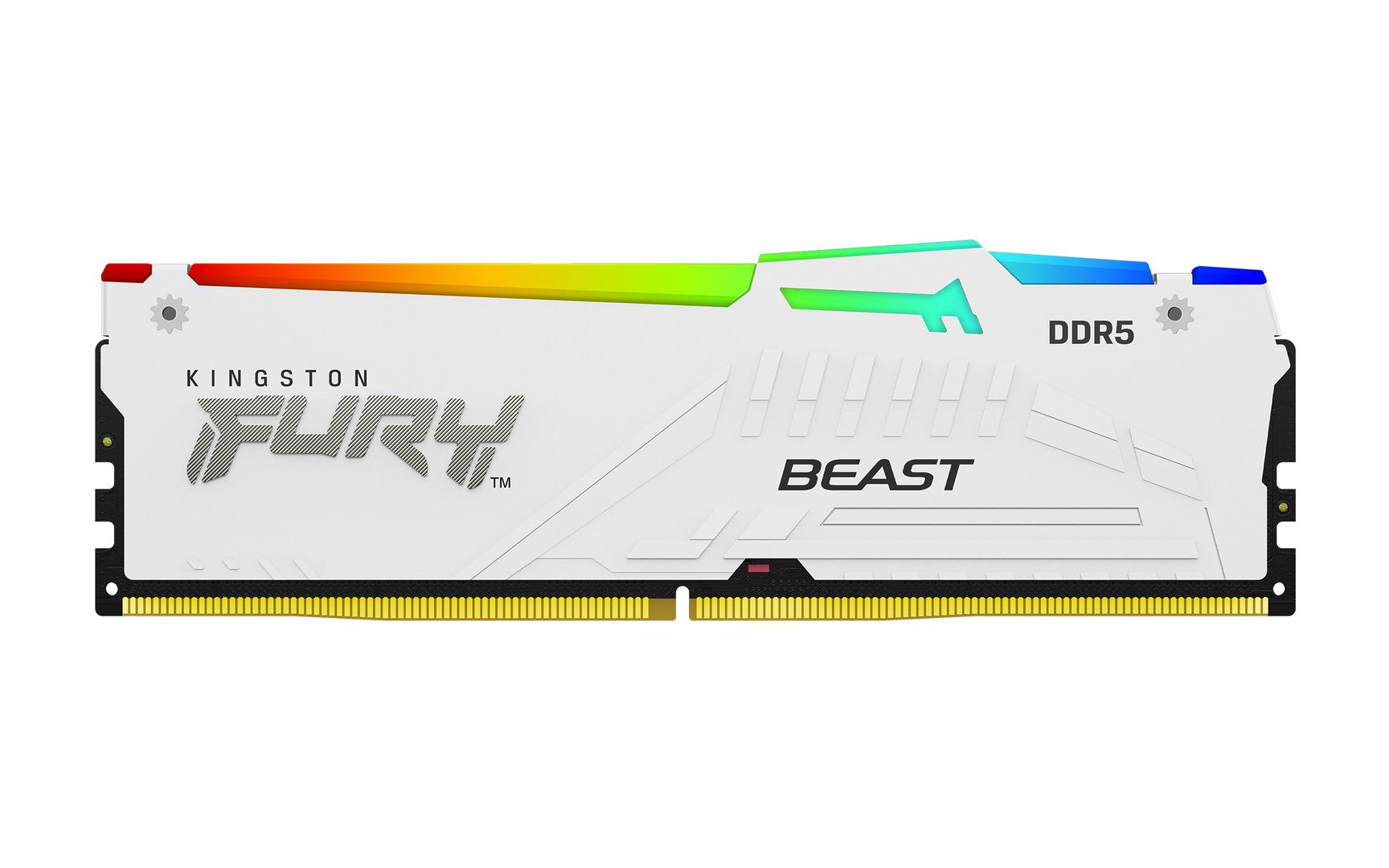
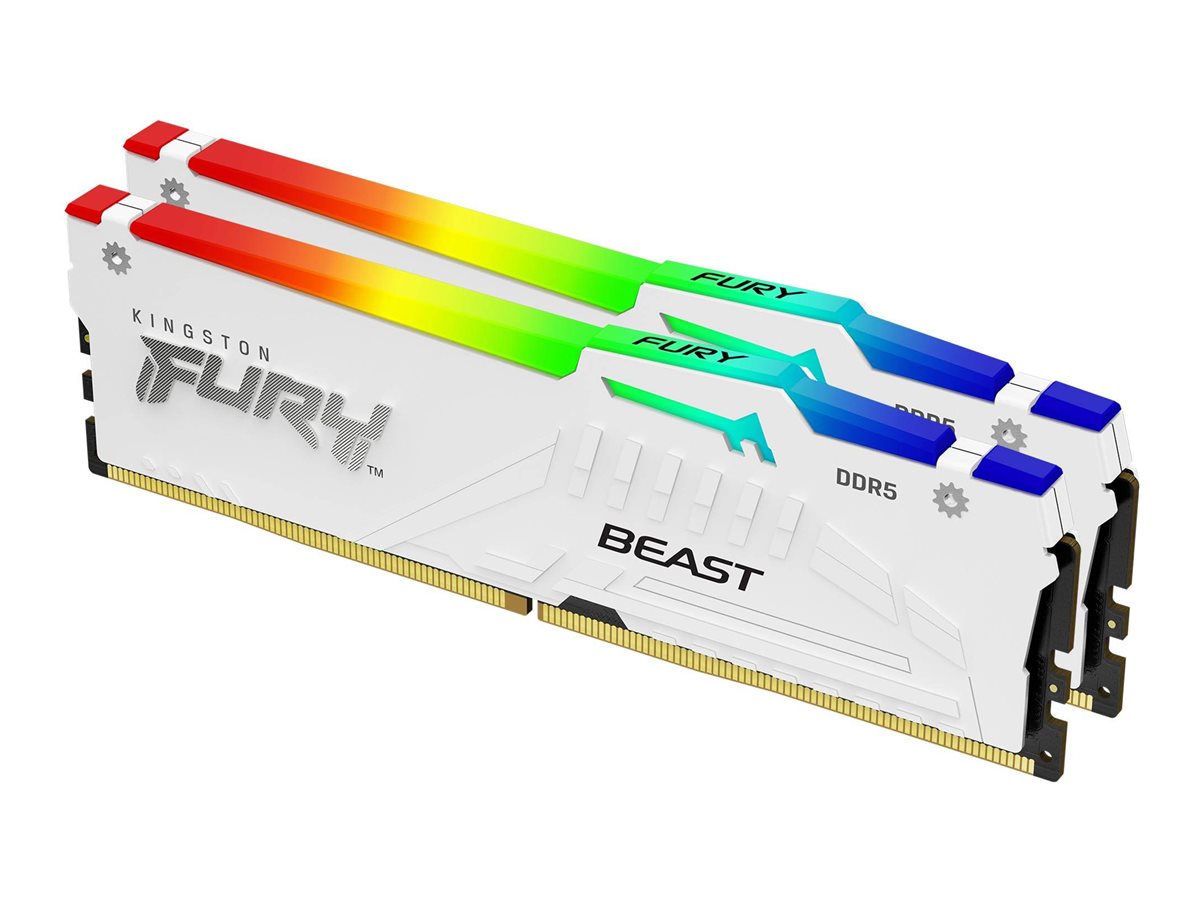
Kingston FURY Beast RGB DDR5-6400 CL32 32GB Kit (2x16GB) Desktop Memory, AMD EXPO & Intel XMP, White

Brand:
Kingston
Kingston FURY Beast RGB - DDR5 - kit - 32 GB  | KF564C32BWEAK2-32
Kingston FURY Beast RGB DDR5-6400 CL32 32GB Kit (2x16GB) Desktop Memory, AMD EXPO & Intel XMP, White
€1146.45 inc. VAT
Buy
KF564C32BWEAK2-32
€963.40 €1,070.44
€1,146.45 inc. VAT
Ships from EU stock: 14 item(s)
Product Code
03:236524
EAN Code
0740617343007
Manufacturer
Kingston

Quick Specs

Capacity
32GB (2 x 16GB)
Speed
DDR5-6400 (6400 MT/s)
CL
CL32-39-39 @ 1.4V
Form
DIMM 288-pin · AMD EXPO & Intel XMP
Delivery

Order Today...
Ships...
Delivery...
ℹ️ Large or fragile items (e.g. monitors) may require extra handling time. We'll keep you informed.
Payment options
✓ Bank Deposit
Secure checkout with flexible payment methods
Trusted Tech Choice
Buying Benefits Verified
Competitive EU pricing
Delivered to Cyprus from EU stock
Local warranty support

Kingston FURY Beast RGB DDR5-6400 CL32 — 32GB Kit (2x16GB)

32GB Kit (2x16GB)DDR5-6400 CL32AMD EXPO & Intel XMPWhite · RGB

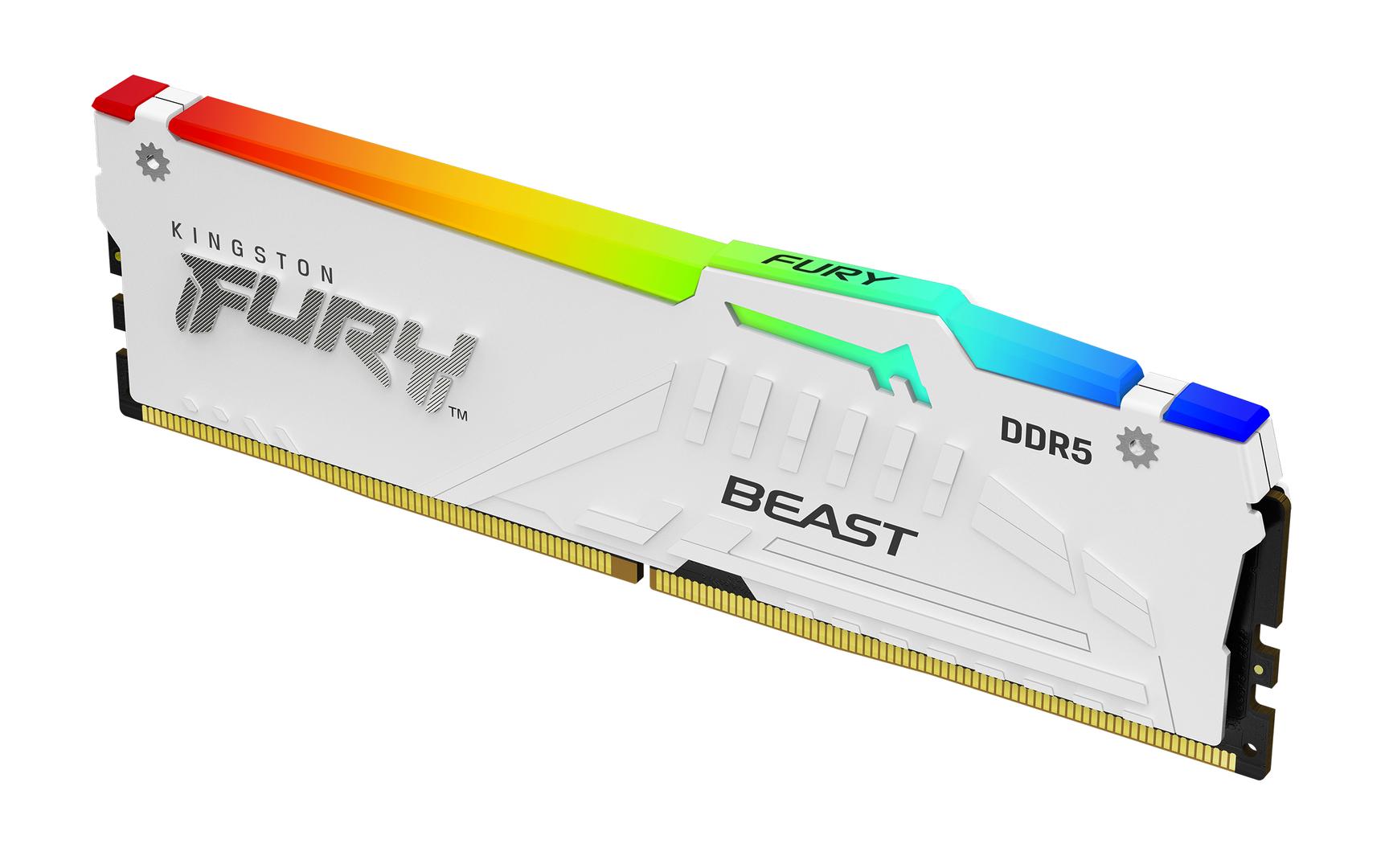
The Kingston FURY Beast RGB KF564C32BWEAK2-32 is a two-module 32GB kit (2 x 16GB) of DDR5 desktop memory rated at 6400 MT/s with CL32-39-39 timings at 1.4V, aimed at gamers and builders upgrading an AMD AM5 or Intel DDR5 desktop.

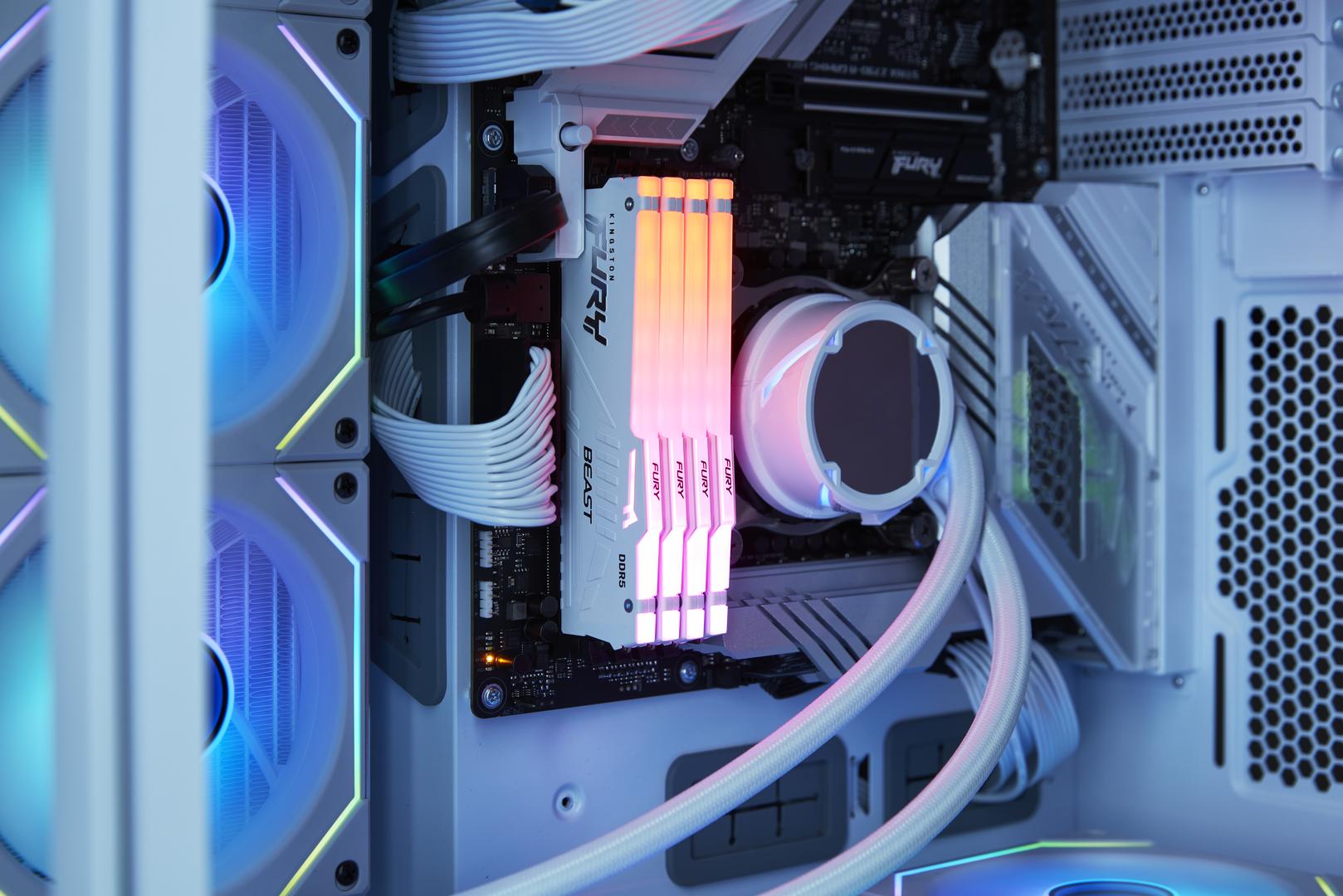
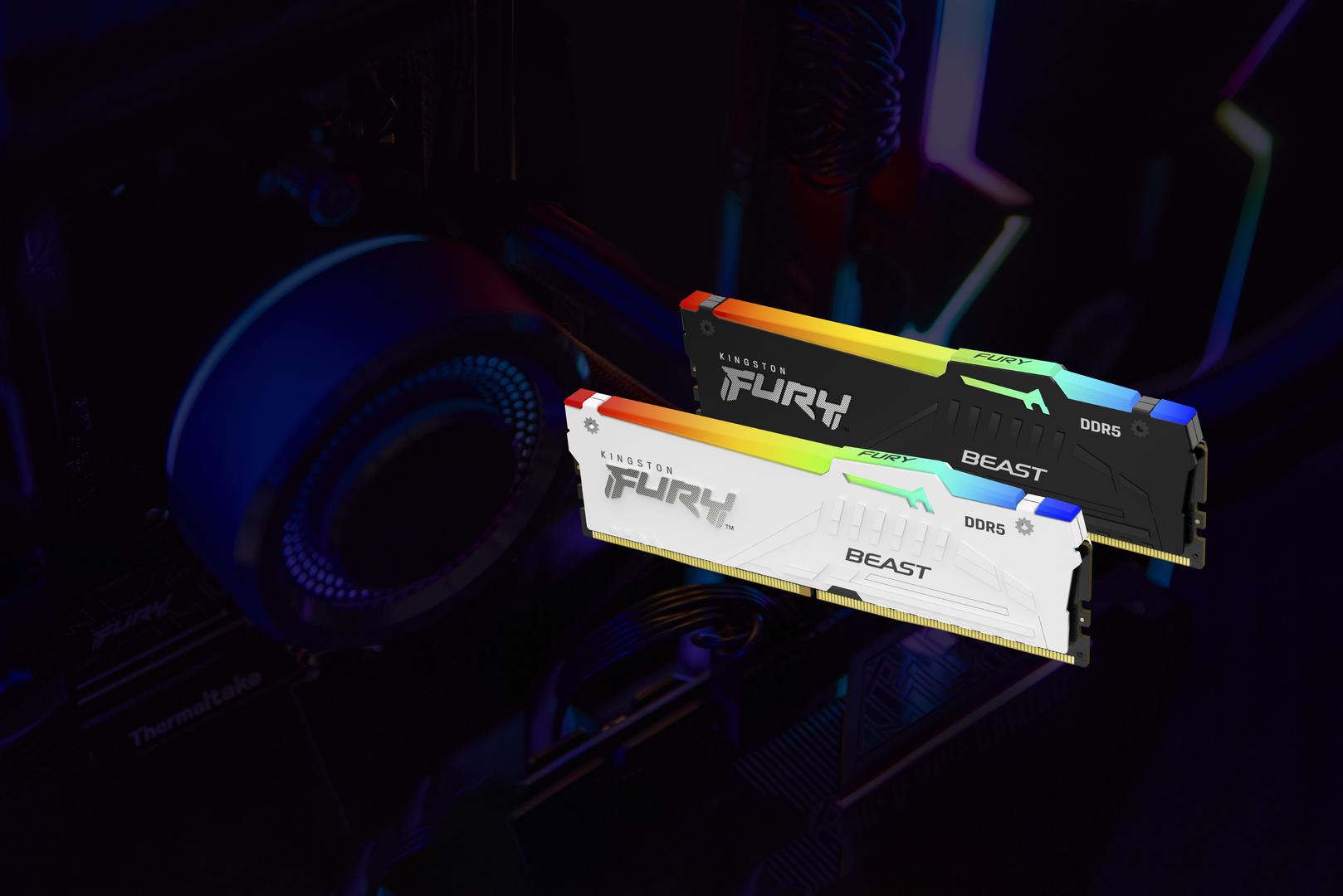
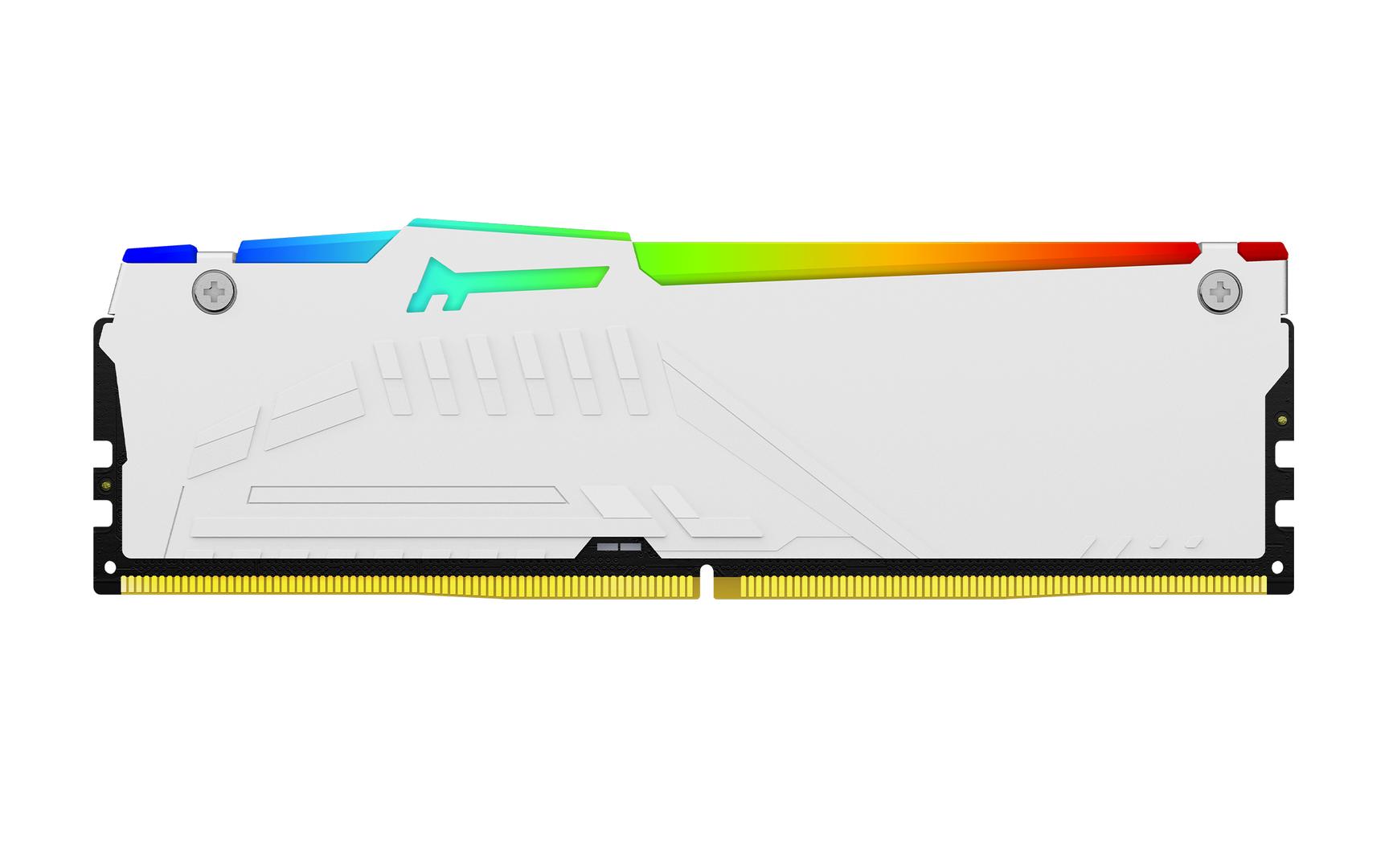
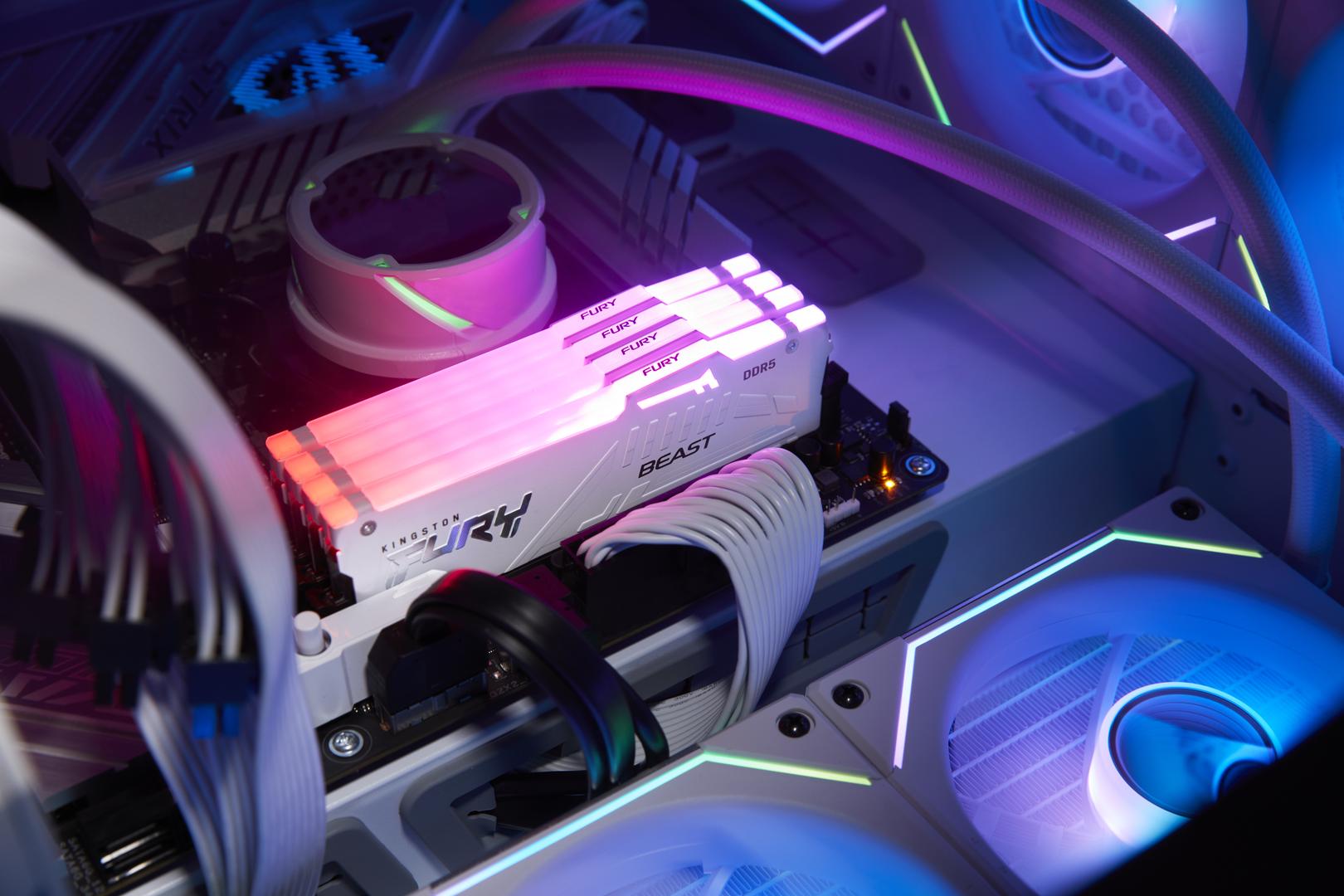
Out of the box it boots at the default 4800 CL40-39-39 at 1.1V; the rated 6400 MT/s speed is applied by enabling the AMD EXPO & Intel XMP 3.0 profile in the BIOS. The white heat spreader carries an RGB light bar controlled through Kingston FURY CTRL software or compatible motherboard RGB software.

DDR5 at 6400 MT/s gives noticeably more bandwidth than DDR4, which helps in CPU-bound games, content creation and heavy multitasking; lower CAS latency (CL32) shortens the time the CPU waits for data. As a matched kit, the two modules are tested together at the rated profile.

Before you order: DDR5 desktop DIMM only — it does not fit DDR4 motherboards or laptops. Whether a board sustains 6400 MT/s depends on the CPU and motherboard, so check your board’s memory support list (QVL).

What's in the Box

  • 2 x 16GB Kingston FURY Beast RGB DDR5 modules (white), tested together as a matched kit
  • Manufacturer retail packaging
  • No screws, cables or drivers needed — memory installs straight into the DIMM slots; the RGB control software (Kingston FURY CTRL) is a free download

What It Means in Practice

  • First boot runs at 4800 CL40-39-39 at 1.1V. Enable AMD EXPO & Intel XMP 3.0 in the BIOS to get 6400 MT/s — skipping this step is the most common reason new memory “feels slow”.
  • Two 16GB modules fill two slots for dual-channel operation. On a four-slot board use the slots your motherboard manual marks for two-DIMM operation (usually A2 and B2).
  • Module height is 42.23 mm including the heat spreader — check clearance under large air coolers whose front fan overhangs the memory slots.
  • Adding more modules later is possible on four-slot boards, but four DDR5 modules usually run at lower speeds than two; if you need more than 32GB, buying the full capacity as one kit is the safer route.
  • Update the motherboard BIOS before fitting new DDR5. The first boot after installing memory can take noticeably longer while the board trains the memory — this is normal, not a fault.
  • 32GB is a comfortable amount for current games, streaming alongside gaming, photo editing and everyday multitasking; video editing, large datasets or virtual machines benefit from 64GB or more.
  • If the rated profile is not stable on your system, the second profile (6000 CL30-36-36 at 1.4V) gives you a tested fallback without manual tuning.

What Will Not Work

  • DDR4 motherboards — DDR5 modules are keyed differently and will not physically fit.
  • Laptops, mini PCs and all-in-ones that use SO-DIMM or soldered memory — this is a full-size 288-pin desktop module.
  • Servers and workstations that require registered (RDIMM) or ECC memory — this is non-ECC unbuffered memory (on-die ECC only).
  • Guaranteed rated speed with four modules installed — the rated profile is validated for the modules as supplied in the kit, not for mixed or four-module setups.

Key Features

 
Rated 6400 MT/s CL32
CL32-39-39 timings at 1.4V through the AMD EXPO & Intel XMP 3.0 profile, for higher bandwidth and lower latency than stock DDR5.
 
AMD EXPO + Intel XMP 3.0
Both profiles are on the module, so the same kit gives one-click rated speed on AMD AM5 and Intel DDR5 boards.
 
RGB lighting
Light bar controlled via Kingston FURY CTRL software or compatible motherboard RGB software.
 
On-die ECC DDR5
DDR5 on-die ECC corrects errors inside the memory chips; this is still a non-ECC module for desktop boards.

Technical Specifications

Identification
Part Number KF564C32BWEAK2-32
EAN / GTIN 0740617343007
Brand Kingston
Series FURY Beast RGB
Memory
Type DDR5 SDRAM
Module DIMM 288-pin (unbuffered)
Capacity 32GB (2 x 16GB)
Organisation 1Rx8 (single rank)
Rated speed DDR5-6400 (6400 MT/s)
Timings CL32-39-39
Voltage at rated speed 1.4V
Profiles AMD EXPO & Intel XMP 3.0
Profile 2 6000 CL30-36-36 at 1.4V
Default (JEDEC / SPD) 4800 CL40-39-39 at 1.1V
ECC On-die ECC (non-ECC module)
Physical
Pins 288
Height 42.23 mm
Length 133.35 mm
Colour White
Lighting RGB
Operating temperature 0–85°C
Warranty
Warranty 1-Year Warranty (Singular)
Manufacturer Term Limited lifetime warranty per Kingston (kit warranty void if the modules are sold or used separately) — claims handled through Singular

Frequently Asked Questions

Will it run at 6400 MT/s straight away?
No — it starts at 4800 CL40-39-39 at 1.1V. Enable AMD EXPO & Intel XMP 3.0 in the BIOS. Whether a specific system holds 6400 MT/s depends on the CPU memory controller and motherboard; the board maker’s QVL is the reference.
Does it work on both AMD and Intel?
Yes. It carries both AMD EXPO and Intel XMP 3.0 profiles, so it works on AMD AM5 and Intel DDR5 desktop boards; enable the profile that matches your platform.
Can I add a second kit later?
Physically yes on a four-slot board, but two kits are not tested together and four DDR5 modules usually run slower. If you will need 64GB, buy it as one kit.
Why does the first boot take so long after installing it?
DDR5 systems run memory training on first boot (and after BIOS changes) to calibrate the modules. It can take a minute or more and the screen may stay black — let it finish before assuming a fault.
Singular Expert Insight · Buyer's Guide
For most AM5 and Intel DDR5 gaming builds, 32GB at 6400 MT/s CL32 is a well-balanced choice; the dual EXPO/XMP profiles mean you are not locked to one platform. Browse our DDR5 desktop memory range to compare capacities, speeds and colours.
✓ Buy it if you have a DDR5 desktop (AMD AM5 or Intel) and want 32GB (2 x 16GB) at 6400 MT/s with RGB lighting.
✕ Skip it if your system uses DDR4, SO-DIMM (laptop) or registered server memory.
→ Also consider a 64GB (2x32GB) kit if you work with large projects, VMs or heavy multitasking.
Not sure it fits? Send us your motherboard and CPU model and we will check compatibility and the supported memory speed before you order.

Features - Kingston - KF564C32BWEAK2-32

Colour
white
More Details
Product Code
03:236524
EAN Code
0740617343007
Manufacturer
Kingston
Technical specifications
Memory Size
  • 32GB
  • Recently Viewed
  • Customers Also Bought
 
Why Buy from Singular

Trusted by businesses across Cyprus

Genuine products, EU stock, and expert support for every purchase.
✓ Genuine Products
Sourced through official distribution channels, with full manufacturer warranty.
✓ EU Stock
Shipped from our EU distribution network, with real-time availability on every product.
✓ B2B Ready
VAT invoices for business deduction and credit terms for verified buyers.
Expert Support
Talk to our team for sizing, configuration or volume orders.