
Kingston FURY Beast RGB 64GB (2x32GB) DDR5-5600 CL40 Desktop Memory Kit, Intel XMP, Black
Brand:
Kingston

Kingston FURY Beast RGB 64GB (2x32GB) DDR5-5600 CL40 Desktop Memory Kit, Intel XMP, Black
€1772.52 inc. VAT
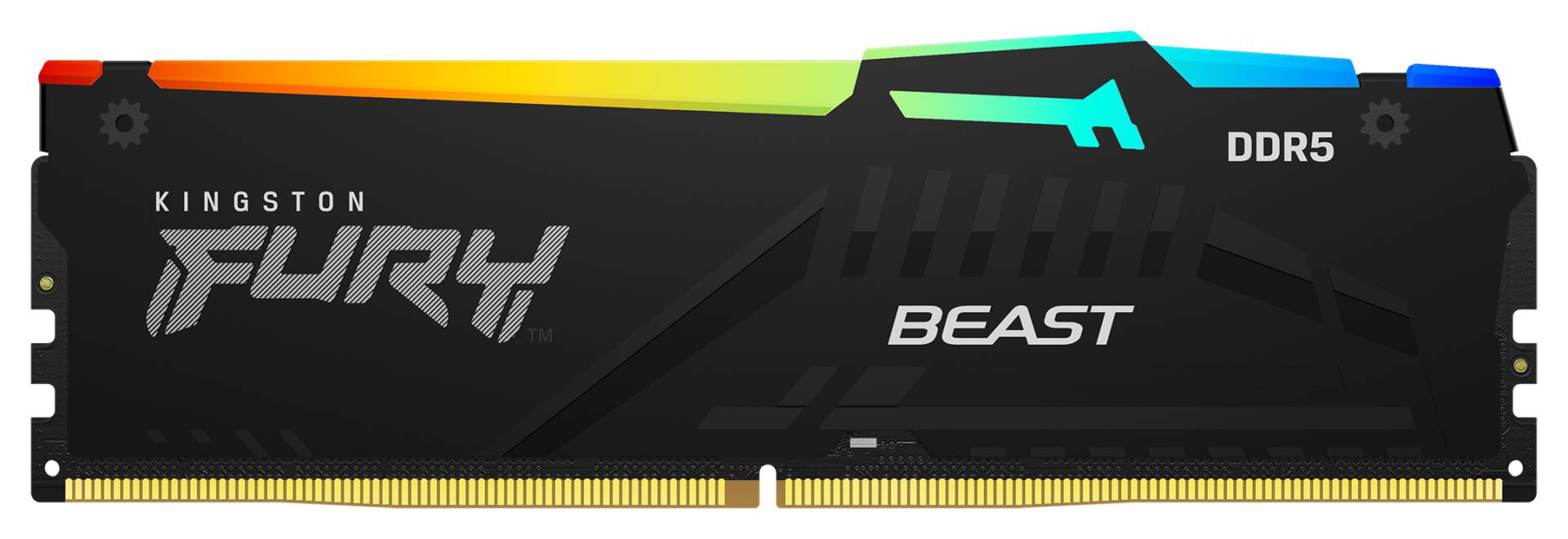
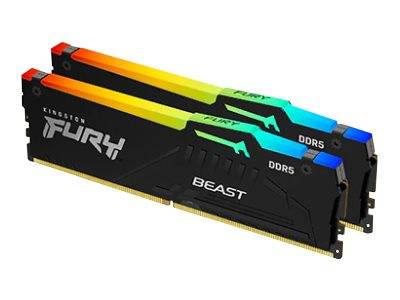


KF556C40BBAK2-64
Delivery
Order Today...
Ships...
Delivery...
ℹ️ Large or fragile items (e.g. monitors) may require extra handling time. We'll keep you informed.
Payment options
Trusted Tech Choice
Buying Benefits
Verified
Competitive EU pricing
Delivered to Cyprus from EU stock
Local warranty support
Please sign in so that we can notify you about a reply
Kingston FURY Beast RGB 64GB (2x32GB) DDR5-5600 CL40
64GB (2x32GB)DDR5-5600 CL40Intel XMP 3.0Black
The Kingston FURY Beast RGB KF556C40BBAK2-64 is a 64GB (2x32GB) DDR5-5600 CL40 desktop memory kit for Intel DDR5 desktop builds that need 64GB for gaming, content creation and heavy multitasking. It ships as a matched set of 2 x 32GB modules, tested together by Kingston, so every module runs the same timings in the same system.
Out of the box the kit starts at the safe default speed stored in its SPD (DDR5-4800 CL40-39-39, 1.1V) and reaches 5600 MT/s CL40 once you enable the XMP profile in the BIOS. The overclocking profile is Intel XMP 3.0 only — there is no AMD EXPO profile on this kit.
Before you order: This is DDR5 UDIMM memory for desktop motherboards with DDR5 slots. The kit has an Intel XMP 3.0 profile only — on an AMD AM5 board there is no EXPO profile, so plan for DDR5-4800 or manual settings, or choose an EXPO kit.
What's in the Box
- 2 x 32GB DDR5 UDIMM modules (64GB (2x32GB) total)
- Retail packaging from Kingston
- No screws, cables or adapters are needed — the modules clip straight into the slots
- Software (e.g. Kingston FURY CTRL) is a free download, not included on a disc
What It Means in Practice
- Capacity: 64GB is comfortable for large games with browsers and voice chat in the background, 4K video timelines, big photo libraries, virtual machines and local development containers.
- Speed: the rated 5600 MT/s CL40 only applies after you enable XMP in the BIOS. Without it the kit runs at the JEDEC default (DDR5-4800), which is stable but slower.
- First boot after installing DDR5 is often slow — the board trains the memory and may restart once or twice. Let it finish before assuming a fault.
- Two modules fill one slot per channel, the configuration DDR5 boards handle best. Use the slots your motherboard manual marks for two DIMMs (usually A2 and B2).
- Do not mix this kit with other modules. Different kits, even with the same label, can use different DRAM and will not be guaranteed to run at the rated speed together.
What Will Not Work
- DDR4 motherboards — DDR5 modules have a different key notch and physically do not fit DDR4 slots.
- Laptops, mini PCs and all-in-ones that use SO-DIMM slots — this is a full-size 288-pin desktop DIMM.
- Servers and workstations that require registered (RDIMM) or ECC UDIMM memory — this is non-ECC unbuffered memory.
- Prebuilt desktops with locked BIOS (many office PCs) — the modules will usually run, but only at the default DDR5-4800, because the BIOS does not offer XMP.
- One-click rated speed on AMD AM5 — the kit has no EXPO profile.
Key Features
One-click XMP profile
Intel XMP 3.0 stores the tested speed, timings and voltage on the module, so one BIOS setting brings the kit to 5600 MT/s without manual tuning.
64GB as 2 x 32GB
Two 32GB modules leave the other two slots free on a four-slot board, although adding more DDR5 later usually costs speed.
Height and clearance
The RGB version stands 42.23mm tall — check clearance under large tower air coolers whose fins overhang the first slot.
RGB lighting
Kingston’s Infrared Sync keeps the lighting of all modules in step, and FURY CTRL software (or your motherboard’s RGB tool, where supported) changes colours and effects.
Technical Specifications
Frequently Asked Questions
Singular Expert Insight · Buyer's Guide
Most of the real-world gain from DDR5 comes from enabling the profile, not from chasing the last few hundred MT/s — a 64GB kit that runs stably at its rated speed beats a faster one that needs manual tuning. Choose the RGB version only if the modules will be visible through a glass side panel — electrically it is the same kit as the non-RGB KF556C40BBK2-64. Browse our memory range for other capacities and speeds.
✓ Buy it if you have an Intel DDR5 desktop with a windowed case and want 64GB with RGB.
✕ Skip it if a large air cooler overhangs your memory slots, or you build on AMD AM5.
→ Also consider Kingston FURY Beast RGB 64GB DDR5-6000 CL36 EXPO White (KF560C36BWEAK2-64).
Not sure it fits? Send us your motherboard or PC model and we will check compatibility before you order.
Features - Kingston - KF556C40BBAK2-64
Colour
black
More Details
Product Code
04:408508
EAN Code
0740617328509
Manufacturer
Kingston