
LC-Power LC-DOCK-U3-VI USB 3.2 Dual-Bay HDD SSD Docking Station 2.5 3.5 inch SATA One-Touch Clone White
Brand: LC-Power
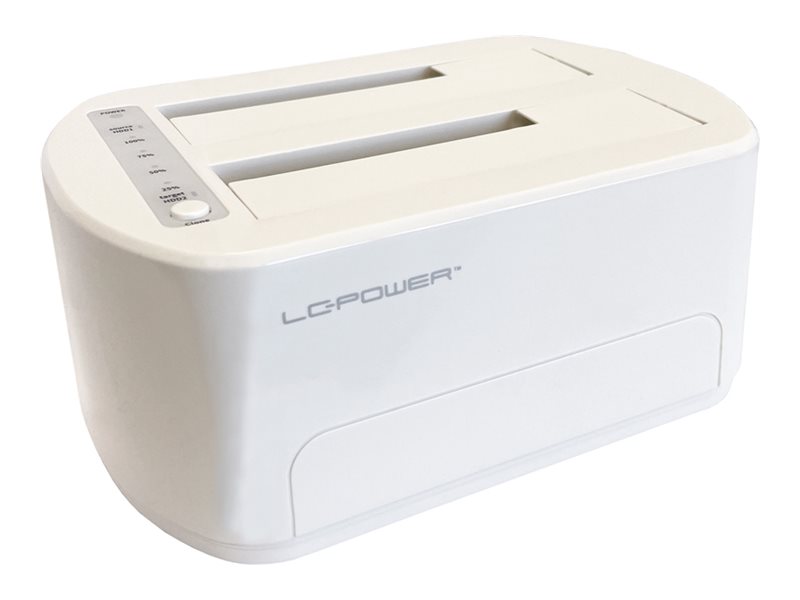
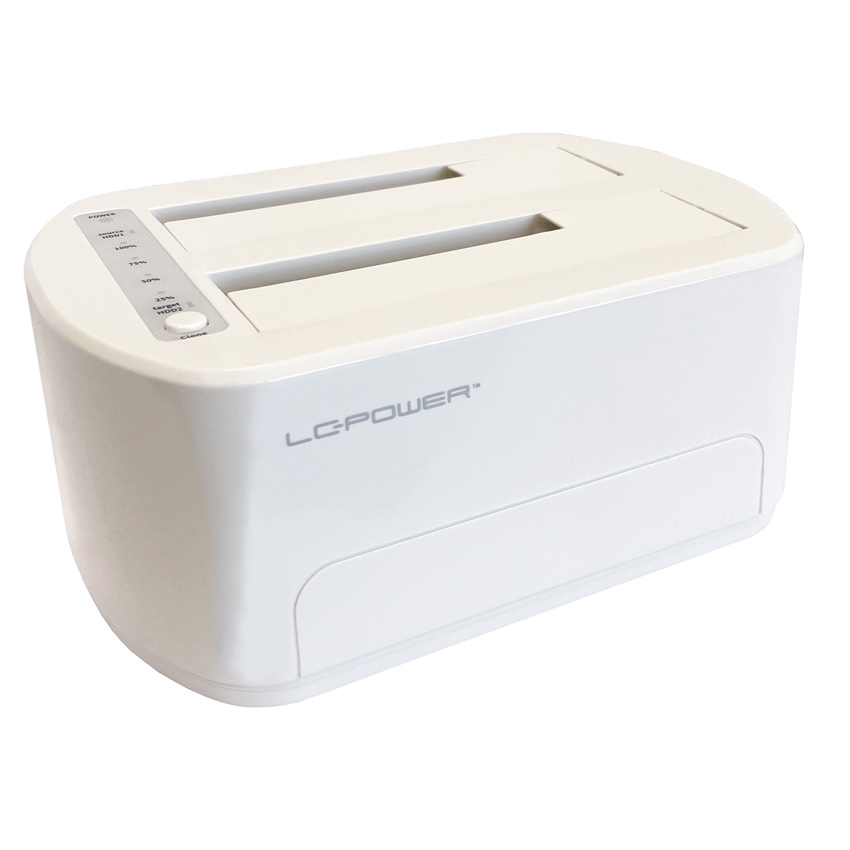
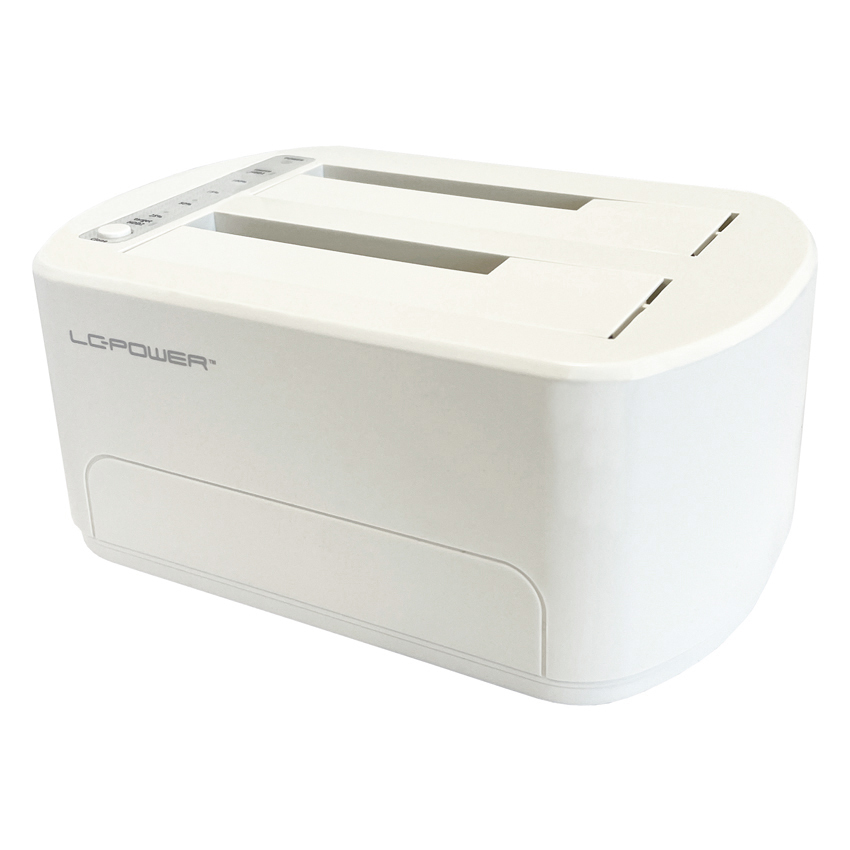
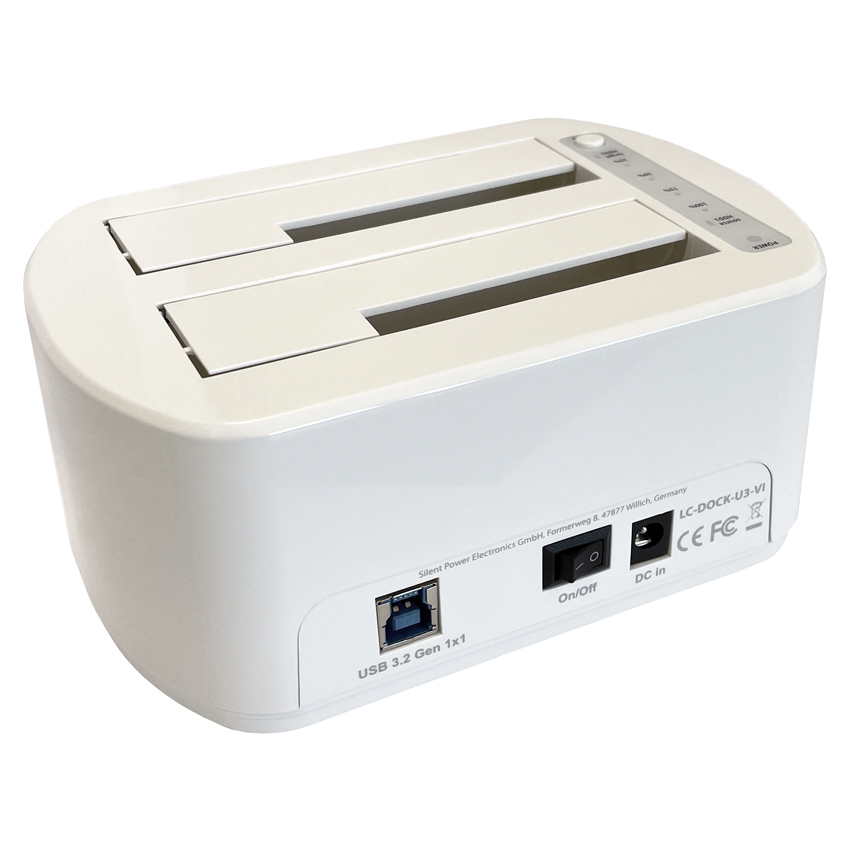
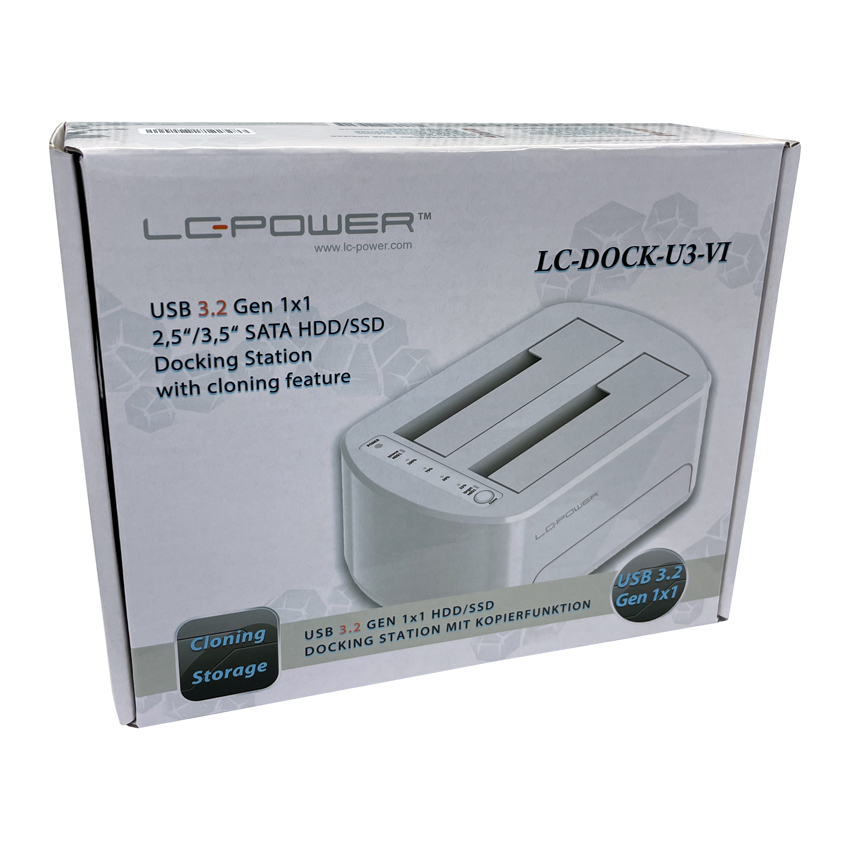
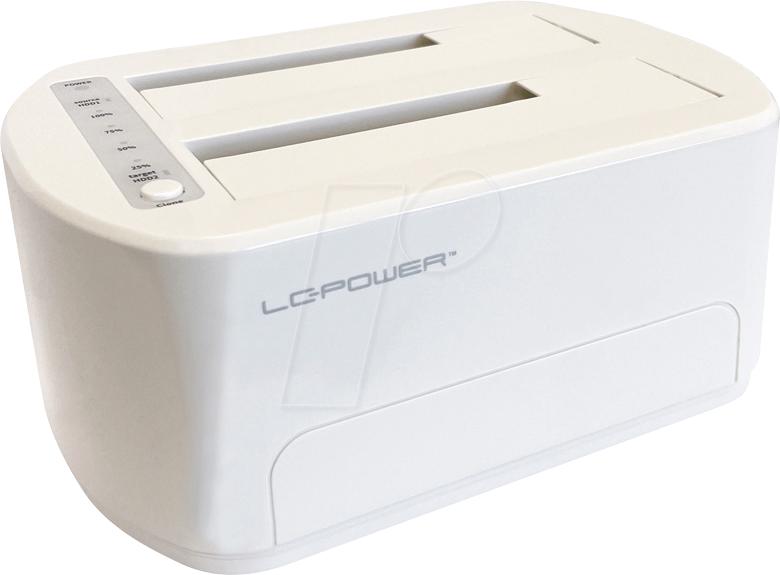


LC-DOCK-U3-VI
Delivery
Order Today...
Ships...
Delivery...
ℹ️ Large or fragile items (e.g. monitors) may require extra handling time. We'll keep you informed.
Payment options
Trusted Tech Choice
Buying Benefits
Verified
Competitive EU pricing
Delivered to Cyprus from EU stock
Local warranty support
Please sign in so that we can notify you about a reply
LC-Power LC-DOCK-U3-VI Dual-Bay SATA Docking Station
2.5" & 3.5" SATA HDD/SSD · one-touch clone · tool-free
USB 3.2 Gen 1x1Dual-bayOne-touch cloneUp to 20 TB / slot
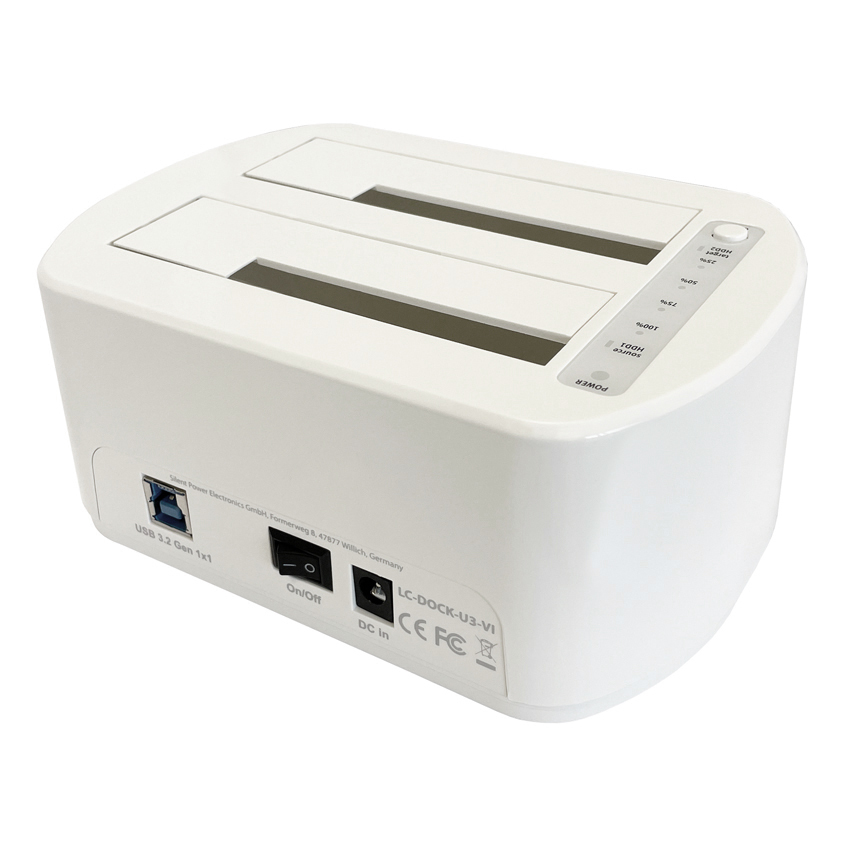
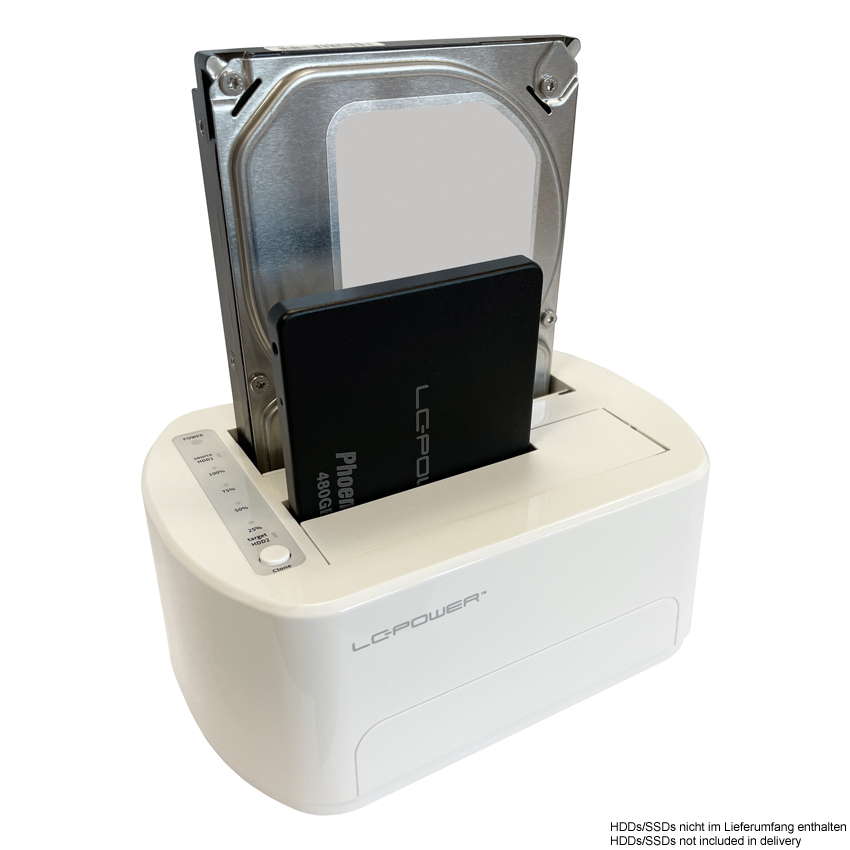
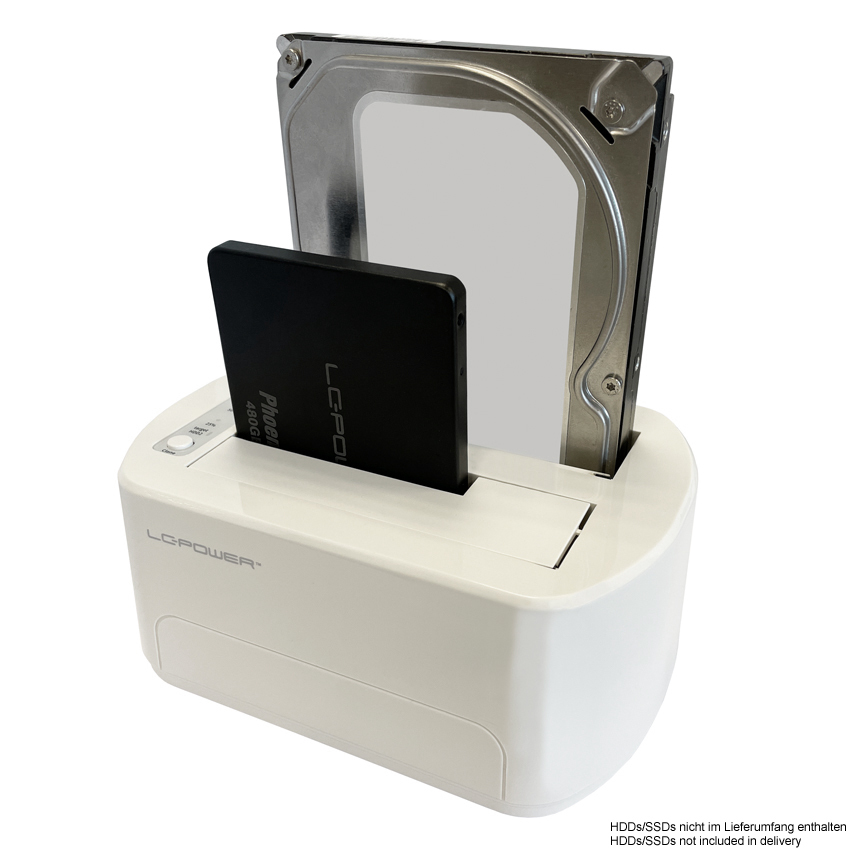
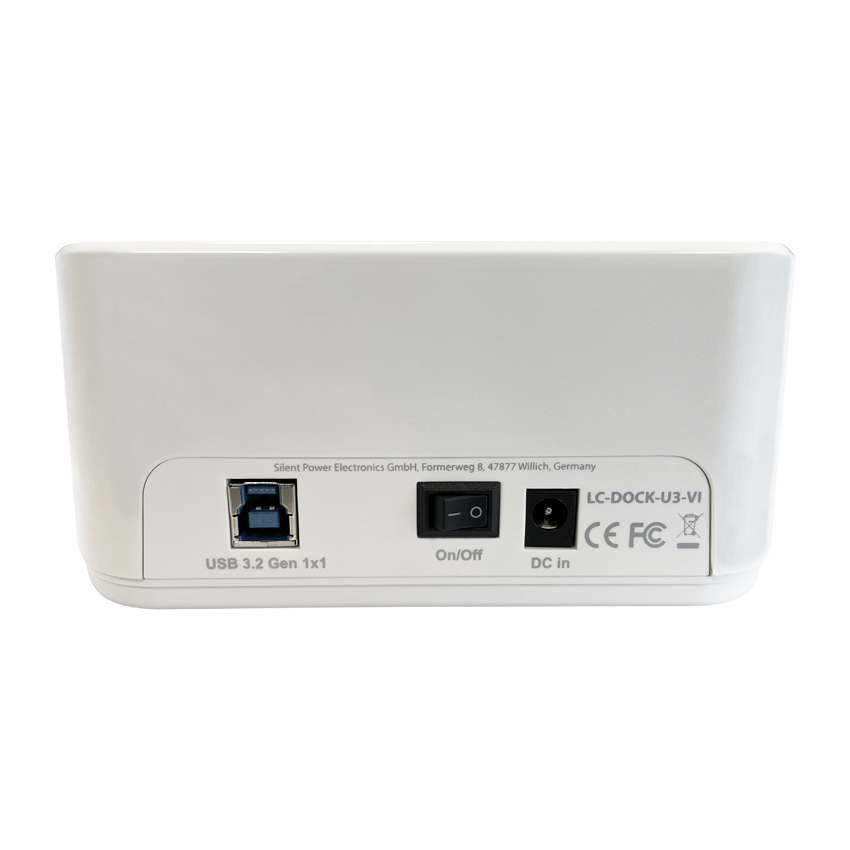
The LC-Power LC-DOCK-U3-VI is a dual-bay USB 3.2 docking station for 2.5-inch and 3.5-inch SATA HDDs and SSDs with one-touch offline cloning, made for anyone who frequently swaps, backs up or duplicates drives. Part number LC-DOCK-U3-VI connects over USB 3.2 Gen 1x1 (5 Gbps) using the supplied USB-B to USB-A cable and runs from the included external mains adapter. It accepts drives up to 20 TB per slot, supports hot-swapping, UASP and SATA I/II/III, and clones one drive to another at the press of a button without a computer. Its white finish suits a clean, minimalist desk. Typically in stock with fast delivery across Cyprus.
Before you buy — compatibility
This dock works only with 2.5-inch and 3.5-inch SATA drives; it does not accept M.2, NVMe or mSATA drives. It connects to the computer over USB-A (not USB-C) and requires its external power adapter, so it is not bus-powered. For one-touch cloning, the target drive must be the same size as or larger than the source. The interface is USB 3.2 Gen 1x1 (5 Gbps).
Best For
✓Cloning a drive to a larger HDD or SSD without a PC
✓Quick backups of 2.5-inch and 3.5-inch SATA drives
✓Swapping between several bare drives tool-free
✓Recovering files from old or pulled hard drives
✓Accessing archived drives as external storage
✓Workshops and offices that handle many SATA drives
Key Features
Two drives at once
Holds two 2.5-inch or 3.5-inch SATA HDDs/SSDs simultaneously, up to 20 TB per slot, with hot-swap support.
One-touch offline cloning
Duplicates one drive to another at the press of a button, sector by sector including the boot partition, with no computer needed.
Tool-free with status LEDs
Drives drop straight in without screws, and built-in status LEDs show power and cloning progress at a glance.
Technical Specifications
Frequently Asked Questions
Singular Expert Insight
For SATA drives, a dual-bay dock like the LC-DOCK-U3-VI is the most flexible choice: it clones offline and lets you mount two drives at once, unlike single-bay docks such as the LC-DOCK-U3-V. If you mainly work with modern M.2 NVMe drives instead, look at a dedicated M.2 dock; and for finished backups you simply leave on the shelf, a complete external hard drive is more convenient than a bare drive plus dock.
Buyer’s Guide
Buy it if
You regularly clone, back up or swap 2.5-inch and 3.5-inch SATA drives and want PC-free one-touch cloning with two bays and up to 20 TB per slot.
Skip it if
You need M.2/NVMe support, a bus-powered USB-C dock, or speeds above 5 Gbps. This unit is SATA-only, USB-A and needs an external adapter.
Also consider
The single-bay LC-DOCK-U3-V if you only need one drive, or an M.2 NVMe dock if your drives are modern PCIe SSDs.
Features - LC-Power - LC-DOCK-U3-VI
Colour
white
Interface
- USB3.0
More Details
Product Code
04:433535
EAN Code
4260070129315
Manufacturer
LC-Power