
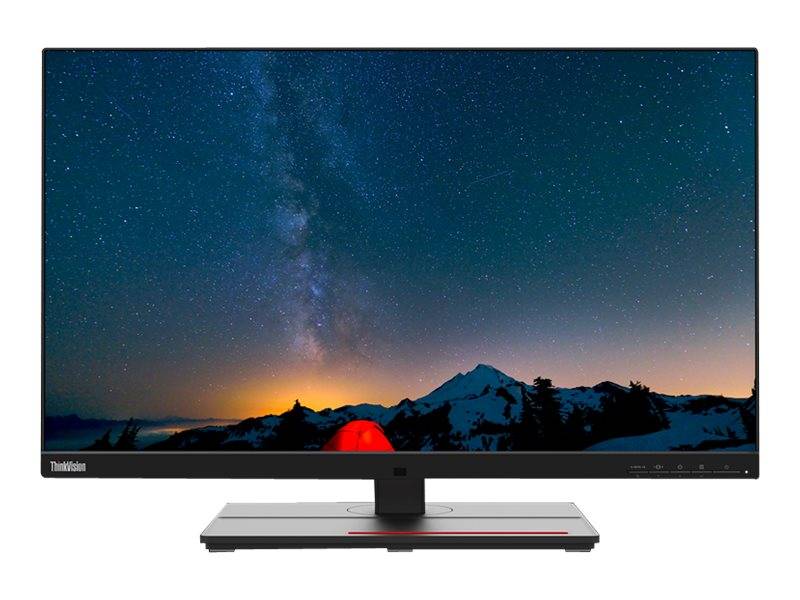
Lenovo ThinkVision P27u-20 27" 4K UHD IPS Monitor, Thunderbolt 4 In/Out, 99.5% Adobe RGB, RJ45, KVM, Raven Black
Brand:
Lenovo

Lenovo ThinkVision P27u-20 27" 4K UHD IPS Monitor, Thunderbolt 4 In/Out, 99.5% Adobe RGB, RJ45, KVM, Raven Black
€708.43 inc. VAT


62CBRAT6EU
Delivery
Order Today...
Ships...
Delivery...
ℹ️ Large or fragile items (e.g. monitors) may require extra handling time. We'll keep you informed.
Payment options
Trusted Tech Choice
Buying Benefits
Verified
Competitive EU pricing
Delivered to Cyprus from EU stock
Local warranty support
Please sign in so that we can notify you about a reply
Lenovo ThinkVision P27u-20 — 27" 4K Thunderbolt 4 Monitor for Colour-Critical Work
27" 4K IPSThunderbolt 4 in/out99.5% Adobe RGBRJ45 + KVM
The Lenovo ThinkVision P27u-20 is a 27-inch 4K UHD (3840 x 2160) IPS monitor with Thunderbolt 4 in and out, 99.5% Adobe RGB and 99.1% DCI-P3 colour, built for designers, photographers and engineers who connect a laptop with one cable.
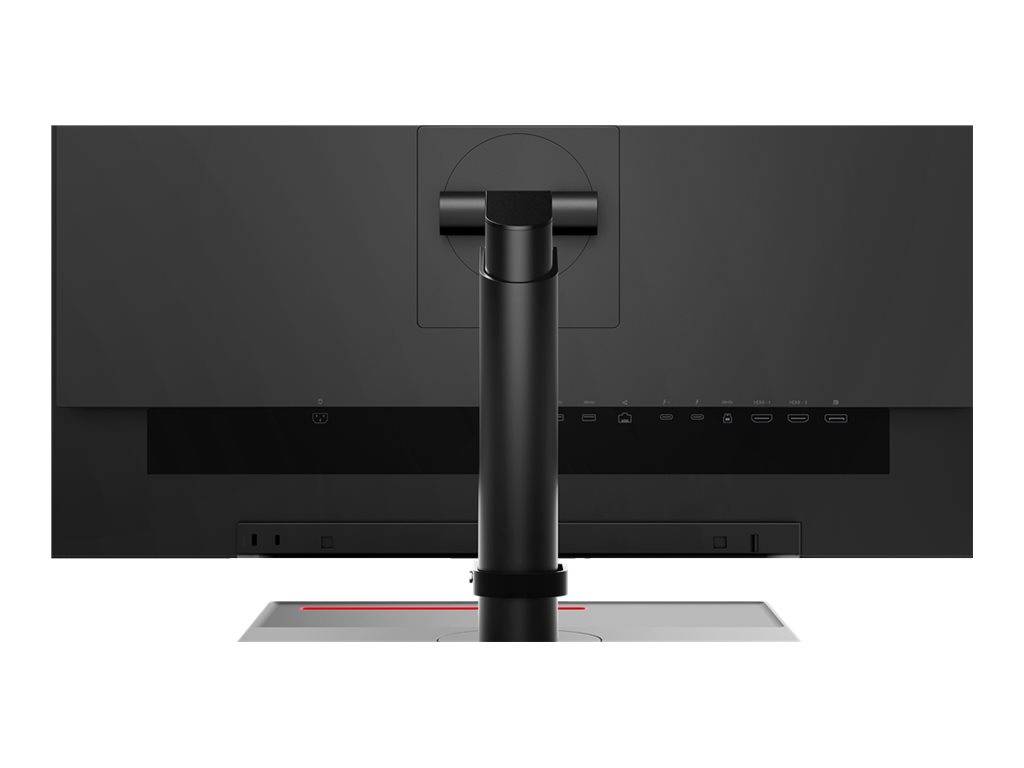
It works as a full docking hub: Thunderbolt 4 carries video, data and laptop charging, the built-in RJ45 port gives wired network, and a USB hub with three USB-A and one USB-C port takes your peripherals. Each unit is factory calibrated to an average Delta E below 1 and ships with a calibration report.
Before you order: Thunderbolt 4 charging is listed by Lenovo at up to 100W; the full docking experience (video + LAN + USB over one cable) needs a laptop with Thunderbolt 3/4 or USB4 / USB-C with DisplayPort Alt Mode. A plain USB-C data port will not carry video.
What's in the Box
- ThinkVision P27u-20 monitor with stand
- Power cable (1.8 m)
- Thunderbolt 4 cable (1.0 m)
- USB-C to USB-A cable (1.8 m)
- Factory calibration report
- Setup guide
What It Means in Practice
- 4K on 27" gives about 163 ppi — very sharp text and photos; at 150% scaling you get roughly the workspace of a 1440p screen with much crisper detail.
- 99.5% Adobe RGB and 99.1% DCI-P3 cover print and video work; 10-bit colour (8-bit + FRC) keeps gradients smooth.
- Thunderbolt 4 out lets you chain a second Thunderbolt display or device from the same connection.
- The KVM lets two computers share one keyboard and mouse connected to the monitor.
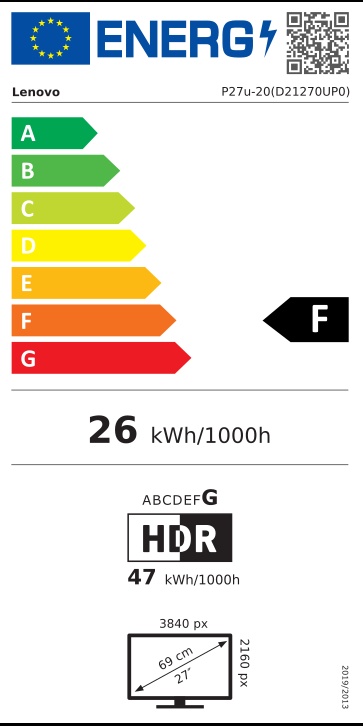
- DisplayHDR 400 is entry-level HDR — useful for previewing HDR content, not a mastering reference.
What Will Not Work
- No built-in hardware calibration sensor — re-calibration needs an external colorimeter.
- Not a gaming monitor: 60 Hz maximum.
- No DisplayPort cable in the EU box — if you connect a desktop over DisplayPort, order a cable separately.
- Laptops without Thunderbolt/USB-C video output need HDMI or DisplayPort instead, and will not get charging or LAN through the monitor.
Key Features
Thunderbolt 4 dock built in
One cable for 4K video, data, network and laptop charging, plus TB4 out for chaining.
Wide professional gamut
99.5% Adobe RGB, 99.1% DCI-P3, 100% sRGB and BT.709, factory calibrated to Delta E <1.
Office-ready connectivity
RJ45 Gigabit LAN, 3x USB-A + 1x USB-C downstream, KVM switch.
Full ergonomic stand
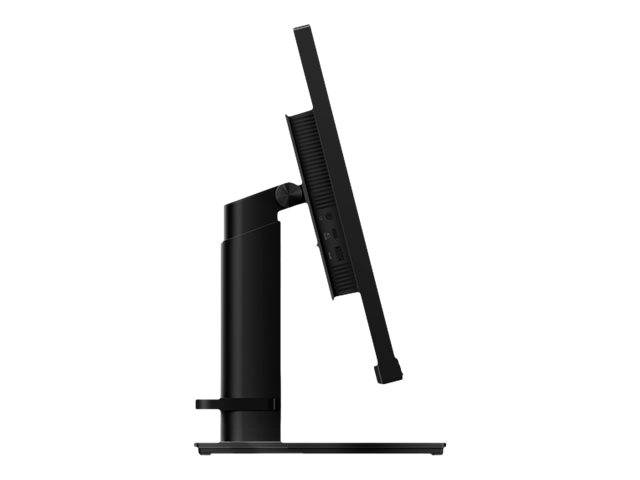
135 mm lift, -5°/+35° tilt, 45° swivel and ±90° pivot.
Technical Specifications
Frequently Asked Questions
Singular Expert Insight · Buyer's Guide
The P27u-20 is one of the most complete 27" 4K office-creative monitors: Thunderbolt 4 in and out, a real Adobe RGB gamut, LAN and KVM in one box. Choose it when colour accuracy and a one-cable desk both matter. For extra desk space, browse our monitor accessories for a compatible VESA arm.
✓ Buy it if you edit photos, design or video on a Thunderbolt laptop and want one-cable docking with accurate colour.
✕ Skip it if you need high refresh for gaming or a built-in calibration sensor (look at EIZO ColorEdge CG2700X).
→ Also consider HP Series 7 Pro 727pk for 4K Thunderbolt 4 with IPS Black contrast, or EIZO ColorEdge CS2400S for hardware-calibrated photo work.
Not sure your laptop supports Thunderbolt video and charging? Send us the model and we will check before you order.
Features - Lenovo - 62CBRAT6EU
Colour
black
More Details
Product Code
CC44507
EAN Code
0195713542999
Manufacturer
Lenovo