
Lenovo ThinkVision T27-40 27" Full HD IPS Business Monitor, 120Hz, USB 5Gbps Hub, VGA, Height-Adjustable Stand, Black
Brand:
Lenovo

Lenovo ThinkVision T27-40 27" Full HD IPS Business Monitor, 120Hz, USB 5Gbps Hub, VGA, Height-Adjustable Stand, Black
€301.32 inc. VAT


64A5MAT6EU
Delivery
Order Today...
Ships...
Delivery...
ℹ️ Large or fragile items (e.g. monitors) may require extra handling time. We'll keep you informed.
Payment options
Trusted Tech Choice
Buying Benefits
Verified
Competitive EU pricing
Delivered to Cyprus from EU stock
Local warranty support
Please sign in so that we can notify you about a reply
Lenovo ThinkVision T27-40 — 27" Full HD IPS Business Monitor, 120Hz, TÜV 5-Star Eye Comfort
27" IPS Full HD120HzTÜV Eye Comfort 5-starHeight · Swivel · Pivot
The Lenovo ThinkVision T27-40 is a 27-inch Full HD IPS business monitor with a 120Hz refresh rate, a 5Gbps USB hub and a fully adjustable stand. It is built for offices that standardise on ThinkPad and ThinkCentre hardware and want a dependable, eye-friendly screen for long working days.
Lenovo rates it TÜV Rheinland Eye Comfort 5-star and Eyesafe 2.0 certified, with 99% sRGB colour and 1,500:1 contrast. The 120Hz refresh rate — on both HDMI and DisplayPort — makes scrolling through long documents and web pages smoother than standard 60Hz office screens.
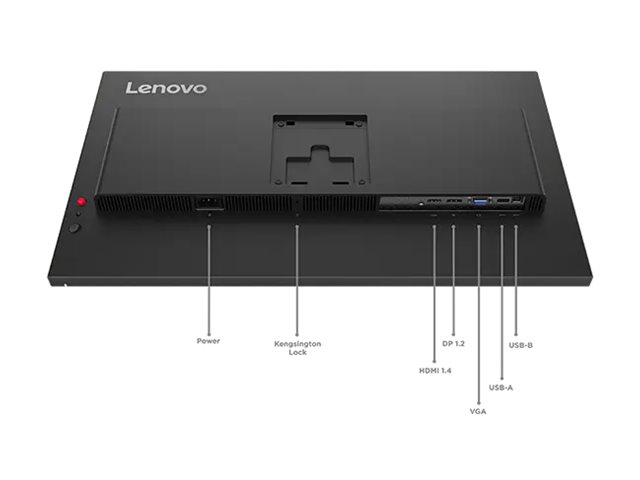
Before you order: The USB-C port is a downstream data/charging port (5Gbps, 15W) — it does not accept video from a laptop. Connect the computer with DisplayPort (cable included), HDMI or VGA. An HDMI cable is not included.
What's in the Box
- Lenovo ThinkVision T27-40 monitor with stand
- DisplayPort 1.2 cable (1.8 m)
- USB-B to USB-A cable (1.8 m) for the hub
- Power cable — the power supply is built in
- Quick setup guide
What It Means in Practice
- Use DisplayPort or HDMI for 120Hz at 1920 x 1080; VGA remains for legacy PCs.
- Connect the USB-B cable to the PC to use three USB-A ports (one BC1.2 charging) and one USB-C port for peripherals.
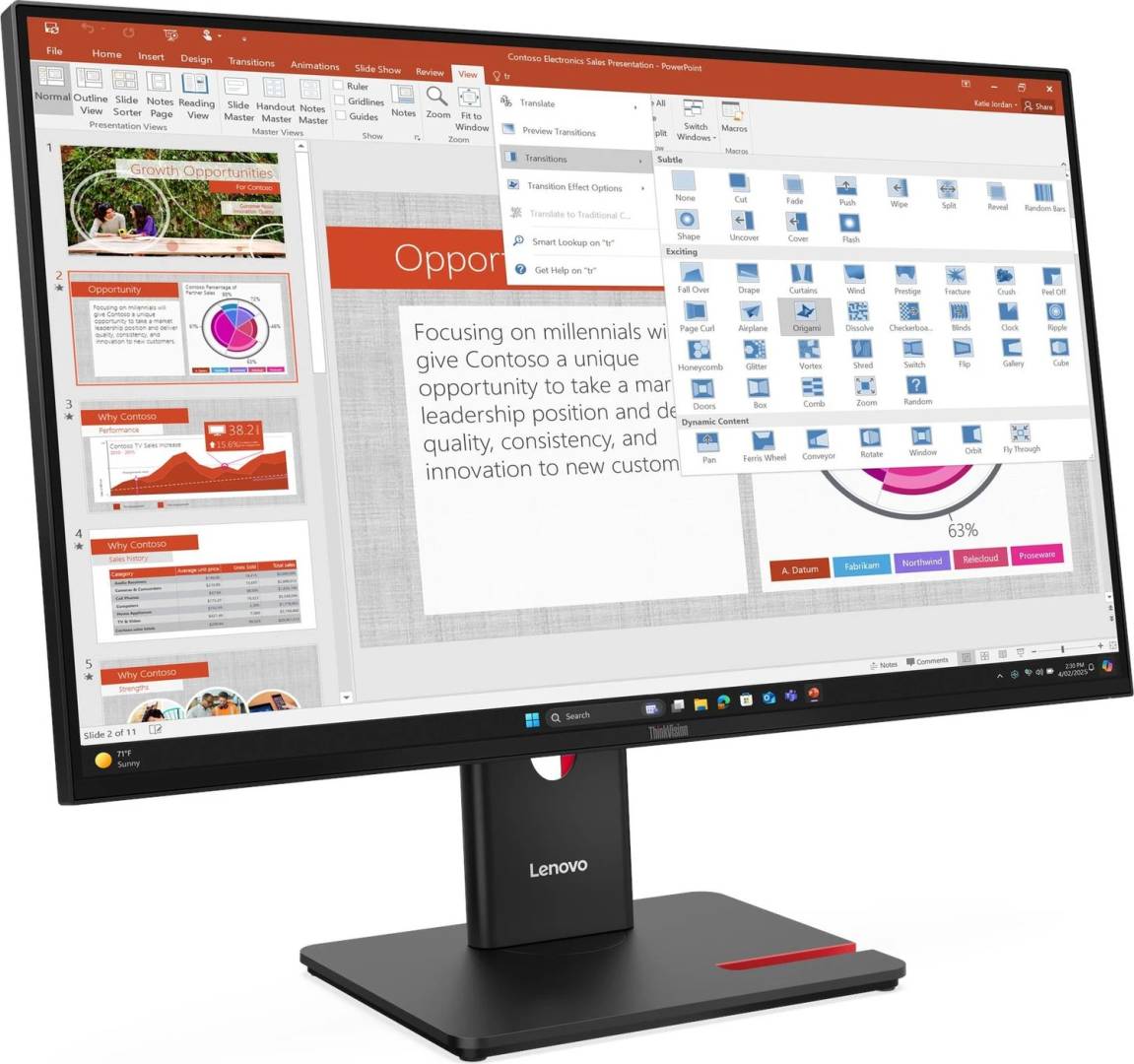
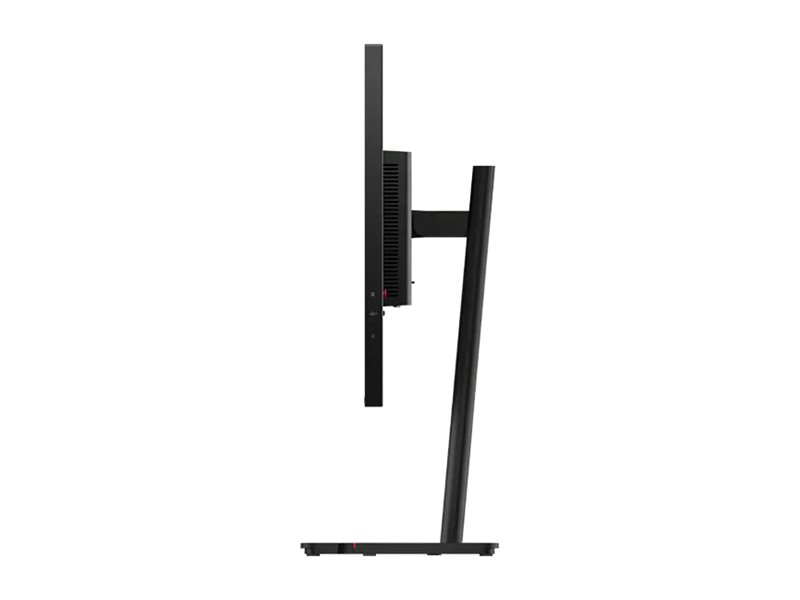
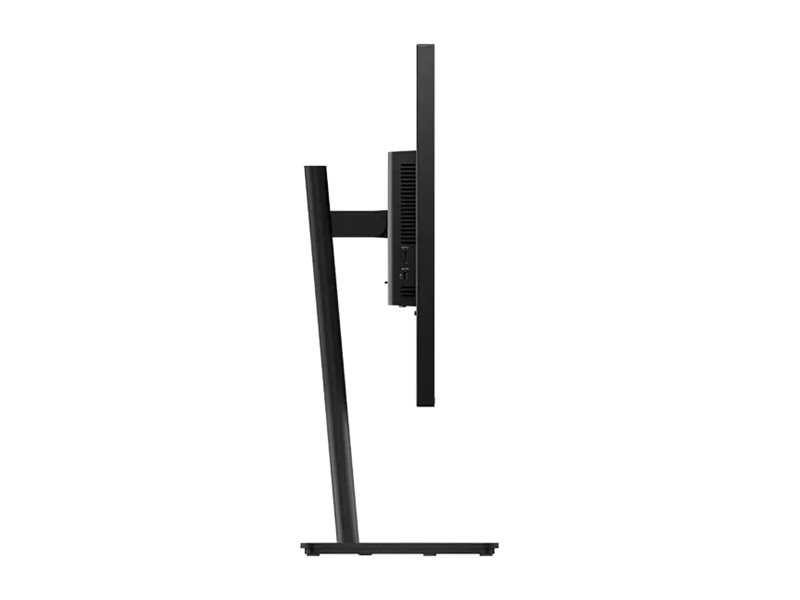
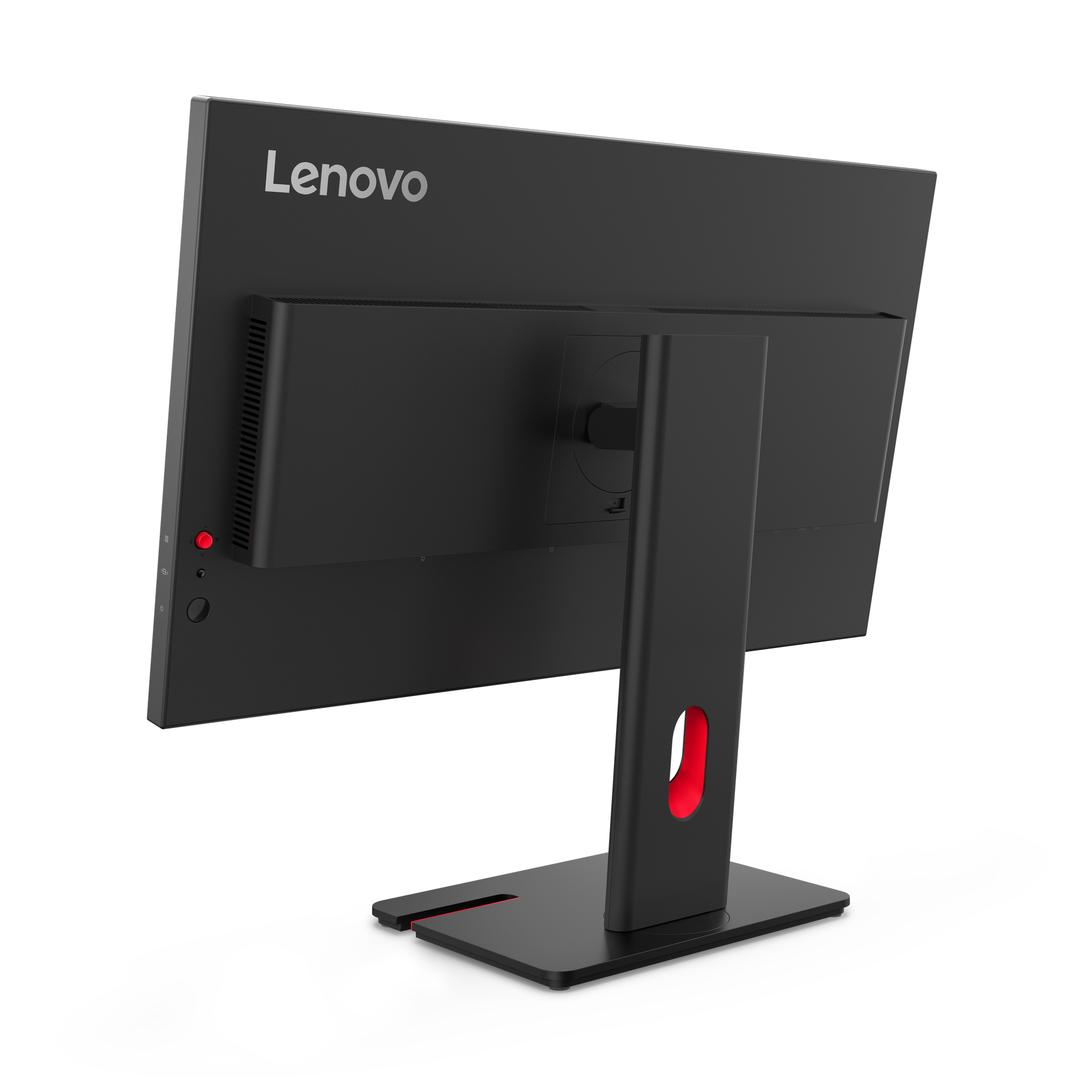
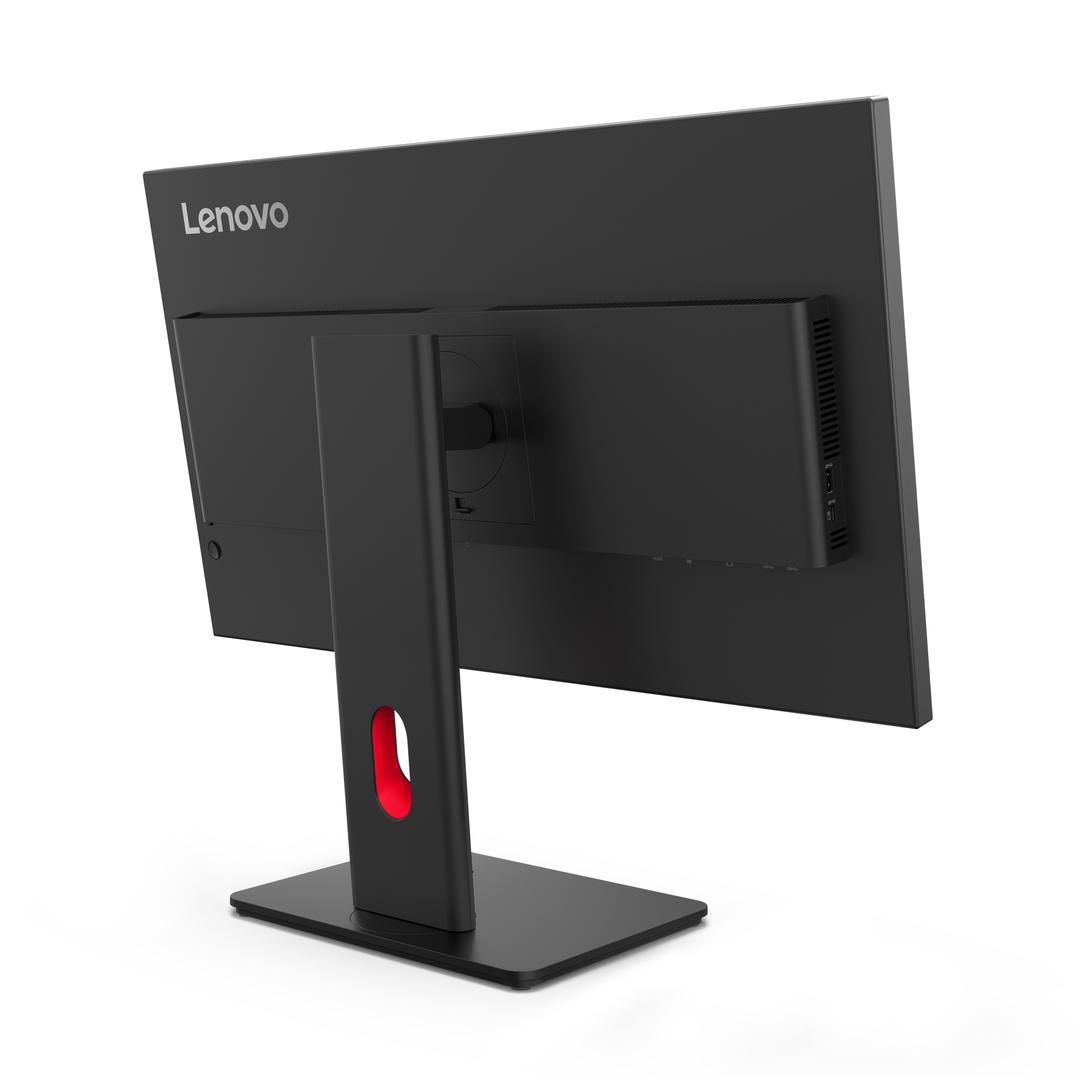
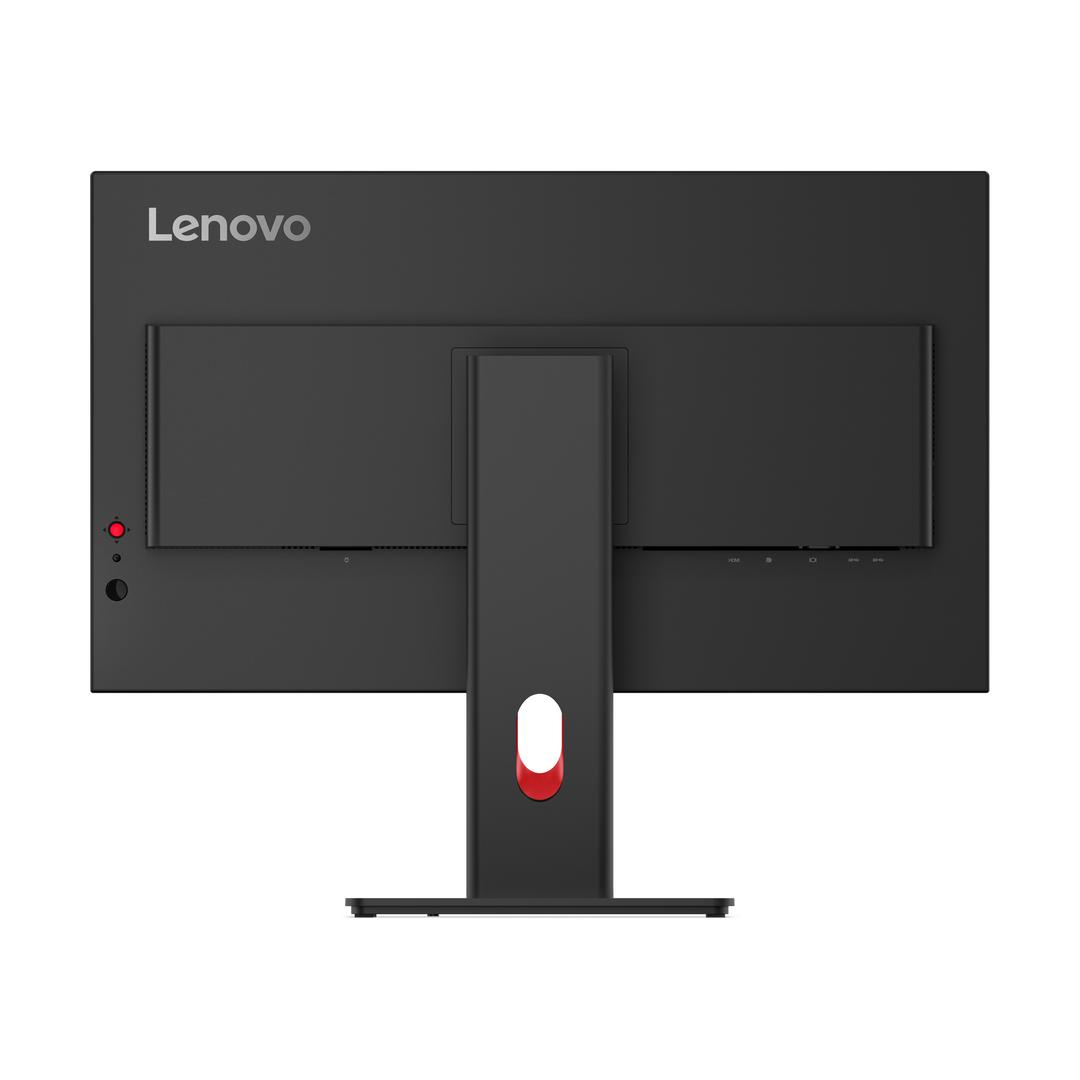
- The stand lifts 155mm, tilts -5° to 23.5°, swivels ±45° and pivots 90° to portrait.
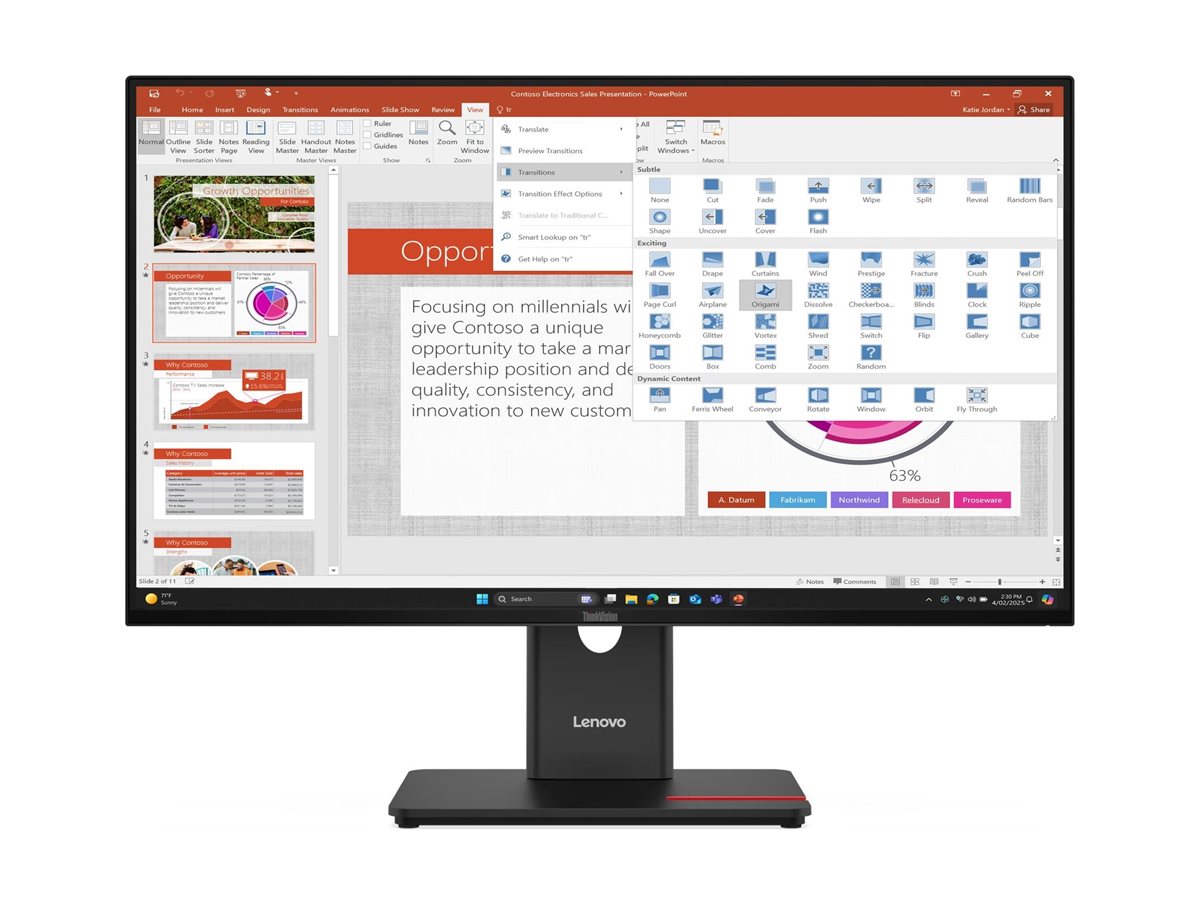
- Four ultra-thin bezels make dual-monitor setups look tidy with a minimal gap.
- No speakers are built in — add the optional Lenovo MS30 soundbar or use headphones on the PC.
What Will Not Work
- USB-C laptops cannot connect for video or charging through the monitor's USB-C port.
- There are no built-in speakers and no audio output on the monitor.
- No webcam on this version (webcam bundles are different part numbers).
- Not intended for gaming: Full HD at 27" with business-grade response.
Key Features
120Hz office panel
Smoother motion on HDMI 1.4 and DisplayPort 1.2 (48–120Hz).
TÜV Eye Comfort 5-star
Low blue light and flicker control for all-day work; Eyesafe 2.0 certified.
5Gbps USB hub
3x USB-A (1x BC1.2) + 1x USB-C downstream via USB-B upstream.
Full ergonomics
155mm lift, tilt, ±45° swivel, 90° pivot; VESA 100 x 100.
Technical Specifications
Frequently Asked Questions
Singular Expert Insight · Buyer's Guide
The T27-40 is a solid fleet monitor: eye-comfort certifications, 120Hz smoothness and a stand that adjusts properly for every user. It is not a docking monitor, so laptop users still need a separate dock or cable. See our docking stations if you want one-cable desks.
✓ Buy it if you want a reliable 27" Full HD business screen with strong eye-comfort credentials and a full ergonomic stand.
✕ Skip it if you need USB-C video/charging from a laptop, built-in speakers, or higher than Full HD resolution.
→ Also consider the Lenovo ThinkVision T32h-30 (31.5" QHD with USB-C 90W and LAN) or the Dell Pro 27 Plus P2725HE.
Not sure it fits your setup? Tell us your laptop or PC model and we will confirm which cable and input you need before you order.
Features - Lenovo - 64A5MAT6EU
Colour
black
More Details
Product Code
CN43677
EAN Code
0198155815652
Manufacturer
Lenovo