
Logitech Combo Touch Keyboard Case 920-012833 iPad Pro 13-inch M4 M5 Backlit Detachable Trackpad US Intl Graphite
Brand:
Logitech





920-012833
Delivery
Order Today...
Ships...
Delivery...
ℹ️ Large or fragile items (e.g. monitors) may require extra handling time. We'll keep you informed.
Payment options
Trusted Tech Choice
Buying Benefits
Verified
Competitive EU pricing
Delivered to Cyprus from EU stock
Local warranty support
Please sign in so that we can notify you about a reply
Logitech Combo Touch for iPad Pro 13-inch — Detachable Backlit Keyboard Case, US International, Graphite
Fits iPad Pro 13-inch (M4 and M5)Detachable keyboardBacklit + trackpadSmart Connector
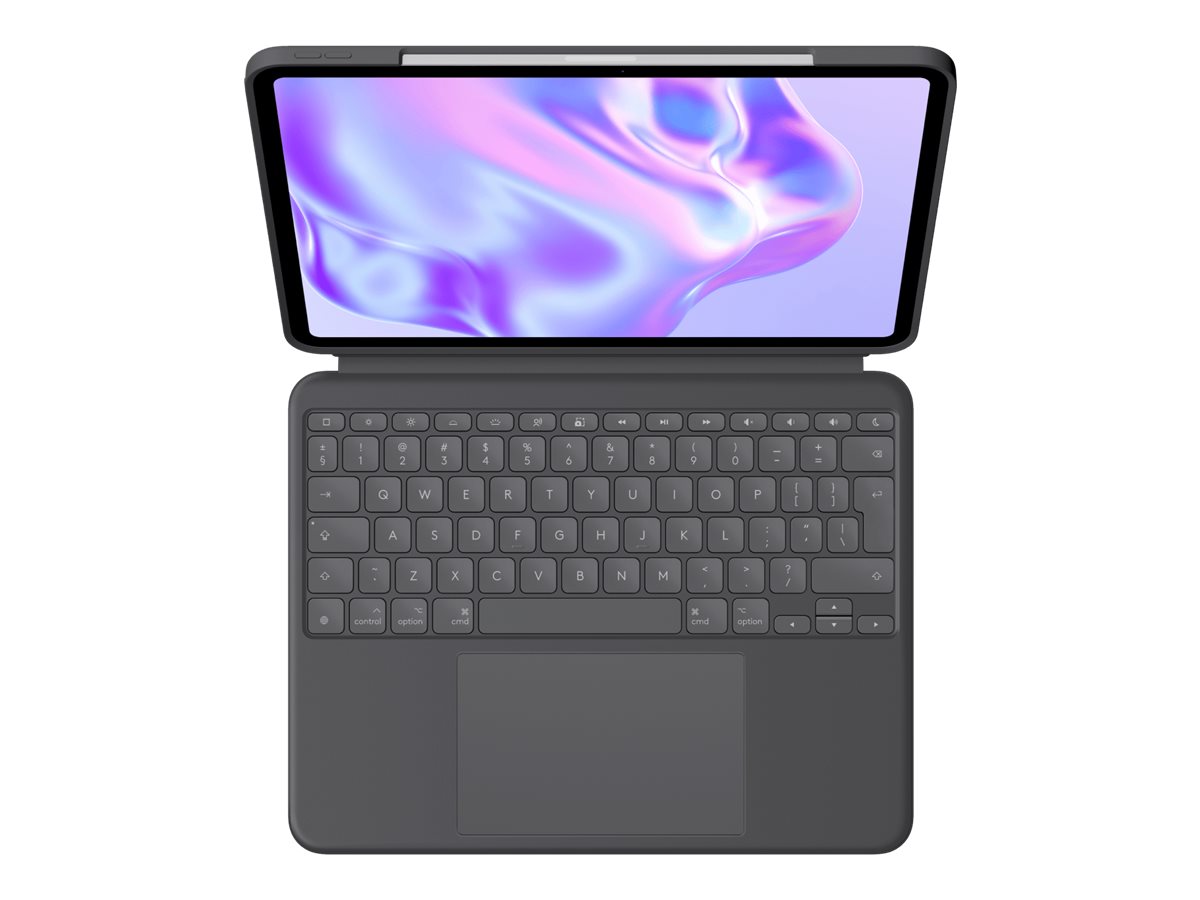
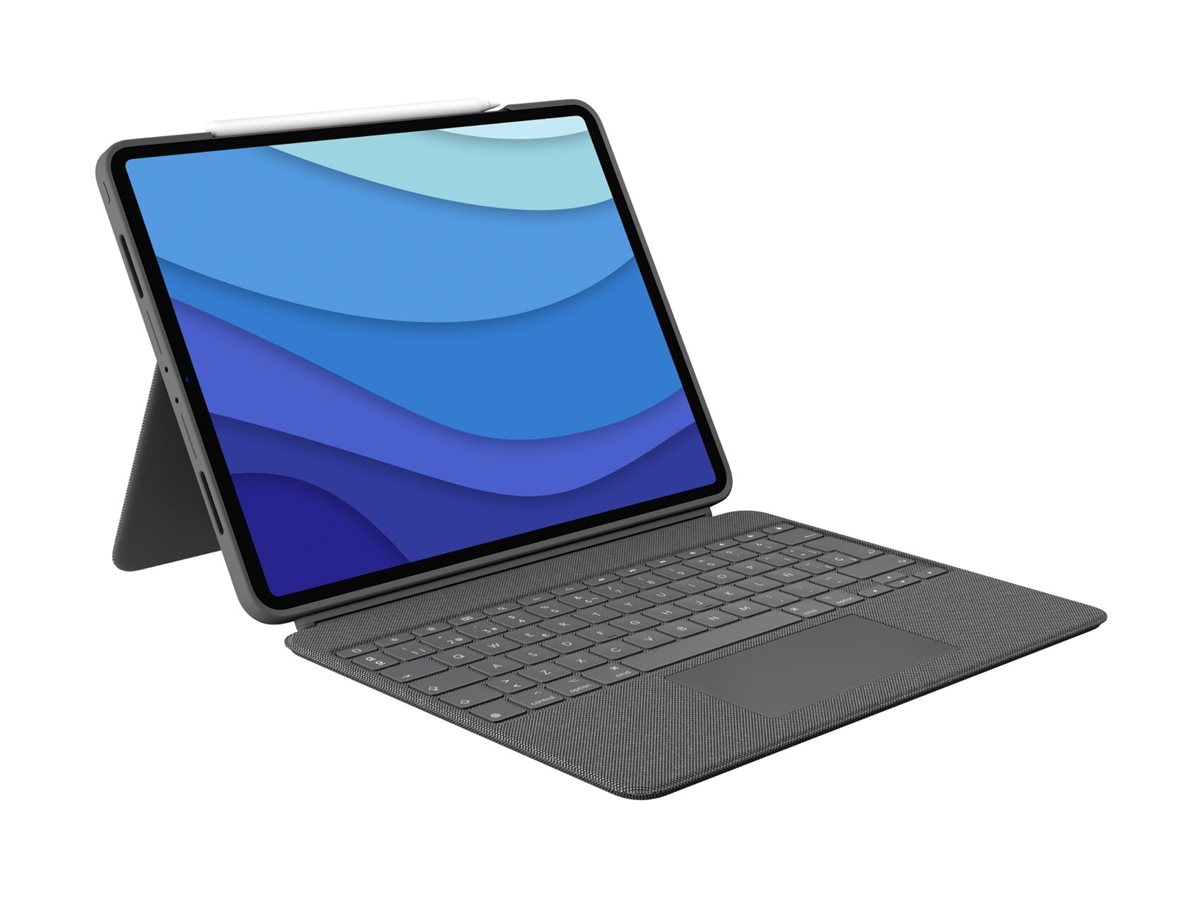
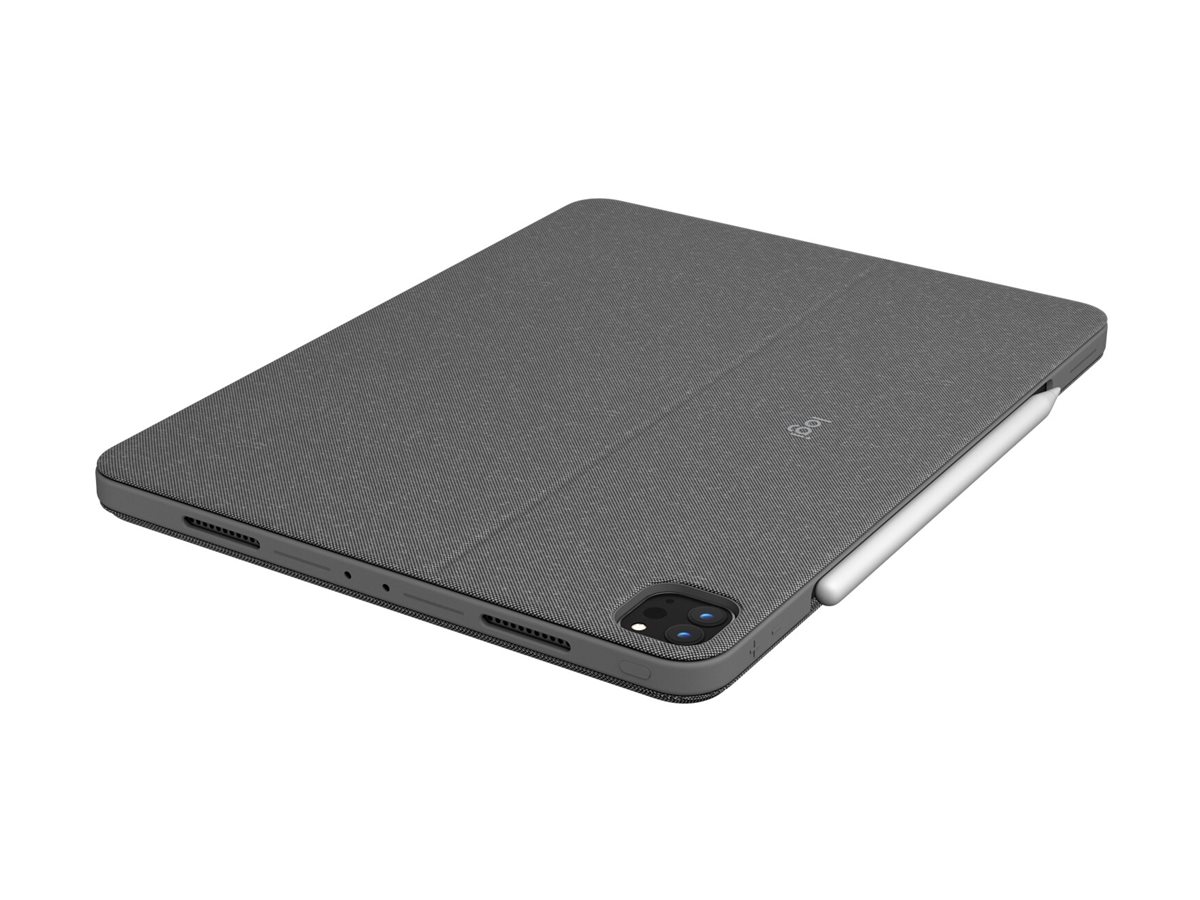
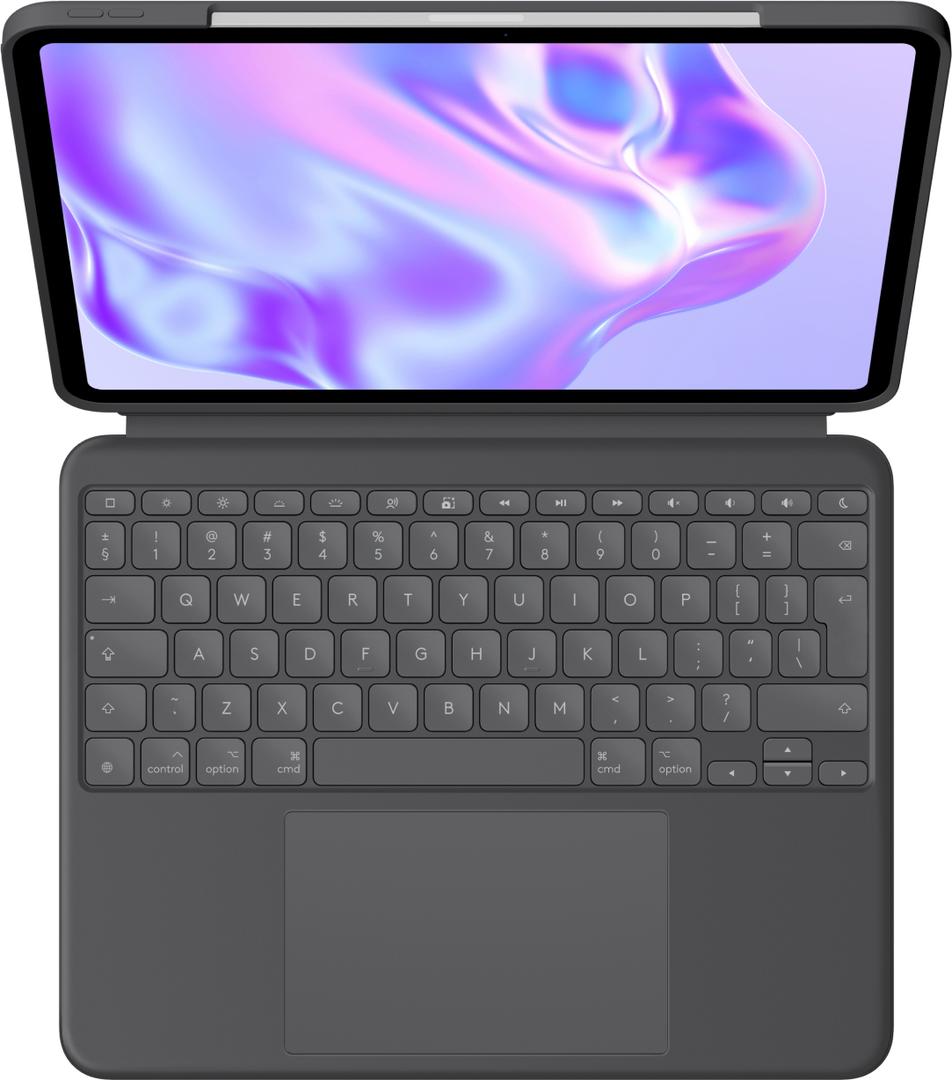
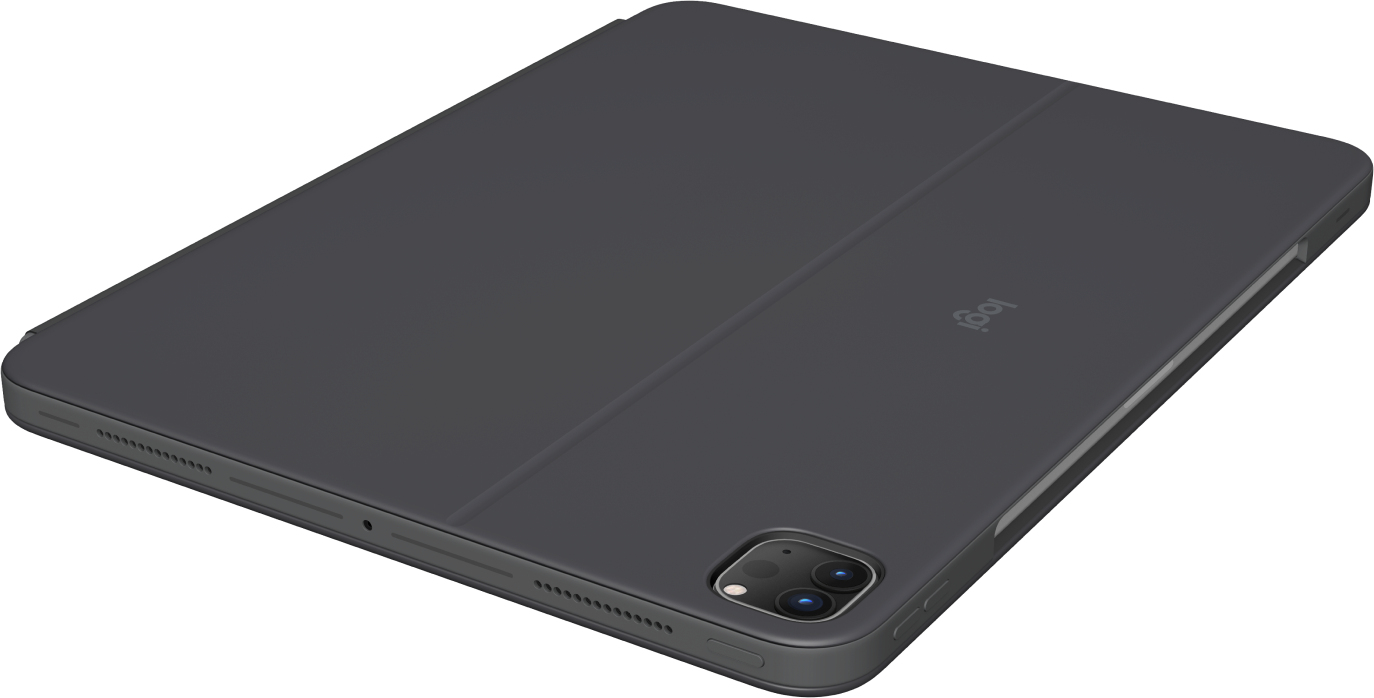
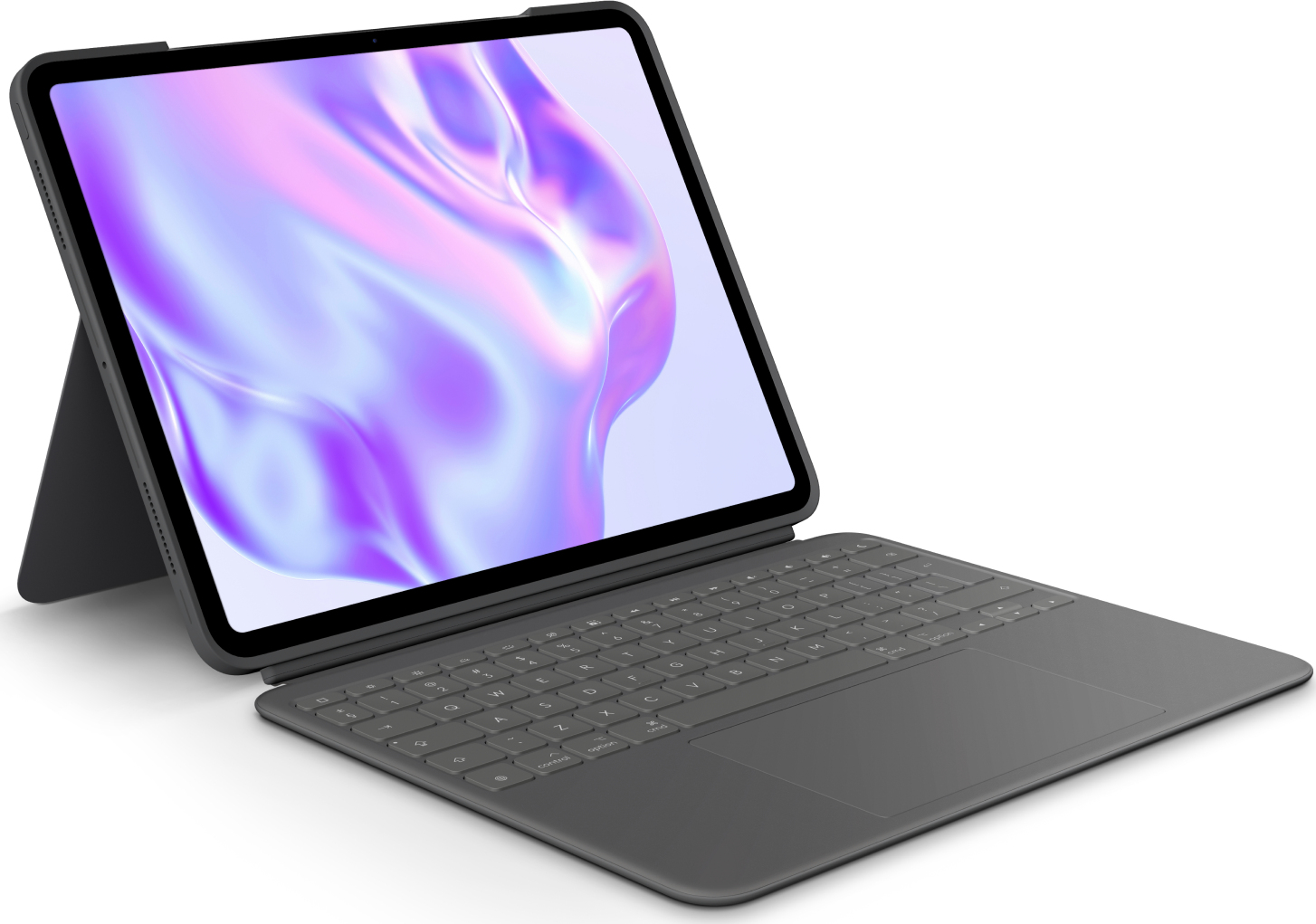
The Logitech Combo Touch (920-012833) is a protective keyboard case for the iPad Pro 13-inch (M4 and M5) with a detachable backlit keyboard, a large click-anywhere trackpad and a kickstand, in Graphite with a US International layout. It connects and draws power through the iPad’s Smart Connector, so there is no battery to charge and no Bluetooth to pair, and the case protects the front, back and corners of the iPad while leaving the camera and USB-C port accessible. The keyboard has a full row of iPadOS shortcut keys, 19 mm key pitch and 1 mm travel; the case weighs 660 g. In the box is the case with its detachable keyboard — no cable or charger is needed.
Compatibility — check before buying:
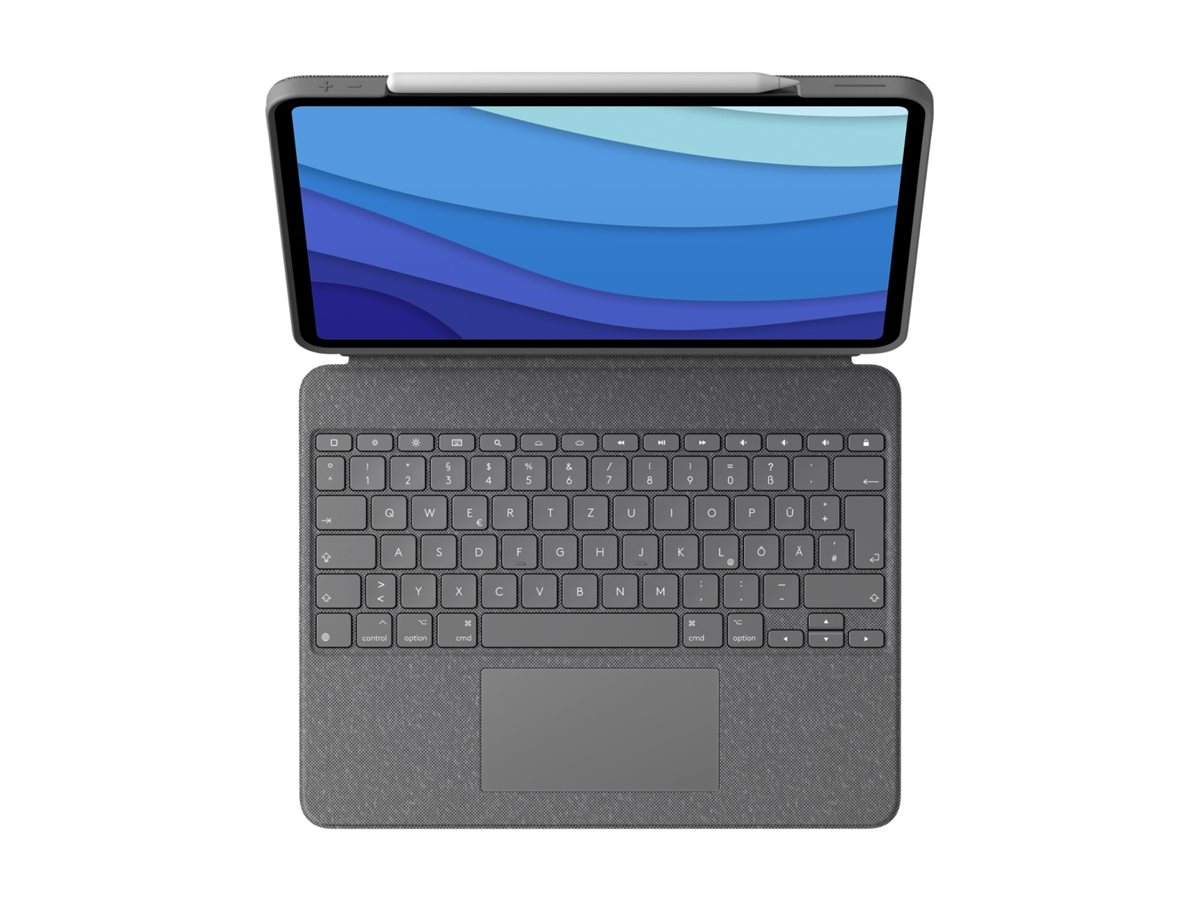
Fits only the iPad Pro 13-inch (M4 and M5). It does not fit the iPad Air 13-inch (that is Combo Touch part 920-012618 or 920-012617) or any 11-inch iPad, and it does not fit the older 12.9-inch iPad Pro, which has its own Combo Touch part number. Layout: US International QWERTY is the layout most people in Cyprus type on: wide Enter key, @ above 2 and " above the apostrophe. If your current keyboard is UK layout, the Enter key is a different shape and a few symbols move, but letters and numbers are identical. Because the keyboard uses the Smart Connector it will not work with an iPad that lacks one, and it cannot be used as a Bluetooth keyboard for a laptop or phone. Apple Pencil charging on the iPad’s edge is unaffected; Logitech does not publish a Pencil holder for this case, so we do not claim one.
Best For
✓ Turning a 13-inch iPad into a laptop-style workstation
✓ Students and mobile workers who type documents on the go
✓ Sketching — fold the keyboard away and use the case as a low easel
✓ Watching video on the kickstand with the keyboard detached
✓ Anyone who hates charging a keyboard: Smart Connector power
✓ Everyday protection without a rugged, bulky shell
Key Features
Detachable backlit keyboard
Full-size scissor keys with 19 mm pitch and 1 mm travel, auto-adjusting backlighting with up to 16 levels, and a full row of iPadOS shortcut keys for volume, media, search and screenshots. Pull the keyboard off when you only want the stand.
Click-anywhere trackpad
Logitech’s largest Combo Touch trackpad supports multi-touch iPadOS gestures, so you can navigate and select without reaching for the screen.
Smart Connector: no battery, no pairing
The keyboard is powered and connected by the iPad’s Smart Connector. There is nothing to charge and nothing to pair; it is ready the moment it clicks on.
Four modes with a kickstand
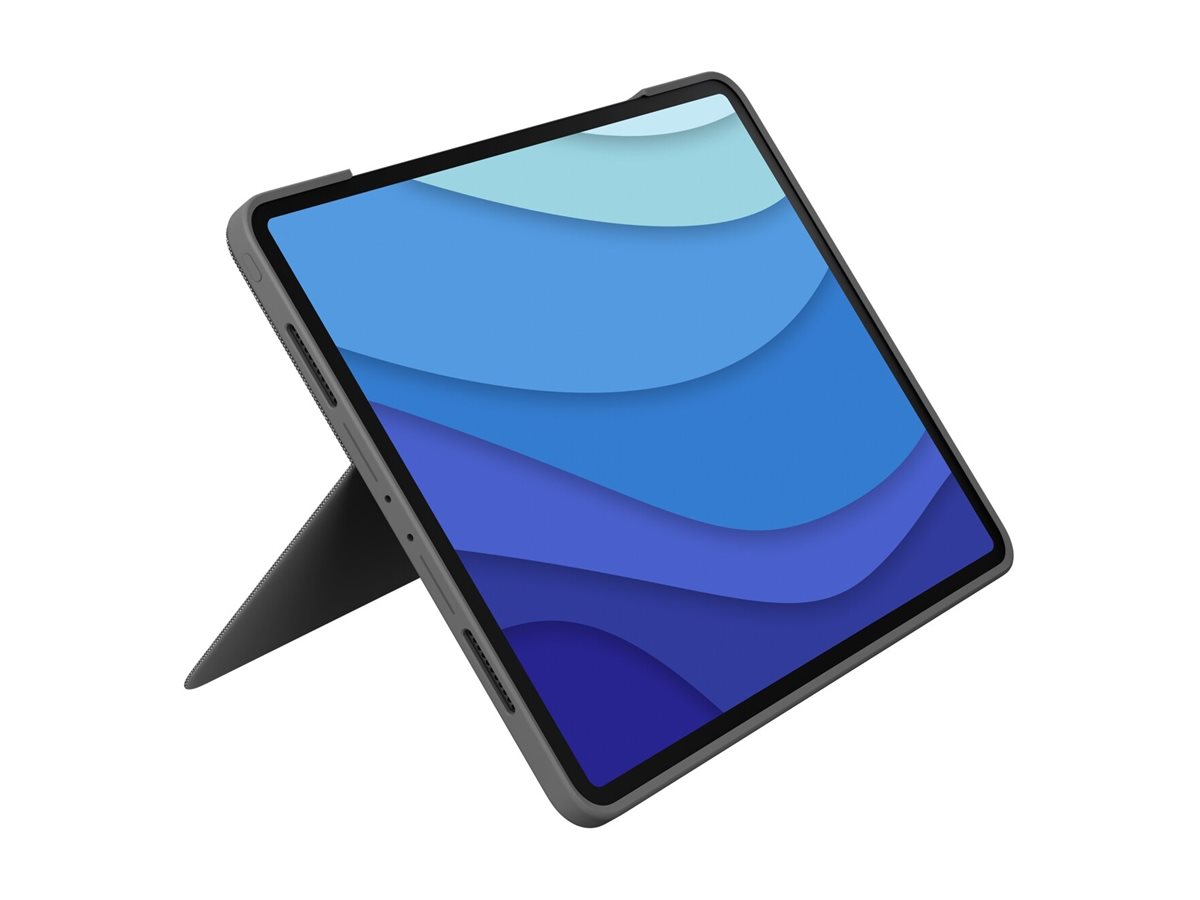
Type, view, sketch and read: the kickstand angles the iPad for typing or video, the case protects front, back and corners, and camera and USB-C stay accessible.
Technical Specifications
Frequently Asked Questions
Singular Expert Insight
Among Logitech’s iPad keyboards, Combo Touch is the one to buy when you want a laptop-like typing and trackpad experience with a keyboard you can detach, rather than a Bluetooth folio. Pick the exact part for your iPad: this 920-012833 is the iPad Pro 13-inch (M4/M5) case in Graphite; the iPad Air 13-inch cases are 920-012618 (US International) and 920-012617 (UK). See our tablets and iPad range and other tablet accessories, and send us your iPad model and we will match the case.
Buyer’s Guide
Buy it if
You have a iPad Pro 13-inch (M4 and M5), you want a detachable backlit keyboard with a trackpad that needs no charging or pairing, and the US International layout suits you.
Skip it if
Your iPad is any other model (11-inch, older Air, or the Air 13-inch), you want to use the keyboard with other devices over Bluetooth, or you need drop-rated rugged protection.
Also consider
Logitech Combo Touch for iPad Air 13-inch (920-012618 US International, 920-012617 UK) if your iPad is the Air.
Features - Logitech - 920-012833
Colour
grey
More Details
Product Code
CK81384
EAN Code
5099206123021
Manufacturer
Logitech