
Logitech Combo Touch Keyboard Case 920-009628 iPad 7th 8th 9th Gen Backlit Detachable Trackpad Pan Nordic Graphite
Brand:
Logitech

Logitech Combo Touch Keyboard Case 920-009628 iPad 7th 8th 9th Gen Backlit Detachable Trackpad Pan Nordic Graphite
€246.29 inc. VAT


920-009628
Delivery
Order Today...
Ships...
Delivery...
ℹ️ Large or fragile items (e.g. monitors) may require extra handling time. We'll keep you informed.
Payment options
Trusted Tech Choice
Buying Benefits
Verified
Competitive EU pricing
Delivered to Cyprus from EU stock
Local warranty support
Please sign in so that we can notify you about a reply
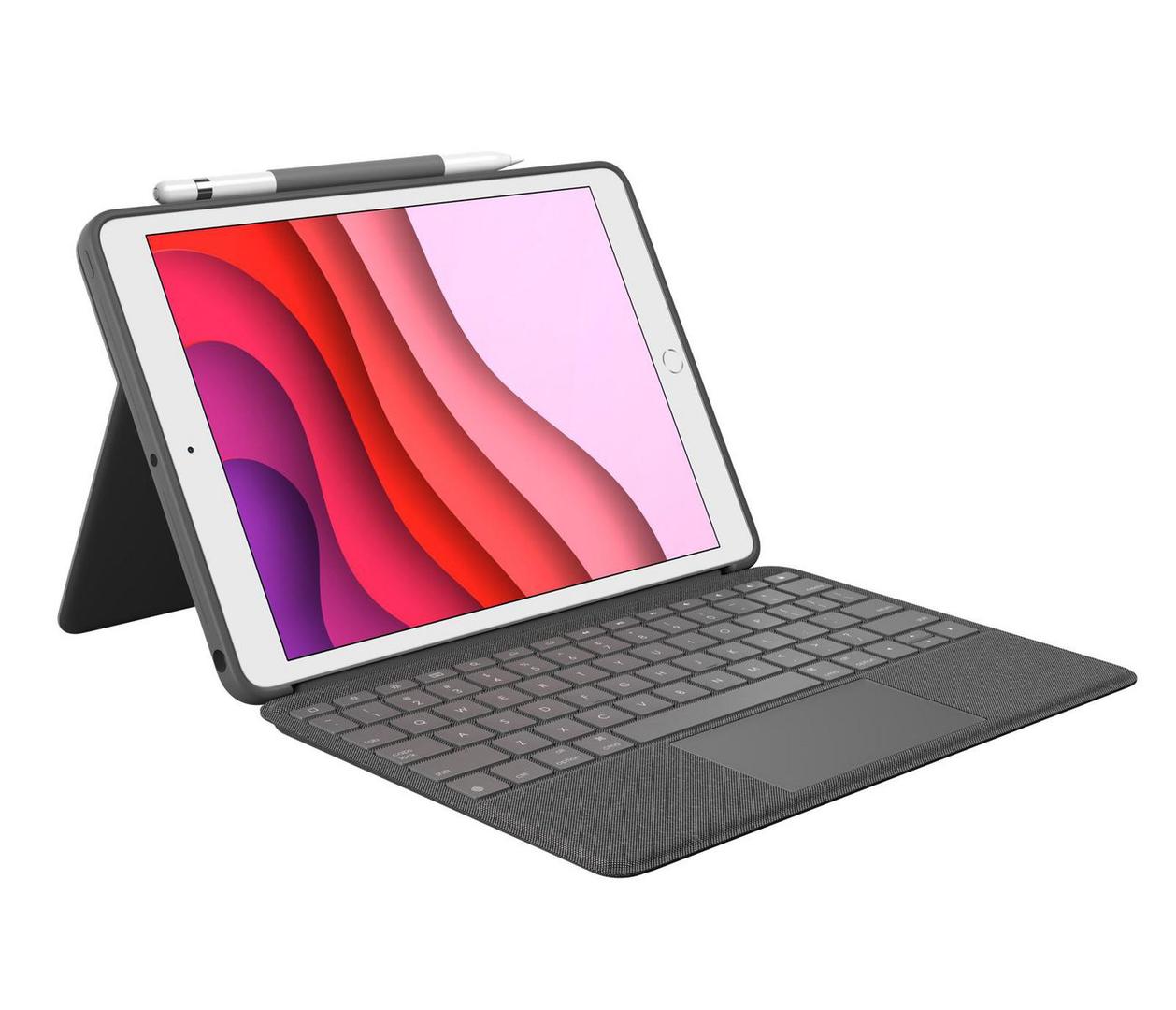
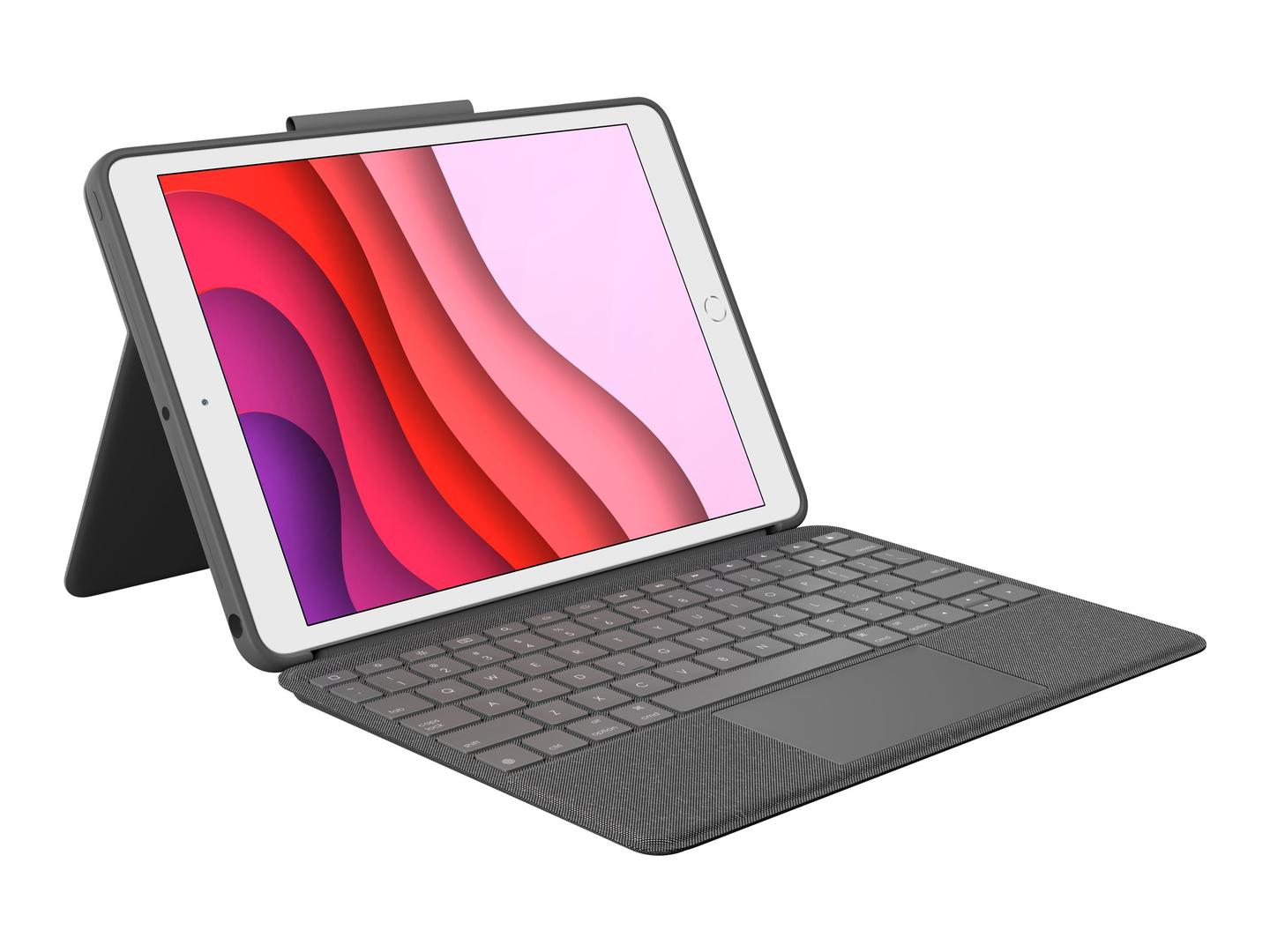
Logitech Combo Touch for iPad (7th, 8th and 9th generation) — Detachable Backlit Keyboard Case, Pan Nordic, Graphite
Fits iPad 7th 8th 9th GenDetachable keyboardBacklit + trackpadSmart Connector
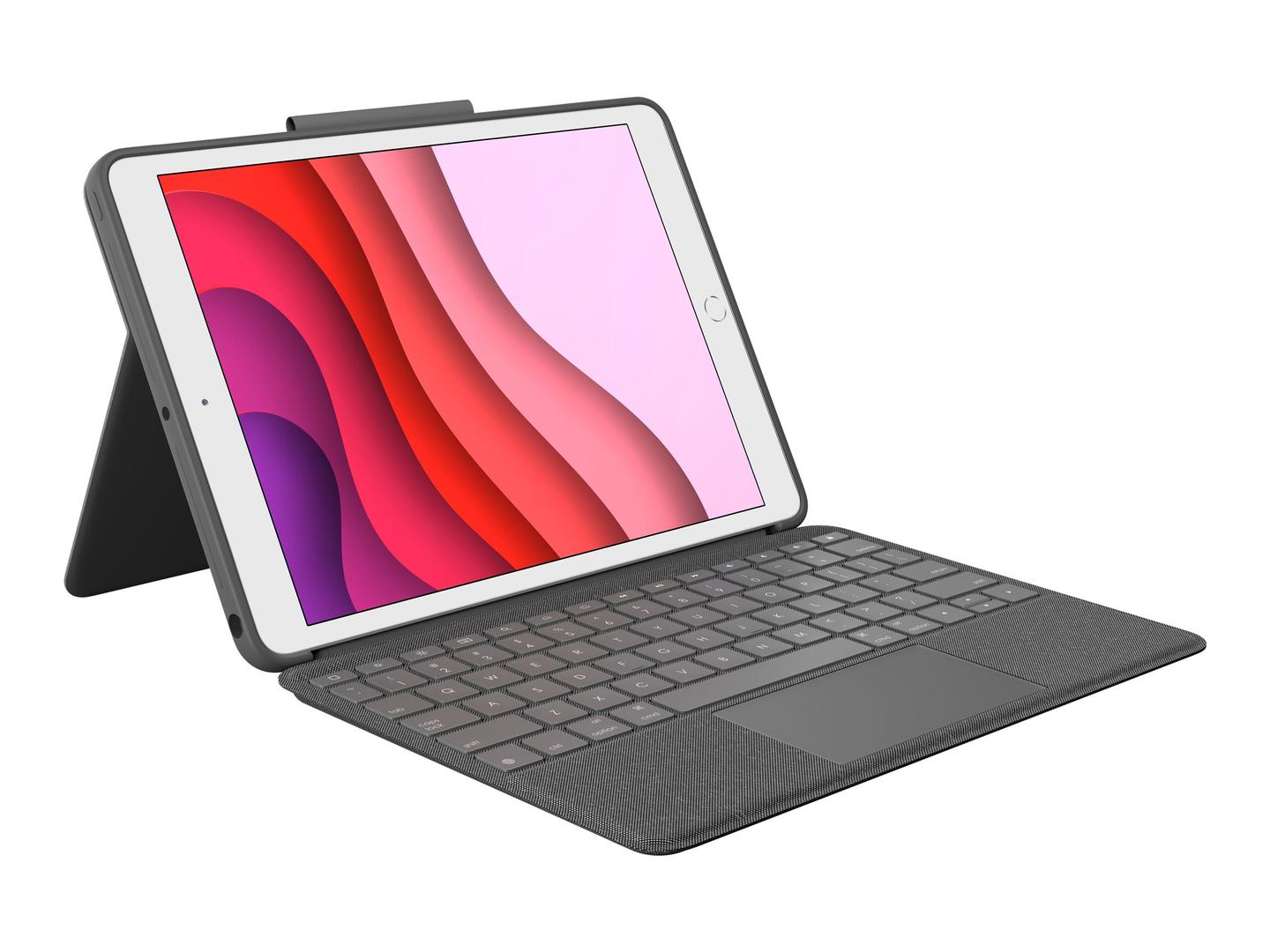
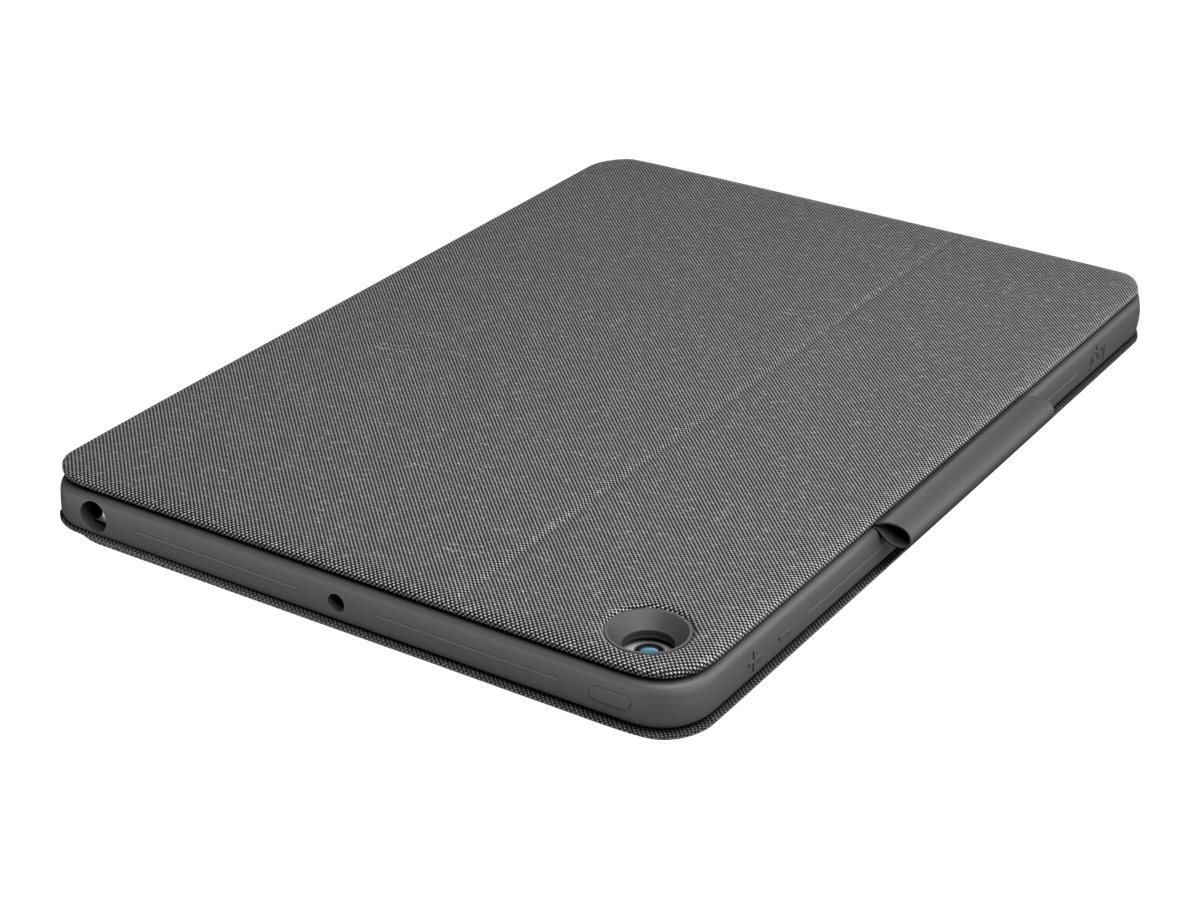
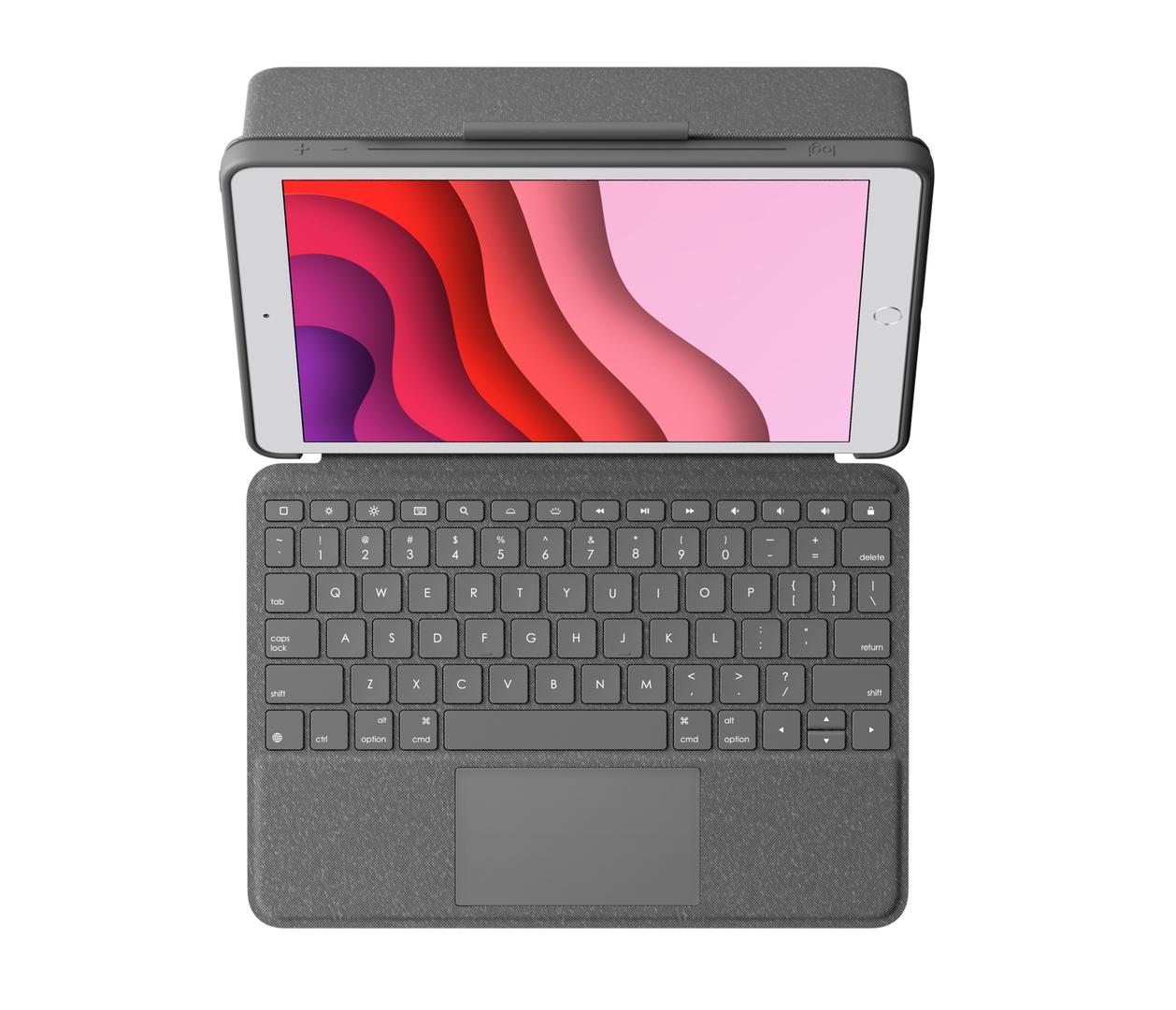
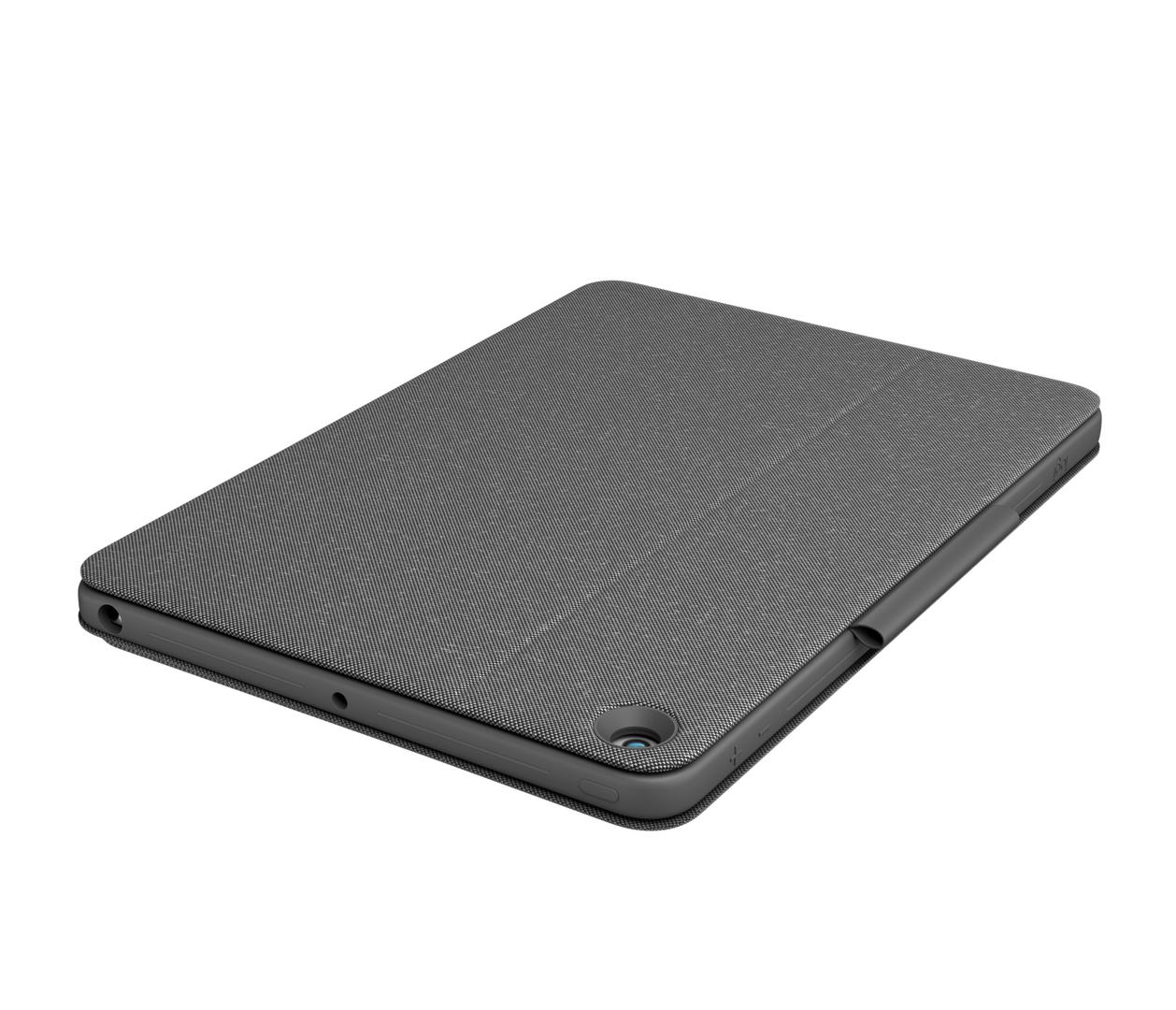
The Logitech Combo Touch (920-009628) is a protective keyboard case for the iPad (7th, 8th and 9th generation) with a detachable backlit keyboard, a multi-touch trackpad and a kickstand, in Graphite with a Pan Nordic layout. It connects and draws power through the iPad’s Smart Connector, so there is no battery to charge and no Bluetooth pairing, and the case protects front, back and corners while leaving the camera and Lightning port accessible. The keyboard has 18 mm key pitch, 1 mm travel and a full row of iPadOS shortcut keys; the case weighs 610 g. In the box is the case with its detachable keyboard.
Compatibility — check before buying:
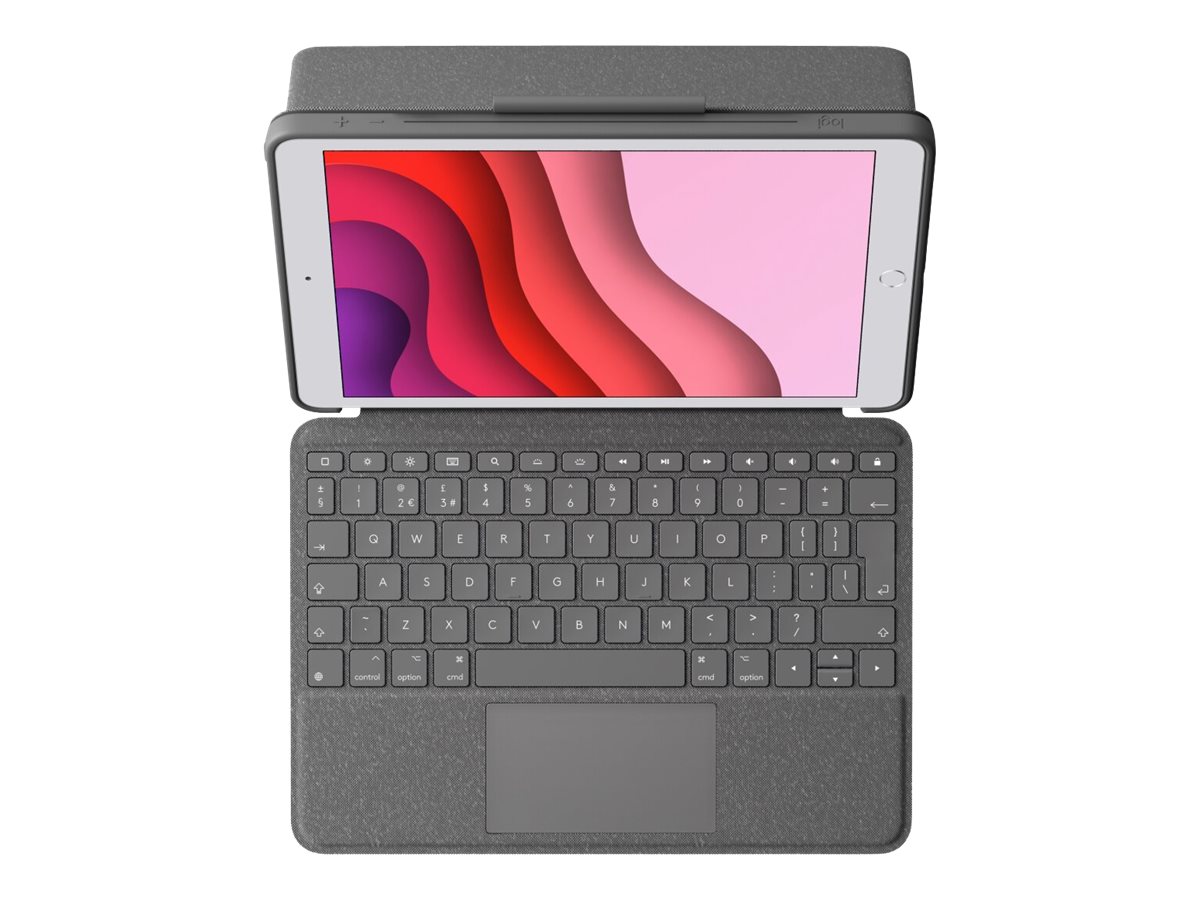
Fits only the iPad (7th, 8th and 9th generation). It does not fit the iPad 10th generation or iPad A16 (that is Combo Touch part 920-011441 in UK layout), nor any iPad Air, mini or Pro. Layout: Pan Nordic QWERTY is the shared Danish, Norwegian, Swedish and Finnish layout: QWERTY letters, but Å, Ä/Æ and Ö/Ø sit right of P and L and many symbols move compared with a US or UK keyboard. Choose it for Nordic-language typing; for English use in Cyprus ask us for the US or UK version. The keyboard works only through the Smart Connector — it cannot pair to a laptop or phone over Bluetooth. Keep the Logitech Control app on the iPad to update firmware.
Best For
✓ Turning a standard iPad into a laptop-style work and school device
✓ Students typing essays and notes with a trackpad
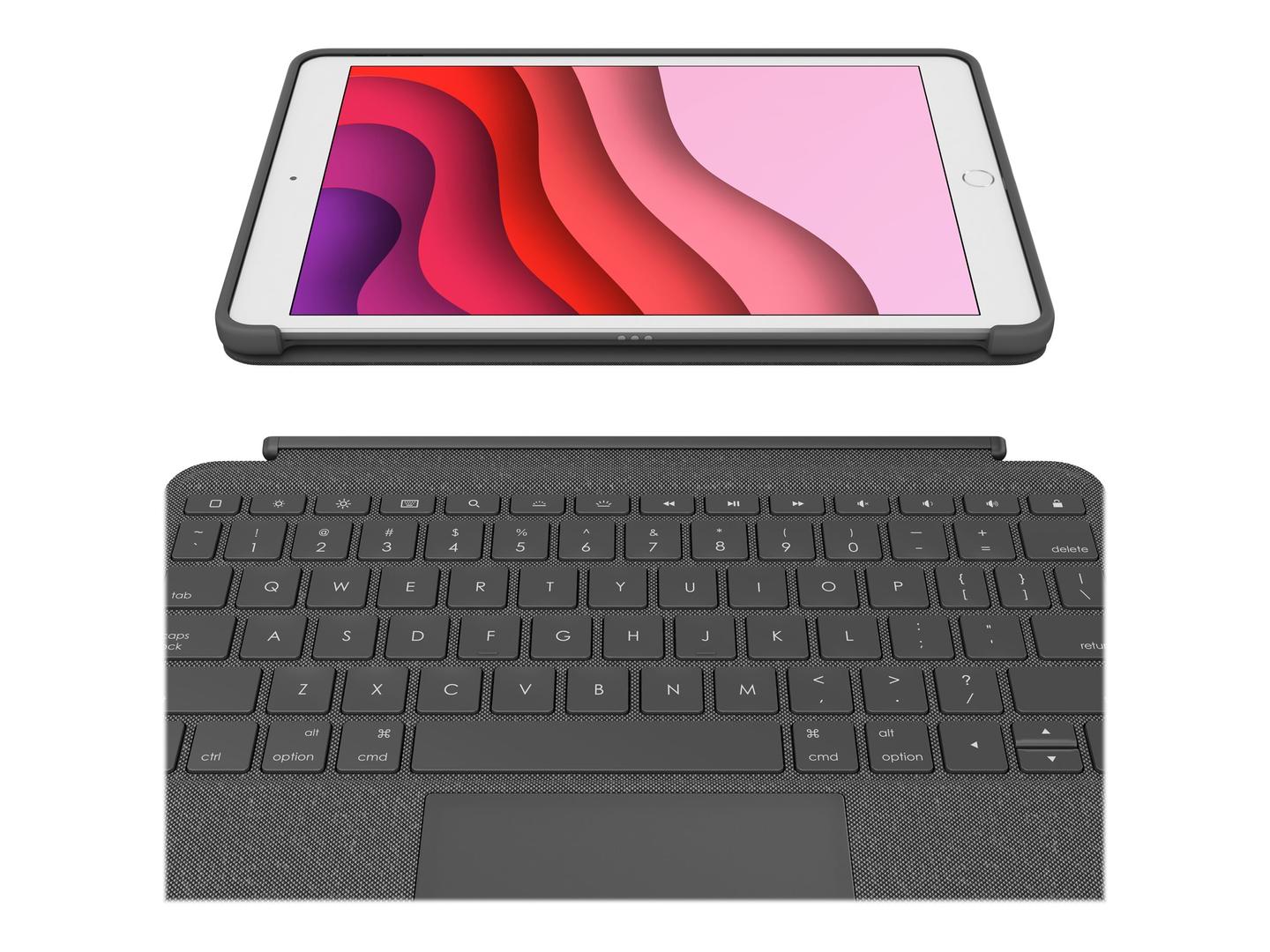
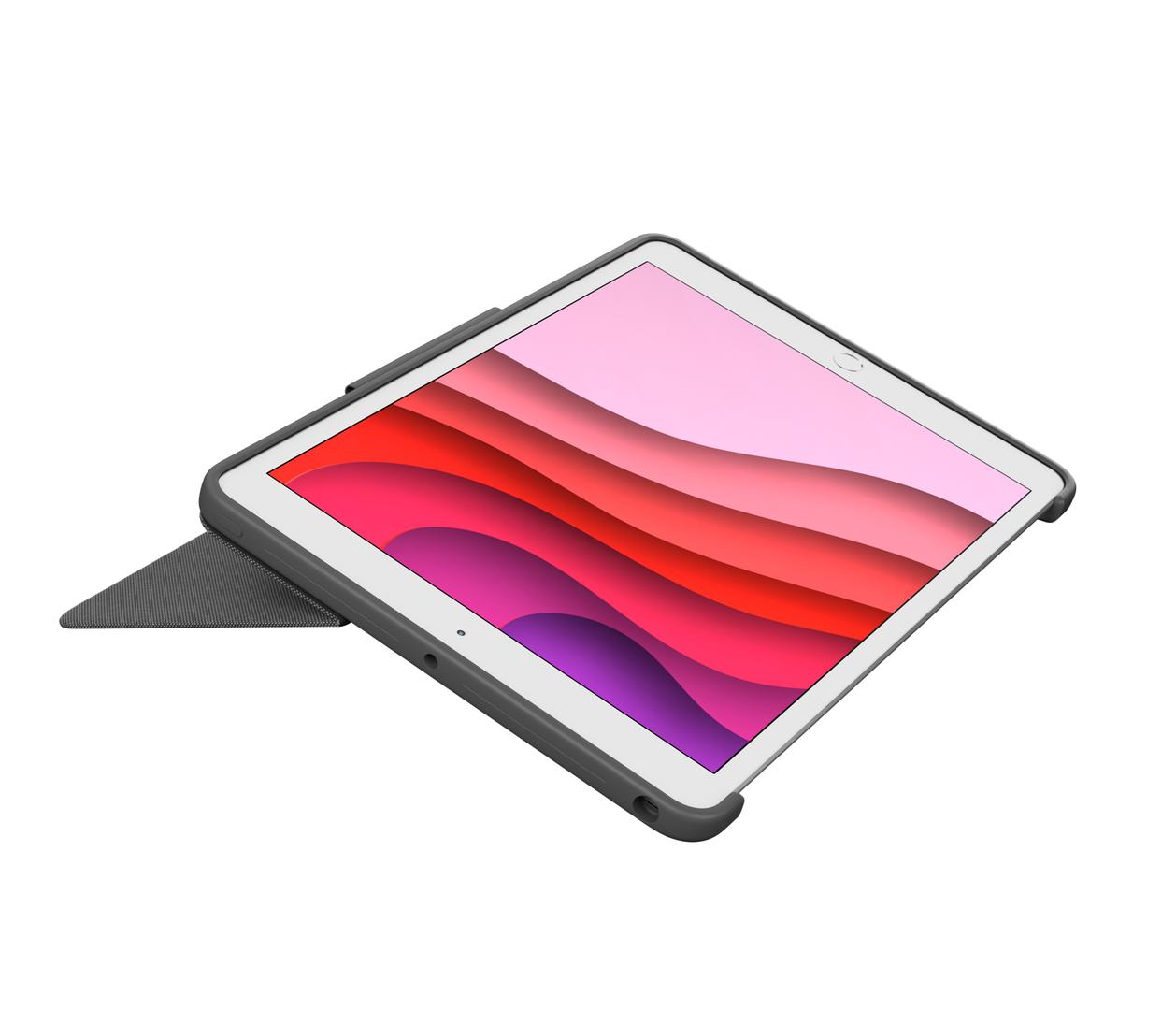
✓ Sketching — flip to the 20° sketch mode with the keyboard detached
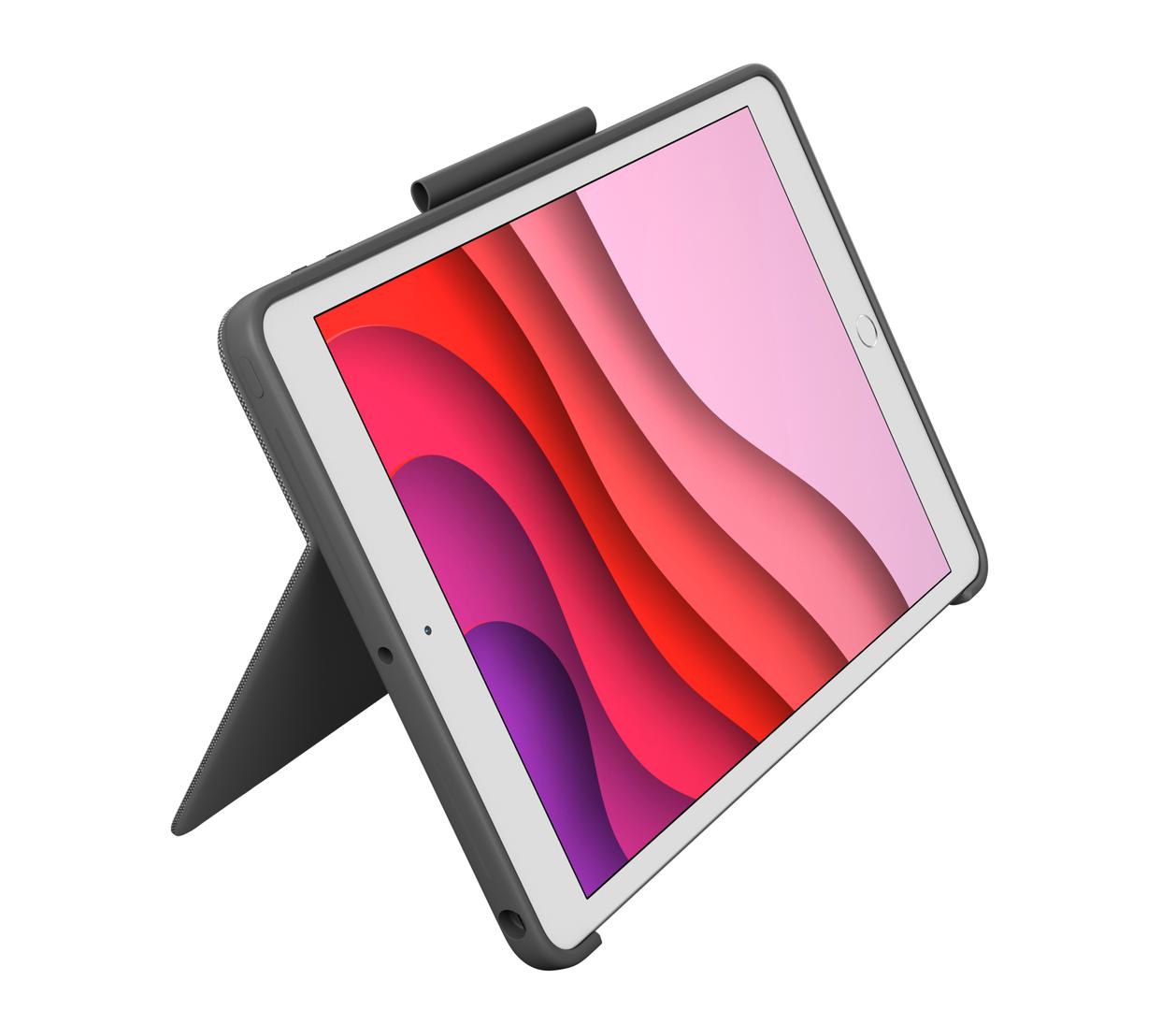
✓ Video calls and watching with the kickstand at up to 60°
✓ Anyone who does not want another device to charge
✓ Everyday protection with a stowing slot for Logitech Crayon or Apple Pencil
Key Features
Detachable backlit keyboard
Scissor keys with 18 mm pitch, 1 mm travel and up to 16 backlight levels, plus a full row of iPadOS shortcut keys for home, brightness, search, media, volume and screen lock. Detach it when you only want the stand.
Multi-touch trackpad
A trackpad with iPadOS gesture support, so you can navigate, select and switch apps without lifting a hand to the screen.
Smart Connector: no battery, no pairing
Power and data come through the iPad’s Smart Connector. Attach and type — nothing to charge, nothing to pair, nothing to lose.
Four modes and full protection
Type mode at 60°, sketch mode at 20°, view and read modes with the keyboard folded away. Front, back and corner protection, access to camera and Lightning, and a slot to stow a Logitech Crayon or Apple Pencil.
Technical Specifications
Frequently Asked Questions
Singular Expert Insight
Combo Touch is the case to buy when you want the iPad to behave like a small laptop and you do not want to charge a keyboard; the Rugged Combo 4 (920-011196, Pan Nordic) is the one for classrooms and drops. Pick the part number for your iPad generation and layout — this is the 7th/8th/9th gen case in Pan Nordic. See our tablets and iPad range and other tablet accessories, and send us the iPad model and we will match it.
Buyer’s Guide
Buy it if
You have an iPad (7th, 8th and 9th generation), you want a detachable backlit keyboard with a trackpad that needs no charging or pairing, and the Pan Nordic layout suits you.
Skip it if
Your iPad is any other model, you want a keyboard you can also use with a laptop over Bluetooth, or you need drop-rated rugged protection (Rugged Combo).
Also consider
Logitech Rugged Combo 3 Touch for Education (920-010366, Pan Nordic) for the same iPads with drop protection, or Combo Touch 920-011441 if your iPad is 10th gen or A16.
Features - Logitech - 920-009628
Colour
grey
More Details
Product Code
222C792
EAN Code
5099206090187
Manufacturer
Logitech