Singular Selected
Logitech Combo Touch for iPad Air 11" — Oxford Grey
A detachable backlit keyboard case with a full Multi-Touch trackpad, flexible kickstand and Smart Connector — turns an iPad Air 11-inch into a proper working machine.
Smart Connector Backlit Detachable Keys Large Multi-Touch Trackpad Apple Pencil Storage
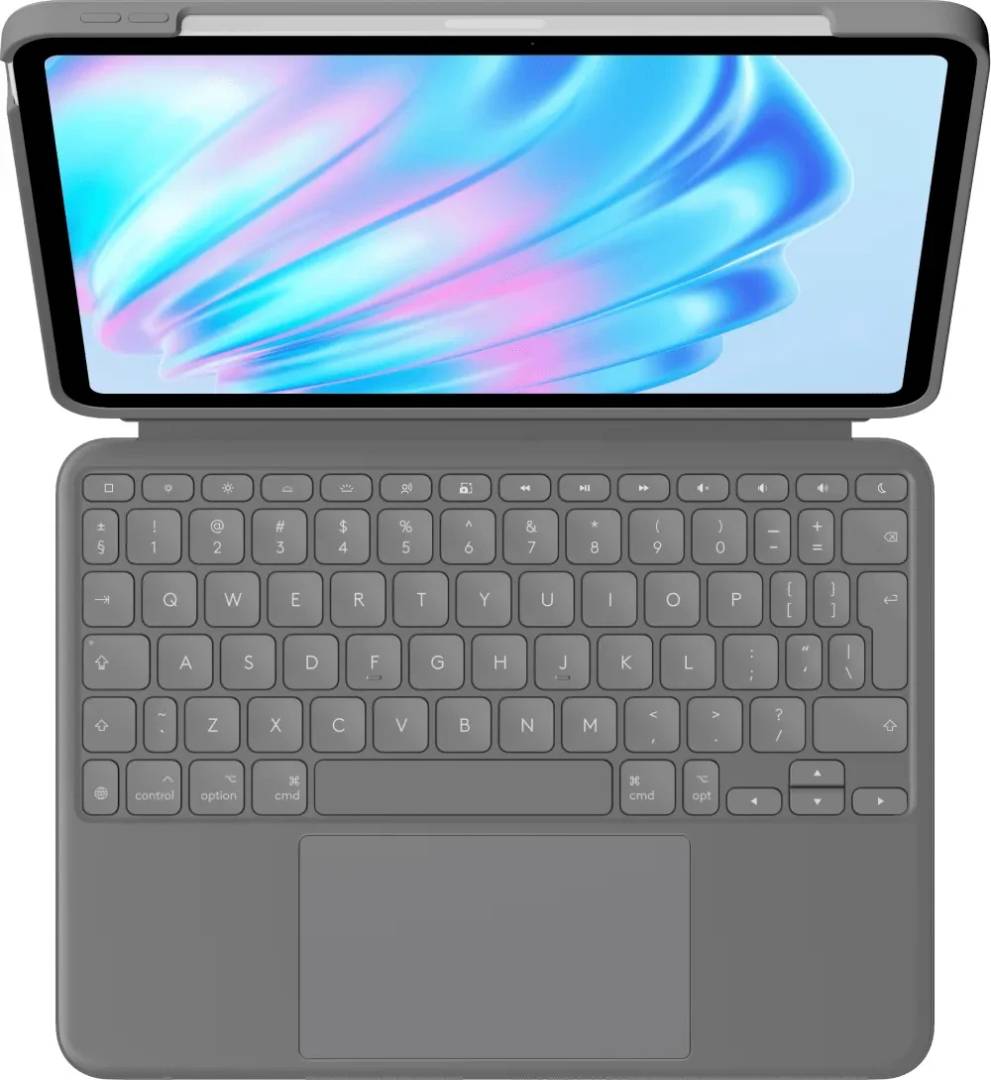
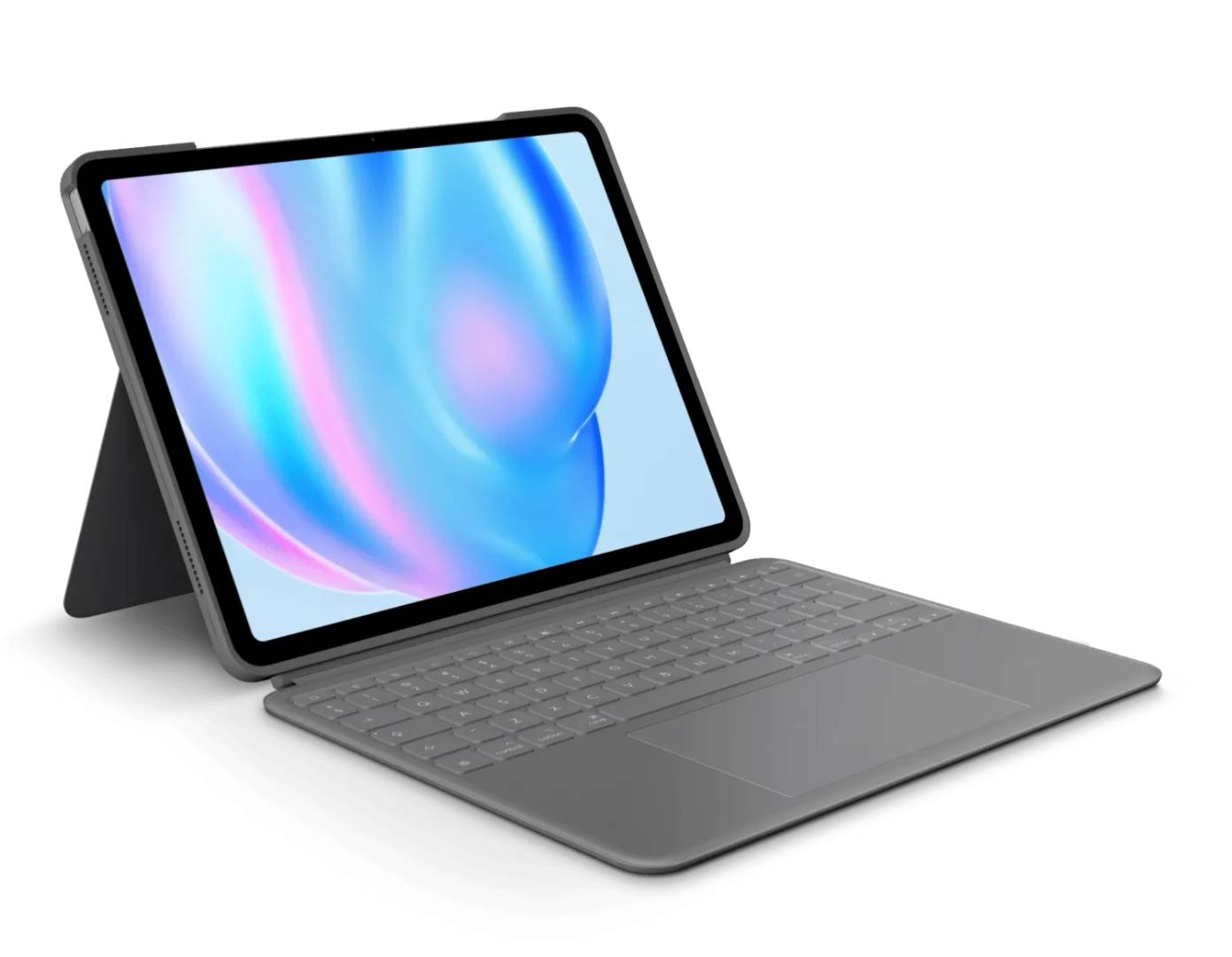
The Logitech Combo Touch (920-012636, Oxford Grey, US INTL layout) is a four-in-one keyboard case for the iPad Air 11-inch — designed for M2 and M3 (and forward-compatible with newer 11-inch Air models that share the same form factor) as well as the iPad Air 5th gen. A magnetic detachable keyboard with scissor switches, a full row of iPadOS shortcut keys and 16-level backlight pairs to the iPad via Smart Connector, so there's no Bluetooth handshake and no battery to charge — it draws power directly from the iPad. The trackpad is the biggest yet for a Combo Touch and supports the full set of iPadOS Multi-Touch gestures (swipe, pinch, double-tap). When you don't need to type, detach the keyboard and use the form-fit case with its flexible 10°–60° kickstand for sketching, reading or video calls. A cutout on the side keeps Apple Pencil attached and wirelessly charging without removing the case.
Compatibility Note: This case fits iPad Air 11-inch (M2 & M3) and iPad Air (5th gen). Confirmed iPad model numbers: A2588, A2589, A2591 (Air 5th gen / Air M2), A2902, A2903, A2904 (Air M2), A3266, A3267, A3270 (Air M3). It does not fit iPad Air 13-inch, iPad Pro 11-inch or any other iPad — please verify the iPad model number before purchase.
Key Features
Detachable Backlit Keyboard
Full-size scissor keys with 16-level adjustable backlighting and an automatic ambient sensor — easy to read in dim light, easy on the battery in bright. The keyboard magnetically detaches in seconds when you'd rather use iPad on its own.
Large Multi-Touch Trackpad
The biggest trackpad ever fitted to a Combo Touch — supports the full range of iPadOS gestures including tap-to-click, two-finger scroll, pinch zoom and three-finger swipe between apps for a near-laptop experience.
Smart Connector — No Charging
Pairs through Apple's Smart Connector on the back of the iPad: no Bluetooth setup, no pairing button, no battery to manage. The keyboard is powered directly by the iPad and is recognised instantly when attached.
Flexible Kickstand + Apple Pencil Storage
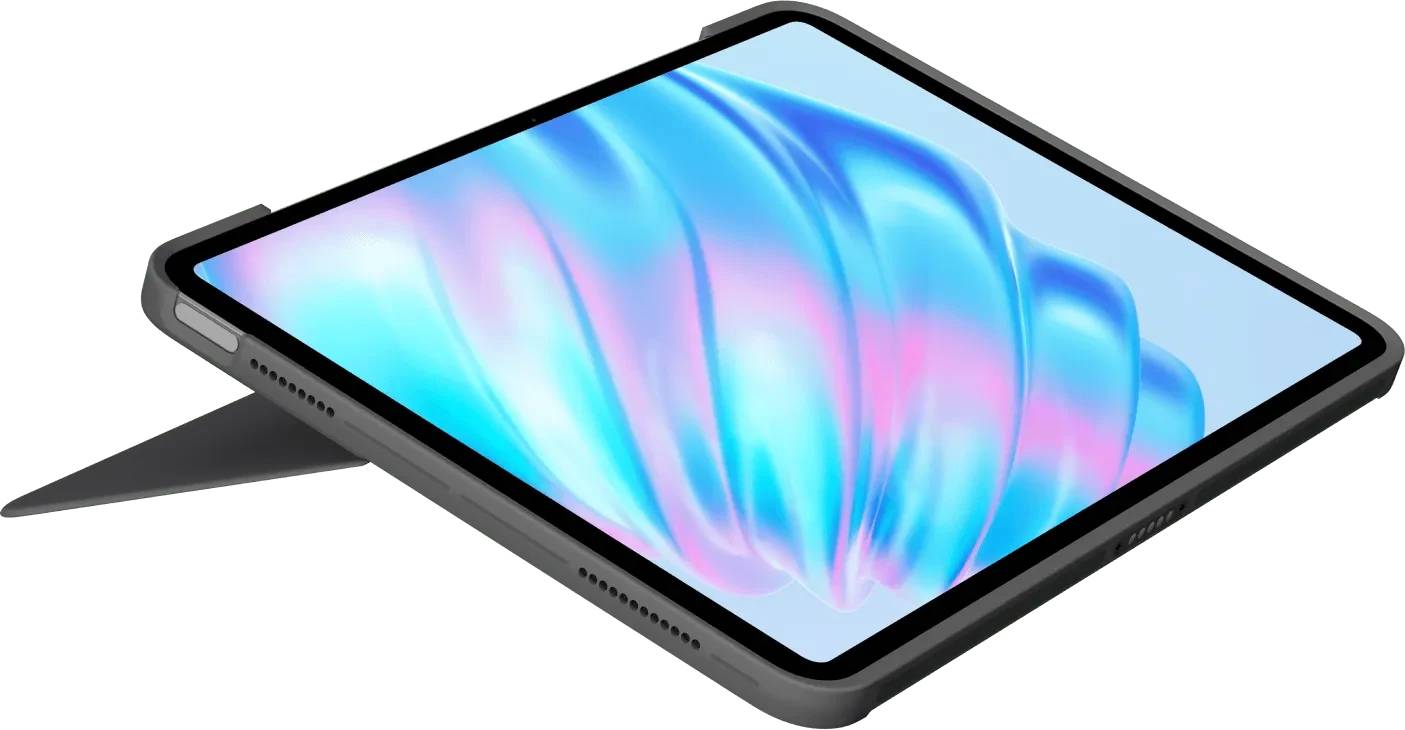
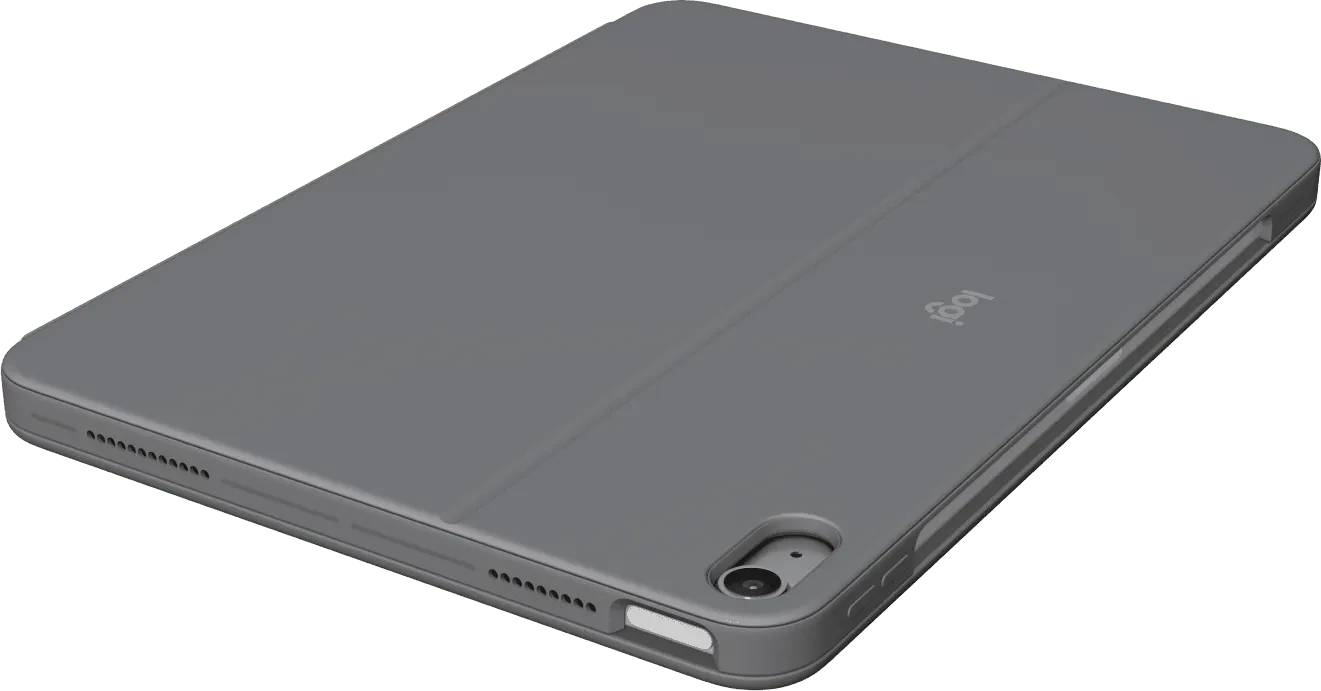
A continuously adjustable kickstand offers 10° to 60° of tilt — comfortable for typing, reading, video calls or sketching. A side cutout fits Apple Pencil so it can attach and wirelessly charge without removing the case.
Technical Specifications
| Part Number |
920-012636 |
| EAN |
5099206122130 |
| Model |
Combo Touch for iPad Air 11" (2024) |
| Colour |
Oxford Grey |
| Compatible iPads |
iPad Air 11" (M2), iPad Air 11" (M3), iPad Air (5th gen) |
| Layout |
US INTL (QWERTY) |
| Key Mechanism |
Scissor keys, full-size, detachable via magnets |
| Backlight |
16-level adjustable, auto-adjusts to ambient light |
| Shortcut Keys |
Full row of iPadOS shortcuts — media, brightness, search, Do Not Disturb |
| Trackpad |
Large Multi-Touch — supports the full set of iPadOS gestures |
| Connection |
Smart Connector — no Bluetooth pairing, no charging required |
| Kickstand |
Continuous 10°–60° tilt adjustment |
| Apple Pencil Support |
Storage cutout — Apple Pencil attaches and wirelessly charges with case on |
| Auto Wake/Sleep |
Yes — opens to wake iPad, closes to sleep |
| Materials |
Soft-touch woven textile exterior, low-carbon aluminium bottom, certified post-consumer recycled plastic |
| In the Box |
Combo Touch case with detachable keyboard, documentation |
Frequently Asked Questions
Which iPad models is this compatible with?
It fits iPad Air 11-inch (M2), iPad Air 11-inch (M3) and iPad Air (5th gen). It does NOT fit iPad Air 13-inch, any iPad Pro, the standard iPad or iPad mini. Check the model number on the back of your iPad against the list in the compatibility note above before purchase.
Does it need charging or Bluetooth pairing?
No. The keyboard pairs through Apple's Smart Connector on the back of the iPad — instant, secure connection with no Bluetooth setup. The keyboard is powered by the iPad, so there is no separate battery to charge and no firmware to keep up to date.
Can Apple Pencil charge while the case is on?
Yes. There is a cutout along the side of the case that lets Apple Pencil magnetically attach to the iPad and wirelessly charge as normal — no need to remove the case.
Can the keyboard be detached?
Yes — the keyboard portion is magnetically attached and detaches in a second. The case body and kickstand stay on the iPad, so you can keep using it in tablet mode for reading, sketching with Apple Pencil or watching video without removing the protective shell.
Singular Expert Insight
Choose Combo Touch if you want a single accessory that does everything for an iPad Air 11-inch — keyboard, trackpad, kickstand and full case protection — with a Smart Connector that means no batteries to manage. If you mostly use your iPad as a tablet and only occasionally need to type, Logitech Flip Folio is lighter and cheaper. If you want the floating "laptop look" of Apple's design language and don't need a kickstand, Apple's Magic Keyboard is the premium alternative — at a much higher price and without a detachable keyboard.
Buyer's Guide
Buy it if
You want to use an iPad Air 11" as a laptop replacement — backlit keys, real trackpad, full case protection — and you'd rather not deal with Bluetooth pairing or charging another battery.
Skip it if
You have an iPad Air 13-inch, iPad Pro or standard iPad (wrong size), you carry your iPad bare and just want an occasional typing keyboard, or you want the lightest possible iPad setup (this adds noticeable weight).
Also consider
Logitech Flip Folio for a lighter occasional-use Bluetooth case, or Apple Magic Keyboard for iPad Air 11" if you want the floating-design look and don't mind the higher price.