
Logitech G Flight Radio Panel 945-000011 USB Flight Sim Radio Controller Dual LCD Windows PC Black
Brand: Logitech

Logitech G Flight Radio Panel 945-000011 USB Flight Sim Radio Controller Dual LCD Windows PC Black
€149.13 inc. VAT
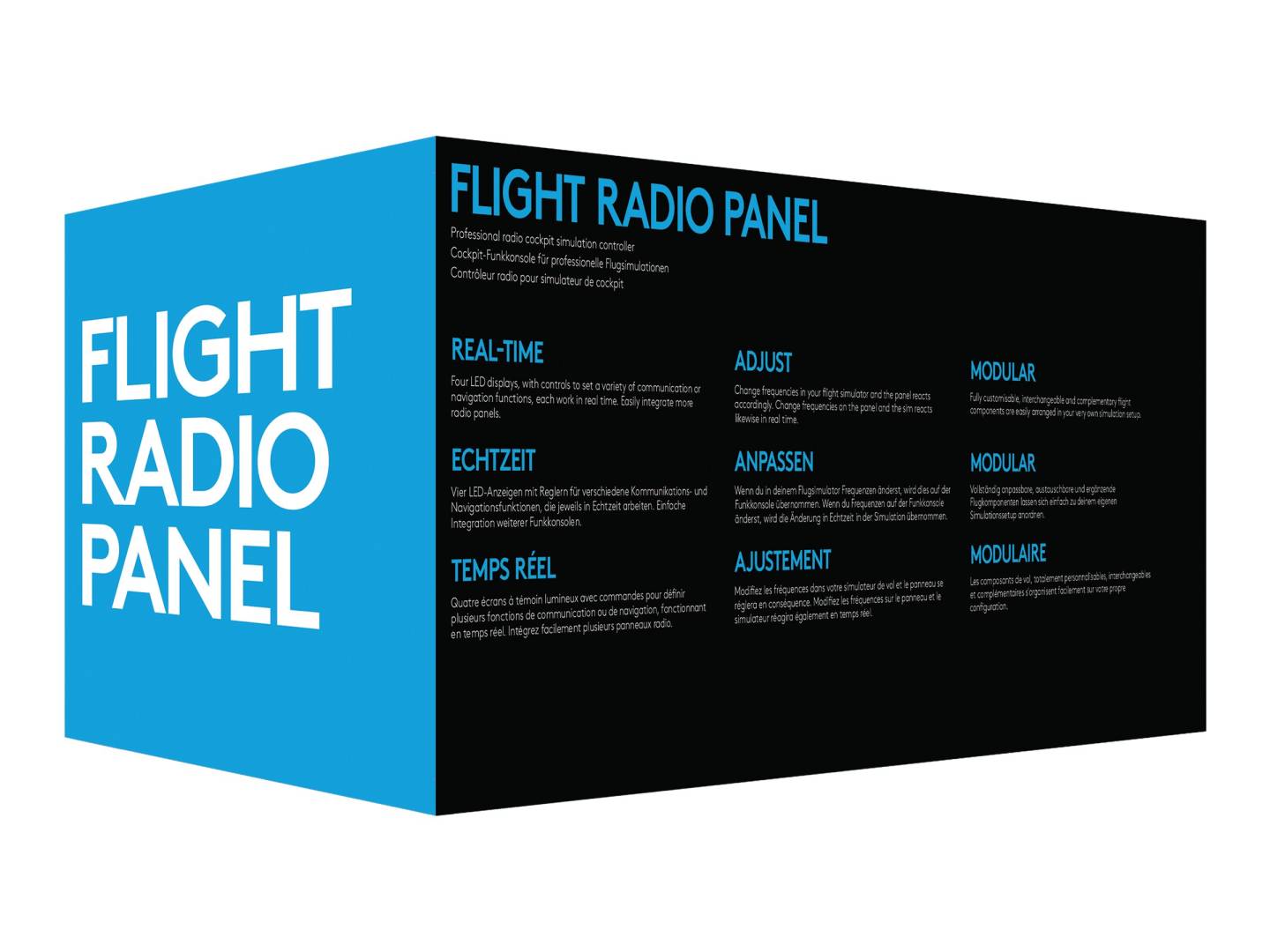


945-000011
Delivery
Order Today...
Ships...
Delivery...
ℹ️ Large or fragile items (e.g. monitors) may require extra handling time. We'll keep you informed.
Payment options
Trusted Tech Choice
Buying Benefits
Verified
Competitive EU pricing
Delivered to Cyprus from EU stock
Local warranty support
Please sign in so that we can notify you about a reply
Logitech G Flight Radio Panel (945-000011)
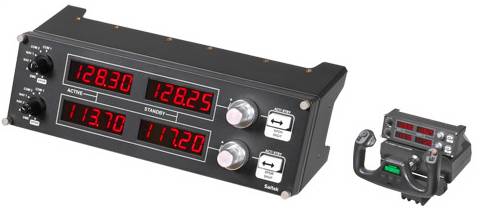
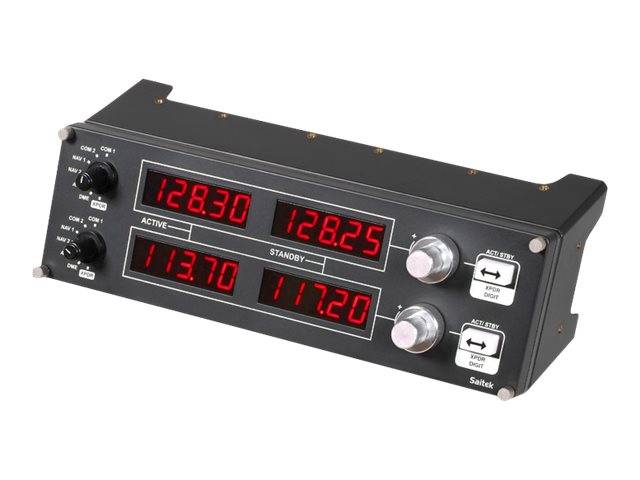
Dual backlit LCDs7 radio modesUSB plug-and-playModular cockpit
The Logitech G Flight Radio Panel (945-000011) is a USB flight-simulator radio controller with dual backlit LCD displays for tuning COM, NAV, ADF, DME and transponder frequencies on a realistic desktop panel. Sold under part number 945-000011 and formerly known as the Saitek Pro Flight Radio Panel, it connects over a single USB cable and is built for Windows PC flight sims. Typically in stock with fast delivery across Cyprus.
Compatibility
This is a Windows PC peripheral that connects via USB. It officially supports Microsoft Flight Simulator X (FSX), X-Plane 10/11 and Prepar3D; newer titles such as MSFS 2020/2024 may require community plug-ins rather than native drivers. Part of Logitech G’s modular flight range, it stacks or sits beside the Flight Instrument Panel and other Saitek/Logitech G panels. It does not work with PlayStation, Xbox or Nintendo Switch.
Best For
✓Home cockpit builders wanting realistic radio tuning
✓FSX, X-Plane and Prepar3D pilots on Windows PC
✓Practising COM/NAV procedures and IFR navigation
✓Desktop setups or panels stacked into a custom rig
Key Features
Dual backlit LCD radio stack
Two backlit displays show active and standby frequencies. Large and small rotary dials plus a swap button let you tune quickly and accurately, just like a real radio stack.
Seven radio functions
A mode selector cycles through COM1, COM2, NAV1, NAV2, ADF, DME and XPDR, so you can manage the complete cockpit radio stack from one panel.
Modular USB plug-and-play
A single USB cable carries data and power — no separate adapter. The panel stacks with other Logitech G flight panels to build a cockpit that grows with you.
Technical Specifications
Frequently Asked Questions
Singular Expert Insight
The Radio Panel earns its place once you are flying IFR and juggling COM and NAV frequencies — doing that on a physical stack is far more immersive than mouse-clicking the in-sim radio. If you are just starting a home cockpit, pair it with the Flight Instrument Panel and a yoke or stick first, then add the Radio Panel as your procedures get more advanced. For casual arcade flying it may be more than you need, but for realistic GA and airliner practice it is a natural upgrade.
Buyer's Guide
Buy it if
You fly FSX, X-Plane or Prepar3D on a Windows PC and want a real radio stack to tune COM, NAV, ADF, DME and transponder by hand.
Skip it if
You play only on consoles, want a wireless device, or fly casually and are happy tuning radios with the mouse inside the sim.
Also consider
The Logitech G Flight Instrument Panel for configurable gauges, or a yoke and throttle quadrant to round out your home cockpit.
Features - Logitech - 945-000011
Colour
black
Interface
- USB2.0
More Details
Product Code
222A489
EAN Code
5099206069848
Manufacturer
Logitech
Technical specifications
Compatible Platforms
- PC