
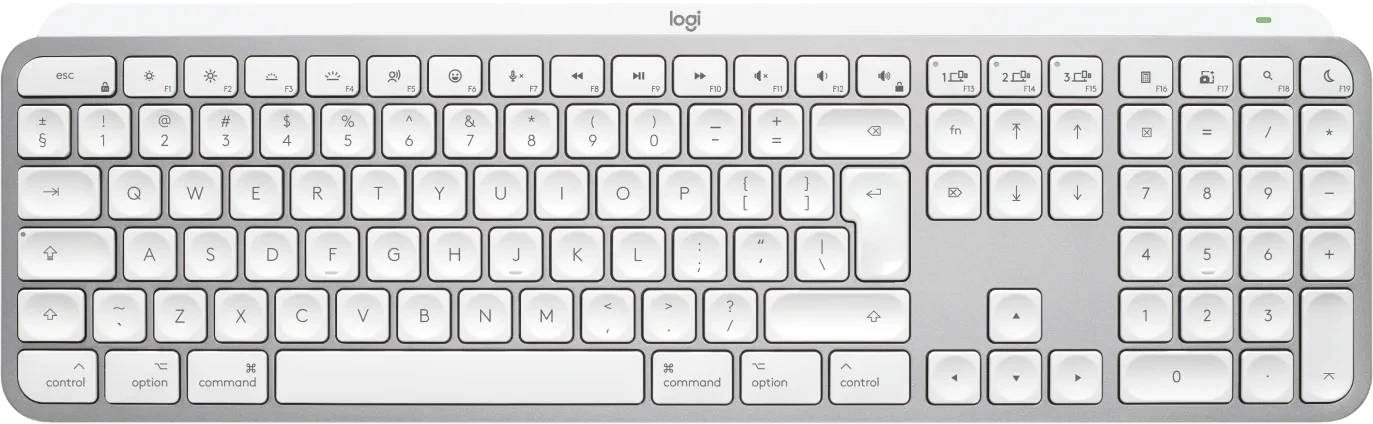
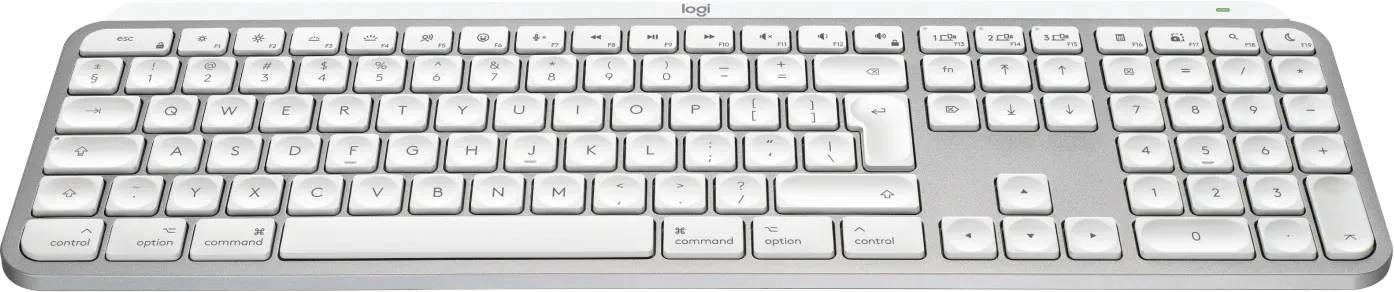
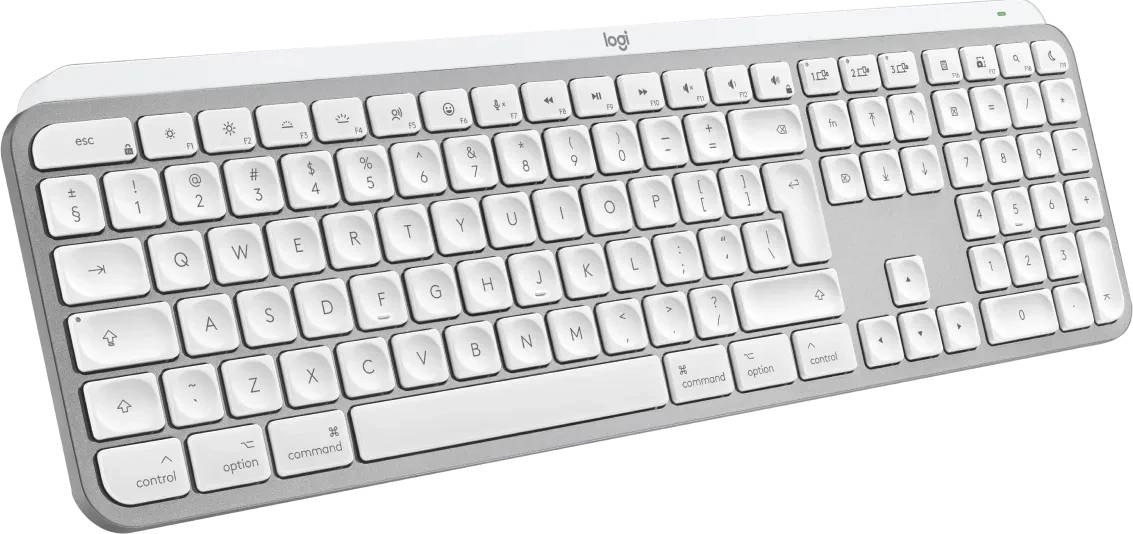
Logitech MX Keys S for Mac 920-011638 Wireless Illuminated Keyboard Bluetooth US International QWERTY Pale Grey
Brand:
Logitech



920-011638
Delivery
Order Today...
Ships...
Delivery...
ℹ️ Large or fragile items (e.g. monitors) may require extra handling time. We'll keep you informed.
Payment options
Trusted Tech Choice
Buying Benefits
Verified
Competitive EU pricing
Delivered to Cyprus from EU stock
Local warranty support
Please sign in so that we can notify you about a reply
Logitech MX Keys S for Mac — Pale Grey
Full-size wireless keyboard with a dedicated Mac layout, smart backlighting and programmable Smart Actions.
Mac LayoutBluetooth LESmart BacklightUSB-C Rechargeable
The Logitech MX Keys S for Mac is a full-size wireless keyboard with a dedicated macOS key layout and smart backlighting, built for Mac users who type all day. This listing is part number 920-011638, the Pale Grey version with the English International (US International) QWERTY layout.
Spherically-dished scissor keys give a stable, quiet and precise typing feel, while Easy-Switch lets you pair up to three devices (Mac, iPad, iPhone) and move between them with one key. With the Logi Options+ app you can create Smart Actions that run several steps from a single keystroke. Typically in stock with fast delivery across Cyprus.
Compatibility Note
Connects via Bluetooth Low Energy only — no USB receiver is included. It works with the optional Logi Bolt USB receiver (sold separately) but not with older Unifying receivers. If your Mac uses FileVault, Logitech recommends a Logi Bolt receiver so the keyboard works at the login screen. The layout is US International QWERTY (not UK or Greek).
Best For
✓MacBook, iMac & Mac mini desks
✓Writers, developers & office work
✓Switching between Mac, iPad & iPhone
✓Dim rooms — auto backlight
✓Numeric data entry (full numpad)
✓Logi Options+ shortcut workflows
Key Features
Dedicated Mac layout
Mac-specific key legends and shortcuts plus the newer function-row keys for dictation, emoji and microphone mute.
Smart illumination
Backlight wakes as your hands approach (proximity sensor) and adjusts to room light (ambient light sensor) to save battery.
Easy-Switch x3
Pair up to three Bluetooth devices and switch instantly. Works with Logitech Flow-enabled mice for cross-computer control.
Smart Actions
Automate repetitive tasks with multi-step shortcuts created and shared in the Logi Options+ app on macOS.
Technical Specifications
Frequently Asked Questions
Singular Expert Insight
For Mac users who want a full-size board, the MX Keys S for Mac is the most complete Logitech option: numpad, smart backlight and three-device switching in one. If desk space matters more than a numpad, the MX Keys Mini for Mac is the compact sibling; for a Windows-first setup choose the standard MX Keys S. Pair it with an external display from our PC monitors range for a clean, clamshell MacBook workstation.
Buyer's Guide
Buy it if
You work on a Mac and want a full-size keyboard with numpad, auto backlight and up to 3 paired devices.
Skip it if
You need a UK/Greek layout, a USB receiver in the box, or you mainly use Windows.
Also consider
MX Keys Mini for Mac (compact, no numpad) or the standard MX Keys S for Windows/multi-OS desks.
Features - Logitech - 920-011638
Colour
grey
Interface
- Bluetooth
More Details
Product Code
CK60244
EAN Code
5099206114630
Manufacturer
Logitech
Technical specifications
Compatible Platforms
- iOS