
Logitech RoomMate Video Conferencing Appliance for Microsoft Teams Rooms & Zoom Rooms, CollabOS, 2x HDMI Out, Wi-Fi
Brand:
Logitech

Logitech RoomMate Video Conferencing Appliance for Microsoft Teams Rooms & Zoom Rooms, CollabOS, 2x HDMI Out, Wi-Fi
€1655.89 inc. VAT


950-000084
Delivery
Order Today...
Ships...
Delivery...
ℹ️ Large or fragile items (e.g. monitors) may require extra handling time. We'll keep you informed.
Payment options
Trusted Tech Choice
Buying Benefits
Verified
Competitive EU pricing
Delivered to Cyprus from EU stock
Local warranty support
Please sign in so that we can notify you about a reply
Logitech RoomMate — appliance-mode Teams Rooms and Zoom Rooms for your Logitech conference camera
CollabOS applianceTeams Rooms on AndroidZoom Rooms2x HDMI out
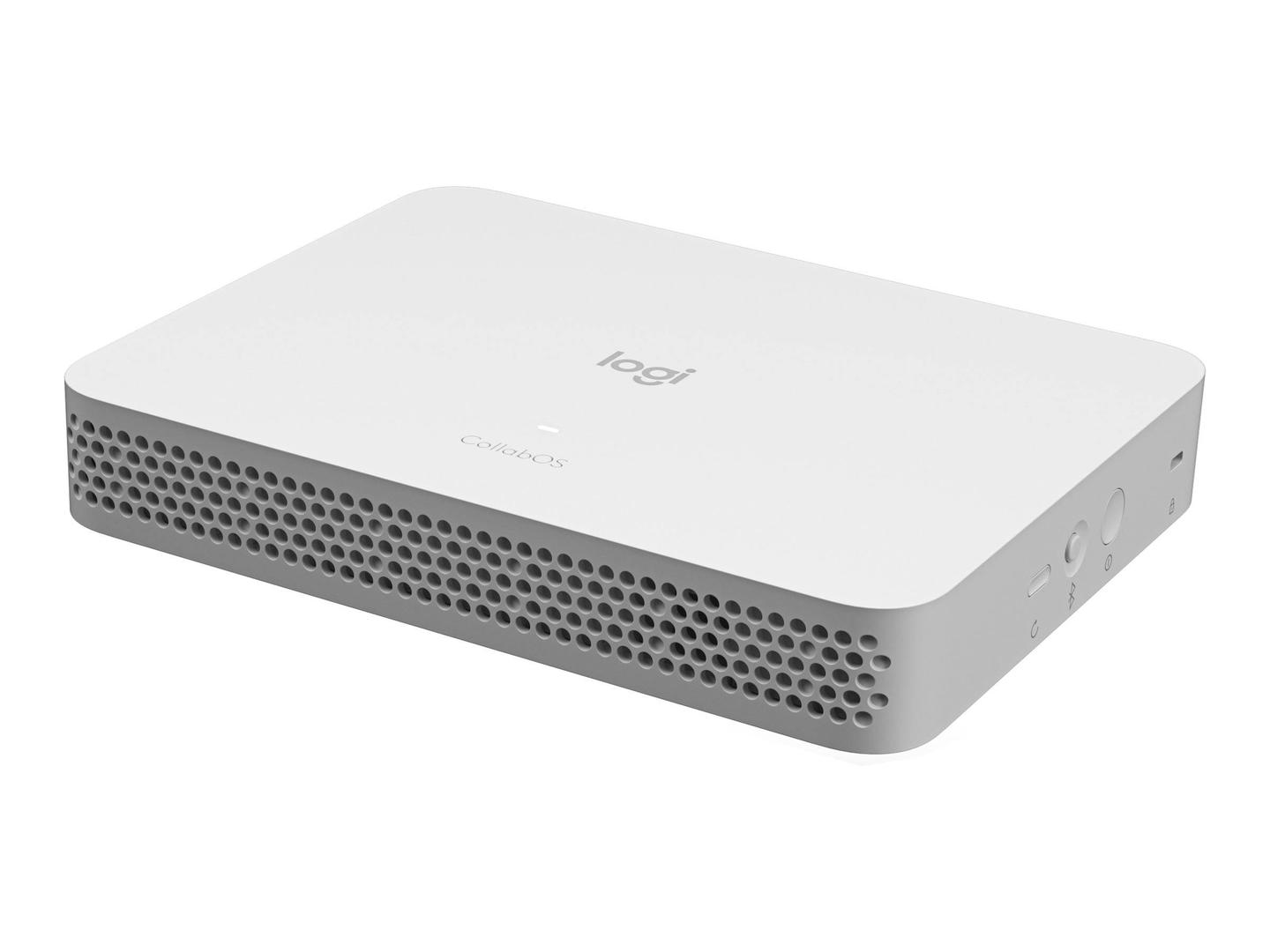
The Logitech RoomMate (950-000084) is a dedicated meeting-room computer that turns a supported Logitech USB conference camera such as Rally, Rally Plus or MeetUp into an appliance-mode Microsoft Teams Rooms on Android or Zoom Rooms system, so the room no longer needs a Windows PC, a mini PC or a laptop left on the table.
RoomMate runs Logitech CollabOS: the meeting software, the camera, the Tap touch controller and device management all come from one vendor and are updated together. It is aimed at IT teams that roll out and manage several rooms through Logitech Sync, and at smaller companies that want one meeting room that simply starts the meeting when someone taps Join.
Before you order: RoomMate does not include a camera, microphone or touch controller. It works only with the Logitech devices listed as certified (Rally, Rally Plus, MeetUp, Tap, Tap IP). Rally Bar and Rally Bar Mini already have their own built-in computer and do not need RoomMate.
What's in the Box
- Logitech RoomMate unit
- Power supply (19 V, 4.74 A) with AC cable
- Mounting plate
- Remote control
- User documentation
What It Means in Practice
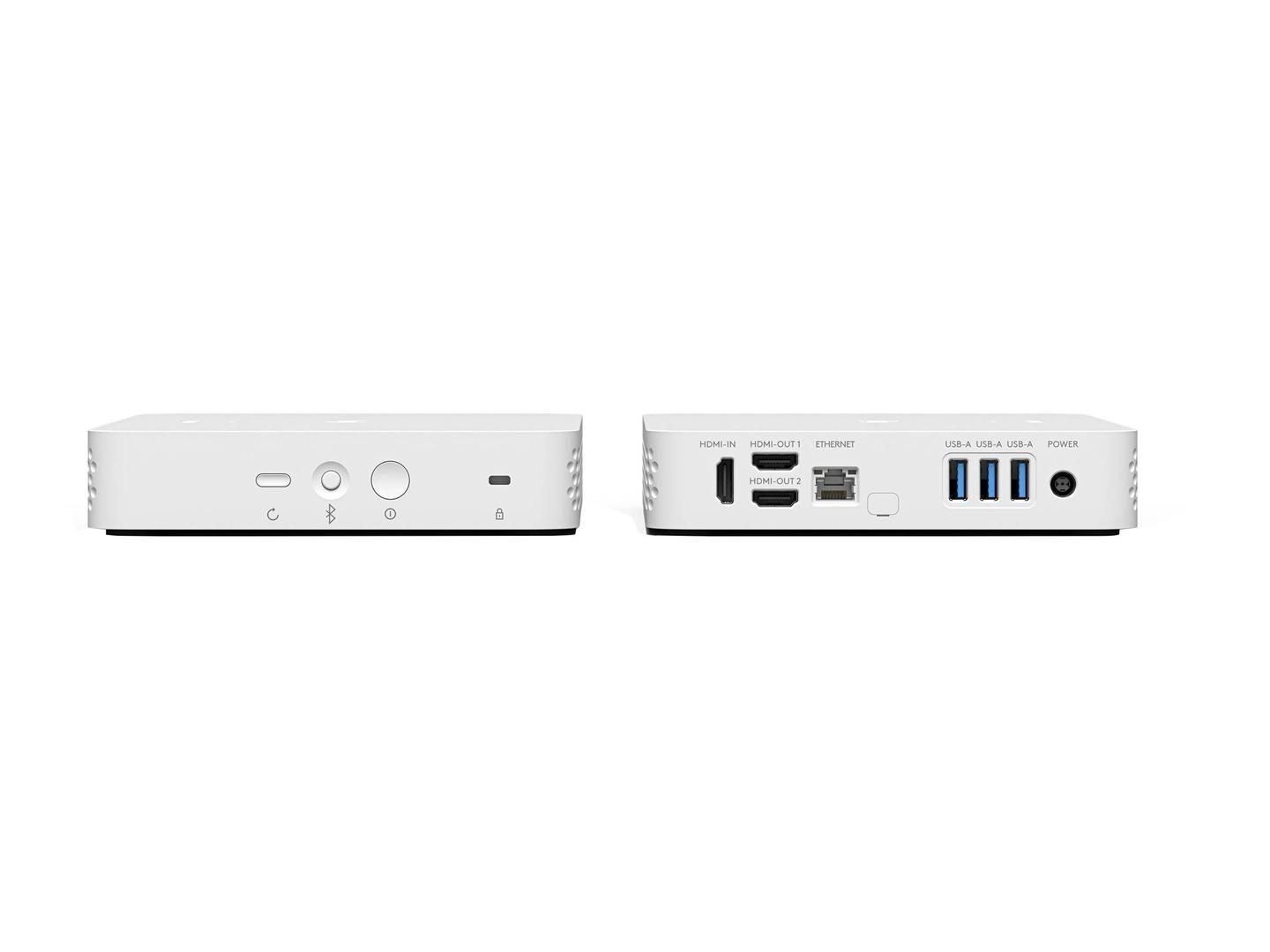
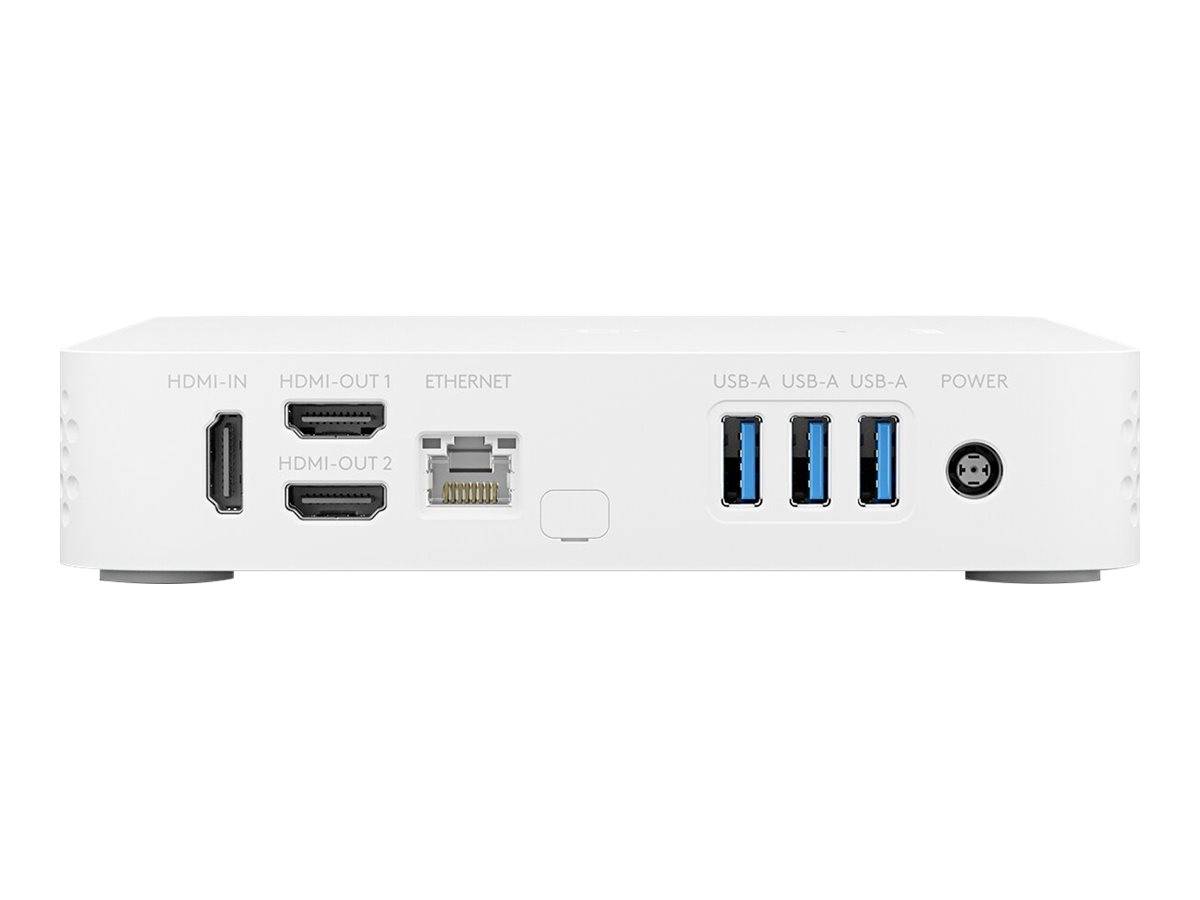
- You connect the conference camera by USB, the room display(s) by HDMI and the network by Ethernet or Wi-Fi; the room then boots straight into Teams Rooms or Zoom Rooms.
- Two HDMI outputs let you show participants on one screen and shared content on the other, which is the usual set-up for medium and large rooms.
- The HDMI input accepts a laptop for wired content sharing in the room.
- Everything is managed remotely in Logitech Sync (firmware, status, settings), so the room can be looked after without visiting it.
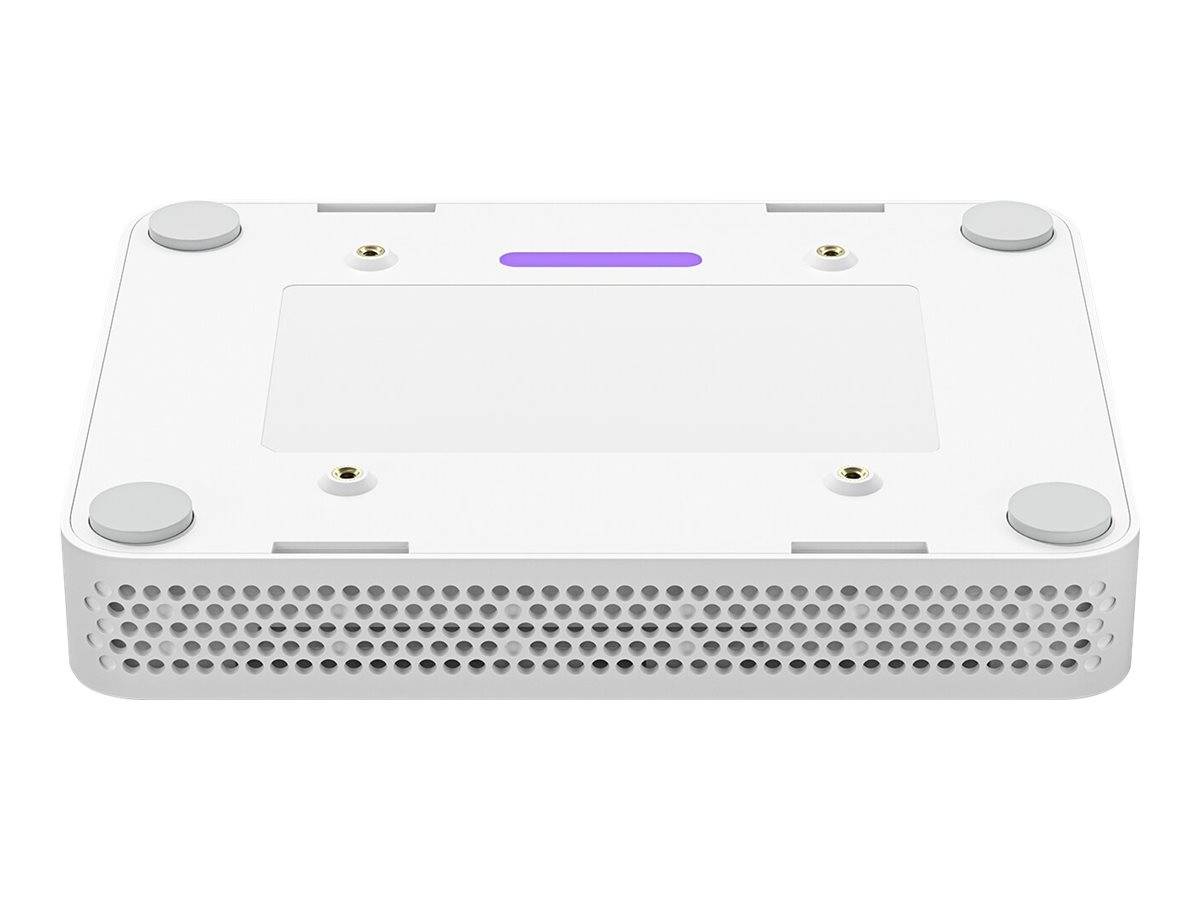
- The mounting plate lets you fix the unit behind a display or under a table, out of sight.
What Will Not Work
- It will not run Windows apps or Microsoft Teams Rooms on Windows — it is the Android/appliance edition of Teams Rooms.
- It does not work with third-party USB webcams or speakerphones; only the Logitech and verified audio devices listed by Logitech.
- It is not needed with Logitech Rally Bar, Rally Bar Mini or Rally Board, which have the computer built in.
- It does not include a camera, microphone, display or touch controller.
Key Features
Appliance-mode rooms
Boots straight into Teams Rooms on Android or Zoom Rooms — no Windows PC to patch or keep logged in.
Dual display
2x HDMI 1.4 outputs up to 1080p, plus an HDMI input for wired laptop sharing.
Managed by Sync
Firmware, health and settings for the whole room are handled from Logitech Sync.
Pro audio support
Verified DSPs include Biamp TesiraFORTE, Q-SYS Core, Shure IntelliMix P300, Extron DMP Plus and Nureva HDL.
Technical Specifications
Frequently Asked Questions
Singular Expert Insight · Buyer's Guide
RoomMate makes sense when you already own, or are buying, a modular Logitech Rally or a MeetUp and want the room to behave like an appliance instead of a PC. Pair it with one or two commercial displays and a Tap, and the room is complete.
✓ Buy it if you have Rally, Rally Plus or MeetUp and want Teams Rooms or Zoom Rooms without a Windows PC.
✕ Skip it if you are buying a Rally Bar or Rally Bar Mini (computer already inside), or you need Teams Rooms on Windows.
→ Also consider Logitech Tap or Tap IP as the room controller; a commercial display for each HDMI output.
Not sure which camera or controller you need? Send us your room size and platform (Teams or Zoom) and we will put together a compatible set before you order.
Features - Logitech - 950-000084
More Details
Product Code
CD14684
EAN Code
5099206097582
Manufacturer
Logitech