Special B2B pricing available after sign-in

MSI AXE5400 WiFi USB Adapter GUAXE54 Wi-Fi 6E Tri Band 2402 Mbps 6 GHz 5 GHz USB 3.2 Gen 1 Two Antennas with Cradle

Brand:
MSI
MSI AXE5400 WiFi USB Adapter GUAXE54 Wi-Fi 6E Tri-Band
MSI AXE5400 WiFi USB Adapter GUAXE54 Wi-Fi 6E Tri Band 2402 Mbps 6 GHz 5 GHz USB 3.2 Gen 1 Two Antennas with Cradle
€95.63 inc. VAT
Buy
GUAXE54
€80.36
€95.63 inc. VAT
Ships from EU stock: 112 item(s)
Product Code
04:462060
EAN Code
4711377126434
Manufacturer
MSI
Features
Wireless

Quick Specs

Wi-Fi
Wi-Fi 6E · AXE5400
Speed
2402 Mbps 6 & 5 GHz
Antennas
2 × high-gain tri-band
Extras
Desk cradle
Delivery

Order Today...
Ships...
Delivery...
ℹ️ Large or fragile items (e.g. monitors) may require extra handling time. We'll keep you informed.
Payment options
✓ Bank Deposit
Secure checkout with flexible payment methods
Trusted Tech Choice
Buying Benefits Verified
Competitive EU pricing
Delivered to Cyprus from EU stock
Local warranty support

MSI AXE5400 WiFi USB Adapter — Tri-Band Wi-Fi 6E USB Adapter

Wi-Fi 6E · AXE54002402 Mbps 6 & 5 GHz2 high-gain antennasUSB 3.2 Gen 1

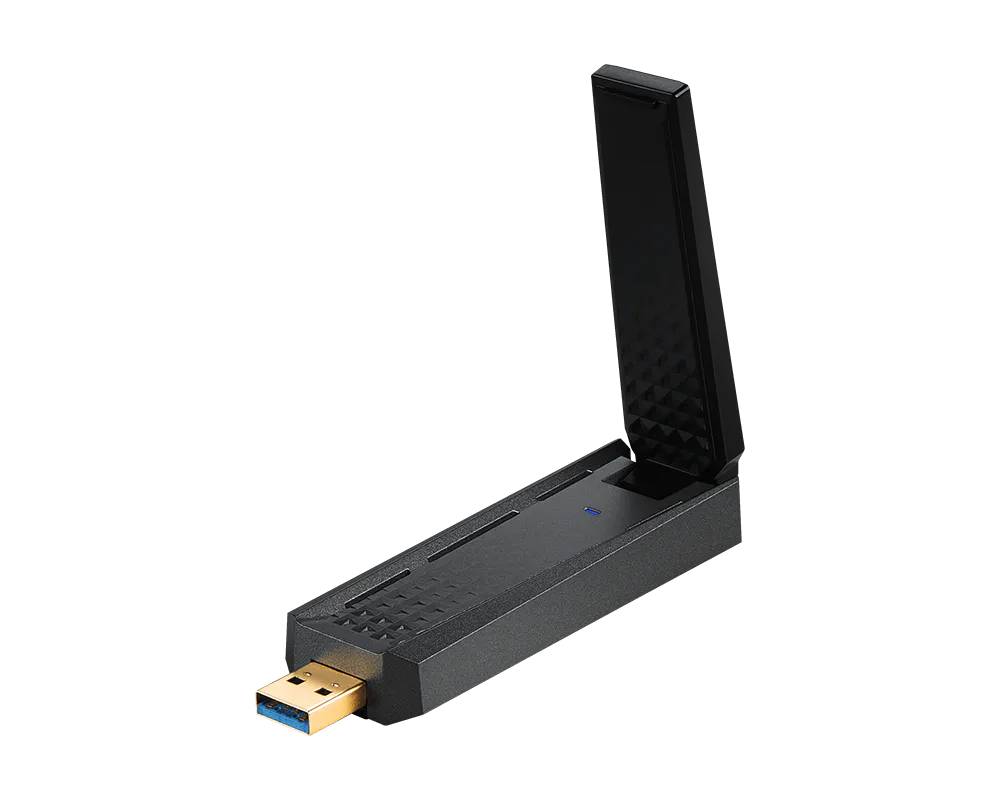
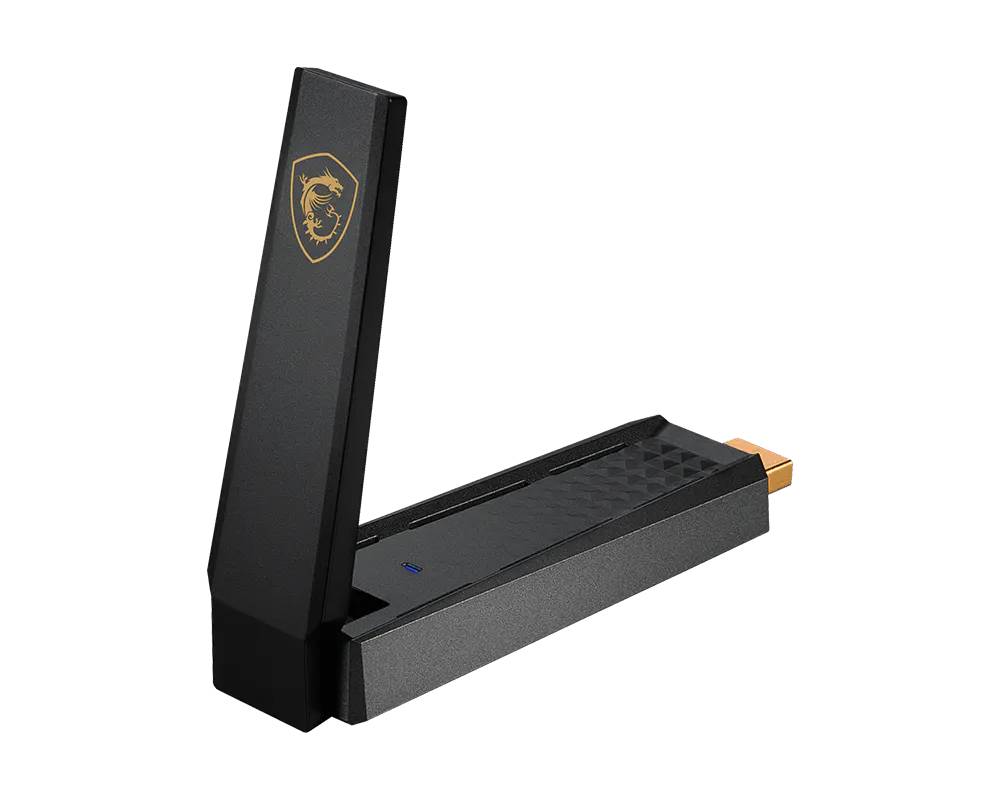
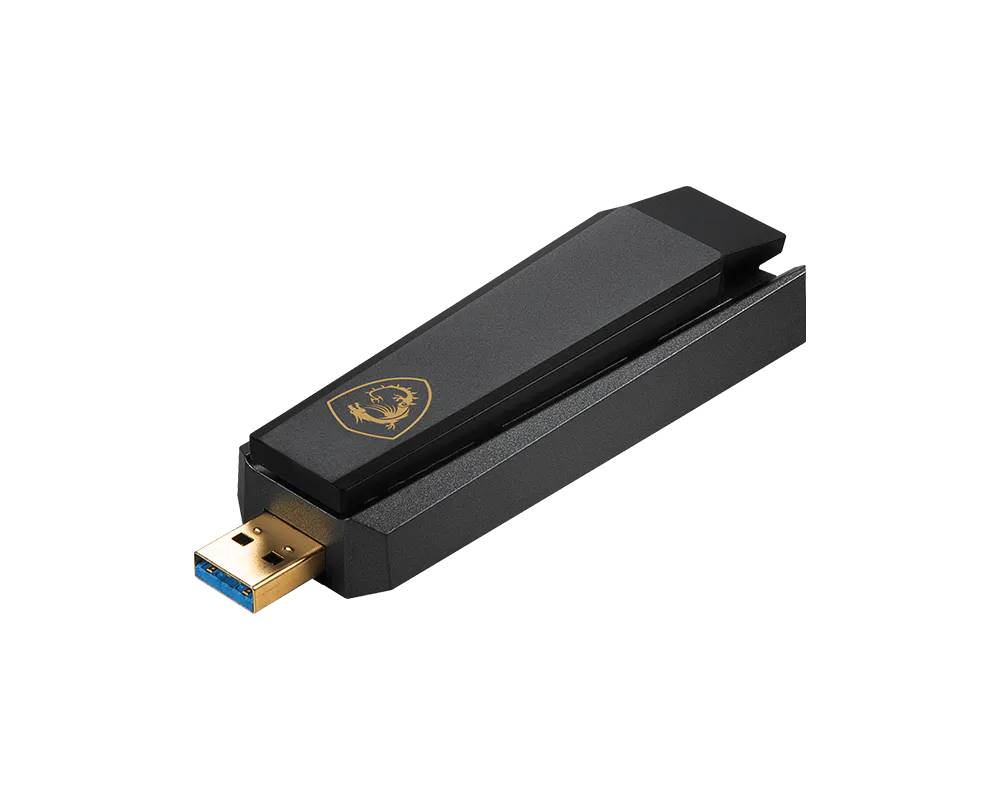
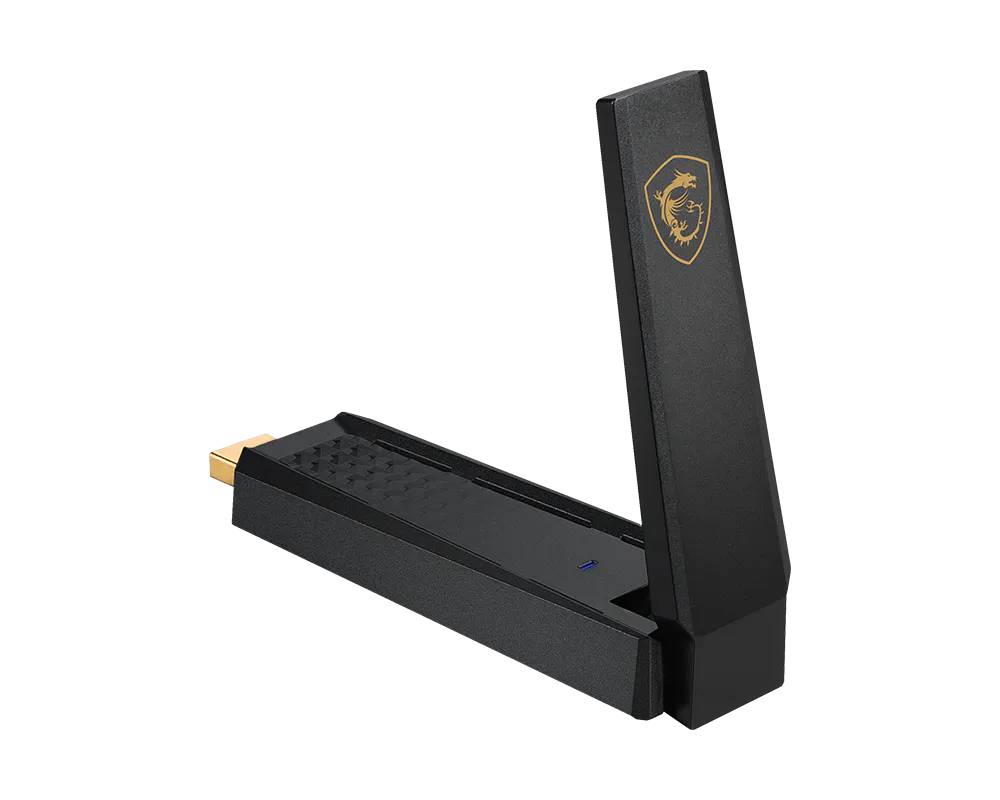
The MSI AXE5400 WiFi USB Adapter is a tri-band Wi-Fi 6E USB 3.2 Gen 1 adapter with two high-gain tri-band antennas and a desk cradle. It connects at up to 2402 Mbps on 6 GHz, 2402 Mbps on 5 GHz and 574 Mbps on 2.4 GHz. It has no Bluetooth. In practice it gives a desktop or laptop a working Wi-Fi connection through a free USB port, with no need to open the case — useful when the PC has no Wi-Fi, or its built-in Wi-Fi is too old or too weak for your router.

Compatibility — check before buying:
The 6 GHz band only helps next to a Wi-Fi 6E or Wi-Fi 7 router. MSI lists Windows 11, Windows 10 (2H22 or later) and Linux. Use a USB 3.x port for full speed. Not sure it suits your PC or router? Send us the computer model and your router and we check it.

Best For

✓ Desktop PCs without Wi-Fi
✓ Laptops with weak or failed Wi-Fi
✓ Upgrading without opening the case
✓ Home offices and studies
✓ Students and family PCs
✓ Temporary and travel setups

Key Features

 
Wi-Fi 6E tri-band
Up to 2402 Mbps on 6 GHz and 5 GHz next to a Wi-Fi 6E router.
 
High-gain antennas
Two adjustable tri-band antennas for better reach.
 
Cradle in the box
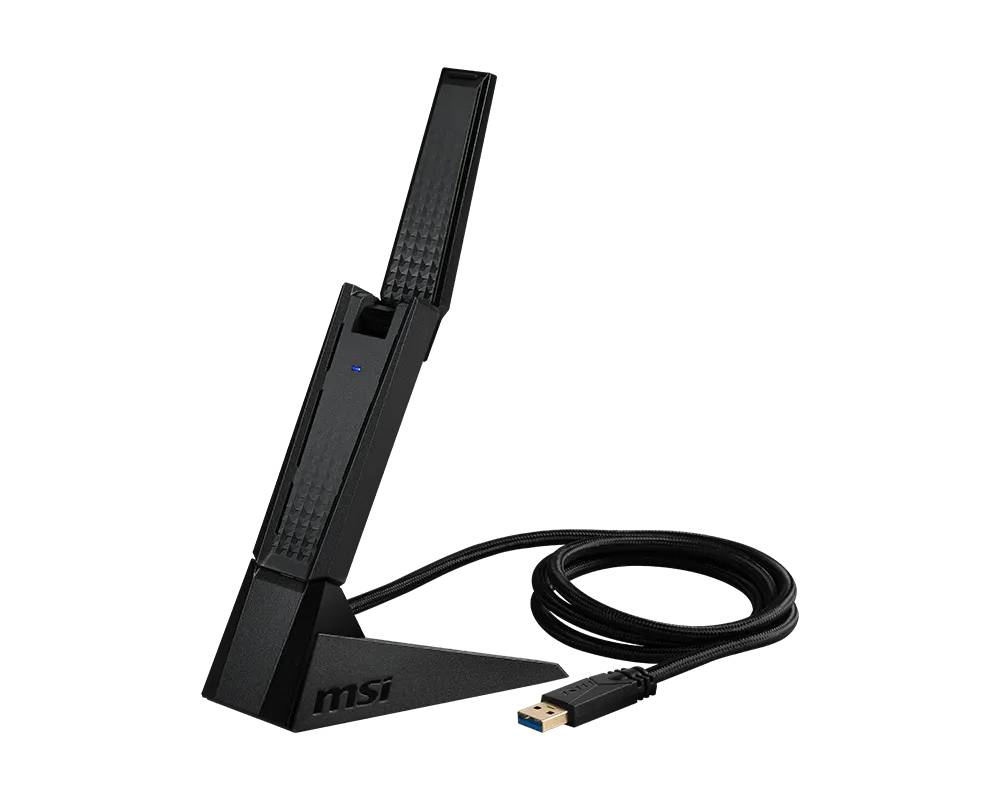
Stand the adapter on the desk, away from the case.
 
WPA3 Enterprise
WPA3 Personal and Enterprise for home and office networks.

Technical Specifications

Identification
Brand MSI
Product MSI AXE5400 WiFi USB Adapter (GUAXE54)
Model AXE5400 WiFi USB Adapter
Part Number GUAXE54
EAN / GTIN 4711377126434
Wireless
Standard Wi-Fi 6E (802.11ax), Wi-Fi 6, Wi-Fi 5 and earlier
Bands 2.4, 5 and 6 GHz
Maximum Rate 2402 Mbps (6 GHz), 2402 Mbps (5 GHz), 574 Mbps (2.4 GHz)
Security WPA/WPA2/WPA3 Personal and Enterprise
Connection & Hardware
Interface USB 3.2 Gen 1 Type-A
Antennas 2 high-gain tri-band, adjustable
Cradle Included
Bluetooth None
Compatibility
Windows Windows 11, Windows 10 (2H22 or later)
Linux Supported, according to MSI
Physical
Dimensions 102 × 30 × 19 mm
Weight 46 g (without cradle)
Planning the Installation
USB Port Use a USB 3.0 (or newer) Type-A port for full speed; it also runs on USB 2.0 at lower throughput.
Placement Reception is best with a clear line to the router; avoid ports at the back of a metal case under the desk. Use the cradle to stand it on the desk.
Router For 6 GHz it needs a Wi-Fi 6E or Wi-Fi 7 router.
Drivers Install the driver from the manufacturer’s support page, or from the disc where one is supplied.
In the Box
Included AXE5400 WiFi USB Adapter, cradle, quick start guide
Not Included Bluetooth
Warranty
Warranty 1-Year Warranty (Singular)
Manufacturer Term MSI does not publish a warranty term for this adapter on its product pages. Singular’s direct warranty is 1 year, and we support you locally for anything beyond it.

Frequently Asked Questions

Does it have Bluetooth?
No. The AXE5400 WiFi USB Adapter is Wi-Fi only. If you also need Bluetooth, ask us for an adapter that combines both.
Will I get the full 2402 Mbps?
Not in daily use. 2402 Mbps is the maximum link rate MSI quotes; real throughput depends on your router, the distance, walls and the USB port. A router of the same Wi-Fi generation gets the most out of it.
Do I need a USB 3.0 port?
For full speed, yes: plug it into a USB 3.0 (or newer) Type-A port, often blue or marked SS. It still works in a USB 2.0 port, but the port then limits throughput.
Which operating systems are supported?
MSI lists Windows 11, Windows 10 (2H22 or later) and Linux. macOS is not listed.
Singular Expert Insight
We suggest the AXE5400 WiFi USB Adapter for desktops next to a Wi-Fi 6E router, where 6 GHz and high-gain antennas give a fast, clean link. Every order comes with Singular’s local support in Cyprus. See our Wi-Fi USB adapters or the routers and access points that complete the network.

Buyer’s Guide

Buy it if

You have a Wi-Fi 6E or Wi-Fi 7 router and a USB 3 port.

Skip it if

Your router is Wi-Fi 6 only — the MSI AX1800 costs less.

Also consider

MSI AX1800 WiFi USB Adapter, Wi-Fi 6.

Features - MSI - GUAXE54

Interface
  • USB3.0,
  • WIFI
More Details
Product Code
04:462060
EAN Code
4711377126434
Manufacturer
MSI
  • Recently Viewed
  • Customers Also Bought
 
Why Buy from Singular

Trusted by businesses across Cyprus

Genuine products, EU stock, and expert support for every purchase.
✓ Genuine Products
Sourced through official distribution channels, with full manufacturer warranty.
✓ EU Stock
Shipped from our EU distribution network, with real-time availability on every product.
✓ B2B Ready
VAT invoices for business deduction and credit terms for verified buyers.
Expert Support
Talk to our team for sizing, configuration or volume orders.