
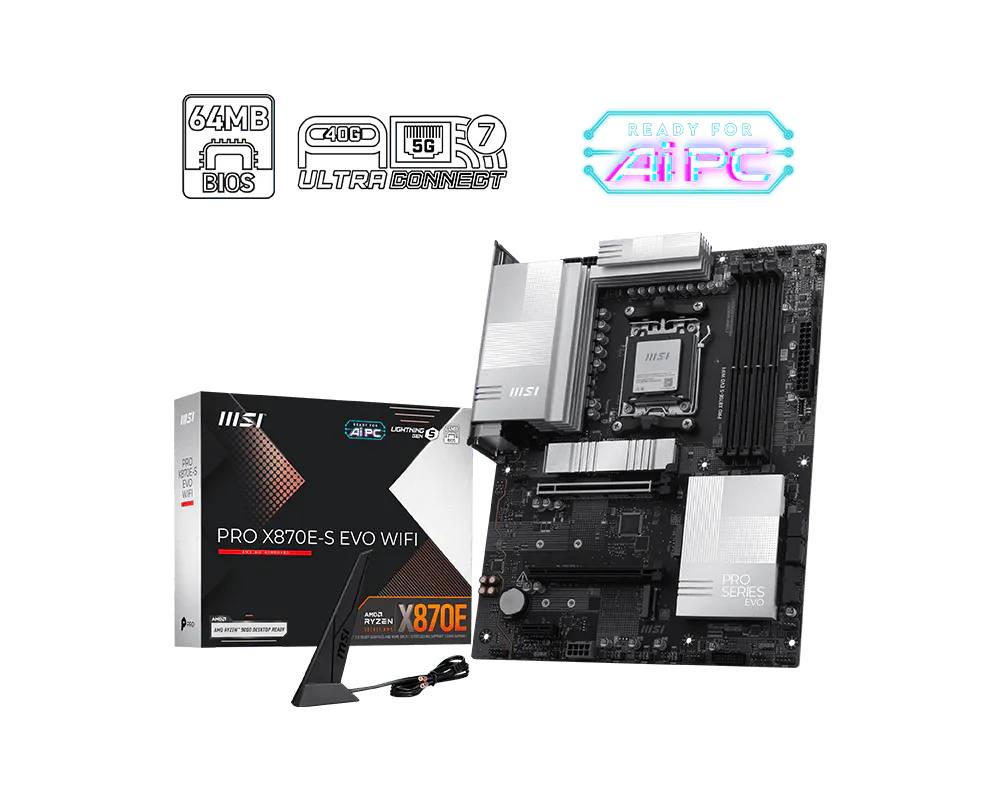
MSI PRO X870E-S EVO WIFI AMD X870E ATX Motherboard AM5 DDR5 PCIe 5.0 USB4 Triple M.2 Wi-Fi 7 5GbE
Brand:
MSI

MSI PRO X870E-S EVO WIFI AMD X870E ATX Motherboard AM5 DDR5 PCIe 5.0 USB4 Triple M.2 Wi-Fi 7 5GbE
€327.35 inc. VAT


7E86-003R
Delivery
Order Today...
Ships...
Delivery...
ℹ️ Large or fragile items (e.g. monitors) may require extra handling time. We'll keep you informed.
Payment options
Trusted Tech Choice
Buying Benefits
Verified
Competitive EU pricing
Delivered to Cyprus from EU stock
Local warranty support
Please sign in so that we can notify you about a reply
MSI PRO X870E-S EVO WIFI — AMD X870E ATX for Socket AM5 with USB4 and 5Gb Networking
AMD X870E / Socket AM5USB4 40 Gbps Type-CPCIe 5.0 x16 + PCIe 5.0 M.2Wi-Fi 7 + Realtek 5Gb LAN
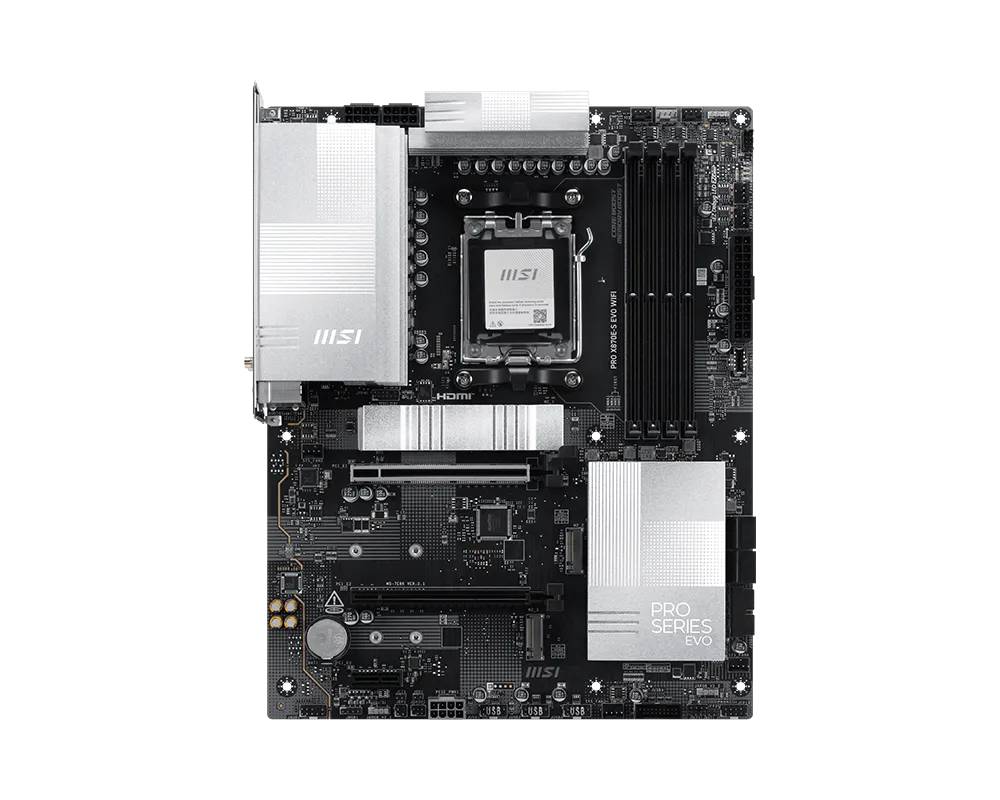
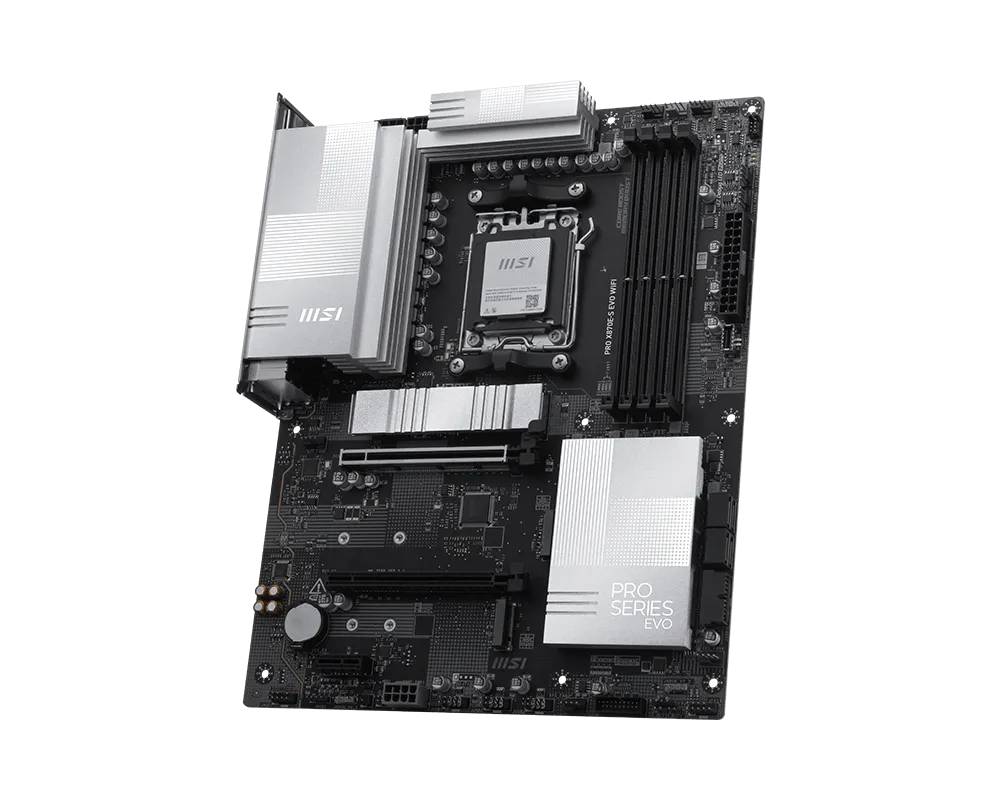
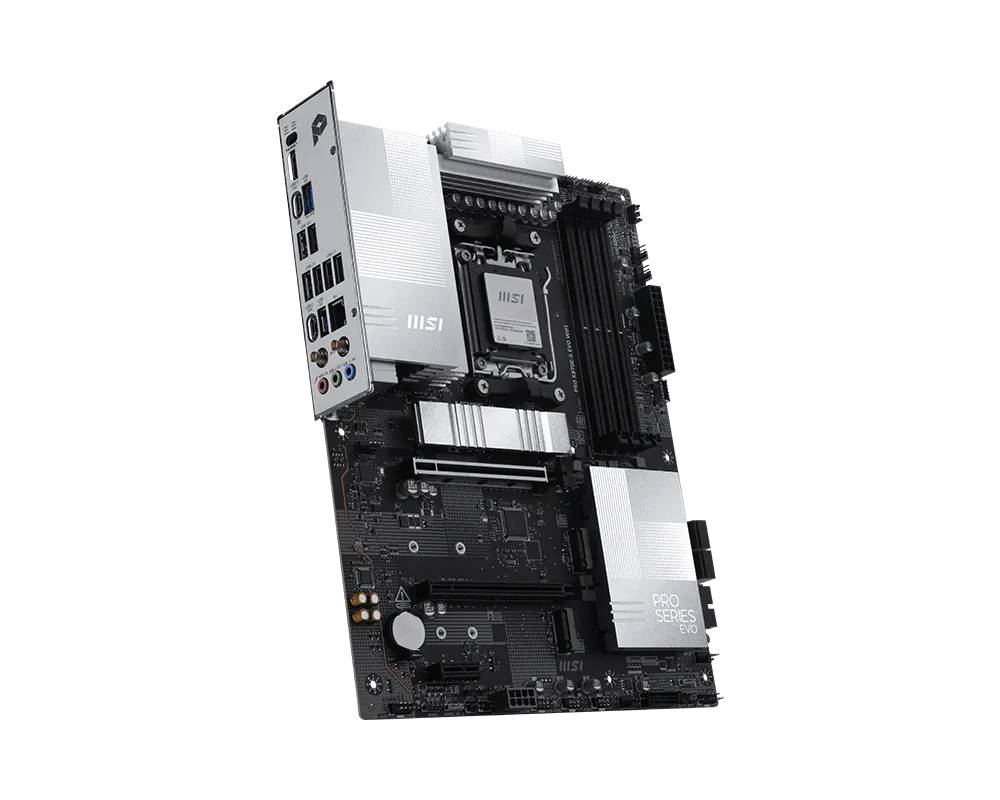
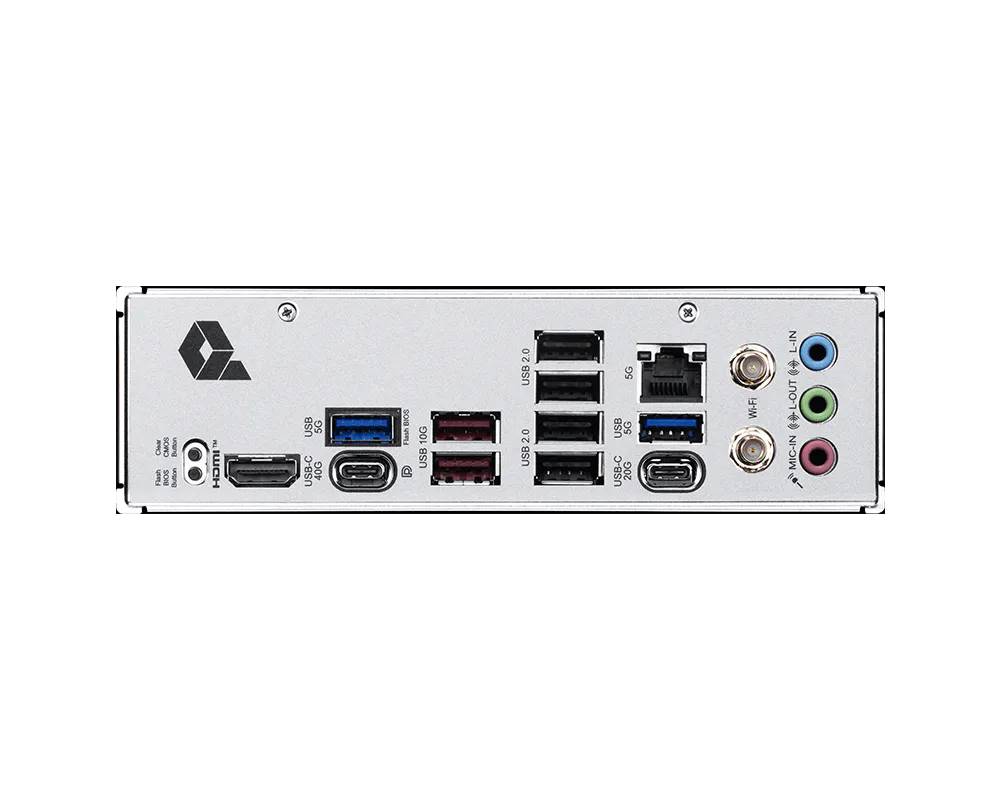
The MSI PRO X870E-S EVO WIFI is a full-size ATX motherboard on the flagship AMD X870E chipset for Socket AM5, built as a professional workstation platform rather than a gaming board — the headline additions over B850 are USB4 at 40 Gbps and the extra chipset connectivity X870E brings. It carries the part number 7E86-003R (EAN 4711377412230) and supports AMD Ryzen 9000, 8000 and 7000 Series processors, with four DDR5 UDIMM slots taking up to 256 GB and rated to 8200+ MT/s when overclocked. Storage covers three M.2 slots, the first at PCIe 5.0 x4, plus four SATA 6 Gb/s ports. Networking is a Realtek 8126VB 5Gb Ethernet controller with Wi-Fi 7 and Bluetooth 5.4. Typically in stock with fast delivery across Cyprus.
Compatibility — check before buying:
The three M.2 slots differ in length support rather than speed: M.2_1 is PCIe 5.0 x4 (2280 / 2260), M.2_2 is PCIe 4.0 x4 and takes 22110 drives, M.2_3 is PCIe 4.0 x4 (2280 / 2260). Beyond the PCIe 5.0 x16 graphics slot, expansion is one PCIe 4.0 x4 and one PCIe 3.0 x1. Display output is one HDMI 2.1 capped at 4K 60 Hz plus DisplayPort 1.4 over the USB4 Type-C port at up to 4K 120 Hz, and both need a CPU with integrated graphics. Onboard audio is a Realtek ALC897 — a mainstream codec, which is a deliberate PRO-series choice rather than an oversight, but worth knowing on an X870E board. Socket AM5 means DDR5 only. The board is full ATX at 304.8 x 243.84 mm. The 5Gb LAN port only exceeds gigabit against a 5GBASE-T or better switch.
Best For
✓ Workstations needing USB4 docks or external NVMe enclosures
✓ Video and photo editors moving files over 5Gb Ethernet
✓ Professional builds wanting X870E connectivity without gaming styling
✓ Systems with three NVMe drives plus four SATA disks
✓ Ryzen 9000 builds using a PCIe 5.0 graphics card
✓ Desks that connect a single-cable USB-C display or dock
Key Features
USB4 at 40 Gbps with DisplayPort output
A rear USB4 Type-C port runs at 40 Gbps and carries DisplayPort 1.4 at up to 4K 120 Hz, so a single cable can drive a monitor, charge a laptop-style device and connect an external NVMe enclosure or dock. That is the practical reason to choose X870E over B850, and it is not available on the cheaper chipset.
Realtek 5Gb LAN plus Wi-Fi 7
Wired networking is a Realtek 8126VB 5Gb controller — twice the 2.5GbE most boards offer — alongside a Wi-Fi 7 module with Bluetooth 5.4. For a workstation that reads and writes to a NAS all day, the wired port is the single most useful specification on the board.
Three M.2 slots with PCIe 5.0 on the first
M.2_1 runs PCIe 5.0 x4 from the CPU, while M.2_2 and M.2_3 both run PCIe 4.0 x4 — note that unlike many boards, the third slot here is full x4 rather than x2. M.2_2 accepts longer 22110 drives. Four SATA 6 Gb/s ports remain for bulk storage.
Four DDR5 slots to 256 GB with EXPO
Four UDIMM sockets in dual channel take up to 256 GB, with AMD EXPO one-click profiles and a rated ceiling of 8200+ MT/s with one single-rank module per channel. That covers memory-hungry workstation loads such as virtual machines and large project files.
Technical Specifications
Frequently Asked Questions
Singular Expert Insight
X870E is the chipset you buy for connectivity rather than raw speed, and this board is a clear example: the USB4 port and the 5Gb LAN are the reasons to pick it, not the PCIe 5.0 slot that B850 already provides. If your work involves an external NVMe enclosure, a single-cable dock or a fast NAS, that combination genuinely changes your day. If it does not, a B850 board will do the same job for less. The PRO line makes its priorities plain: an ALC897 codec and plain styling, but full x4 bandwidth on all three M.2 slots and generous USB counts. Pair it with a two-module DDR5 memory kit to hold the higher rated speeds, and a Gen 5 drive from our internal SSDs range in M.2_1. If you also want a strong audio codec and gaming aesthetics, look at the MAG or MPG lines instead.
Buyer's Guide
Buy it if
You need USB4 at 40 Gbps and 5Gb wired networking on a professional AM5 workstation board, with PCIe 5.0 graphics and storage and three full-speed M.2 slots.
Skip it if
You do not use USB4 or a 5Gb network — a B850 board gives you the same PCIe 5.0 for less — or you want premium onboard audio and gaming styling.
Also consider
The MSI MAG X870E GAMING MAX WIFI for a gaming-oriented X870E board, or the MSI PRO B850-S EVO WIFI for the same 5Gb LAN and PRO styling without USB4.
Features - MSI - 7E86-003R
CPU Socket
- Socket AM5
Colour
black
More Details
Product Code
04:582933
EAN Code
4711377412230
Manufacturer
MSI