
MSI PRO MAX 271QPX14G 27" WQHD QD-OLED Monitor 144 Hz 0.03 ms HDMI DP USB-C Height Adjustable Black
Brand:
MSI

MSI PRO MAX 271QPX14G 27" WQHD QD-OLED Monitor 144 Hz 0.03 ms HDMI DP USB-C Height Adjustable Black
€644.24 inc. VAT
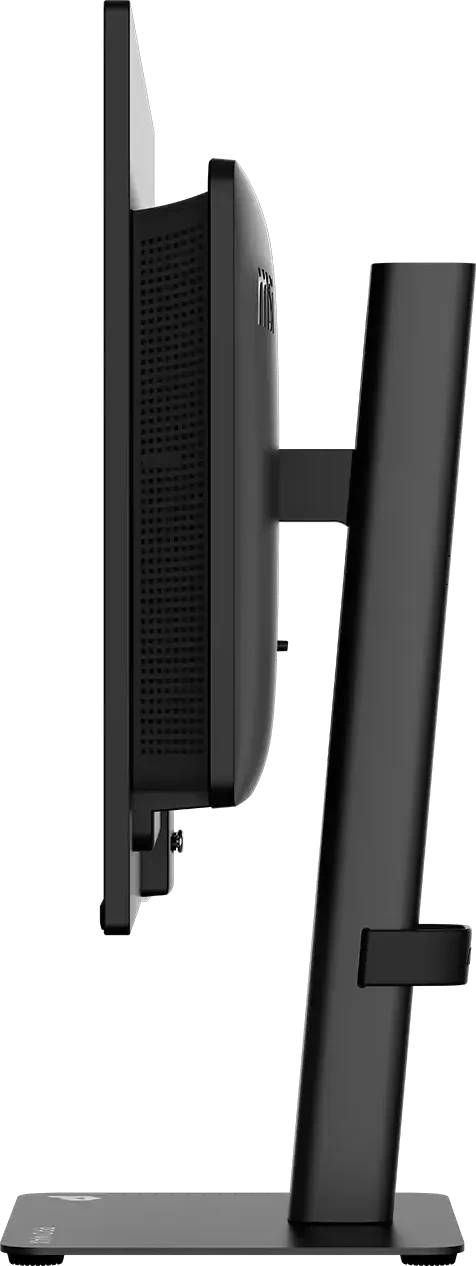
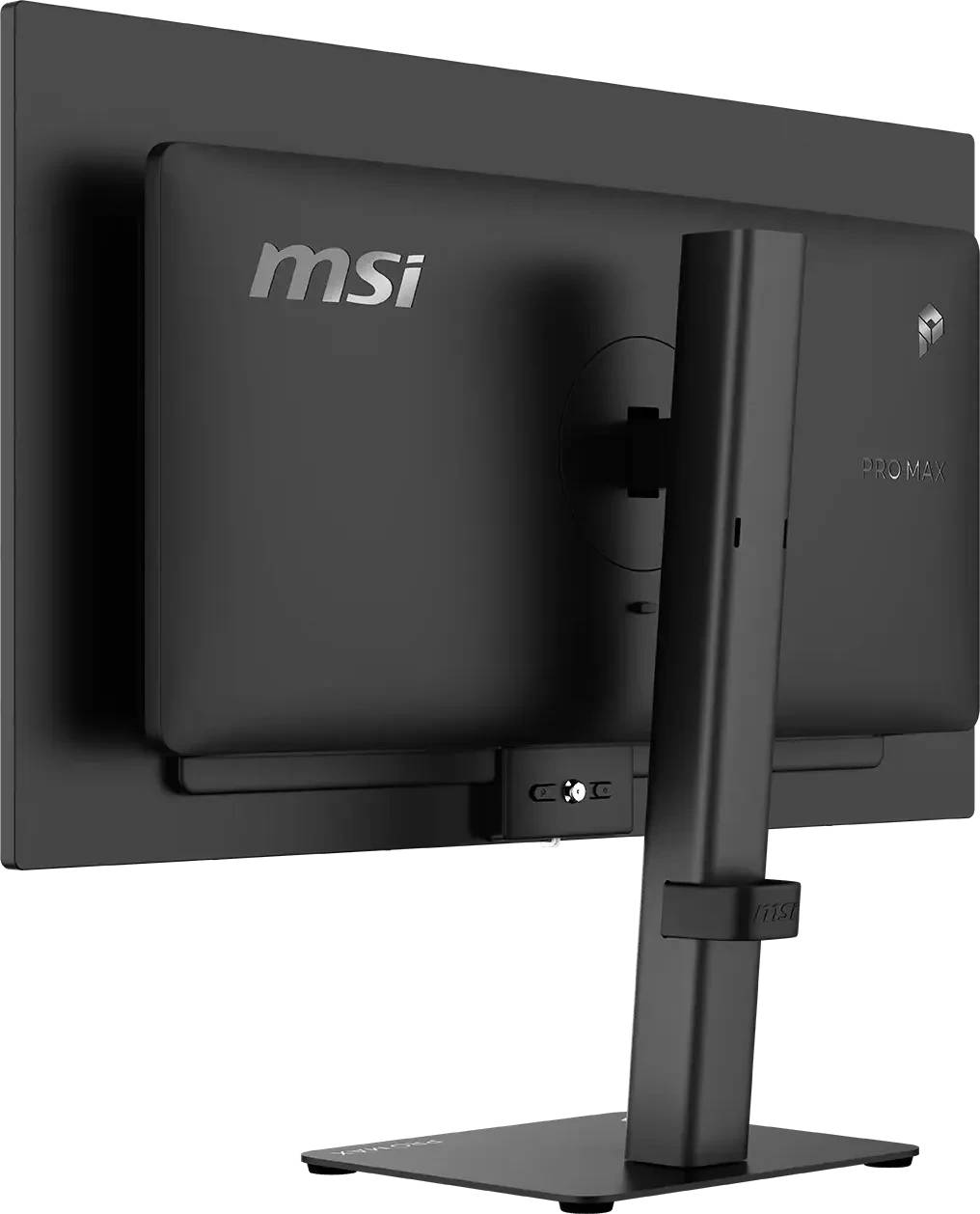
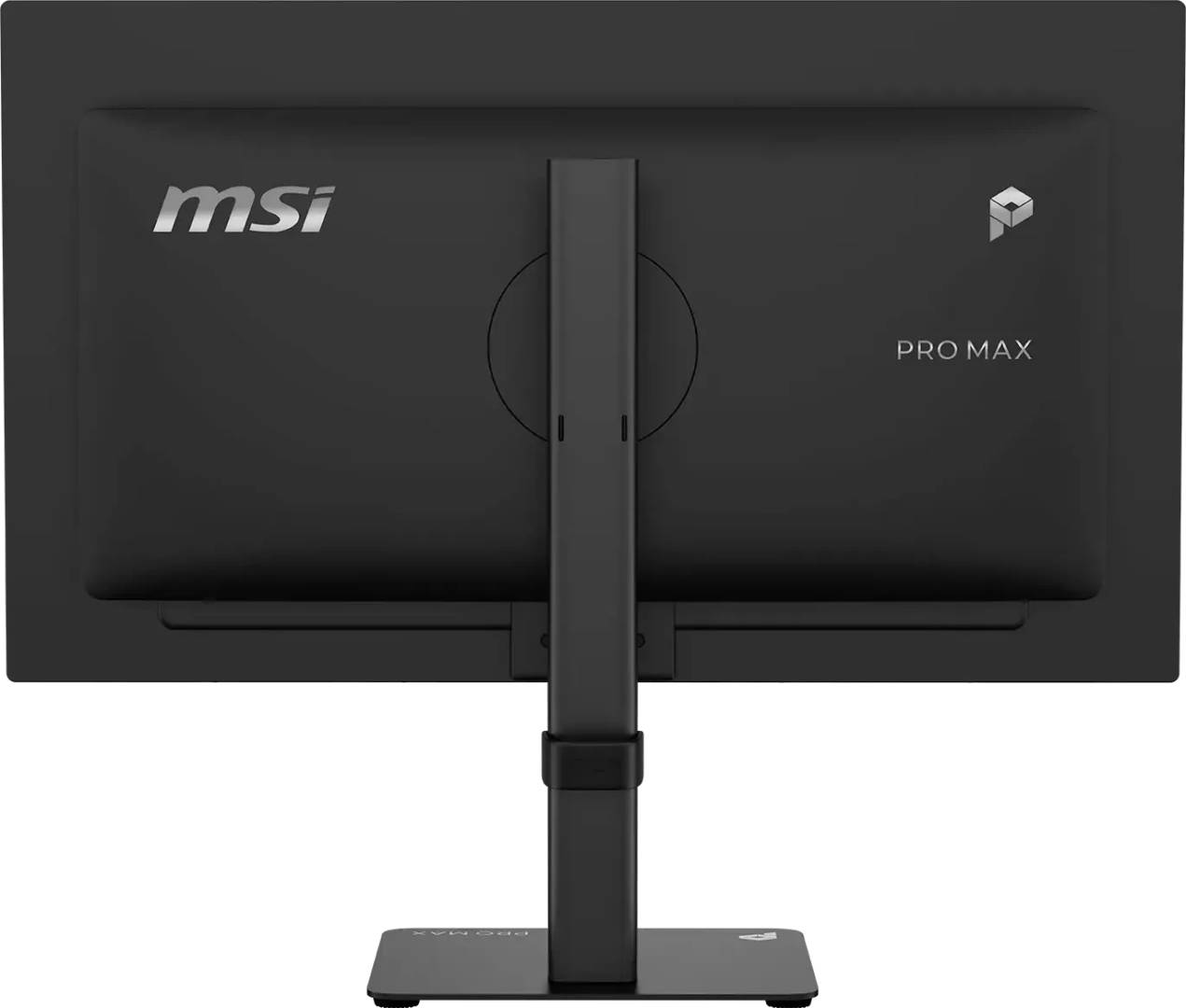


PROMAX271QPX14G
Delivery
Order Today...
Ships...
Delivery...
ℹ️ Large or fragile items (e.g. monitors) may require extra handling time. We'll keep you informed.
Payment options
Trusted Tech Choice
Buying Benefits
Verified
Competitive EU pricing
Delivered to Cyprus from EU stock
Local warranty support
Please sign in so that we can notify you about a reply
MSI PRO MAX 271QPX14G — 27" WQHD QD-OLED Productivity Monitor, 144 Hz
QD-OLED WQHD144 Hz · 0.03 ms99% DCI-P3 · ΔE ≤ 2Full ergonomic stand
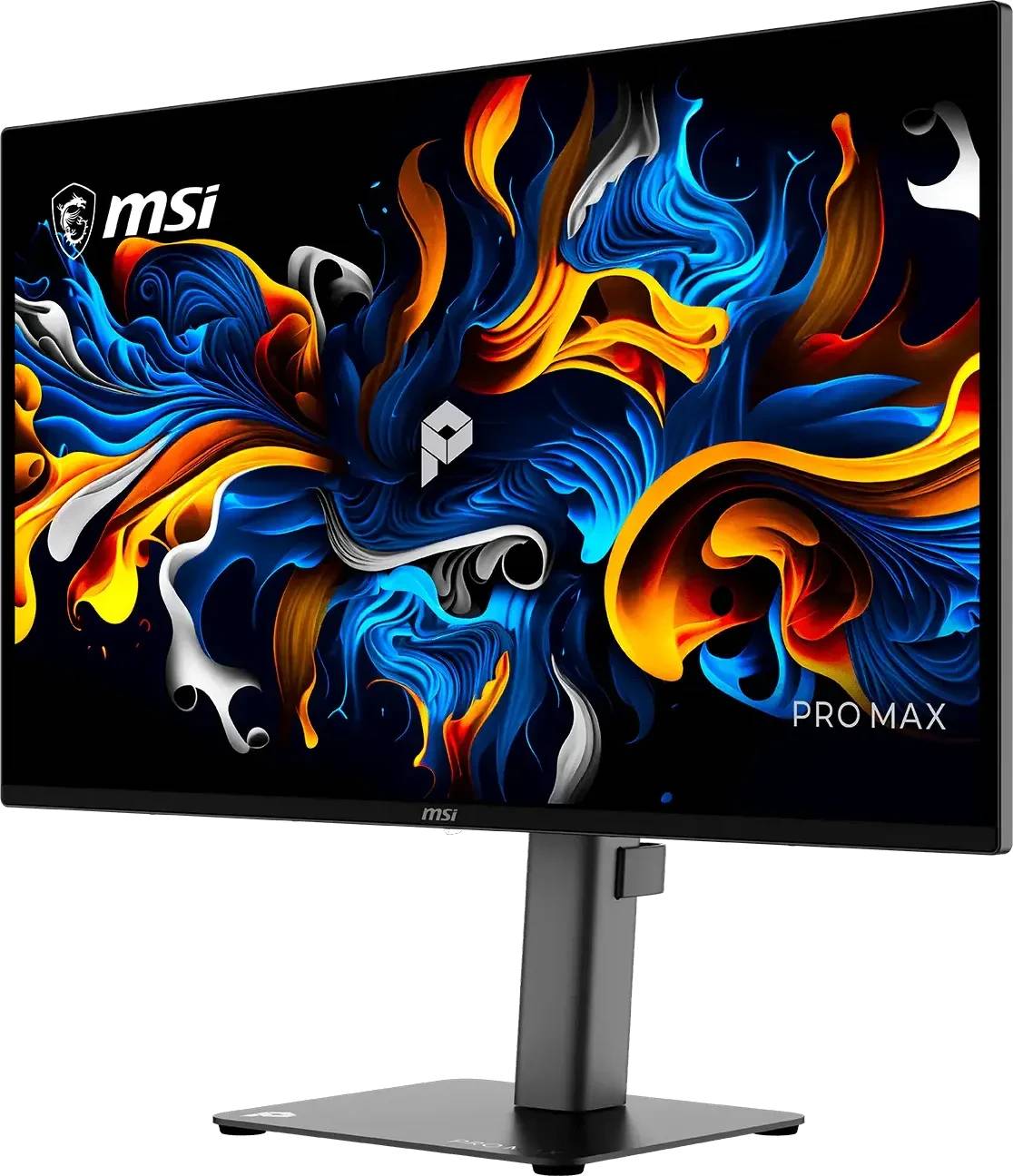
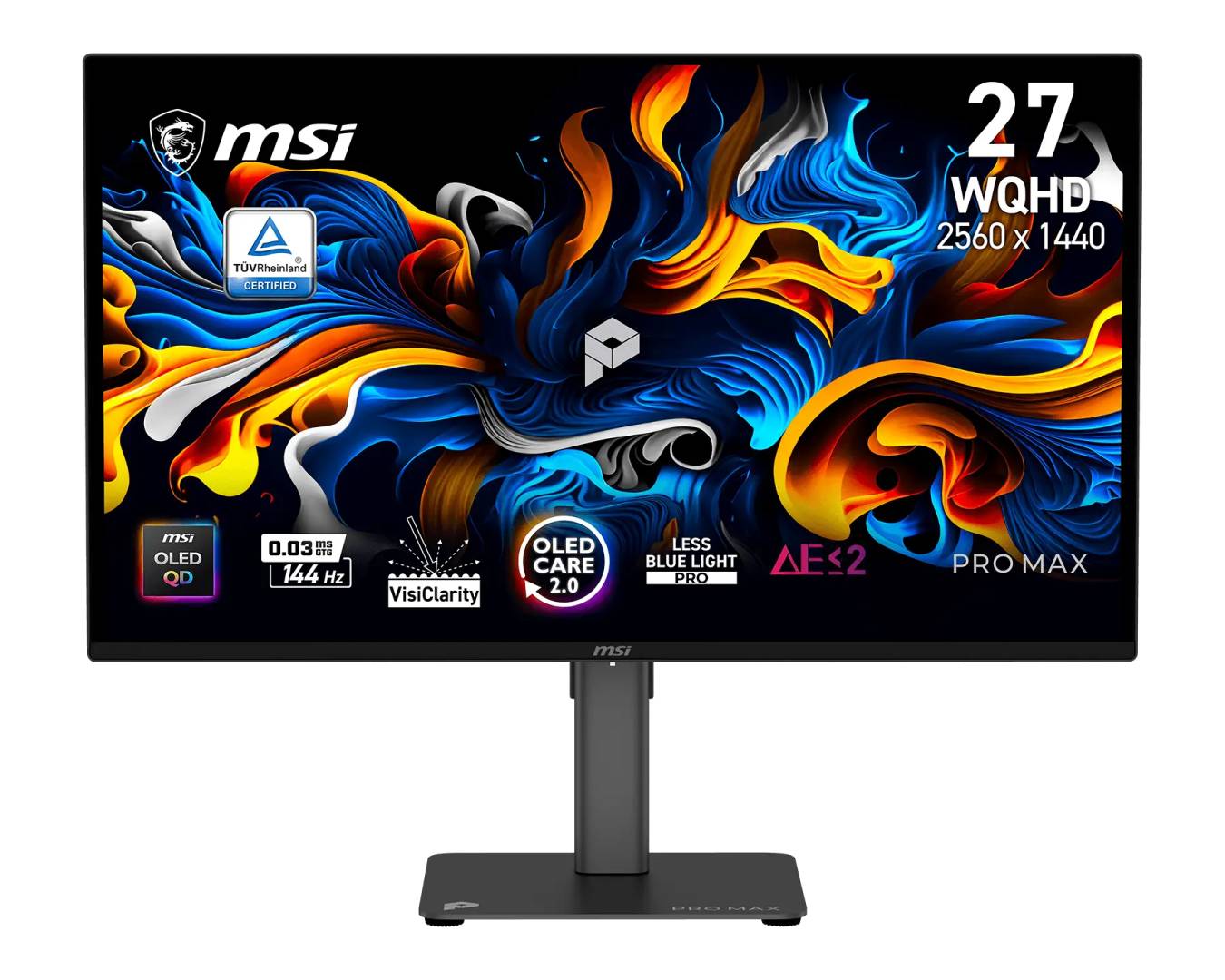
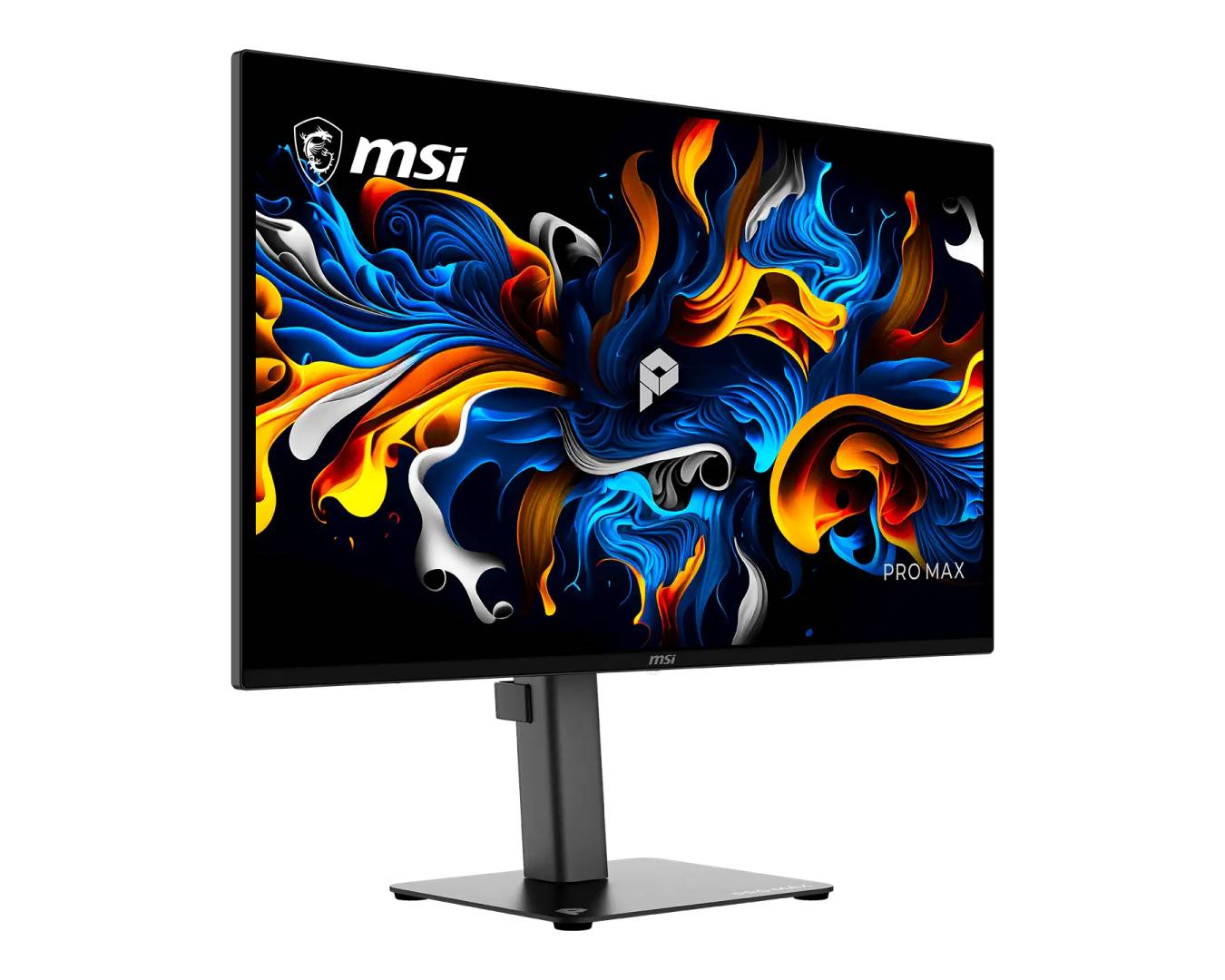
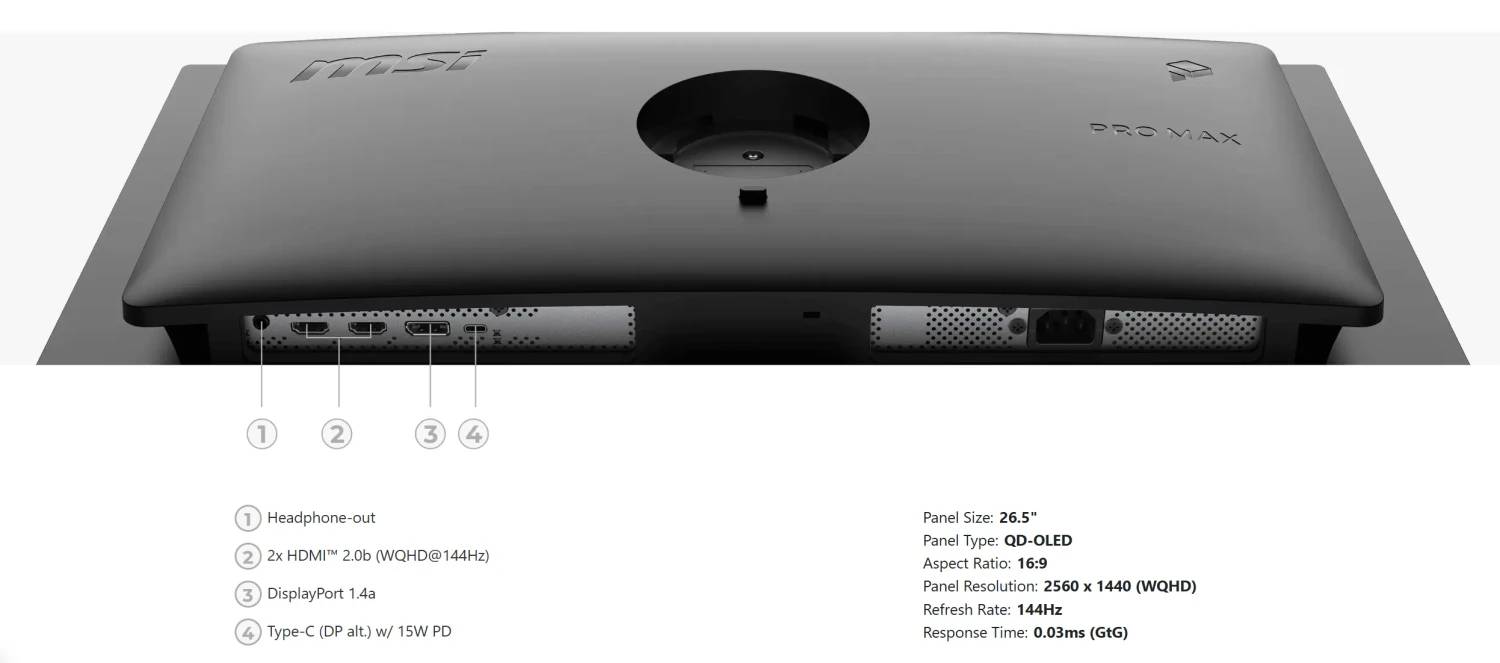
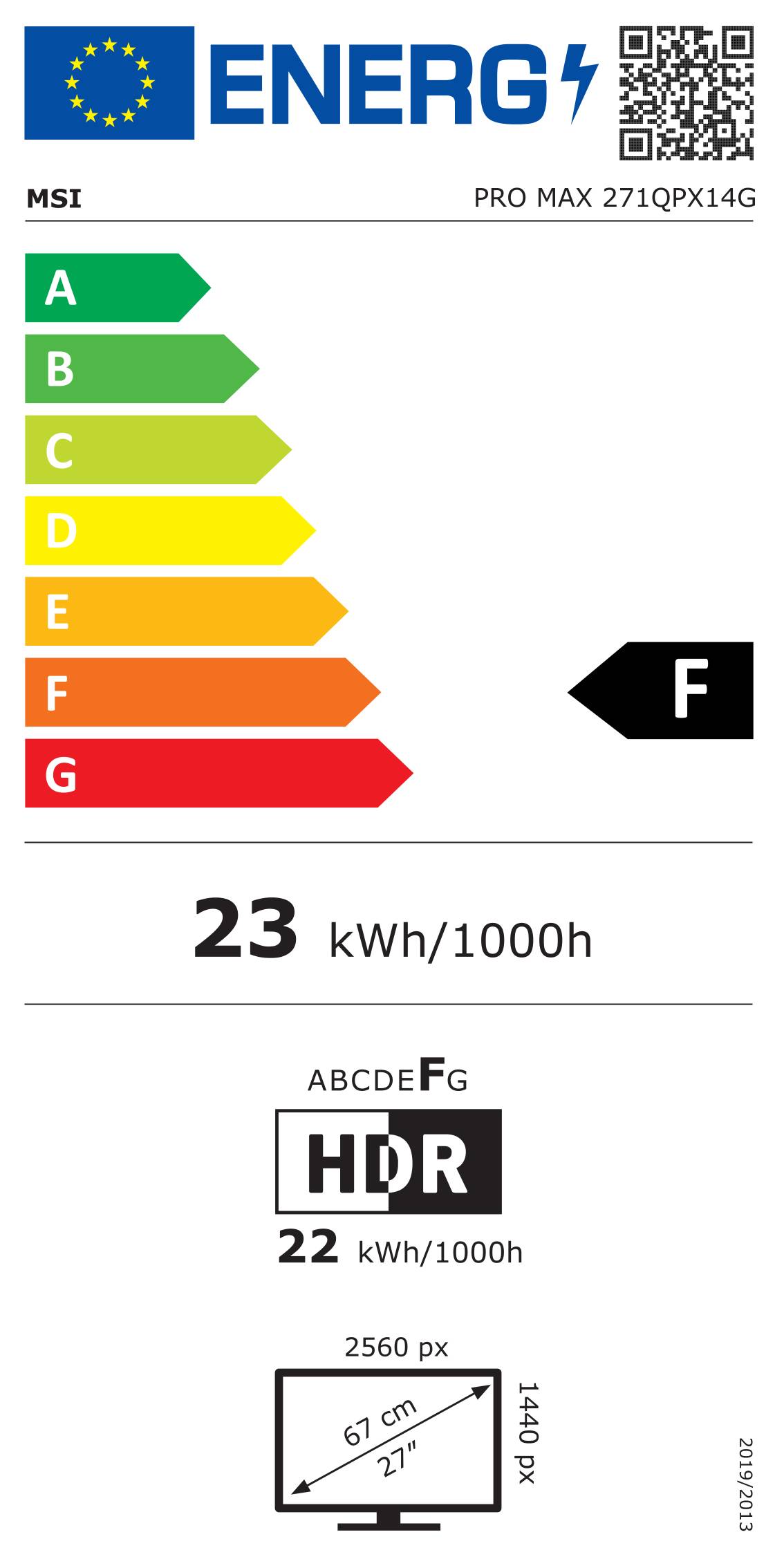
The MSI PRO MAX 271QPX14G (part number PROMAX271QPX14G) is a 27-inch WQHD (2560 x 1440) QD-OLED monitor with 144 Hz refresh and 0.03 ms response, bringing OLED contrast to office, creative and after-hours gaming use.
It connects via HDMI 2.0b, DisplayPort 1.4a (both up to 144 Hz) and USB-C with DisplayPort Alt Mode and 15 W power output, with 2x 2.5 W speakers and a headphone jack.
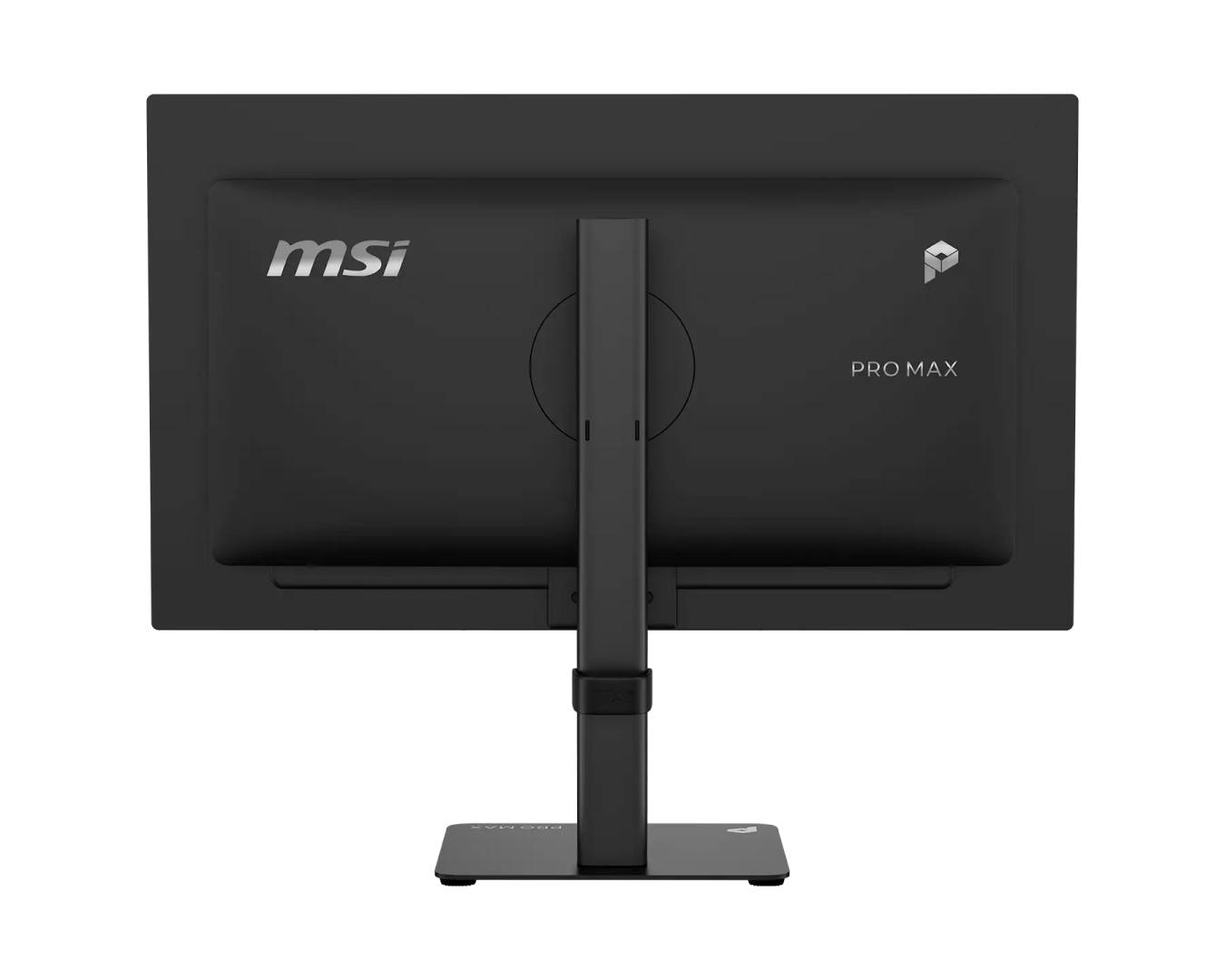
Colour performance is strong for its class — 99% DCI-P3, 98% Adobe RGB and 100% sRGB coverage, 10-bit, ΔE ≤ 2 — and the stand offers height, tilt, swivel and pivot plus an integrated mini-PC mount.
Compatibility note: USB-C supplies only 15 W, so it will not charge a laptop. HDR is listed as "HDR Ready" (400 nits peak, no DisplayHDR certification). No USB hub. OLED can retain static images over long periods; MSI OLED Care 2.0 helps.
Best For
✓ Office and home-office work
✓ Photo editing and design
✓ Gaming after hours at 144 Hz
✓ Mini-PC desks (stand mount)
✓ Dark-room movie watching
✓ Upgrading from a 1080p IPS monitor
Key Features
OLED contrast at QHD
1.5 million:1 contrast and per-pixel light for deep blacks, with 144 Hz and 0.03 ms for smooth motion.
Wide, accurate colour
99% DCI-P3, 98% Adobe RGB, 100% sRGB coverage and ΔE ≤ 2.
Mini-PC ready stand
Stand with integrated mini-PC mount plus height, tilt, ±30° swivel and ±90° pivot.
G-SYNC / FreeSync
Adaptive sync from 48 to 144 Hz for tear-free gaming.
Technical Specifications
Frequently Asked Questions
Singular Expert Insight
The 271QPX14G is the most affordable way into MSI's OLED productivity range: QHD is easy to drive for gaming and 144 Hz feels fluid, with excellent colour coverage. If you edit 4K footage or want HDMI 2.1, step up to the 271UPX12G. Browse all PC monitors.
✓ Buy it if you want OLED contrast at QHD 144 Hz for work and play.
✕ Skip it if you need USB-C laptop charging or certified HDR.
→ Also consider MSI PRO MAX 271UPX12G for 4K, or PRO MP275 E14L for a budget IPS screen.
Features - MSI - PROMAX271QPX14G
Colour
black
More Details
Product Code
04:593711
EAN Code
4711377430005
Manufacturer
MSI